
Contrary to popular belief, digital collaboration in the workplace is not just a way to connect dispersed teams.
Sure, remote work has certainly mandated it. And for many organizations, their first experience with digital collaboration was not by choice but rather necessity when the COVID-19 pandemic put an abrupt stop to in-person collaboration. In what seemed like an overnight transition, organizations rushed to adopt new digital tools to enable their workforce in any way they could.
Unsurprisingly, these haphazard digital project collaboration efforts saw varying degrees of success, leaving some organizations questioning the effectiveness of digital collaboration altogether.
But if this is your only impression of digital collaboration, we’ve got good news: Employee collaboration in the digital workplace is far more than the purchase of a few digital tools. When enabled holistically with the right strategies, culture, and tools, digital collaboration leads to more efficient and engaged teams.
This intentional approach, what we’ll refer to as digital-first collaboration, is a necessary philosophy to improve knowledge sharing, alignment, and productivity for all teams, not just remote ones.
What does digital-first collaboration look like? How can organizations see the full value of a digital workplace collaboration strategy? Let’s dive in.
What is digital-first collaboration?
Digital-first collaboration is an intentional workplace collaboration strategy that prioritizes digital methods to communicate, share, ideate, problem-solve, design, and build—regardless of whether employees are working together in person or virtually across the globe.
To clarify what digital-first collaboration is, let’s take a look at what it’s not. Digital-first collaboration is not:
- Collaboration only for remote teams
- The passive introduction of a few digital tools
- A replacement for in-person collaboration
Rather, digital-first collaboration is best thought of as a philosophy to guide how your workforce operates and works together daily. It’s intended to supplement live conversations with digital artifacts that provide rich context, keep teams aligned, and improve decision-making, opens in a new tab.
The key? Intentional enablement.
When digital collaboration isn’t adequately enabled (for instance, an organization provides a few tools but fails to communicate org-wide standards), teams may struggle to find the information they need, hybrid meetings may not accommodate all participants, and teams may waste time just trying to get on the same page.
Why should organizations practice digital-first collaboration?
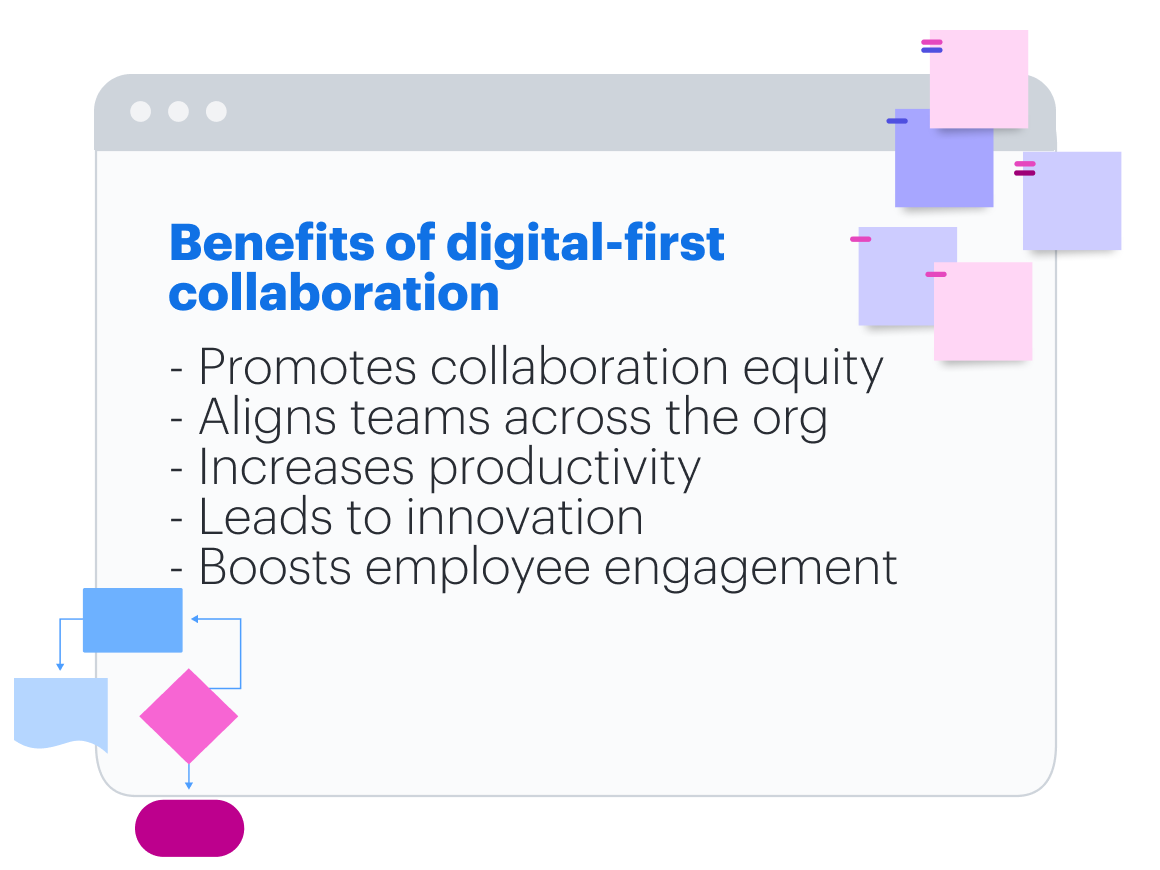
Whether your employees are heading back to the office or you’re working with an entirely remote workforce, digital-first collaboration offers the following benefits:
-
It promotes collaboration equity. It’s not uncommon for remote employees to feel excluded from crucial conversations or information that their in-person colleagues are sharing. By providing a shared virtual space as a backdrop for all collaborative activities, digital-first collaboration gives all employees the same access to information and the same opportunity to contribute.
-
It leads to increased transparency and alignment. By collaborating digitally, organizations naturally create valuable documentation, opens in a new tab as they ideate, communicate, plan, and design. Anyone across the organization can reference these digital records whenever they need to, and new employees can get up to speed quickly with important information.
-
It helps teams be more productive. When teams use digital collaboration tools to record ideas, decisions, and action items during meetings, not only will their meetings be more productive, but they’ll also be able to keep up the momentum after meetings by continuing to collaborate asynchronously in the same digital space post-meeting.
-
It improves decision-making and innovation. Naturally, digital-first collaboration offers powerful features that teams wouldn’t otherwise be able to leverage: automation and AI, opens in a new tab, data visualization, robust organization capabilities, and powerful integrations. These features help teams make sense of complex ideas, feedback, processes, and systems so they can make informed decisions around anything from hiring to product design.
-
It boosts employee engagement. Employees' expectations have evolved in tandem with the changing workplace. Digital-first collaboration, a key part of the digital employee experience, opens in a new tab, meets shifting expectations by providing employees with the tools and strategies to do their jobs more efficiently. This factor is so important to employees that one in two enterprise workers , opens in a new tabwould switch jobs for access to better tools that make them more effective.
How to implement a digital-first collaboration strategy
The pandemic has shown us what happens when organizations don’t have time to properly enable digital-first collaboration—but what does it actually take to implement it effectively?
We’ve asked the leaders who’ve put the work into making digital-first collaboration a reality at Lucid, GitBook, Slack, Avocor, and Dropbox. Here are their recommendations.
Establish your goal—and share it broadly
Before making any strategic decisions around technology or policies, you first have to get crystal clear on your goal.
“What is the reason for digital-first collaboration? Is it to enhance new ideas, to tie the business together, to be more effective as an organization? Start there.”
—Jeff Rosenbaugh, senior director of professional services, Lucid
Try to frame your goal within the context of your business objectives. Maybe your business aims to increase productivity or innovate new product features. Consider how digital-first collaboration helps you reach those objectives.
Determining your goal is the easy part. But how do you actually get individuals across the organization to buy in? You’ll want to tie it into their work, painting a clear picture of impact to them. Consider:
-
How does digital-first collaboration benefit not only the organization but also the people? You may relay that digital collaboration will help them find information more easily, make their meeting experiences more equitable, or even increase flexibility in how they work.
-
What issue does it solve? Think of feedback you’ve received or problems you’ve noticed that digital collaboration addresses. For example, if you’ve heard teams are burning out with excess meetings, communicate how digital-first collaboration promotes asynchronous work.
-
What are the risks if we do nothing? Although you don’t want to create fear, creating a sense of urgency can help individuals take action. Not implementing digital-first collaboration can set your business back from the competition and reduce overall revenue growth.
A digital-first collaboration strategy likely represents a large change for your organization, and taking the time upfront to clearly communicate the goal and benefits will help get everyone on board. Share your vision for digital-first collaboration frequently—in all-hands meetings, company-wide communications, and other channels.

A modern-day change management guide
Learn how to combat change fatigue and successfully lead your organization through any change.
Get the guideIntegrate digital-first into your culture
It’s human nature to default to familiar habits. For example, employees who return to the office may instinctively revert to pre-pandemic in-office routines, like using only a physical whiteboard for taking notes during meetings. Consequently, they’ll miss out on valuable digital records of their ideas and decisions and run the risk of excluding their remote teammates.
To truly ingrain digital-first collaboration into your culture, you need to help your workforce understand how to put digital-first into practice and become effective digital collaborators.
“Culture is not just about the values we espouse but how they are lived out in our day-to-day operations. A culture that fails to adapt to the new ways of working—that doesn't support flexibility, collaboration, and inclusion—is one that will struggle to succeed in the modern business landscape.”
—Jeff Boggess, director of product marketing, Avocor
Start by identifying the most accessible places where digital collaboration in the workplace could make the greatest impact, such as:
- Recurring meetings. When you meet with the same group of people regularly, a digital-first approach can help the group capture shared notes, keep everyone aligned on action items, and help team members who may have missed the meeting stay in the loop. Use a digital solution—maybe a Google Doc or a Lucidspark board—as your primary touchpoint before, during, and after the meeting.
- Reviews and feedback. “Look for meetings or activities where people share deliverables, review progress, leave feedback on results, and plan follow-ups,” said Christopher Bailey, principal professional services consultant at Lucid. For example, by taking a digital-first approach to Agile events like sprint reviews, stakeholders can easily leave feedback and ideas, and you’ll have a digital record to reference their input at any time.
- Brainstorms and plans. You could ideate on a physical whiteboard, try to take a picture of your sticky notes, and manually make an action plan. Or, you could brainstorm on a digital canvas, summarize your brainstorm in a few clicks, and automatically transform your sticky notes into action items. The latter, digital-first approach is far more inclusive, efficient, and actionable.
To actually help teams adopt this behavior, executives can lead by example and be the first ones to add a digital format to their meetings or other collaborative activities.
“Say to your team, ‘We’re going to experiment, we’re going to learn. And it might be a little messy at first, but we’ll figure it out together.’ That relieves a lot of pressure on people because the entire team is now learning together.’”
—Dan Lawyer, chief product officer, Lucid
To help reinforce a digital-first culture, Rosenbaugh suggests leaning on mantras such as, “Every meeting in Lucidspark!” or “Every process documented in Lucidchart!’" For many teams, it’s beneficial to document these best practices they collectively establish in a team agreement, opens in a new tab. A team agreement adds a bit of formality to how a team will work together and eliminates ambiguity.
“Creating team-level agreements is critical to enable teams to make the right decision for them and clarify expectations. Including things like what tools they use for what tasks, when they work asynchronously vs. synchronously, and what is the expectation for response time will go a long way in ensuring everyone is on the same page about how work happens."
—Christina Janzer, SVP of research and analytics, Slack
The more clarity you can create around best practices, the more likely the organization is to adopt digital-first. For example, since Dropbox implemented its Virtual First model, opens in a new tab in 2020, they’ve received employee feedback on needing more guidelines on how to actually communicate asynchronously. To help, Dropbox created actionable, digestible guidelines called “Virtual First Quick Tips” with links to their Virtual First Toolkit, podcast, and more.
As different teams see success in digital-first formats, share these early wins across the organization. Teams will draw inspiration from each other, and eventually, these practices will become second nature.
Standardize your tech stack
Digital-first collaboration simply isn’t possible without the right tools, yet only 43% of knowledge workers reported that their organization has implemented digital collaboration tools, according to a recent Lucid survey, opens in a new tab.
But what tools exactly do you need? Well, a pandemic-driven tech stack likely won’t cut it. It’s now time to look closely at your existing investments.
Ask yourself:
- Is there an opportunity to replace multiple tools with a single tool?
- What tools will allow technical, opens in a new tab and non-technical teams to work together?
- How can I keep teams connected in both meetings and asynchronously?
- What challenges or gaps are left by our existing tools?
“We find that the hardest piece for collaborating as a distributed team is managing the way organizations use their internal knowledge—meaning, teams struggle with keeping their company knowledge accurate, up to date, and useful. Many tools just simply don't provide the necessary workflows to combat this issue before it's too late.”
—Addison Shultz, developer relations lead, GitBook
Need a little help getting started? Here are a few must-have digital collaboration tools:
-
Communication tools: Choose a consistent tool to facilitate digital communication across your organization, such as Slack, Google Workspace, or Microsoft 365. While these shouldn’t be your sole communication channel, they are a great way for teams to share brief updates, ask questions, and connect.
-
Visual collaboration: With visual collaboration software—including virtual whiteboarding and diagramming—you can clearly show the connection between complex ideas, plans, systems, and more, accelerating understanding. Gartner® identifies visual collaboration as a key part of the new work hub, listing it as a must-have application in the digital workplace (Gartner, “Deliver Peak Digital Employee Experience Excellence in 4 Steps,” June 15, 2023).
-
Project management software: No matter where teams are working, keeping track of projects in a cloud-based, digital tool (such as Asana, monday.com, Jira, Smartsheet, and others) will help everyone stay aligned. Bonus if your project management software connects to your solution for visual collaboration!
-
Video recording software: One of the great benefits of digital collaboration is that you can cut back on meetings by transitioning some activities to asynchronous digital formats. Video recording tools like Loom or Zight allow users to record videos (often in conjunction with other digital tools) to explain topics, provide updates, or walk through project instructions. And unlike the ephemeral meeting, teammates can reference this video anytime they need.
-
Documentation management tools: Finding digital ways to share and centralize your organization’s documentation helps all teams innovate faster. Digital collaboration solutions like Dropbox can help teams easily store and share important information. You’ll also want to consider the different use cases and needs across teams when choosing a solution. For example, engineering teams may benefit from a technical management tool like GitBook.
- Interactive touch screens: For in-person or hybrid teams, setting up interactive touchscreens (such as the Google Board 65 from Avocor) in offices combines the best of both physical and digital experiences. And when these touchscreens are integrated with visual collaboration software, all participants can contribute equally to the whiteboard. “Interactive touch screens are not just for presentations,” says Boggess. “They’re a canvas for collective brainstorming, problem-solving, and meetings that require decision-making.”

Considerations for building your digital tech stack
Learn how to pick the right tools for effective digital collaboration.
Read moreCreate a single source of truth
Regardless of where your teams are working, a digital home base, or single source of truth (SSOT), is a necessity to keep teams aligned and reduce silos.
Your single source of truth should house your team’s most-used resources, project-specific goals and timelines, and progress toward those goals. This can also be a great spot to share announcements or updates so your team always knows exactly where to go for the latest and greatest.
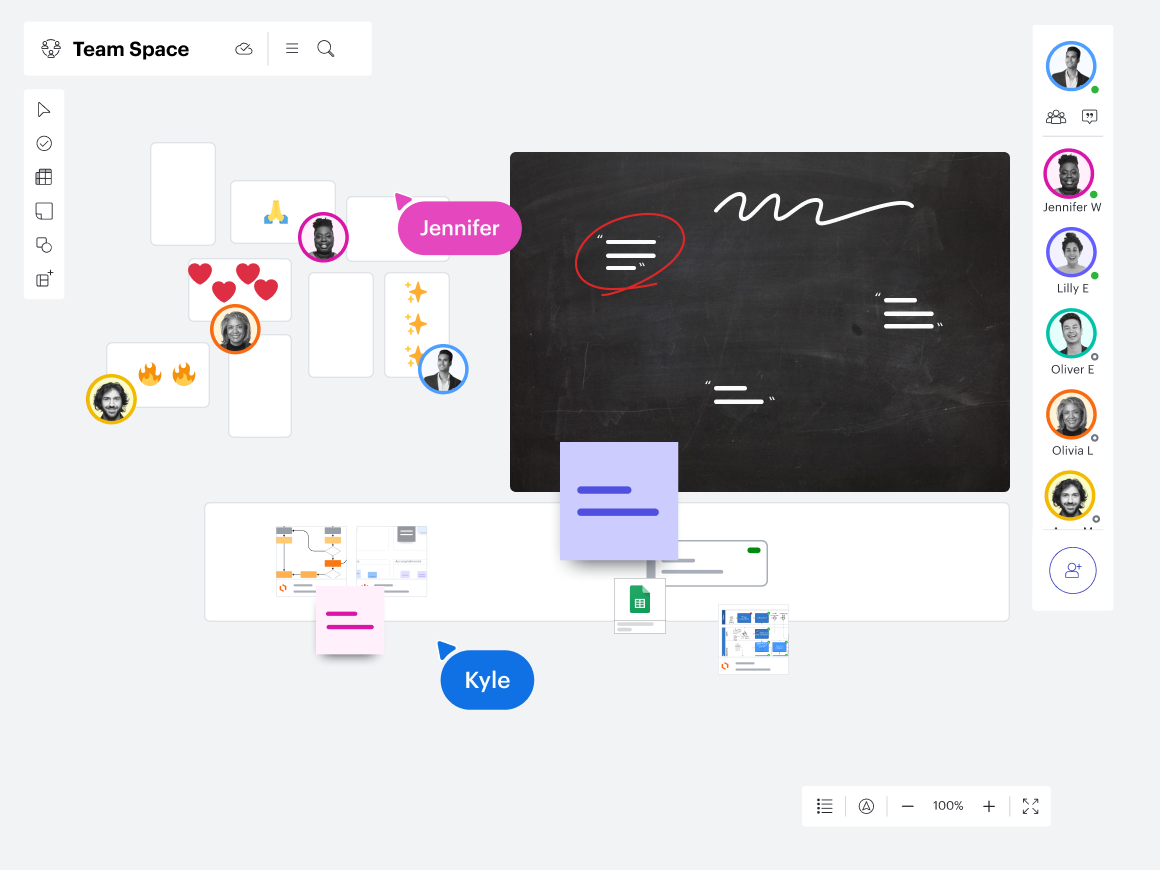
Let’s give an example: Say your team recently brainstormed ideas for an upcoming launch. Because you’ve been practicing digital-first collaboration, the team used a virtual whiteboard to share ideas and categorize them by priority. Not all team members were able to attend the meeting, but you’ve linked out to the brainstorm in the SSOT, so these team members know where to find it. They can easily access the doc, react asynchronously, and stay in the loop.
To get the most out of your SSOT, we recommend making it visual, dynamic, interactive, and tightly integrated with the rest of your tech stack.

How to build a SSOT your team will actually use
Learn the best way to host your single source of truth, how to set it up to maximize collaboration, and what to include in it to make it valuable for your team.
Explore our guideMake digital-first collaboration possible with Lucid
Lucid is the only work acceleration platform that combines the power of intelligent diagramming with the flexibility of virtual whiteboarding to help all teams—in-person, remote, or hybrid—get aligned and transform their business.
Lucid is a key ingredient to digital-first collaboration because it:
- Promotes end-to-end collaboration experiences, eliminating ineffective handoffs and centralizing project context.
- Has over 100 integrations to streamline the digital experience.
- Leverages intelligent capabilities like data linking, AI, and Visual Activities to help teams focus on high-value collaborative tasks.
- Offers extensive template libraries, opens in a new tab to help kick-start work and create consistent documentation.

Want to see how Lucid can help your business practice effective digital-first collaboration?
Request a demoGartner is a trademark of Gartner, Inc. and/or its affiliates.