Process management software

Lucidchart is a visual workspace that combines diagramming, data visualization, and collaboration to accelerate understanding and drive innovation.

Sign up free

A more versatile IT and business process software

Define and optimize any process or workflow
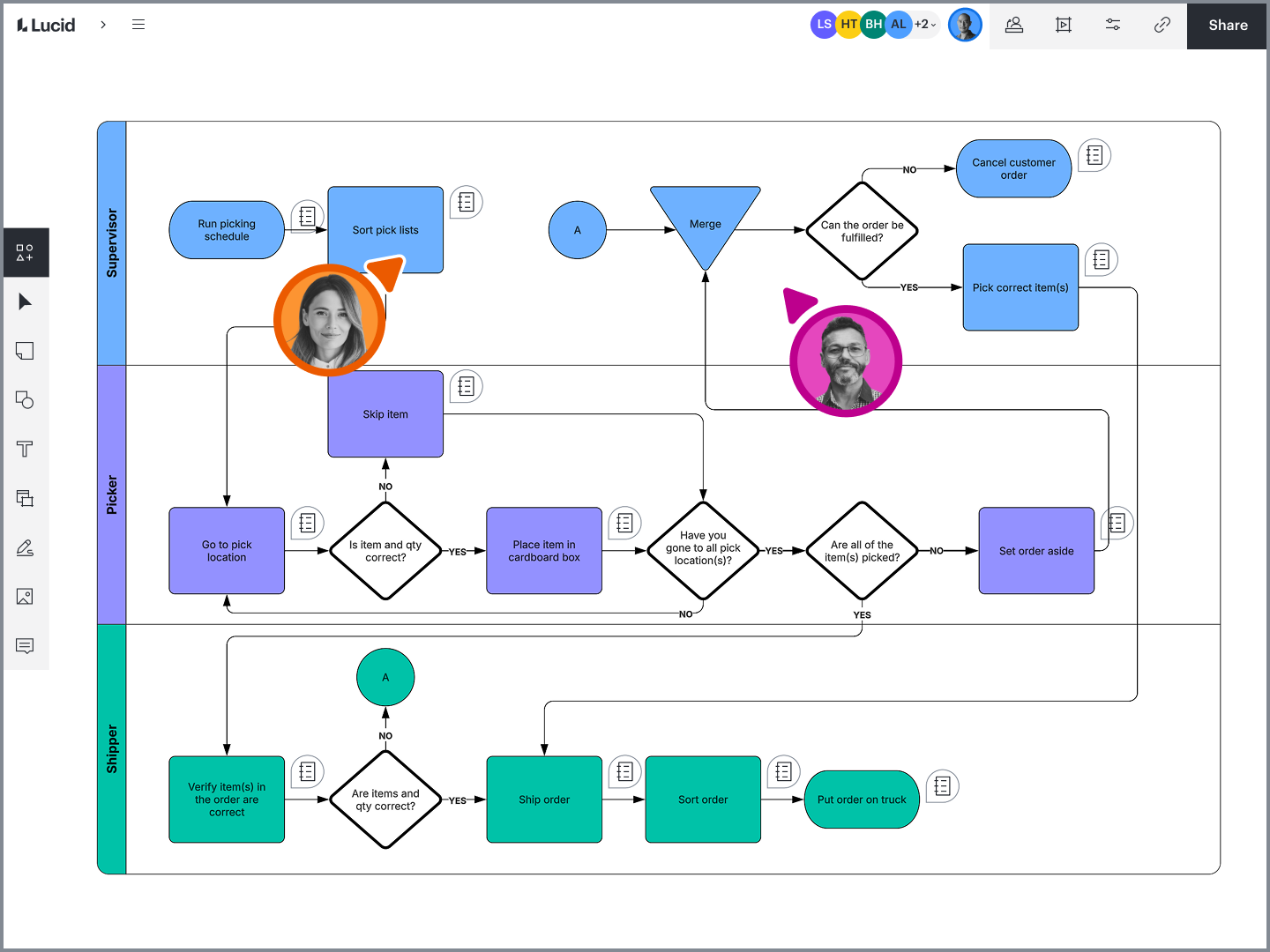
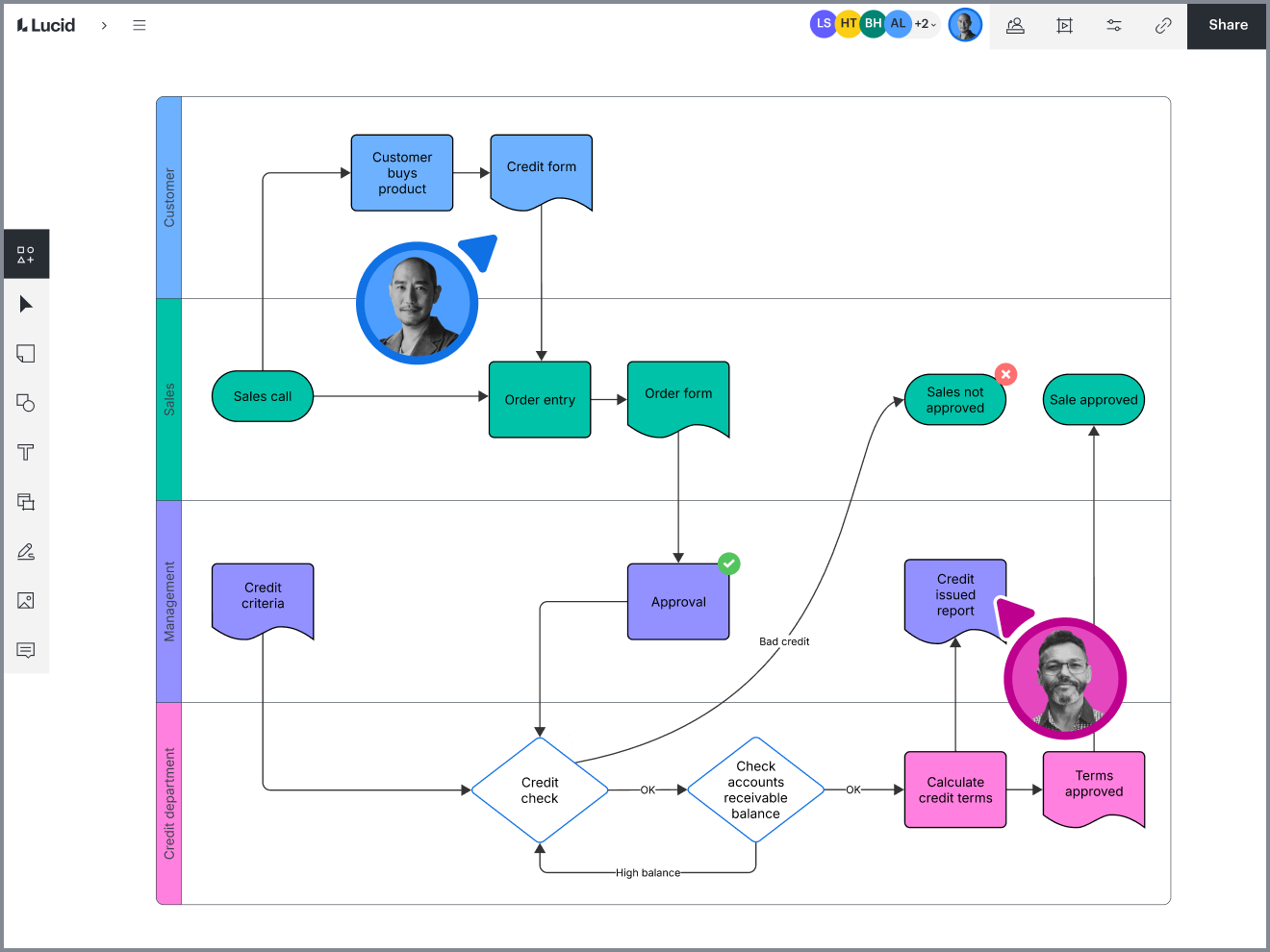
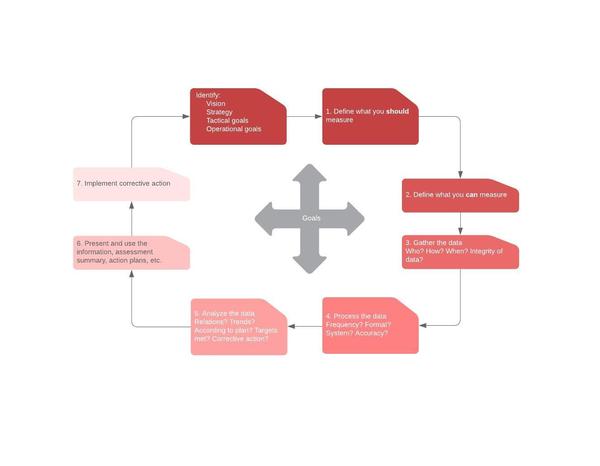
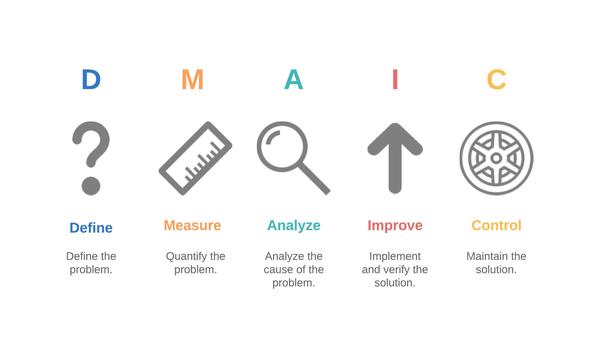
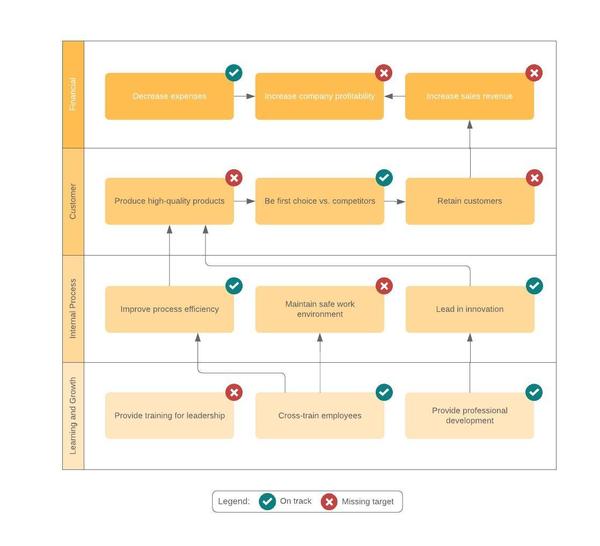
Lucidchart’s intuitive interface and powerful features make it the ideal diagramming solution for business and IT process management. Effortlessly create the diagrams you need to visualize and improve any business process, from flowcharts and data flow diagrams to swimlane diagrams and value stream maps. Our process software comes with over 1,000 templates to get you started and shape libraries containing standardized symbols and notations, such as BPMN, for universally understandable process diagrams.

Visualize complex business workflows with ease
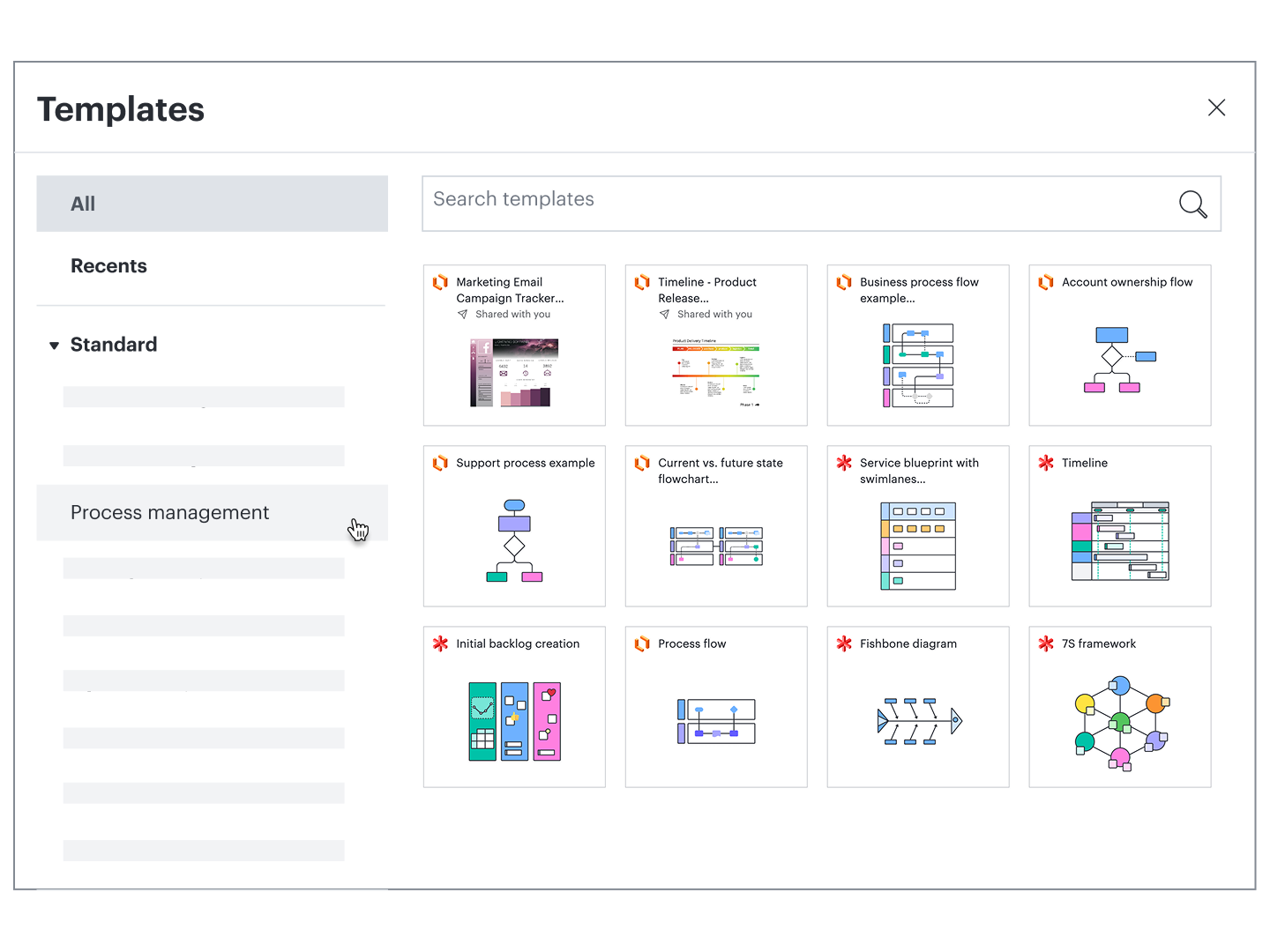
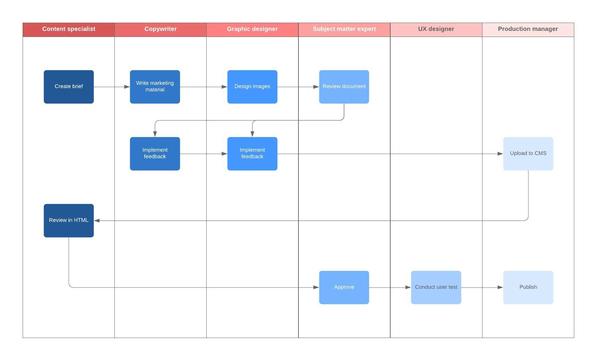
Breaking down your processes, however simple or complex, is essential for optimal quality assurance, efficiency, and collaboration within your organization. Our intuitive process management software lets you easily diagram complex workflows and large projects—even those that span across departments. With process management visuals from Lucidchart, you can identify and resolve inefficiencies,  standardize best practices across your business, and create a shared understanding of complex processes with both technical and non-technical audiences.

Document IT processes to perfect your development cycle
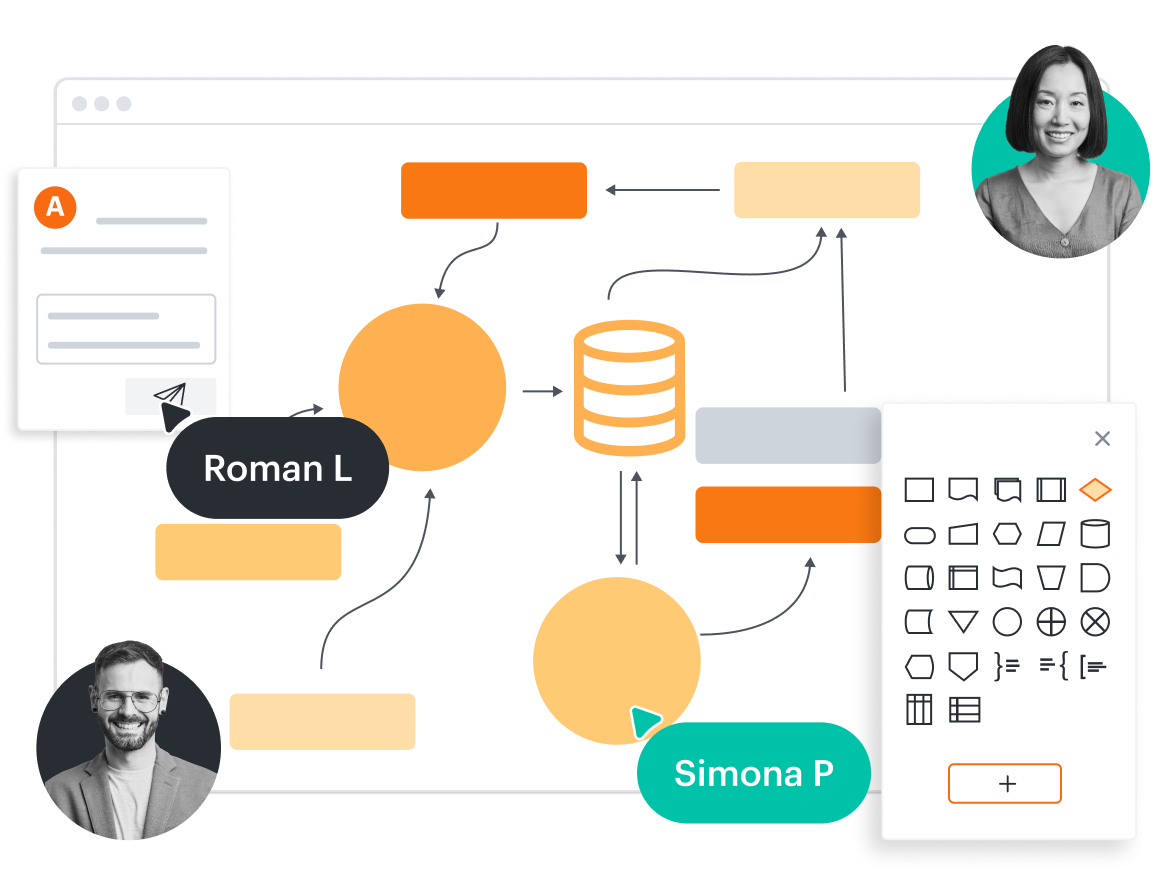
Lucidchart makes it simple for your IT and engineering departments to define and analyze your processes, streamline collaboration throughout your development cycle, and plan and build new features. Create professional documentation that helps you perfect your ITSM and ITIL processes and clearly defines the software development lifecycle, resulting in faster releases and time to market. Using our process management tools, you can easily share your visuals with developers, QA, and stakeholders, and then easily share and store your work in Confluence or Jira with Lucidchart integrations.

Create a central hub with necessary processes and resources
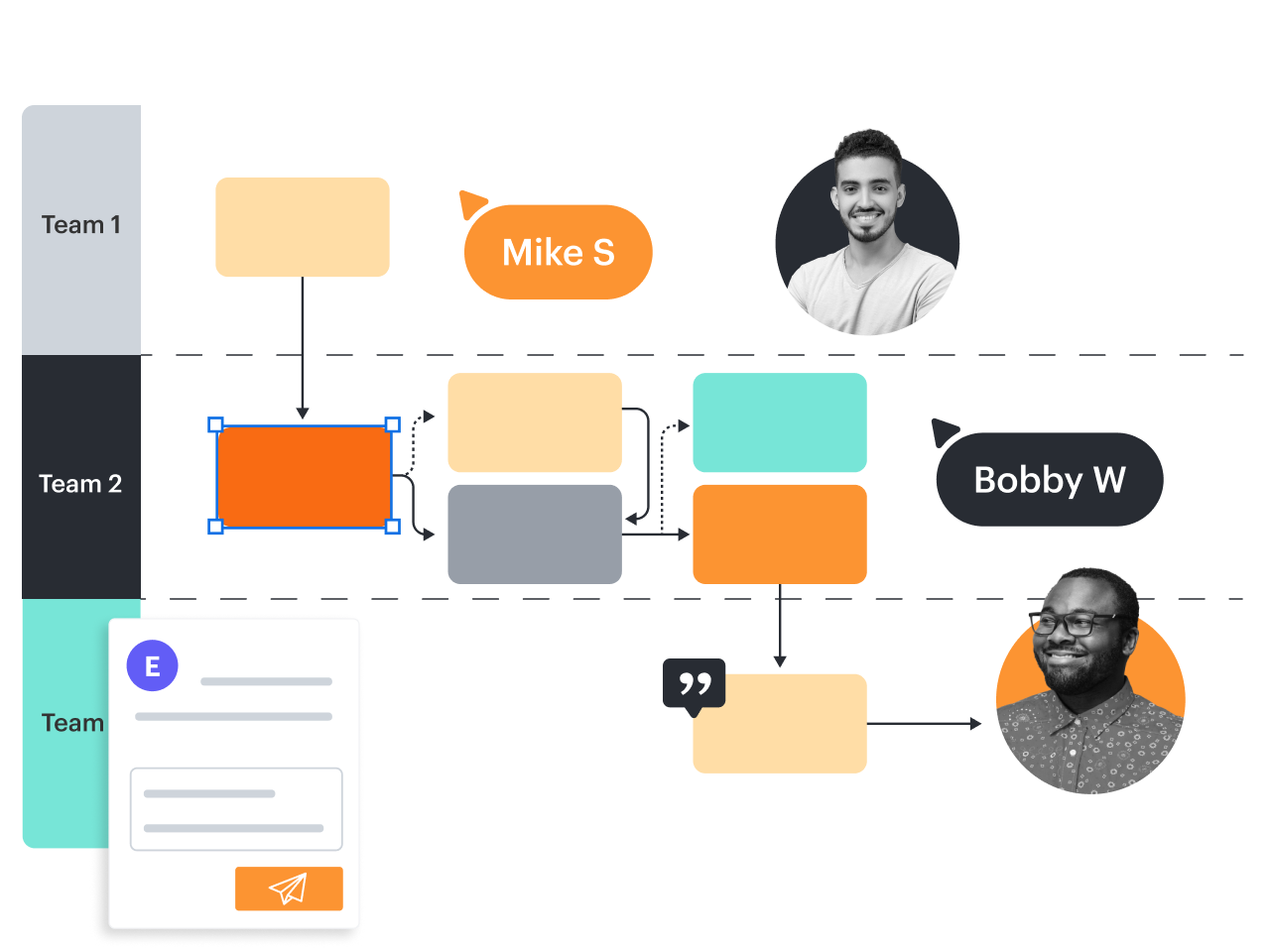
With Lucidchart, you can make your process flow a single source of truth for team members and stakeholders to reference as you document, plan, and implement new processes. Easily compile all of your related resources in one central location, using interactive links to connect to sub-processes, documentation, other diagrams, and internal and external assets. With all necessary information housed in one location, you can make sure your team is on the same page, following best practices, and making decisions based on accurate and up-to-date information.

Collaborate across departments to promote process adoption
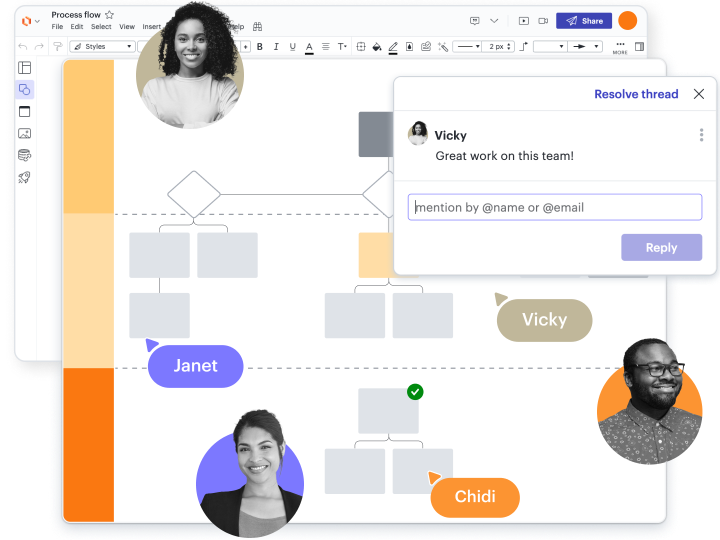
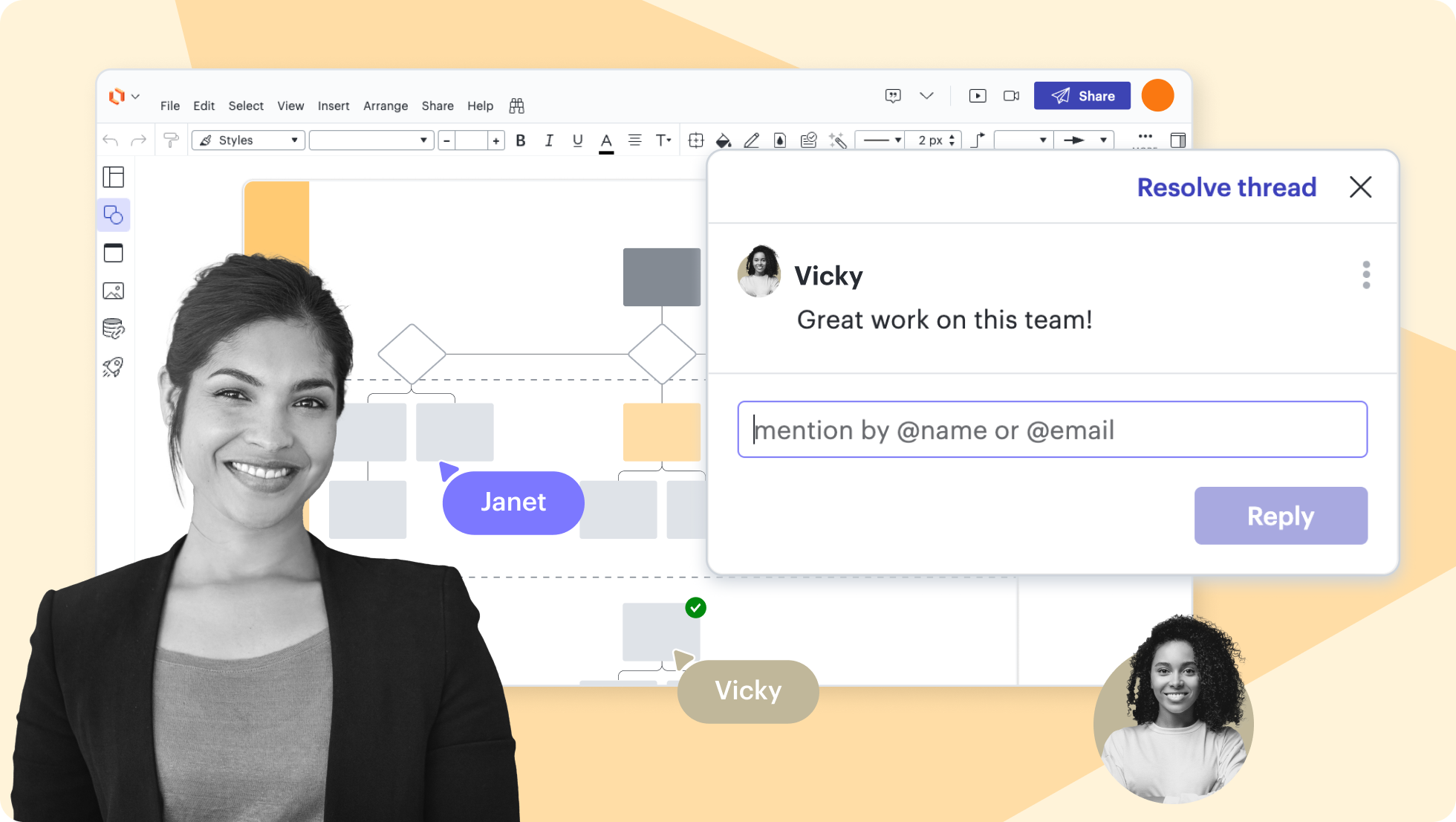
Collaboration amongst team members and across departments is key to successful business process analysis and adoption. With features like version control, in-editor commenting, and @mention notifications, your team can collaborate on your terms and receive updates in real time. Our process flow software works seamlessly across browsers and operating systems, so your team can work together from any location, desktop, tablet, or mobile device. Present your finished product to stakeholders and management clearly with presentation mode so everyone understands their place in your new process.

Share your work using today’s top applications

Get your entire team or department on board with new processes by inserting your visuals directly into the platforms you use every day. Lucidchart is fully integrated with more than 20 of today’s most popular applications, so you can leverage industry-leading platforms to access, edit, and share your work. Easily collaborate on business process optimization using apps like G Suite, Microsoft Office, and Slack—or optimize your IT processes with our Confluence, Jira, or GitHub integrations.

Lucidchart feature highlights

Real-time collaboration

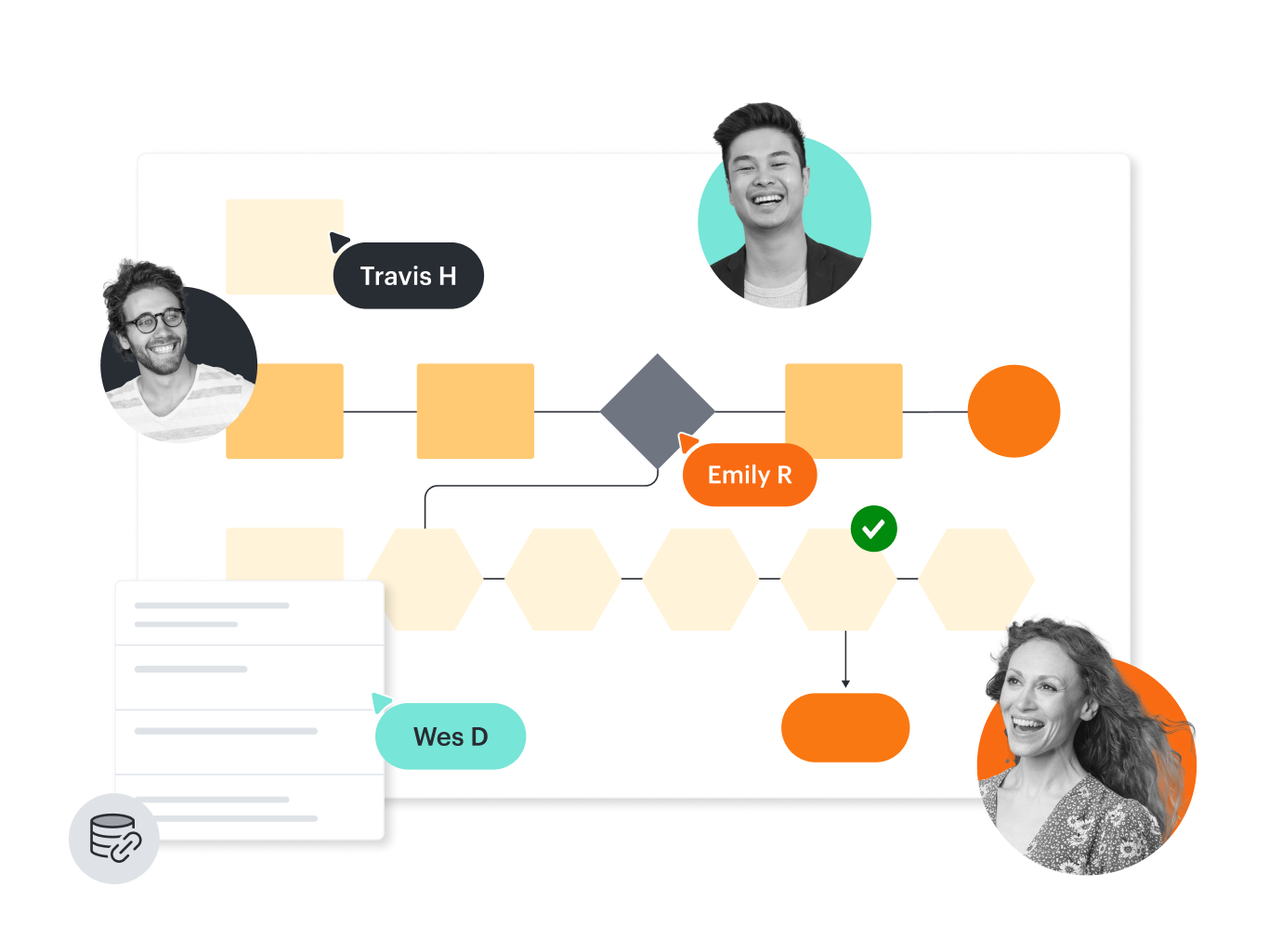
Streamline work by enabling multiple collaborators to create and edit the same diagram at once.

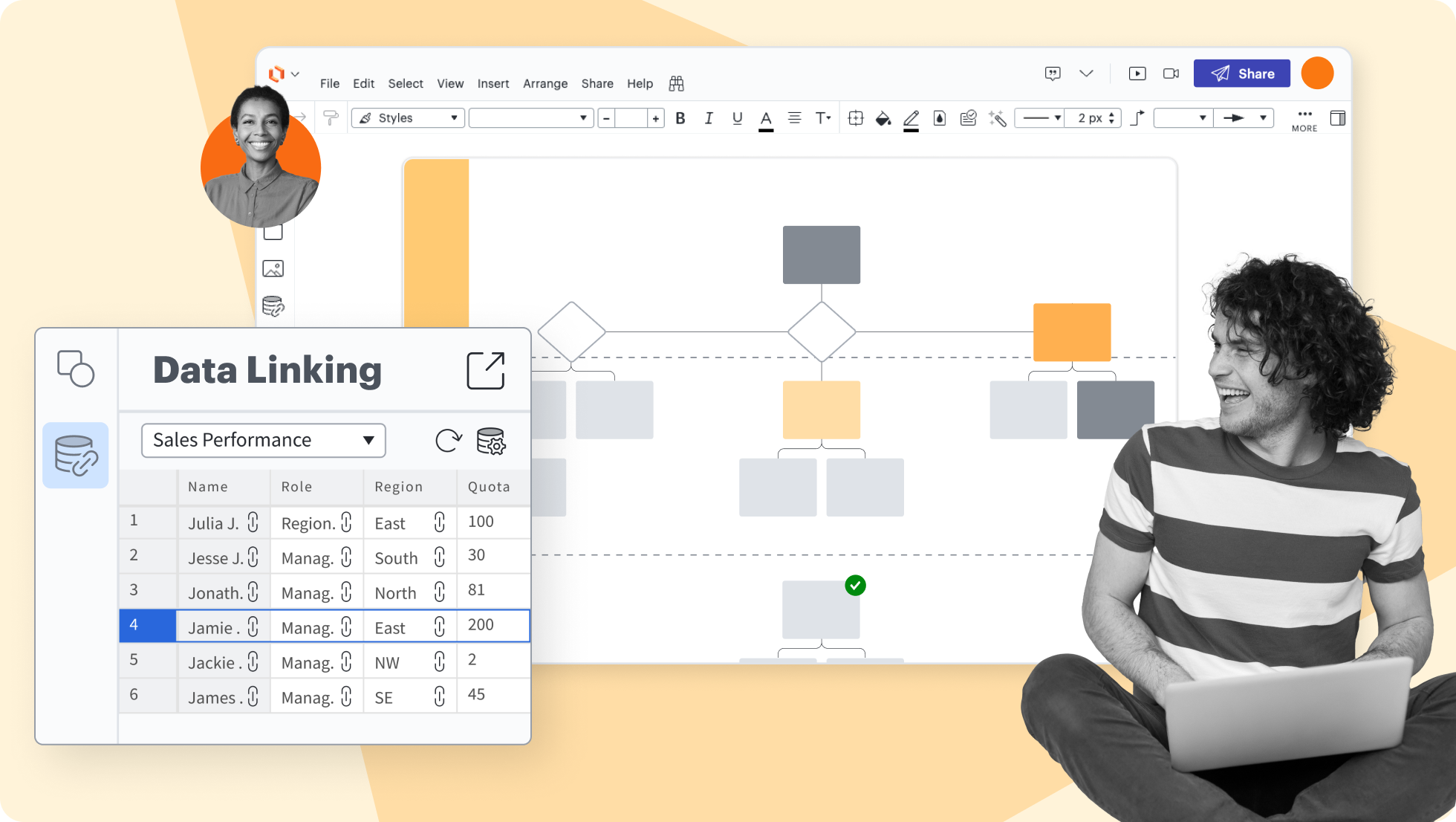
Create accurate diagrams faster by linking shapes to data from Google Sheets, Excel, or CSV files.

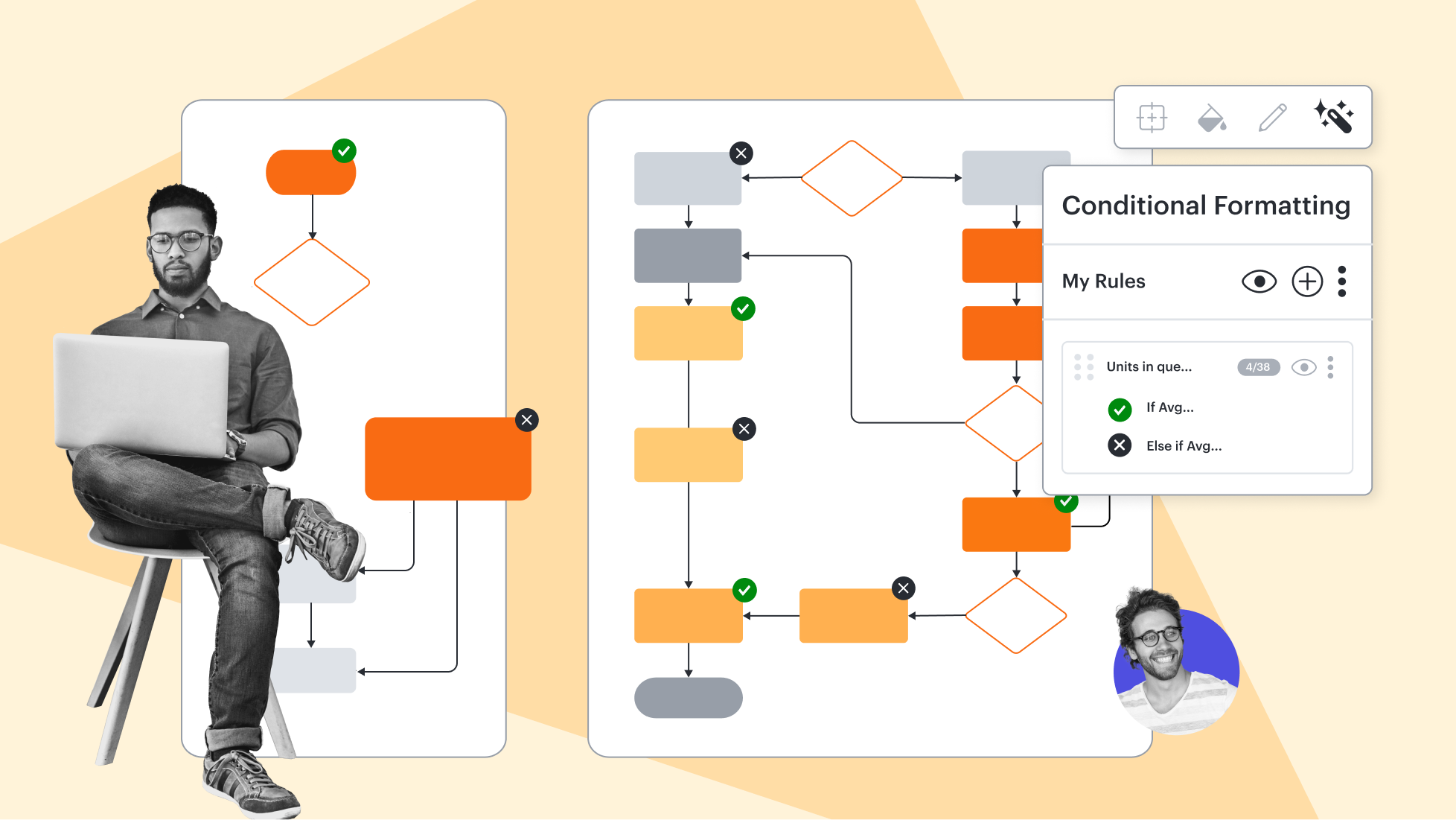
Transform data by visually highlighting patterns and insights for quick comprehension at a glance.

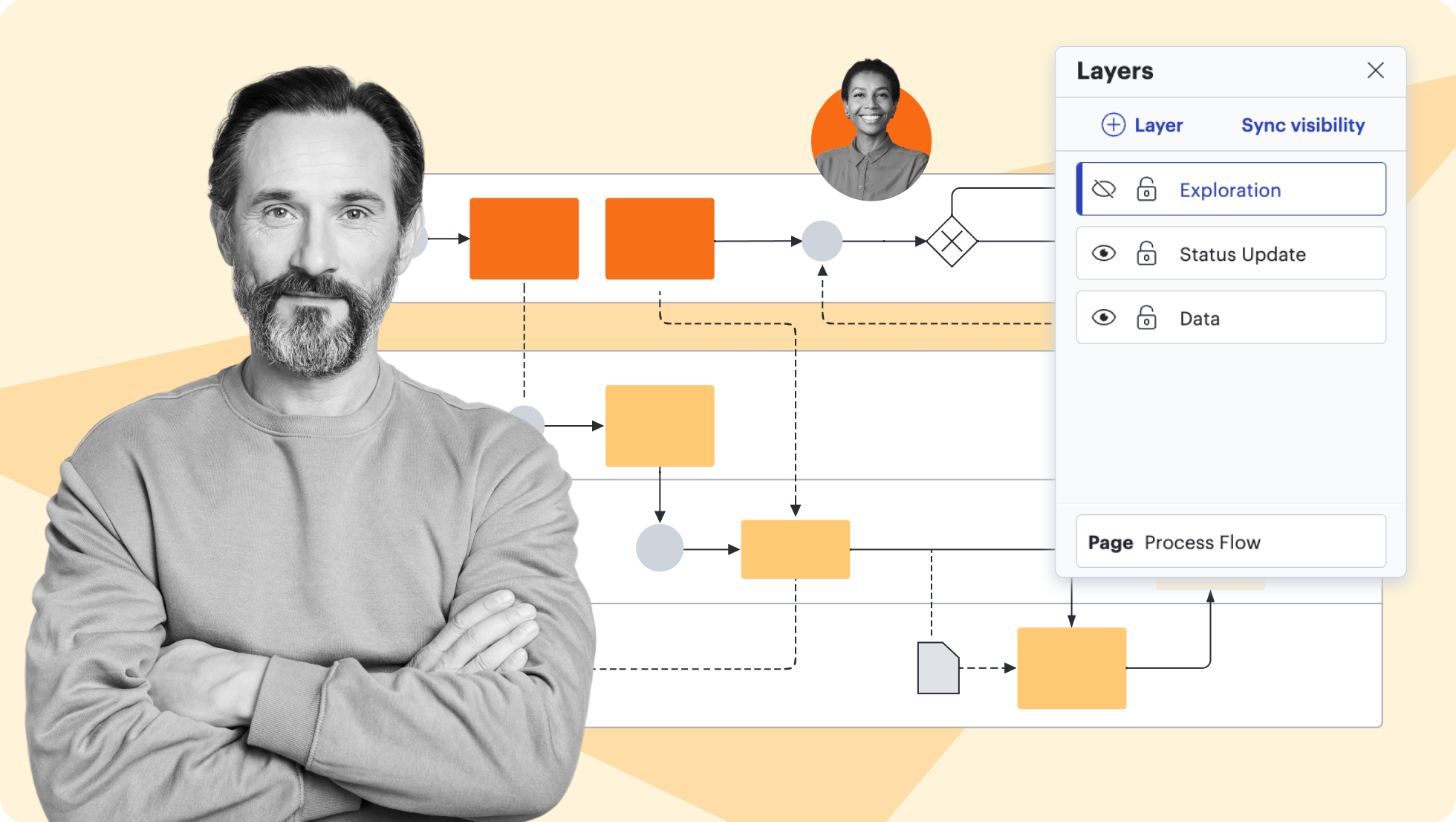
Add layers to visualizations for multiple levels, distinct visibility controls, and streamlined editing.

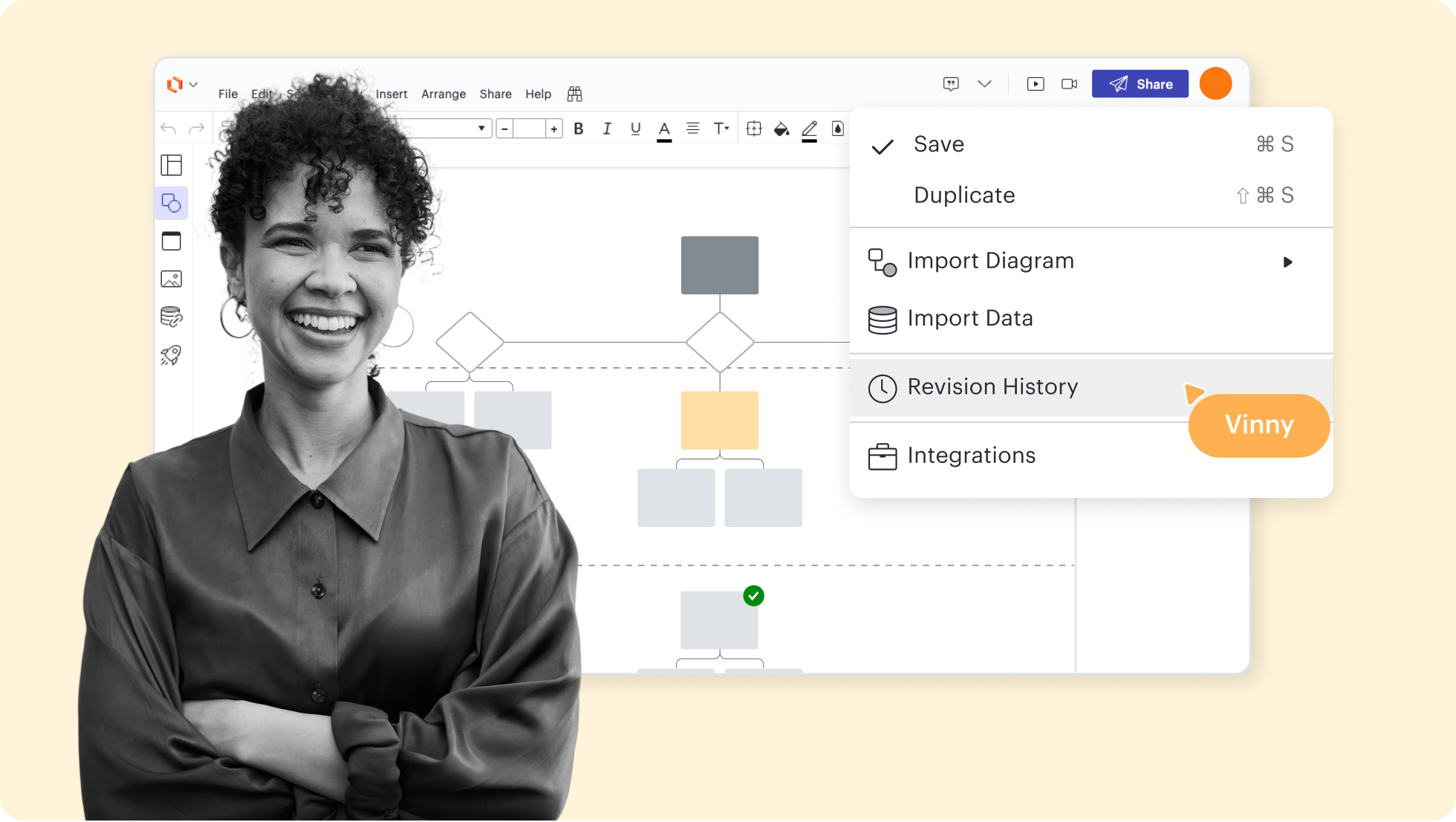
Collaborate confidently—view changes, revert to prior versions, and ensure diagrams are up to date.

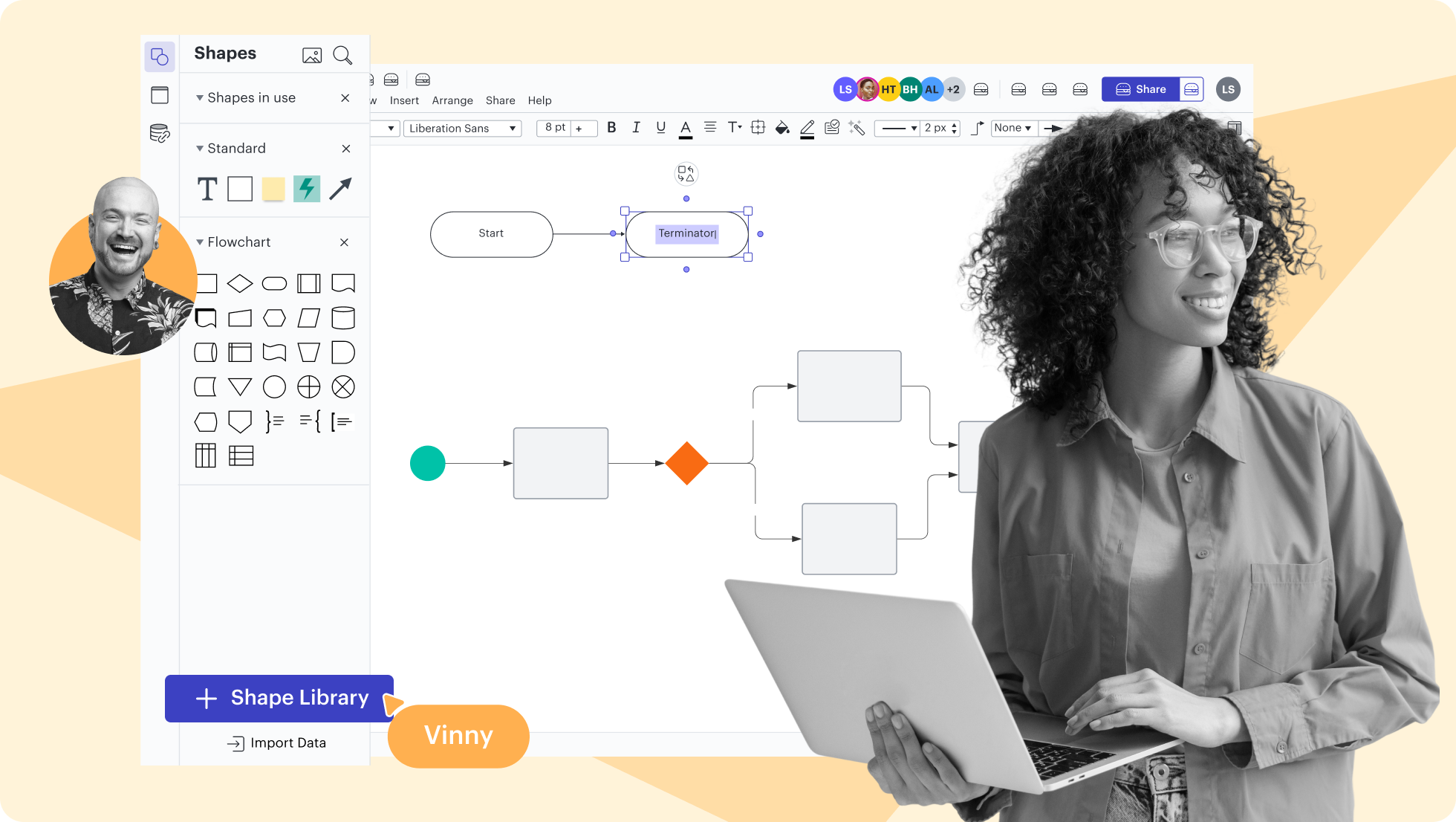
Use existing shape libraries for Salesforce, enterprise architecture, and more—or customize your own.

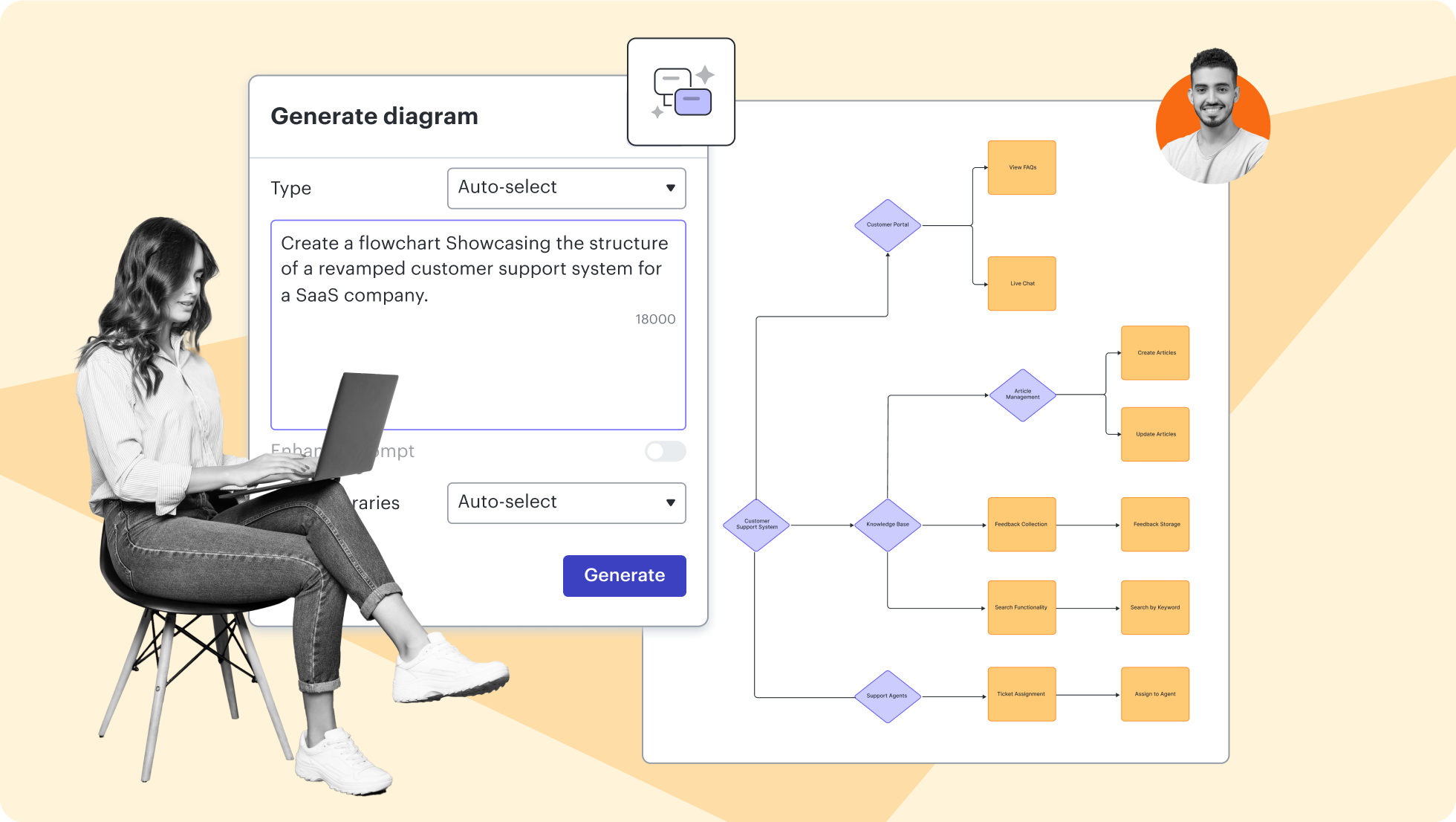
Build and experiment with LLMs on the Lucid canvas. Test prompts and inputs to see what works best.

Lucidchart feature highlights

Streamline work by enabling multiple collaborators to create and edit the same diagram at once.

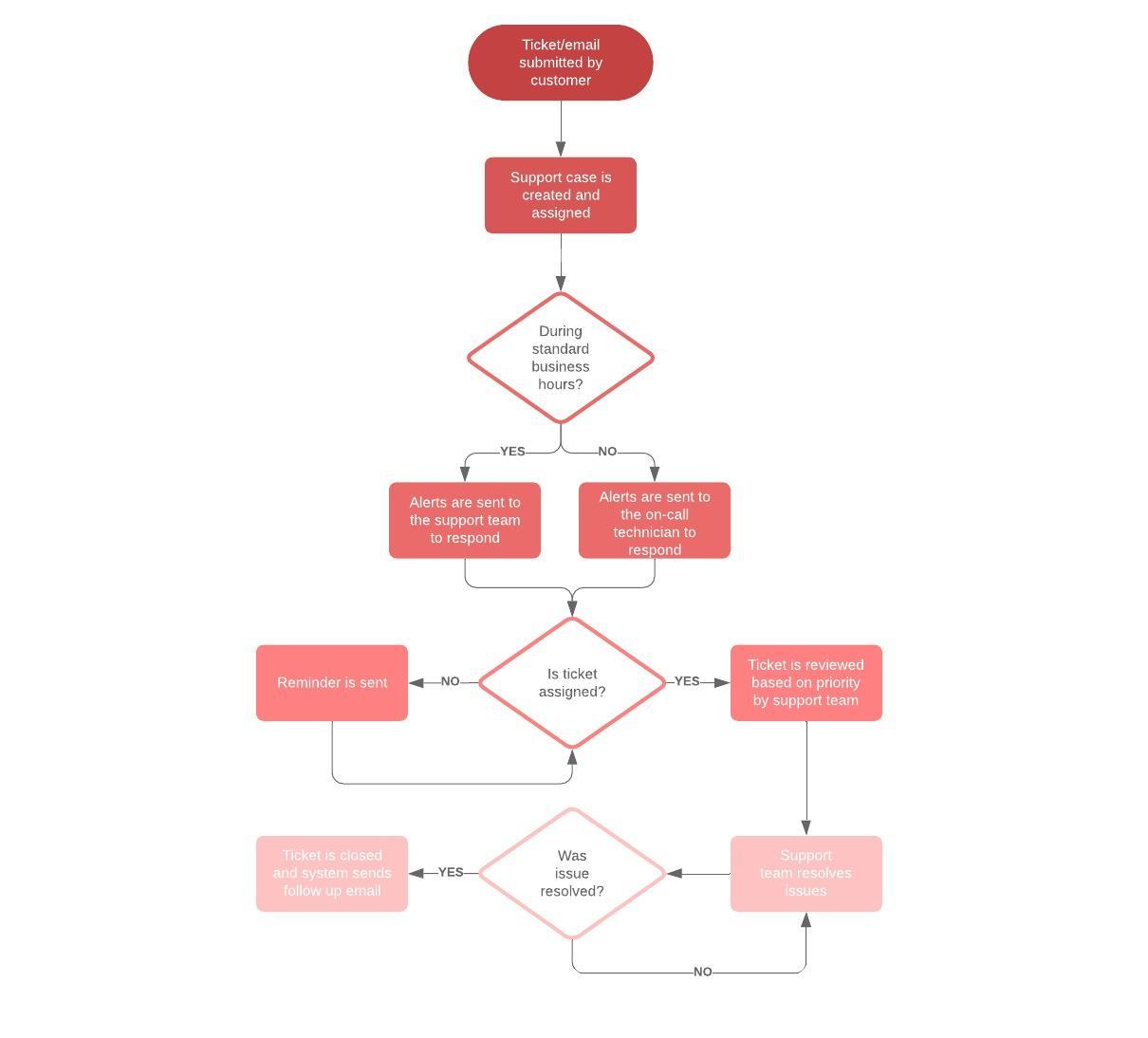
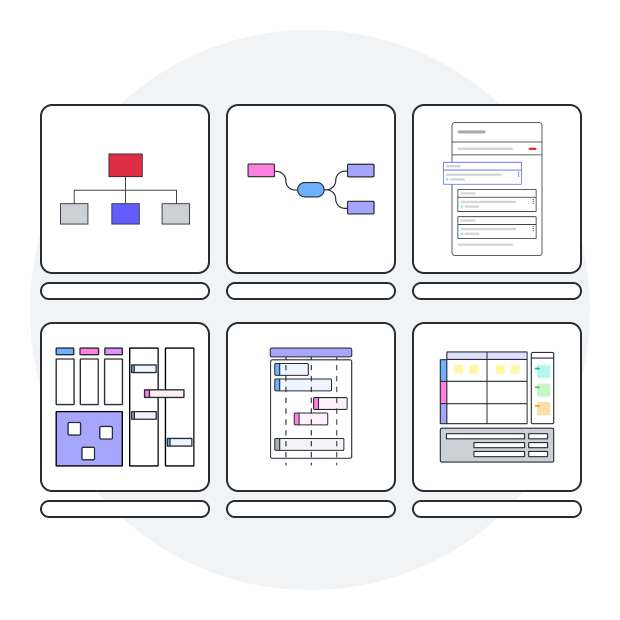
Explore our process management templates
Getting started in Lucidchart
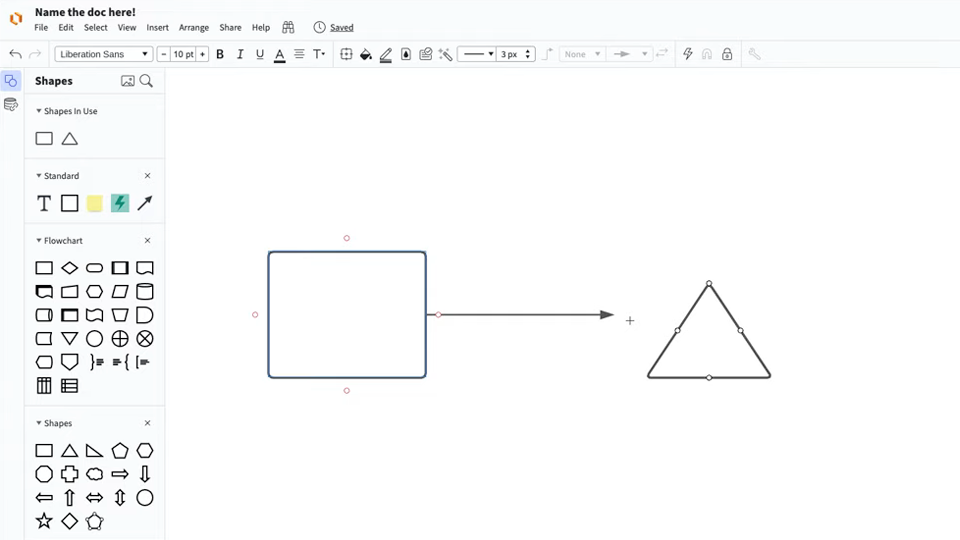
Follow along with this video tutorial and learn how to make any type of diagram in Lucidchart.

Why teams choose Lucidchart

As an intelligent diagramming application, Lucidchart provides simple yet powerful capabilities for visualizing information.

Collaboration. Bring teams together side by side on a shared canvas from anywhere in the world.

Alignment. Build transparency and shared understanding of how a team or company works.

Large-scale change. Increase visibility, standardization, and knowledge sharing across your entire org.

End-to-end workflows. Upgrade to the Lucid Suite for a complete, connected visual collaboration solution.

Additional Lucidchart resources
Lucid Training Labs

Learn visual collaboration skills in free, self-serve courses and live training workshops.

Explore courses

Lucid Community

Connect with other users to share tips and insights. Provide feedback to Lucid’s product team.
Join now

Help center

Find detailed articles with step-by-step instructions for using specific Lucid features.
Search resources

Lucidchart tutorials

Go to the Lucidchart tutorials playlist on YouTube for video training on various topics.
Explore playlist

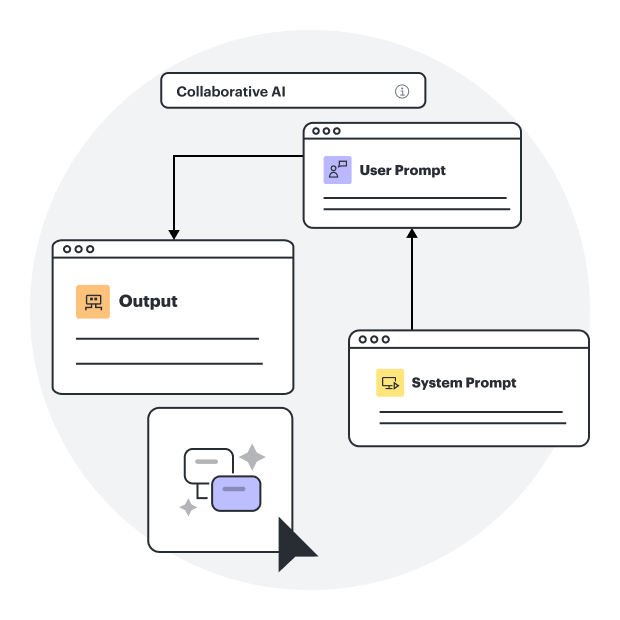
Collaborate with AI

Get an overview of Lucid’s AI functionality and find additional resources.
See what’s possible

Lucid blog

Explore tips for optimizing collaboration, aligning teams, and driving initiatives in Lucidspark.
Read now

Lucidchart pricing

Create a free account and compare options for paid Individual, Team, or Enterprise plans.

Compare plans

Process management frequently asked questions

Lucidchart is a visual workspace that combines diagramming, data visualization, and collaboration to help organizations define, optimize, and visualize any business or IT process.

You can create flowcharts, data flow diagrams, swimlane diagrams, value stream maps, and diagrams using standardized notations like BPMN, with access to over 1,000 templates.

Lucidchart enables IT and engineering teams to define and analyze processes, streamline collaboration throughout development cycles, and create professional documentation for ITSM, ITIL, and software development lifecycles.

Lucidchart includes version control, in-editor commenting, @mention notifications, real-time updates, and presentation mode, allowing teams to collaborate across browsers, operating systems, and devices.

Lucidchart integrates with more than 20 platforms, including Google Workspace, Microsoft Office, Slack, Confluence, Jira, and GitHub for seamless workflow integration.


Lucidchart is cloud-based, compatible with Mac, Windows, and Linux with no download required, plus iOS and Android mobile apps.


Enterprise account users can set user access restrictions, domain control, and document retention, even if the document creator leaves the organization.

Try Lucidchart free for seven days with no commitment. We’ll send you an email reminder before your trial expires. If you want to learn more about upgrading to an Individual, Team, or Enterprise account, contact our sales team.

Everything you need to make a diagram

In addition to our online process management software, Lucidchart offers support and training resources to help you branch out to any type of diagram.

Lucid Training