Intelligent diagramming for faster workflows
The most intelligent platform of its kind, Lucid is where teams visualize systems and processes. Save time and make better, data-driven decisions.

Capabilities
Harness the power of AI, data, and automation.
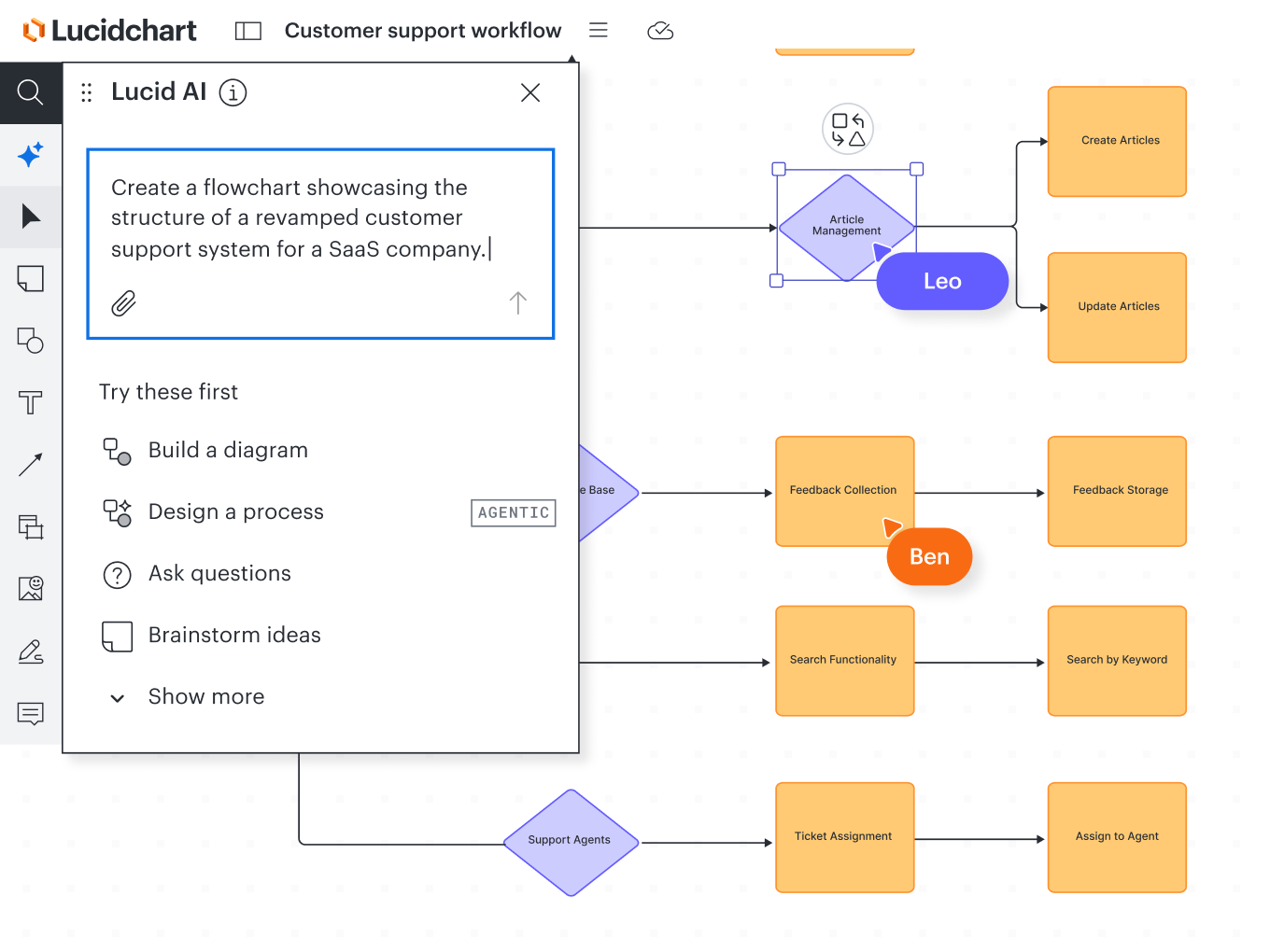
Lucid AI
Lucid AI
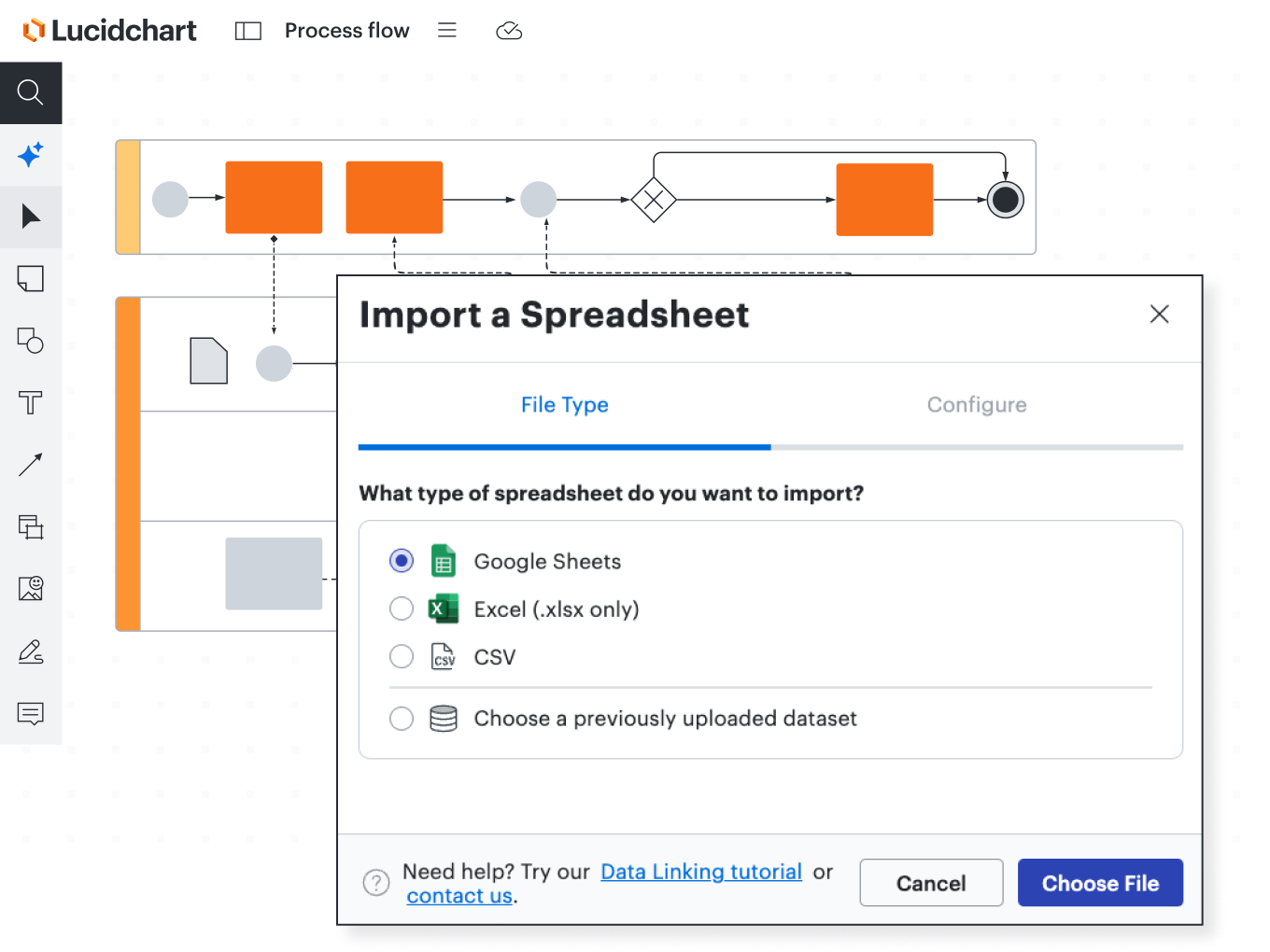
Data-driven diagrams and auto-visualization
Data-driven diagrams and auto-visualization
Advanced shape libraries and templates
Advanced shape libraries and templates
Visual organization
Visual organization



Diagrams for every use case
Map out basic processes, complex technical systems, and everything in between.

Flowcharts

Org charts

Entity relationship diagrams

Data flow diagrams

Network diagrams

UML diagrams

Enterprise architecture

Cloud architecture

User journey mapping
Integrations
Intelligent collaboration for your apps, too
With more than 100 custom-built integrations (and counting), Lucid works seamlessly with the apps you already use. Select one below to learn more.
Go to integrations marketplaceThe following section contains a long list of integration links. Press ESCAPE at any time to skip to the next section
Streamline Icons, Illustrations, Emojis and Elements
Lucid Cards for Google Sheets
Anecdotes
Microsoft Graph Connector
Optro
TrackerCheck CMS Integration
Atlassian Rovo
Dropbox Embedded Links
Reco
Dash AI
Slack
ServiceNow
Gmail
OneDrive
Google Sheets
Zoom
Google Cloud
Lucid Cards for Smartsheet (New)
Google Classroom
Lucid for VS Code
Craft.io
SCIM
airfocus Embed
Embedly
Lucid MCP for Github
Microsoft Word
FloQast
Coda
Brandfetch
Post-it®
Microsoft Excel Embedded Links
Dropbox Paper
Microsoft Teams
GitBook
Microsoft PowerPoint
Jira Embed
Lucid Cards for Jira
LeanIX for Process Accelerator


Streamline Icons, Illustrations, Emojis and Elements
Lucid Cards for Google Sheets
Anecdotes
Microsoft Graph Connector
Optro
TrackerCheck CMS Integration
Atlassian Rovo
Dropbox Embedded Links
Reco
Dash AI
Slack
ServiceNow
Gmail
OneDrive
Google Sheets
Zoom
Google Cloud
Lucid Cards for Smartsheet (New)
Google Classroom
Lucid for VS Code
Craft.io
SCIM
airfocus Embed
Embedly
Lucid MCP for Github
Microsoft Word
FloQast
Coda
Brandfetch
Post-it®
Microsoft Excel Embedded Links
Dropbox Paper
Microsoft Teams
GitBook
Microsoft PowerPoint
Jira Embed
Lucid Cards for Jira
LeanIX for Process Accelerator
Microsoft Word Embedded Links
Zoho Cliq
Lucid MCP for Cursor
Nuclino
Asana
Lucid Cards for airfocus
Google Calendar
Lucid Cards for Smartsheet
Resmo
GIPHY
Google Docs
Cisco Interactive Whiteboards
Canvas by Lucid Software
Quip
Google Drive
Google Meet
SAML
Okta
Webex
Process Triage Facilitator Portal Lucid Extension
Google Slides
Ardoq
Zoho Connect
Google Meet Interactive Whiteboards
SAP Business Technology Platform Service Icons
Rental Car Manager
Atlassian Smart Link Resolver
AWS
GRID
SAP LeanIX
Lucid Cards for Asana
Confluence
Orbus
Lucid Cards for Azure DevOps
Obsidian Security
GoSearch
Google Chat
Dropbox Dash


Microsoft Word Embedded Links
Zoho Cliq
Lucid MCP for Cursor
Nuclino
Asana
Lucid Cards for airfocus
Google Calendar
Lucid Cards for Smartsheet
Resmo
GIPHY
Google Docs
Cisco Interactive Whiteboards
Canvas by Lucid Software
Quip
Google Drive
Google Meet
SAML
Okta
Webex
Process Triage Facilitator Portal Lucid Extension
Google Slides
Ardoq
Zoho Connect
Google Meet Interactive Whiteboards
SAP Business Technology Platform Service Icons
Rental Car Manager
Atlassian Smart Link Resolver
AWS
GRID
SAP LeanIX
Lucid Cards for Asana
Confluence
Orbus
Lucid Cards for Azure DevOps
Obsidian Security
GoSearch
Google Chat
Dropbox Dash
Ardoq for Process Accelerator
Avocor
Microsoft Excel
Lucid Microsoft 365 Excel Integration [Beta]
Lucid MCP for ChatGPT & Codex
Seezo.io
Lucid MCP for Glean
Confluence Cloud Embedded Links
Lucid MCP for Claude
UVexplorer
Microsoft SharePoint
ProcessMaker
Google Embedded Links
Box Embedded Links
Rewatch
Slack Workflow Steps for Lucid
Figma
Lucid Cards for monday.com
Microsoft PowerPoint Embedded Links
Scroll Viewport for Confluence
Cosmo
Neat
Icons8 Graphics
Notion
Microsoft (Azure/ADFS)
Salesforce
Lucid MCP server
Lucid Cards for Airtable
BambooHR
Zoom Rooms Interactive Whiteboards
OneLogin
Comak by JIBB
Azure
Falcon Shield
Microsoft Copilot
Vectary
Zoom


![Lucid Microsoft 365 Excel Integration [Beta]](https://images.lucid.app/images/40ae1ece-6151-4356-8c39-979ee630177d/content)


Ardoq for Process Accelerator
Avocor
Microsoft Excel
Lucid Microsoft 365 Excel Integration [Beta]
Lucid MCP for ChatGPT & Codex
Seezo.io
Lucid MCP for Glean
Confluence Cloud Embedded Links
Lucid MCP for Claude
UVexplorer
Microsoft SharePoint
ProcessMaker
Google Embedded Links
Box Embedded Links
Rewatch
Slack Workflow Steps for Lucid
Figma
Lucid Cards for monday.com
Microsoft PowerPoint Embedded Links
Scroll Viewport for Confluence
Cosmo
Neat
Icons8 Graphics
Notion
Microsoft (Azure/ADFS)
Salesforce
Lucid MCP server
Lucid Cards for Airtable
BambooHR
Zoom Rooms Interactive Whiteboards
OneLogin
Comak by JIBB
Azure
Falcon Shield
Microsoft Copilot
Vectary
Zoom
Additional resources

Blog posts
Get tips and templates for creating a wide range of intelligent visuals with Lucidchart.

Lucidchart Fundamentals
Start with the basics of intelligent diagramming, choose a specific use case, and earn your badge.

Help center
Discover articles and guides in the Lucid help center with step-by-step instructions for visualizing data.

Lucid Community
Find questions, conversations, and articles on topics related to intelligent diagramming and more.

Webinars
Watch on-demand webinars and register for upcoming events to level up your diagramming skills.