Give your engineering team the power of clarity
See and understand the flow of ideas, systems, and processes in the Lucid Visual Collaboration Suite. Make informed decisions faster to accelerate innovation.



View data and complex systems in context
Turn complexity into possibility with intelligent visuals. Gain a deeper understanding of problems and how to solve them.
How engineering teams use Lucid
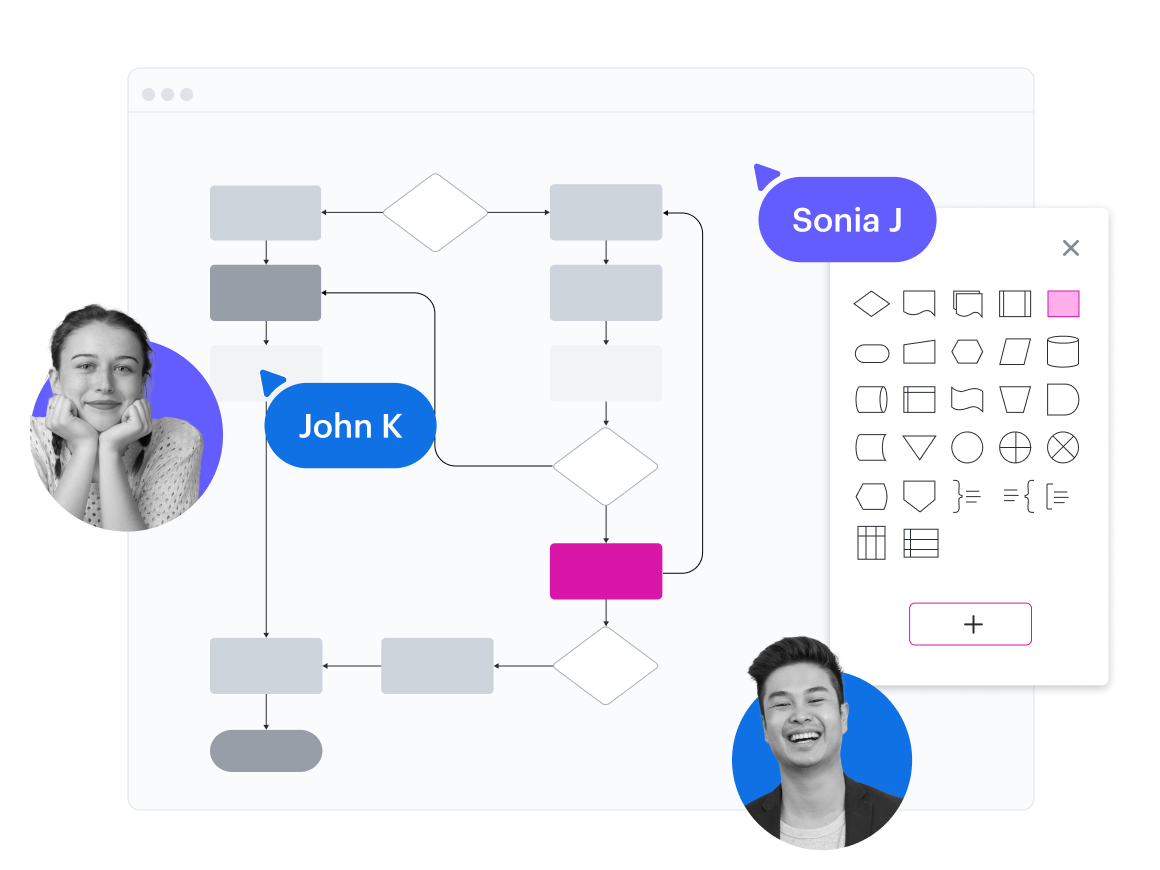
Create step-by-step processes
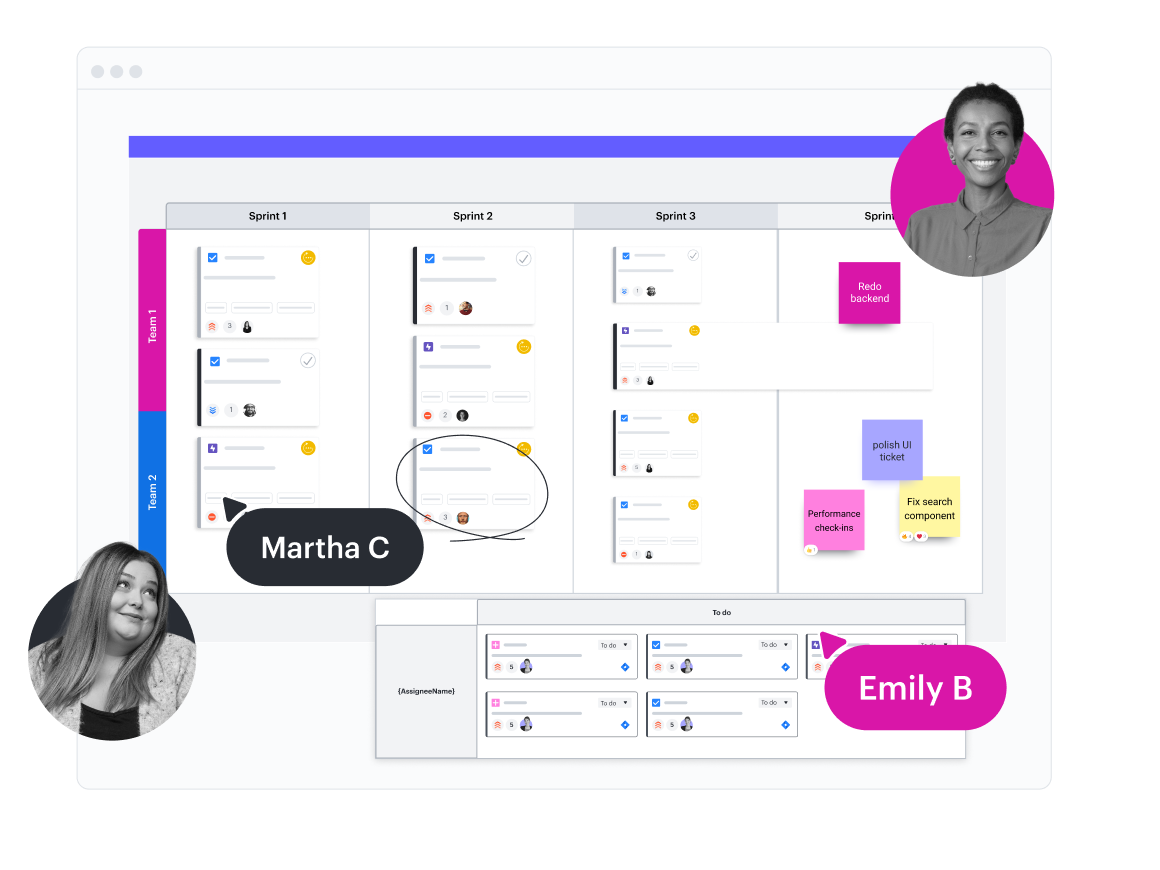
Organize sprint planning
Visualize your cloud architecture

Manage people and resources

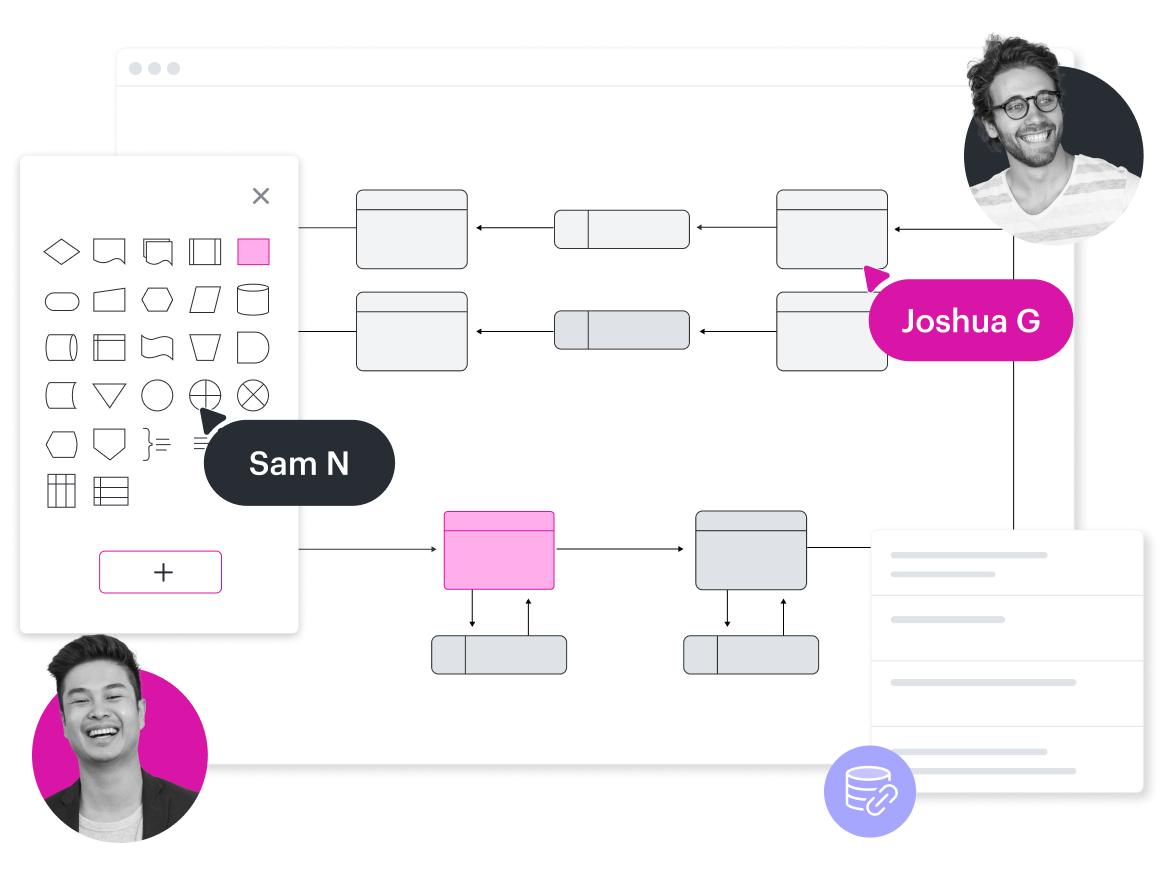
Create technical diagrams
See more solutions
Explore use casesUnlock new potential with accelerators
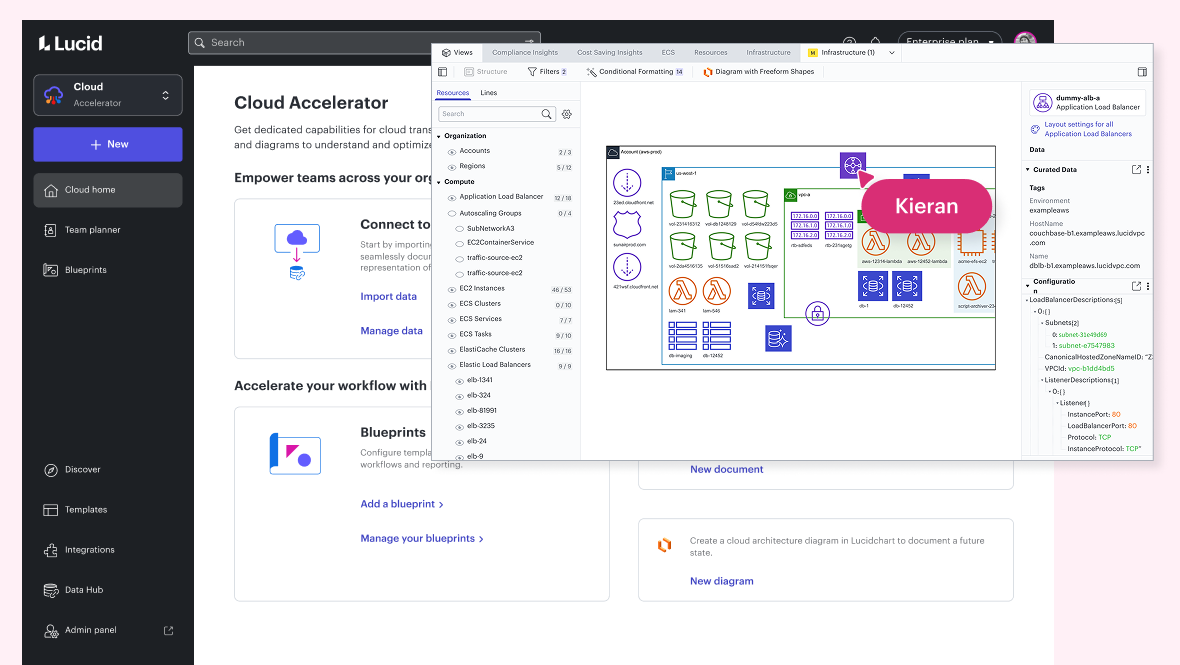
Cloud Accelerator
Better understand and plan future changes to your cloud infrastructure with this Lucid Suite add-on.
Learn morePopular integrations for engineering teams
Connect Lucid with the apps you use most, and keep your teams and systems working together.





Slack
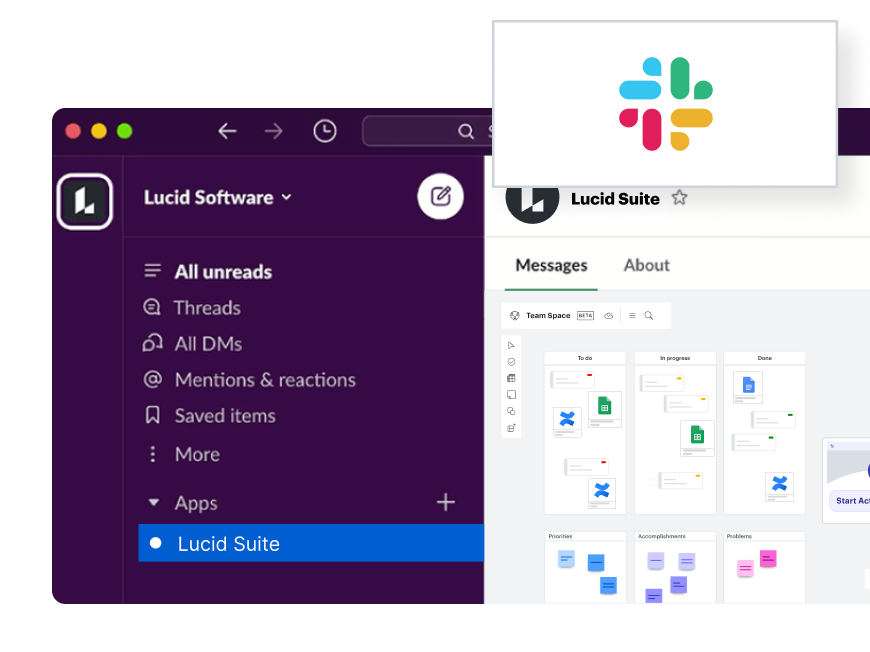
Bring visual collaboration into Slack conversations while easily responding to comments left for you in Lucid
Additional resources
How Lucid engineers use Lucid blog post
See how our engineers use the software they design and build.
3 ways Lucid accelerates R&D innovation
Move your projects seamlessly from ideation to execution.
Toolkit for effortless documentation
Document engineering systems and processes with ease.
Vandis
"Lucidchart allows us to turn things over infinitely quicker. There was no way we could have handled our client load without Lucidchart."
- Tom Ricardo, Head of Cloud Architecture, Vandis
Go to case studyTrapeze Group
“We had 16 people on this call. In a physical room, you’d have all 16 crawling over each other to add their items to the whiteboard. With Lucidspark, we created a shared, synchronized workspace where everyone can add their ideas. We were able to get people working efficiently together on a Zoom call.”
- Alex Ni, CTO, Trapeze Group
Go to case studyWarby Parker
“I use Lucidchart for creating workflows that I share with non-technical people. For example, we have a project process that consists of several stages. To easily display those stages, I create a swimlane diagram to show the different phases within a stage, to identify the owner, to list key decision points within each process, and so on.”
- Janny Wang, Project Manager, Warby Parker
Go to case studyLucid for everyone
Give every team in your organization a better way to work—visually.