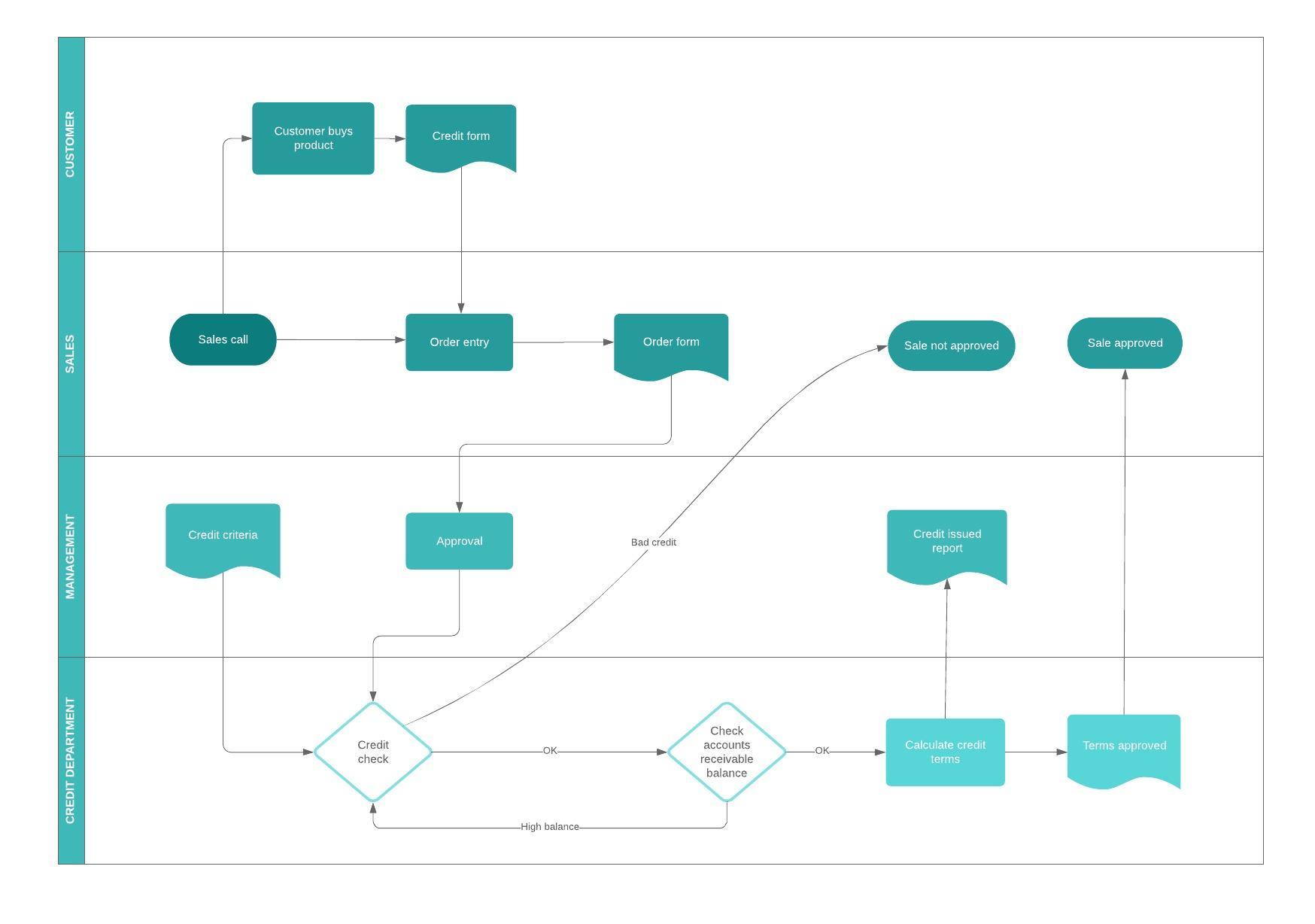
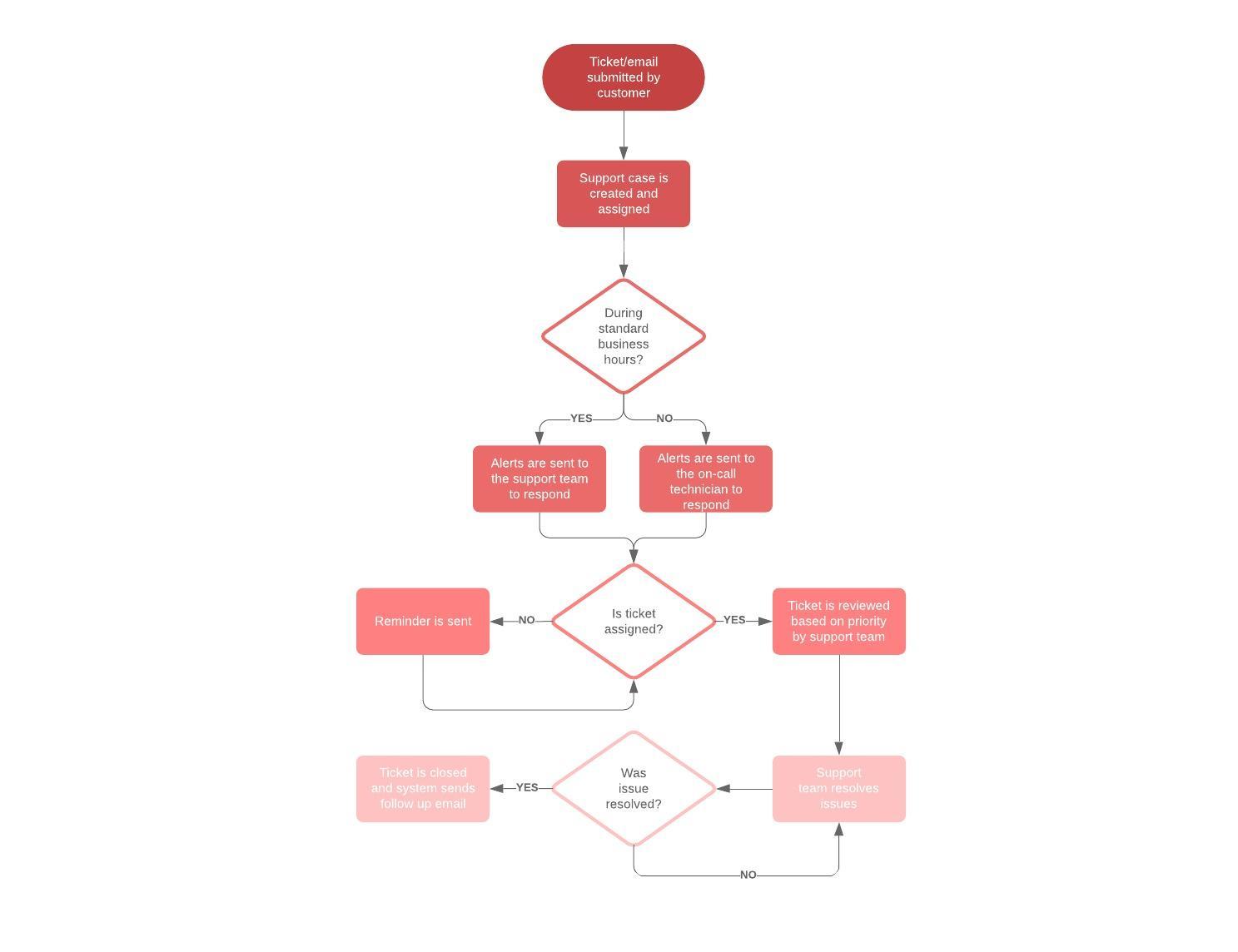
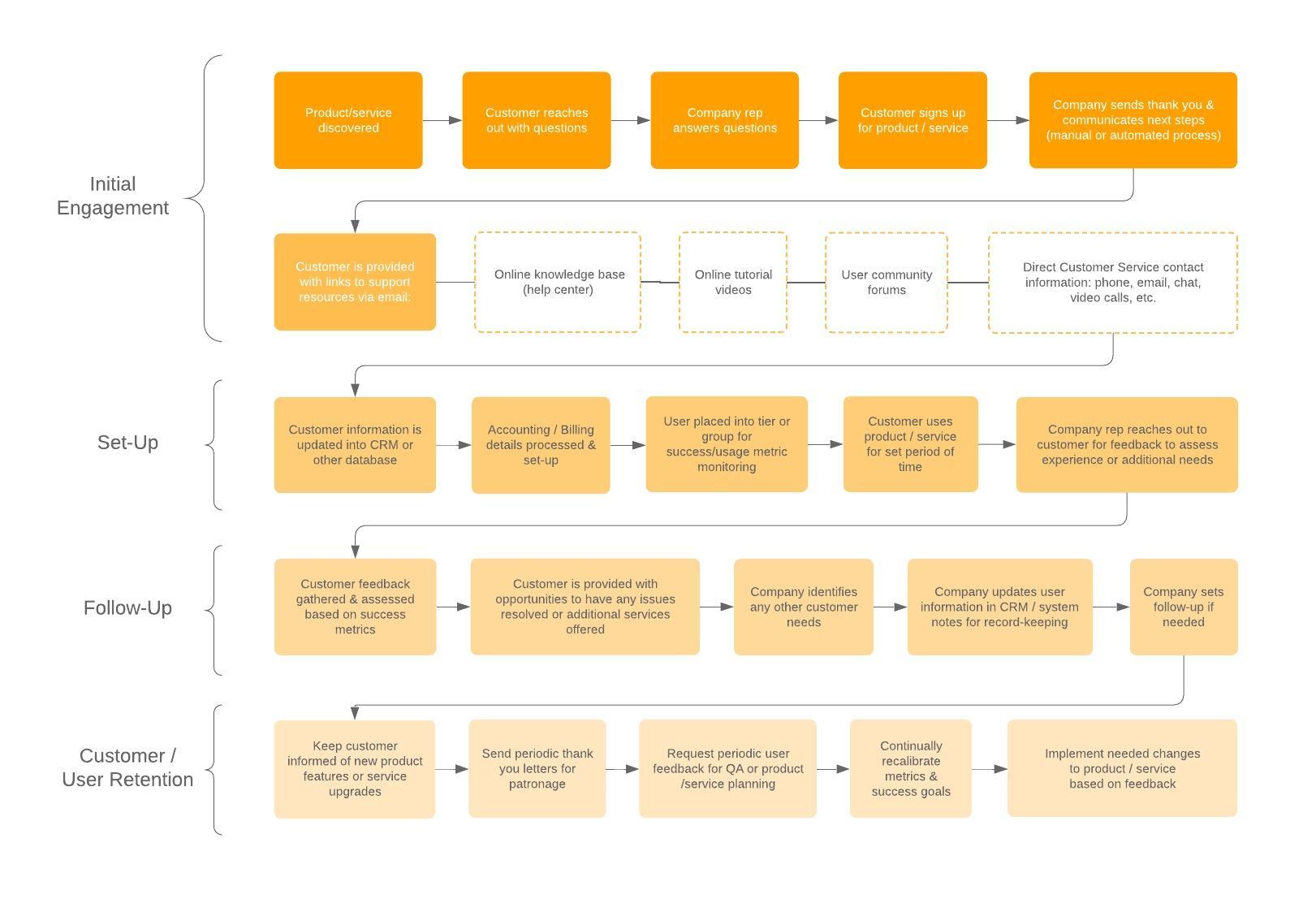
Like flowcharts, BPMN diagrams use a set of standard symbols. Each shape has a specific meaning and business context where it’s most appropriate. If you become overwhelmed while drawing your BPMN chart, simply check this guide.
Common BPMN symbols
A business process model and notation diagram, or BPMN diagram for short, is used to build easy-to-read business process model flowcharts, which can be shared across organizations and industries. BPMN diagram symbols are categorized into four main groups: flow objects, connecting objects, swimlanes, and artifacts. Read this comprehensive guide of BPMN diagram shapes and their meanings below.
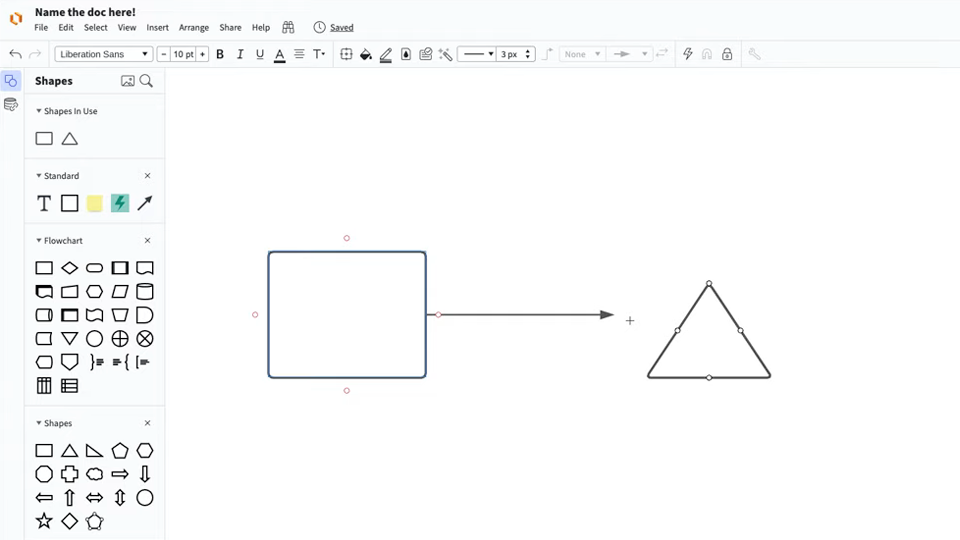
Master the basics of Lucidchart in 3 minutes
BPMN event symbols
Each of these BPMN event symbols can be styled to represent the specific details of their process. The examples below are contained within start event symbols, but they can be combined with any event type. Common event symbols represent the following circumstances:

|
Message symbol: Triggers the process, facilitates intermediate processes, or finishes the process. |

|
Timer symbol: A time, date, or recurring time and date triggers the process, aids intermediate processes, or completes the process. |

|
Escalation symbol: A step reacts tn an escalation and flows to another role in the organization. This event is only used within an event sub-process. An escalation occurs when someone at a higher level of responsibility within the organization becomes involved in a process. |

|
Conditional symbol: A process begins or continues when a business condition or business rule is met. |

|
Link symbol: A sub-process that is part of a larger process. |

|
Error symbol: A caught error at the start, middle, or end of a process. An event sub-process with an error trigger will always interrupt its containing process. |

|
Cancel symbol: Reacts on a transaction that was canceled within a sub-process. In an end event, the cancel symbol represents the triggered cancellation of a process. |

|
Compensation symbol: A refund that’s triggered when operations partially fail. |

|
Signal symbol: A signal that communicates across different processes. A signal symbol can begin a process, facilitate it, or complete it. |

|
Multiple symbol: Multiple triggers initiating a process. |

|
Parallel multiple symbol: A process instance that doesn't start, continue, or end until all possible events have occurred. |

|
Terminate symbol: Triggers the immediate termination of a process step. All related instances are terminated at the same time. |
BPMN activity symbols
Activities describe the kind of work being done in a particular process instance. There are four BPMN activity types: tasks, sub-processes, transactions, and call activities.

|
Task symbo;: The most basic level of an activity and cannot be broken down further. For example, a morning routine process might involve the task of turning on your computer. |

|
Sub-process symbol: Is a group of tasks that fit together particularly well. There are two different views of the sub-process. One is the collapsed view, which has an expandable plus sign to show more details. The other view is an expanded sub-process view, which is large enough to house all the tasks that fully describe the sub-process. |

|
Transaction symbol: Is a specialized sub-process that involves payment. |

|
Call symbol: Is a global sub-process that is reused at various points in the business flow. |
BPMN gateway symbols
In a BPMN diagram, gateway symbols separate and recombine flows. There are several types of gateways:

|
Exclusive symbol: Evaluates the state of the business process and, based on the condition, breaks the flow into one or more mutually exclusive paths. For example, one report will be written if a supervisor grants approval; no report will be generated if the supervisor withholds approval. |

|
Event-based symbol: An event-based gateway is similar to an exclusive gateway—both involve one path in the flow. In the case of an event-based gateway, however, you are evaluating which event has occurred, not which condition is being met. For example, you might wait to send an email until the CEO has arrived at the office. If the CEO doesn’t arrive, the email will remain unsent. |

|
Parallel symbol: Differs from other gateways because it’s not dependent on conditions or events. Instead, parallel gateways are used to represent two concurrent tasks in a business flow. An example is a marketing department generating new sales leads and contacting existing leads at the same time. |

|
Inclusive symbol: Breaks the process flow into one or more flows. For example, an inclusive gateway could involve business actions taken based on survey results. One process may be triggered if the consumer is satisfied with Product A. Another flow is triggered when the consumer indicates that they are satisfied with product B, and a third process is triggered if they aren't satisfied with A. |

|
Exclusive event-based symbol: Starts a new process instance with each occurrence of a subsequent event. |

|
Complex symbol: These gateways are used only for the most complex flows in a business process. An ideal use case for the complex gateway is when you need multiple gateways to describe the business flow. |

|
Parallel event-based symbol: As the name suggests, this gateway is similar to a parallel gateway. It allows multiple processes to run concurrently, but unlike the parallel gateway, processes are event-driven |
Connecting objects in a BPMN diagram
Connecting objects are lines that connect BPMN flow objects. There are three different types: sequence flows, message flows, and associations.

|
Sequence flow symbol: Connects flow objects in proper sequential order. |

|
Message flow symbol: Represents messages from one process participant to another. |

|
Association symbol: Shows relationships between artifacts and flow objects. |
Swimlanes in a BPMN diagram
Swimlanes are used to organize process elements in a BPMN diagram. Swimlanes visually group objects into lanes, with each process step added to a separate lane. These elements can be arranged either horizontally or vertically. Swimlanes not only organize activities into separate categories, but they can also reveal delays, inefficiencies, and the workers responsible for each step in a process.

BPMN event types
Events represent an event in a business process.

|
Start event symbol: Signals the first step of a process. |

|
Intermediate event symbol: Represents any event that occurs between a start and end event. |

|
End event symbol: Signals the final step in a process. |
Artifacts in a BPMN diagram
Artifacts represent information relevant to the model but not to individual elements within the process. The three artifact types in a BPMN diagram are annotations, groups, and data objects. All three are used to augment and describe a BPMN process.
Annotations allow the modeler to describe additional flow parts of the model or notation.
Groups organize tasks or processes that are significant to the overall process.
Data objects represent data placed into the process, data resulting from the process, data that needs to be collected, or data that must be stored.


|
Data input symbol: Represents data requirements that tasks in the business process depend on. |

|
Data output symbol: Demonstrates information produced as the result of a business process. |

|
Data collection symbol: Signifies information collected within a business process. |

|
Data storage symbol: Represents the ability to store or access data that’s associated with a business process. |
How to draw BPMN diagrams
Before you start your BPMN diagram, define the scope of the process you are diagramming. This important step will determine the level of detail you should include. High-level diagrams should be general and leverage subprocesses and additional documentation to detail.
Once you have clearly articulated your scope, it’s time to open a Lucidchart document and start dragging and dropping shapes onto the canvas. If you don’t have a Lucidchart account, you can set one up for free
Here are some tips to keep in mind as you build your own BPMN diagram:
-
Keep the direction of your flow consistent. Notice that even when moving between pools and swim lanes, the diagram always flows from left to right, never up and down.
- Make sure your connectors never overlap. If the direction of your flow is consistent, this point should be relatively simple to follow.
-
Diagram the primary scenario first. This helps to keep your BPMN diagram clean and easy to interpret.
-
Include separate end events for distinct end states. For example, there are two end events in the customer pool: one represents a successful end state (eating Chinese food), while the other represents an unsuccessful end state (a long wait and no Chinese food).
- Only include one process in each pool. BPMN diagrams can shows multiple processes that interact, but each process has its own pool.
-
Use dashed message connectors. When two pools interact, use dashed message connectors rather than solid sequence connectors.
Everything you need to make a diagram
Make a polished, professional diagram for free with Lucidchart. No matter what you have in mind, we have the tools you need to build it. Make an account and start diagramming today.
Sign up free