Build a more strategic human resources team

Visualize complex org structures and systems with the Lucid Visual Collaboration Suite. Make informed decisions to optimize the employee experience.


How HR teams use Lucid

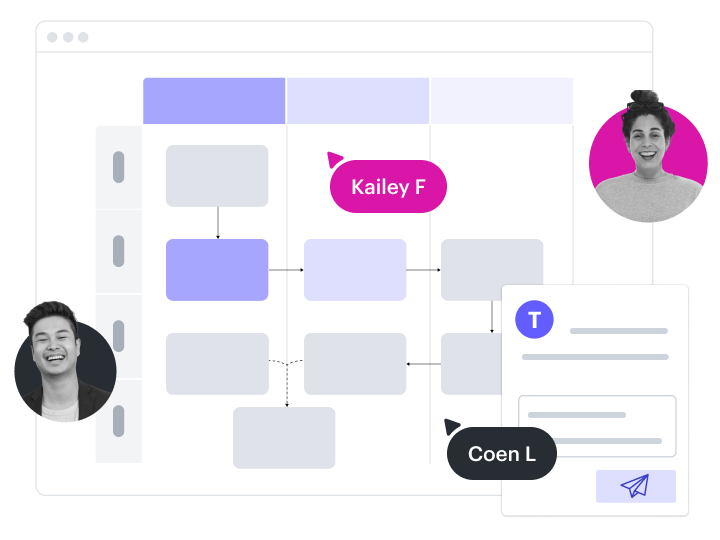
Visualize your org structure
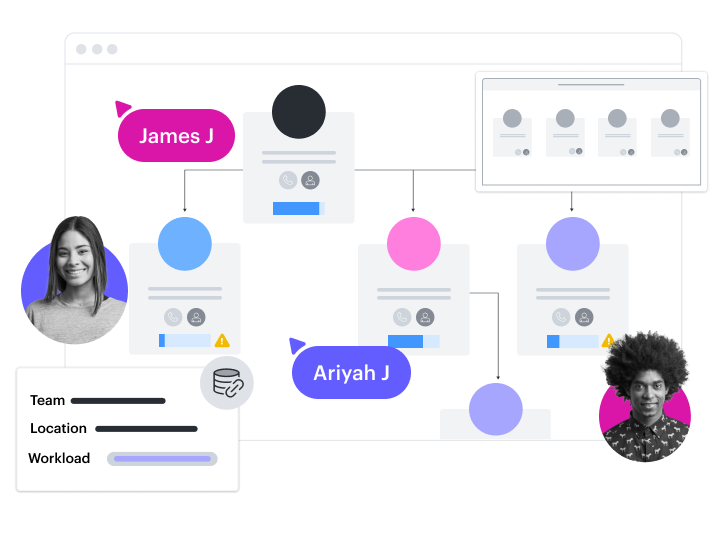
Create org charts from scratch or from imported data. Use conditional formatting and Group View to sort people and teams by any criteria.

Design organizational processes

Plan and document onboarding flows, performance reviews, benefits enrollment, and more. Create document repositories for easy access.

Optimize employee experiences

Map out the existing employee journey and brainstorm improvements. Collaborate visually to align on compensation, benefits, and more.

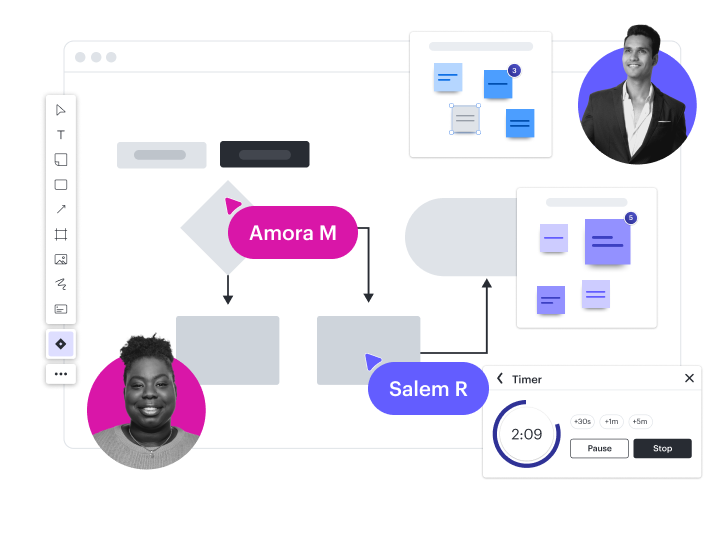
Conduct training and development

Use Breakout Boards, Visual Activities, voting, and other features that facilitate interactive and engaging learning experiences.

Create compliance documentation

Work collaboratively and cross-functionally to document systems and processes for organizational compliance audits.
See more solutions
Explore use cases

Popular integrations for Human Resources teams

Connect Lucid with the apps you use most, and keep your teams and systems working together.

BambooHR

BambooHR

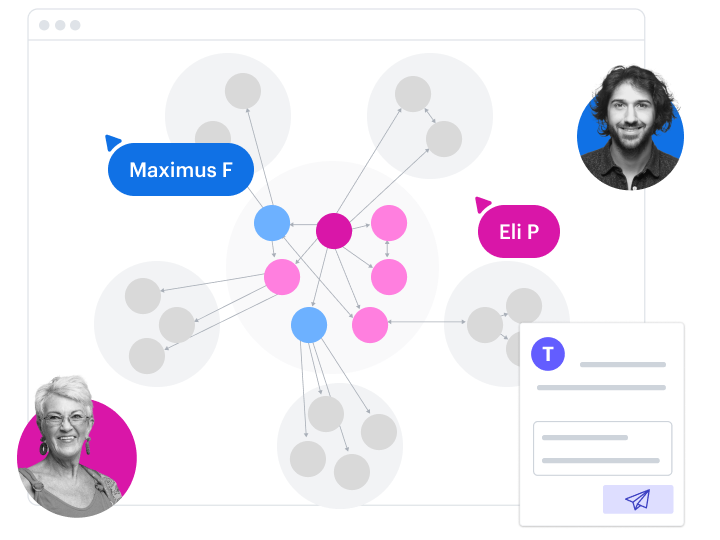
Optimize operations and plan for growth with data-backed org charts

Slack

Slack

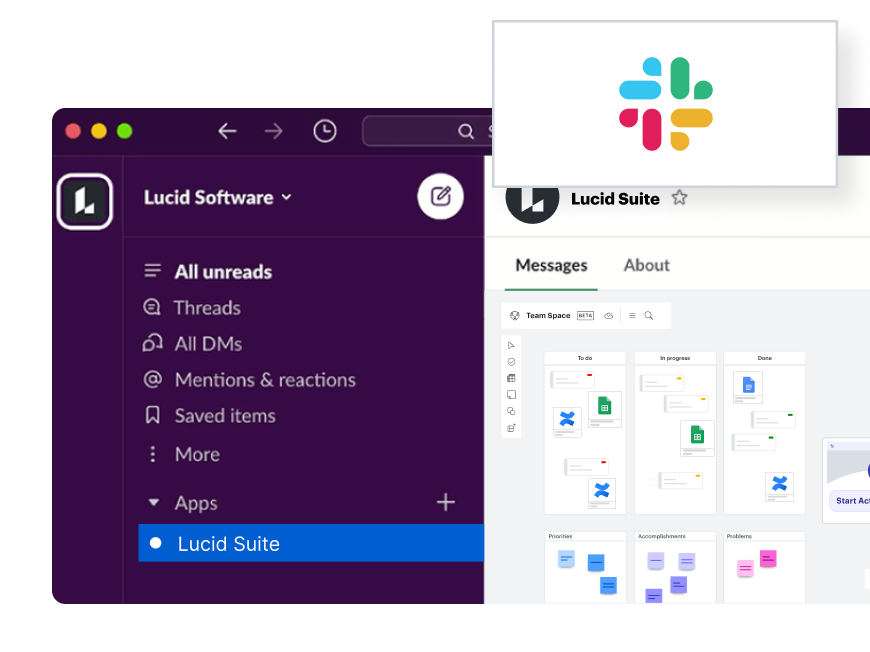
Bring visual collaboration into Slack conversations while easily responding to comments left for you in Lucid

Microsoft Teams

Microsoft Teams

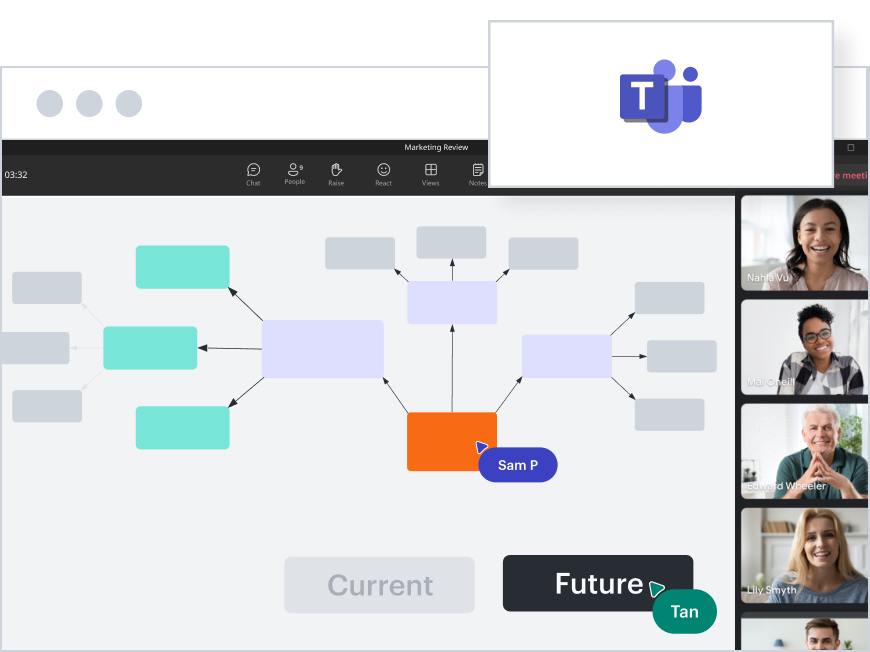
Collaborate visually with your team

Google Drive

Google Drive

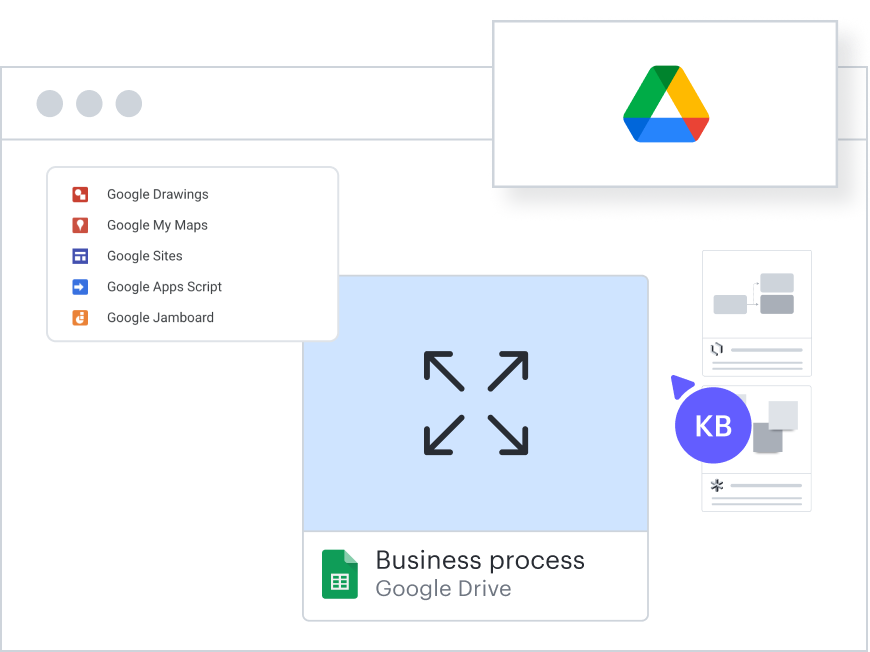
Create, edit, and store your Lucid documents within Google Drive so your visuals are always at your fingertips

Microsoft 365

Microsoft 365

Import your Excel spreadsheets to work and plan visually

Asana

Asana

Add context and clarity to your projects with visuals

Monday.com

Monday.com

Plan and track projects within a visual working space

BambooHR

BambooHR

Optimize operations and plan for growth with data-backed org charts

Slack

Slack

Bring visual collaboration into Slack conversations while easily responding to comments left for you in Lucid

Microsoft Teams

Microsoft Teams

Collaborate visually with your team

Google Drive

Google Drive

Create, edit, and store your Lucid documents within Google Drive so your visuals are always at your fingertips

Microsoft 365

Microsoft 365

Import your Excel spreadsheets to work and plan visually

Asana

Asana

Add context and clarity to your projects with visuals

Monday.com

Monday.com

Plan and track projects within a visual working space

BambooHR

BambooHR

Optimize operations and plan for growth with data-backed org charts

Slack

Slack

Bring visual collaboration into Slack conversations while easily responding to comments left for you in Lucid

Microsoft Teams

Microsoft Teams

Collaborate visually with your team

Google Drive

Google Drive

Create, edit, and store your Lucid documents within Google Drive so your visuals are always at your fingertips

Microsoft 365

Microsoft 365

Import your Excel spreadsheets to work and plan visually

Asana

Asana

Add context and clarity to your projects with visuals

Monday.com

Monday.com

Plan and track projects within a visual working space

Additional resources

How Lucid’s HR teams use Lucid blog post

See how we use Lucid to design HR structures and processes.

3 ways G&A teams use Lucid article

Explore use cases for general and administrative teams.

Getting started with org charts course

Learn how to create, customize, and optimize an org chart.

Appirio

"HR has really started falling in love with some of the features, especially around creating org charts. That was something they struggled with in the past, but Lucidchart makes it so easy to design an org chart that just looks so good."

- Aaron Barratt, Senior IT Specialist and Lucidchart Admin Appirio

HackerOne

“I've used Lucid mostly for team planning, structure changes, process improvement, and documentation.”

- Allison Jones, Director of People Ops HackerOne

Go to case study

BambooHR

“With the future of work, there will be a persistence of people participating in meetings remotely. There need to be products that act as that context facilitator and discussion aligner. Even if we were in the office, we’d want a screen projecting Lucidspark and we’d want to use it as our workspace to drive the context and alignment around what we’re discussing. I think Lucidspark is off to a great start in terms of being a powerful product for the future of work.”

- Brad Rencher, CEO BambooHR

Go to case study

Lucid for everyone

Give every team in your organization a better way to work—visually.

Executives

Communicate and execute big-picture goals. Get aligned on strategic priorities and scale organizational processes.

Finance

Clarify complex financial data with intelligent visuals. Create secure documentation and communicate with stakeholders.

Operations

Visualize every step of complex operational processes to drive informed decision-making and optimize efficiency.

See how HR optimizes the employee experience with Lucid

Try it now