Concept map maker
Lucidspark is a concept map software that helps you and your team visualize and understand relationships between ideas—no matter how complex. Sign up for a free trial today.


By registering, you agree to our Terms of Service and you acknowledge that you have read and understand our Privacy Policy.

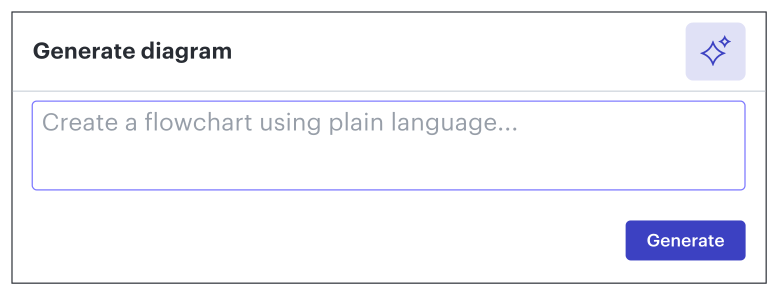
Get started with our AI diagram generator
 , opens in a new tab
Collaborate intuitively with your team
Create a concept map to easily visualize your concepts.
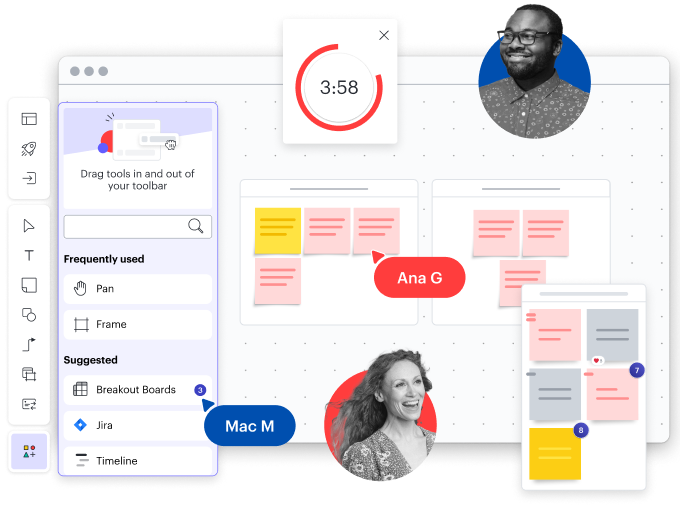
Organize your ideas
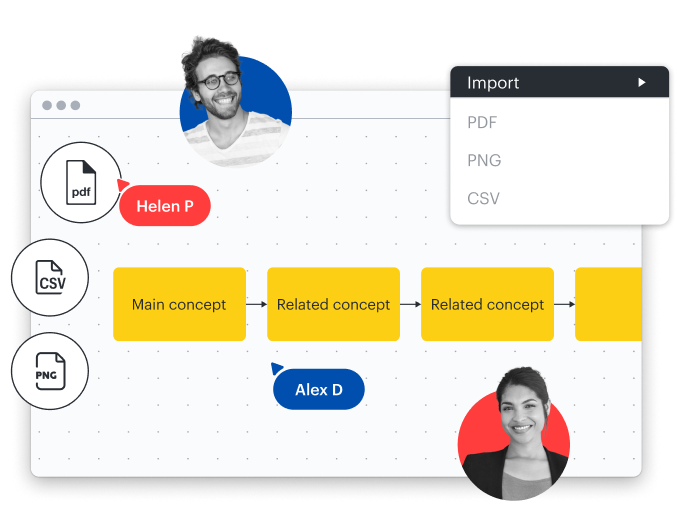
Easily import your concept map
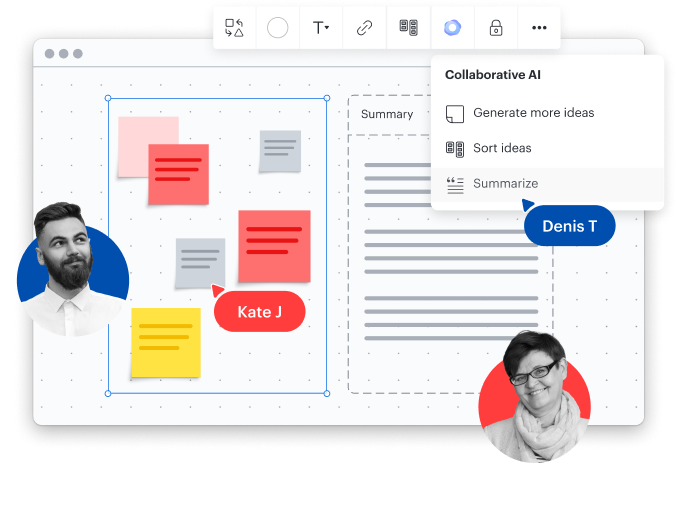
Collaborative AI

Brainstorm and ideate
Share and collaborate instantly
Learn more
Strategic planning
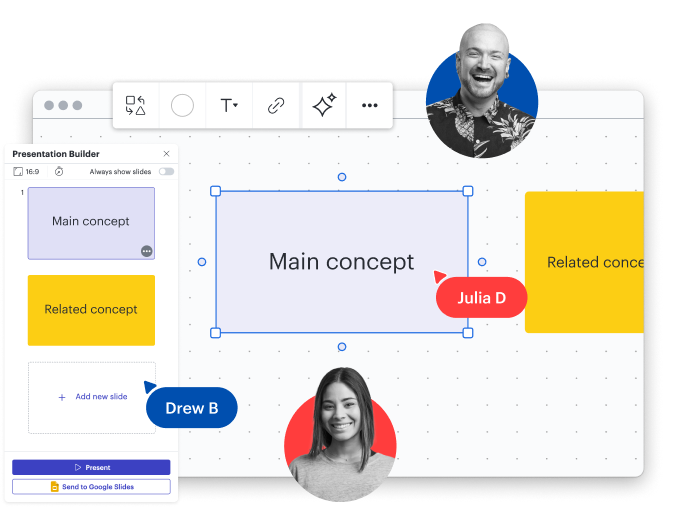
Lucidspark feature highlights
Facilitator Tools
Facilitator Tools
Dynamic Tables
Dynamic Tables
Embedded links
Embedded links
Comment, chat, react
Comment, chat, react
Breakout boards
Breakout boards
Visual Activities
Visual Activities
Timelines
Timelines

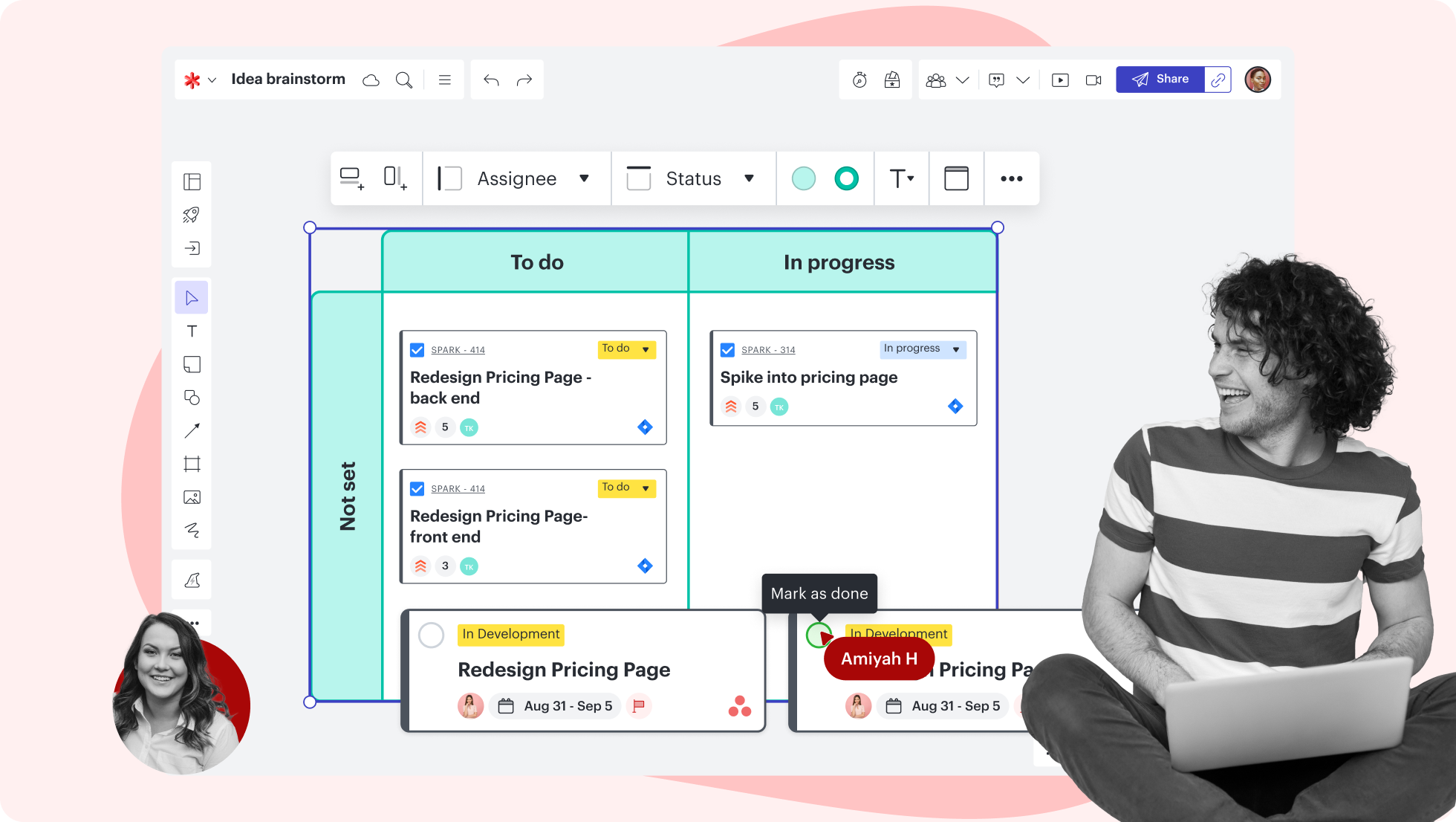


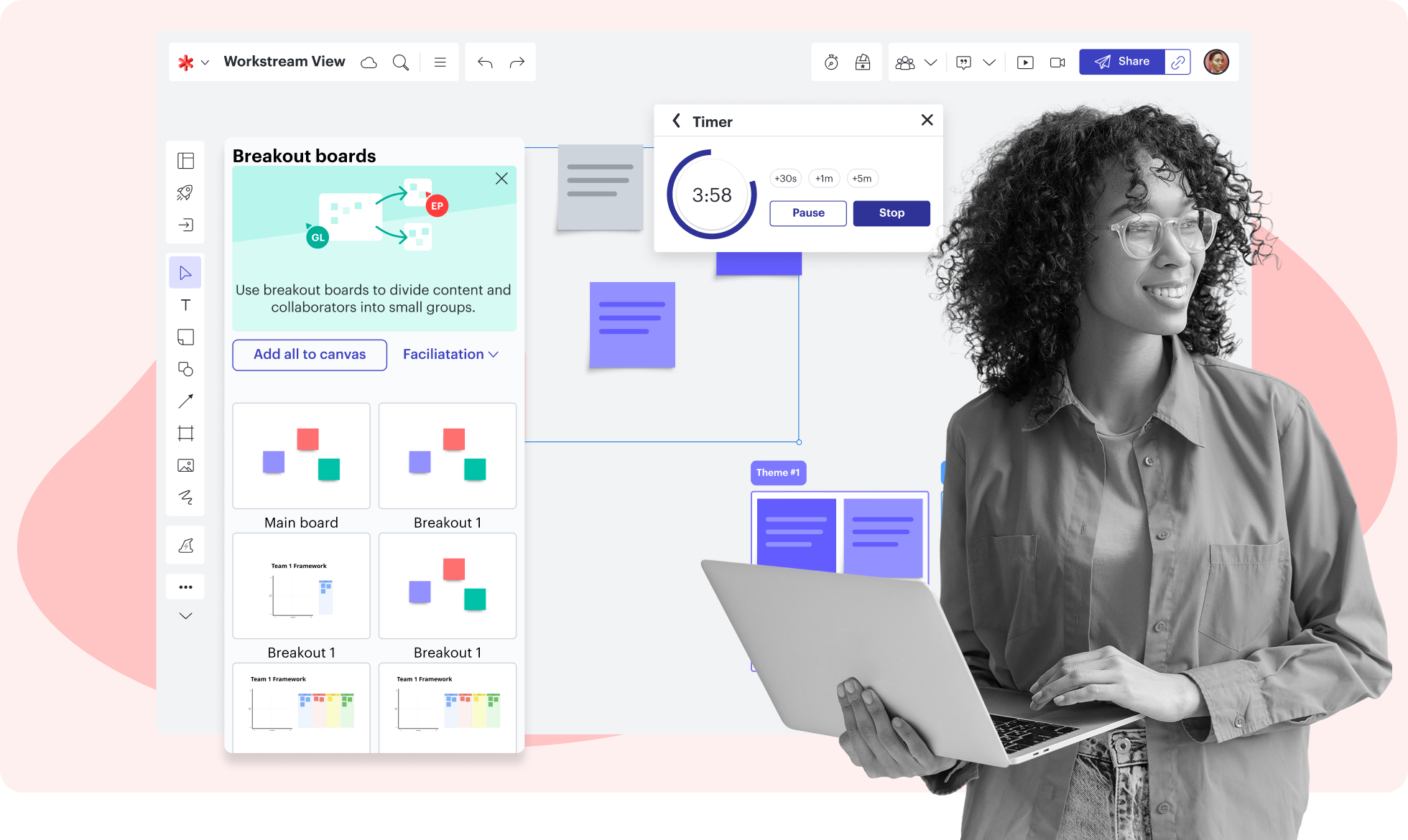

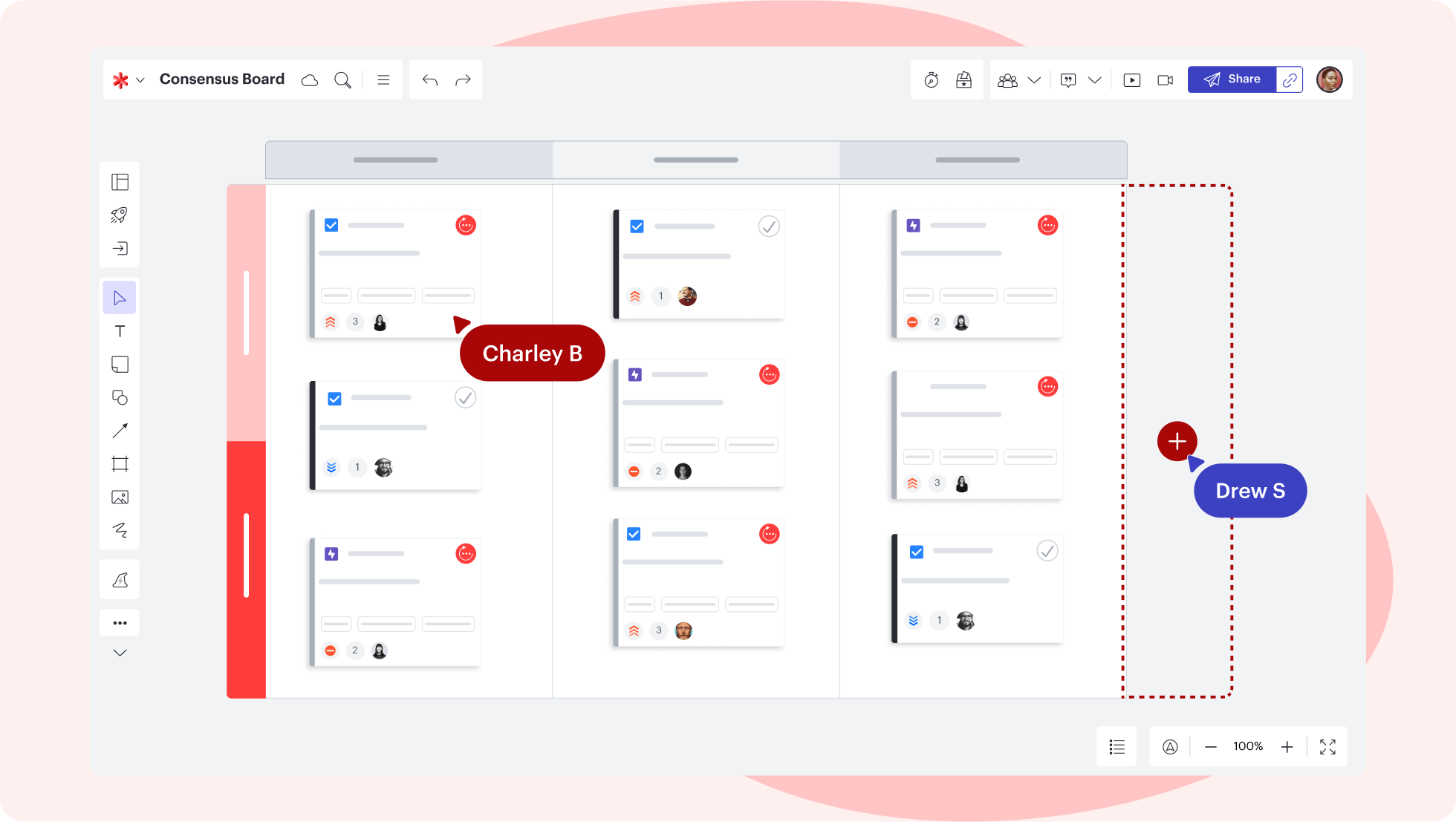
Lucidspark feature highlights
Keep your brainstorming session and your team on track with features like take the lead and timer.
Concept map templates
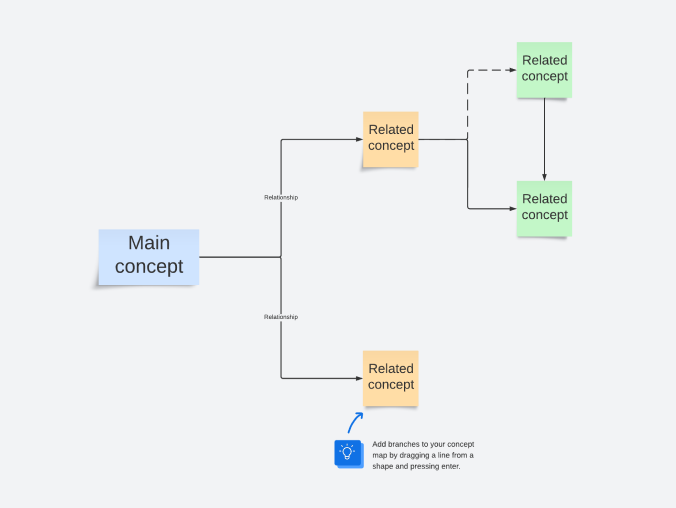
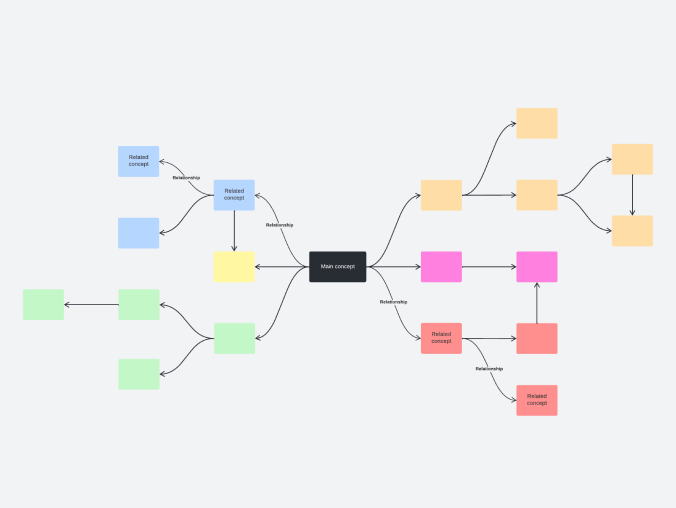
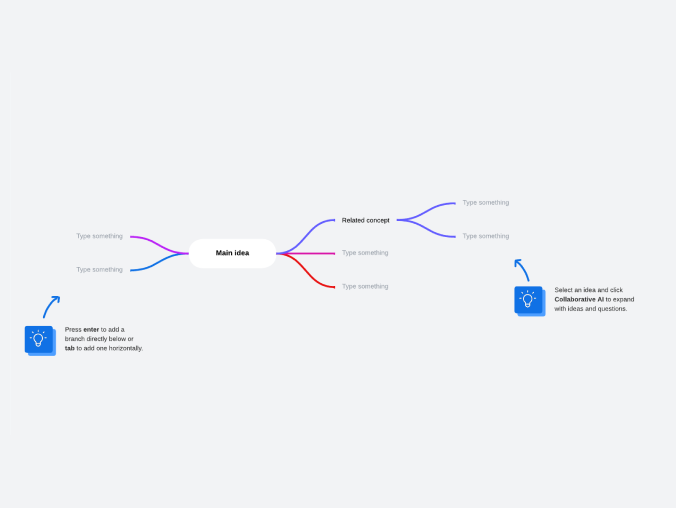
Get inspired and visualize concept maps faster with free, customizable templates.
Getting started in Lucidspark
Watch our short video tutorial and learn how to spark team creativity and streamline brainstorming.
Follow along with this video tutorial and learn how to kick-start creativity in Lucidspark.
Why teams choose Lucidspark
As a virtual whiteboarding application, Lucidspark’s infinite canvas enables teams to move seamlessly from ideation to planning and building.

Collaboration. Bring teams together side by side on a shared canvas from anywhere in the world.
Alignment. Build transparency and shared understanding of how a team or company works.
Large-scale change. Increase visibility, standardization, and knowledge sharing across your entire org.
End-to-end workflows. Upgrade to the Lucid Suite for a complete, connected visual collaboration solution.


What is a concept map?
A concept map helps you visualize the relationship between concepts, ideas, events, or notes. These diagrams are commonly used to plan curriculum, create study guides, or outline writing projects. To use a concept map, put your ideas in circles (also called nodes). Unlike a mind map that starts in the center and works outwards, a concept map generally works top to bottom in a hierarchy. Connect your circles with lines or arrows (also called arcs) and label the lines to show how the ideas relate to each other.
How to make a concept map
Start with a topic
Identify key concepts
Connect topics and subtopics
Customize and format
Present and share your work
Lucidspark additional resources

Lucid Training Labs
Learn visual collaboration skills in free, self-serve courses and live training workshops.

Lucid Community
Connect with other users to share tips and insights. Provide feedback to Lucid’s product team.
Help center
Find detailed articles with step-by-step instructions for using specific Lucid features.
Lucidspark tutorials
Go to the Lucidspark tutorials playlist on YouTube for video training on various topics.
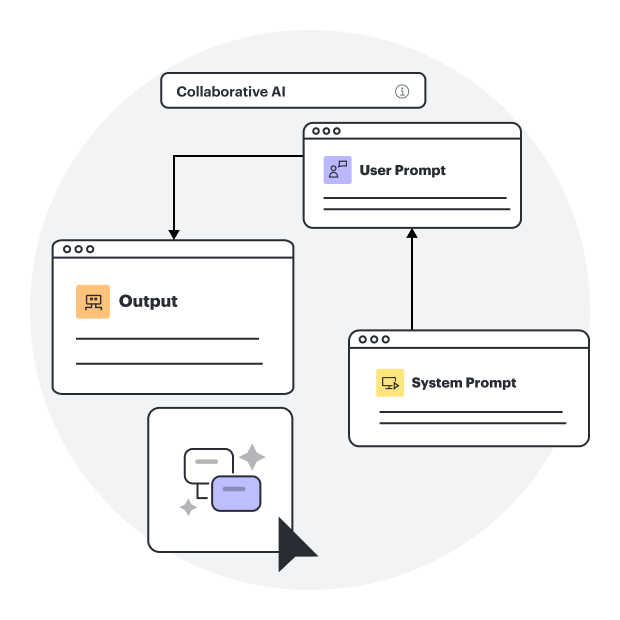
Collaborate with AI
Get an overview of Lucidspark’s AI functionality and find additional resources.
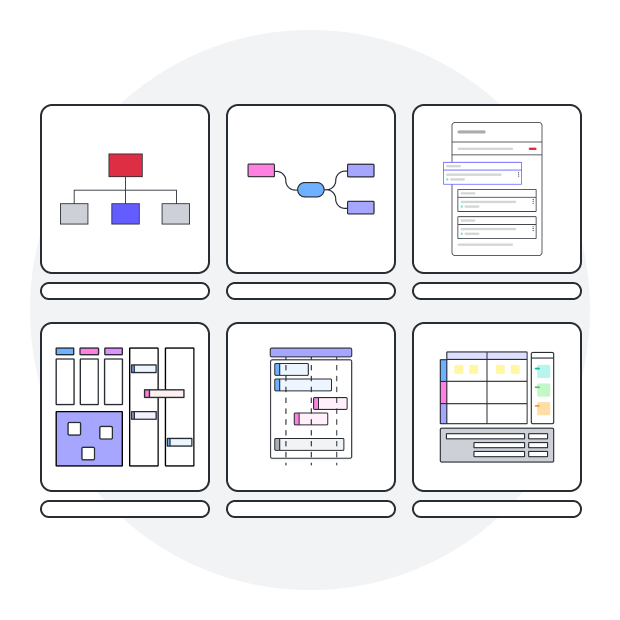
Lucid blog
Explore tips for optimizing collaboration, aligning teams, and driving initiatives in Lucidspark.
Lucidspark pricing
Create a free account and compare options for paid Individual, Team, or Enterprise plans.
Frequently asked questions about our concept map maker
What is a concept map?
How do I create a concept map in Lucidspark?
What is the difference between a concept map and a mind map?
What are the benefits of using Lucidspark for educational presentations and activities?
If I’m unsure of what I need to create, do you have templates to help me get started?
How much does Lucidspark cost?
Everything you need to make a concept map online
In addition to our concept map maker, Lucidspark offers support and training resources to help you ideate, plan, and build with your team.
Get support