Mockup generator
Lucidchart is an intelligent diagramming application that makes creating a Mockup easy with drag-and-drop shapes, ready-to-use templates, and more.


By registering, you agree to our Terms of Service and you acknowledge that you have read and understand our Privacy Policy.
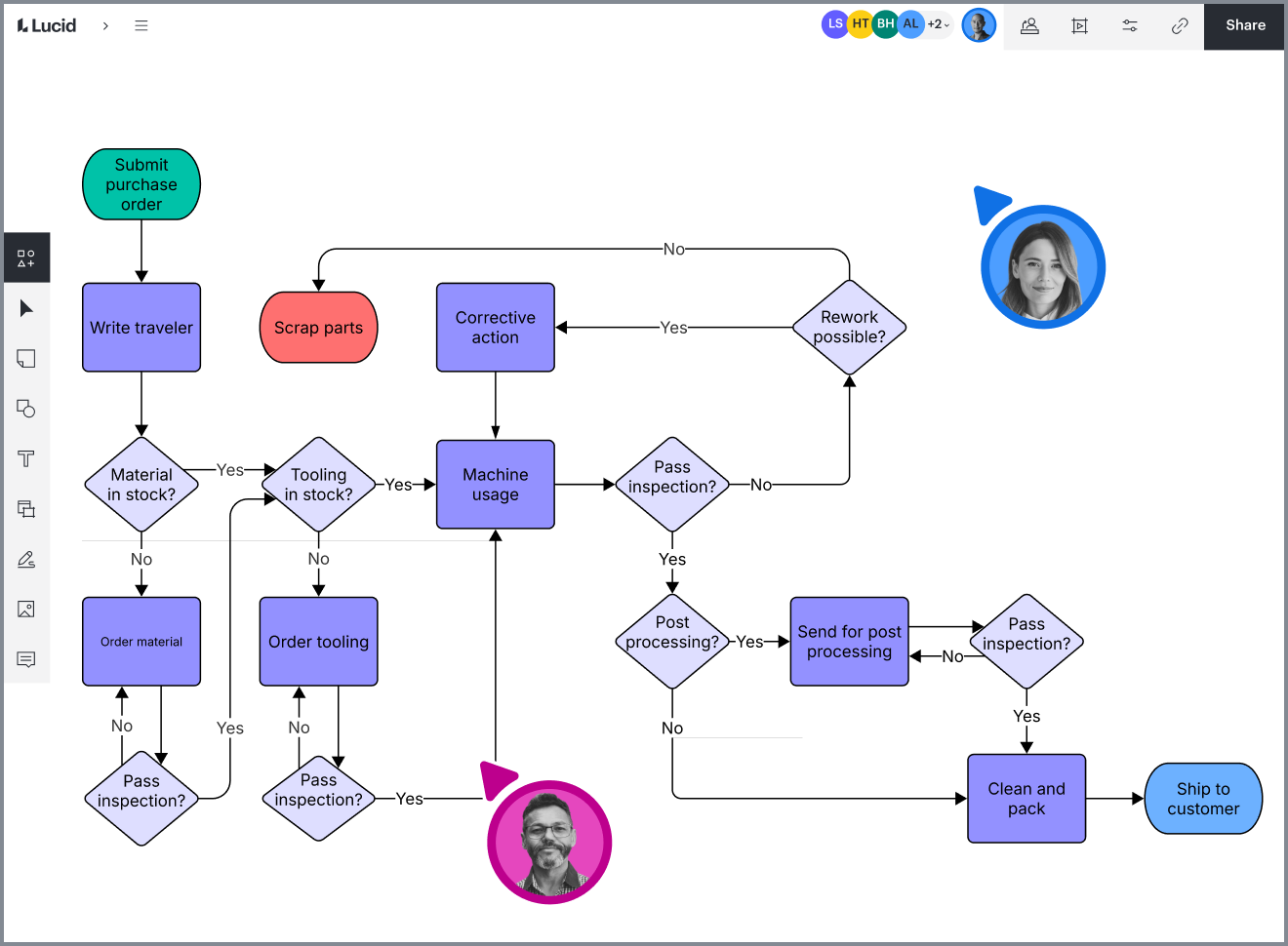
Get started with our AI diagram generator
 , opens in a new tab
A website mockup tool for fast and simple prototyping
Design mockups to visualize and improve your user flow
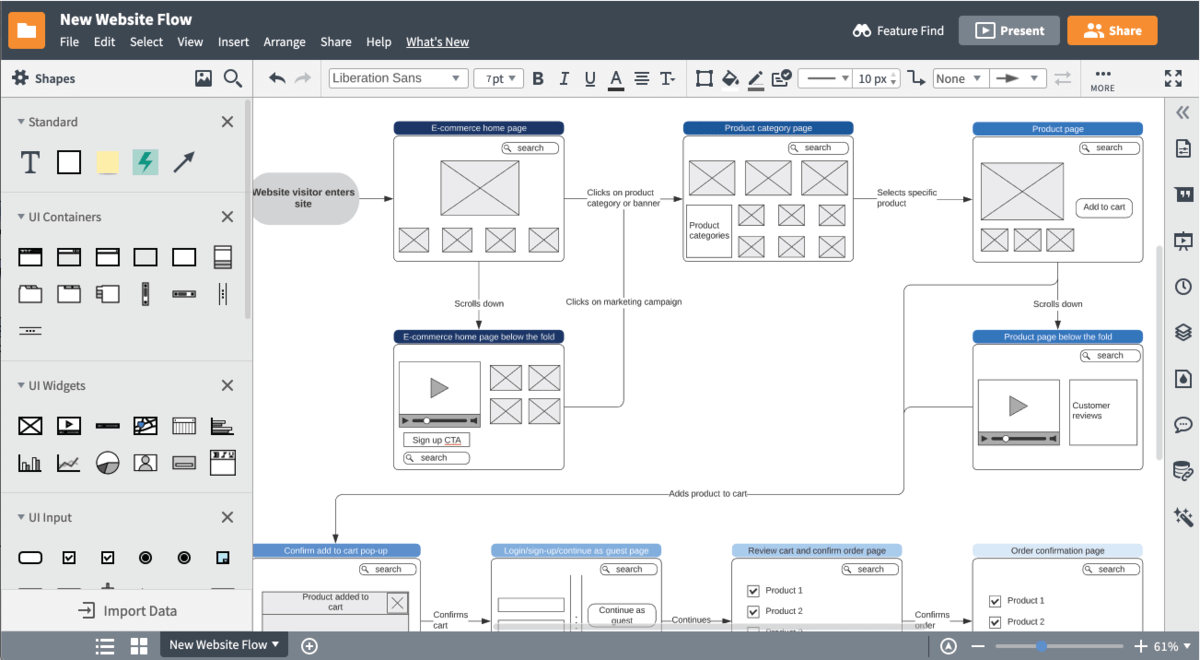
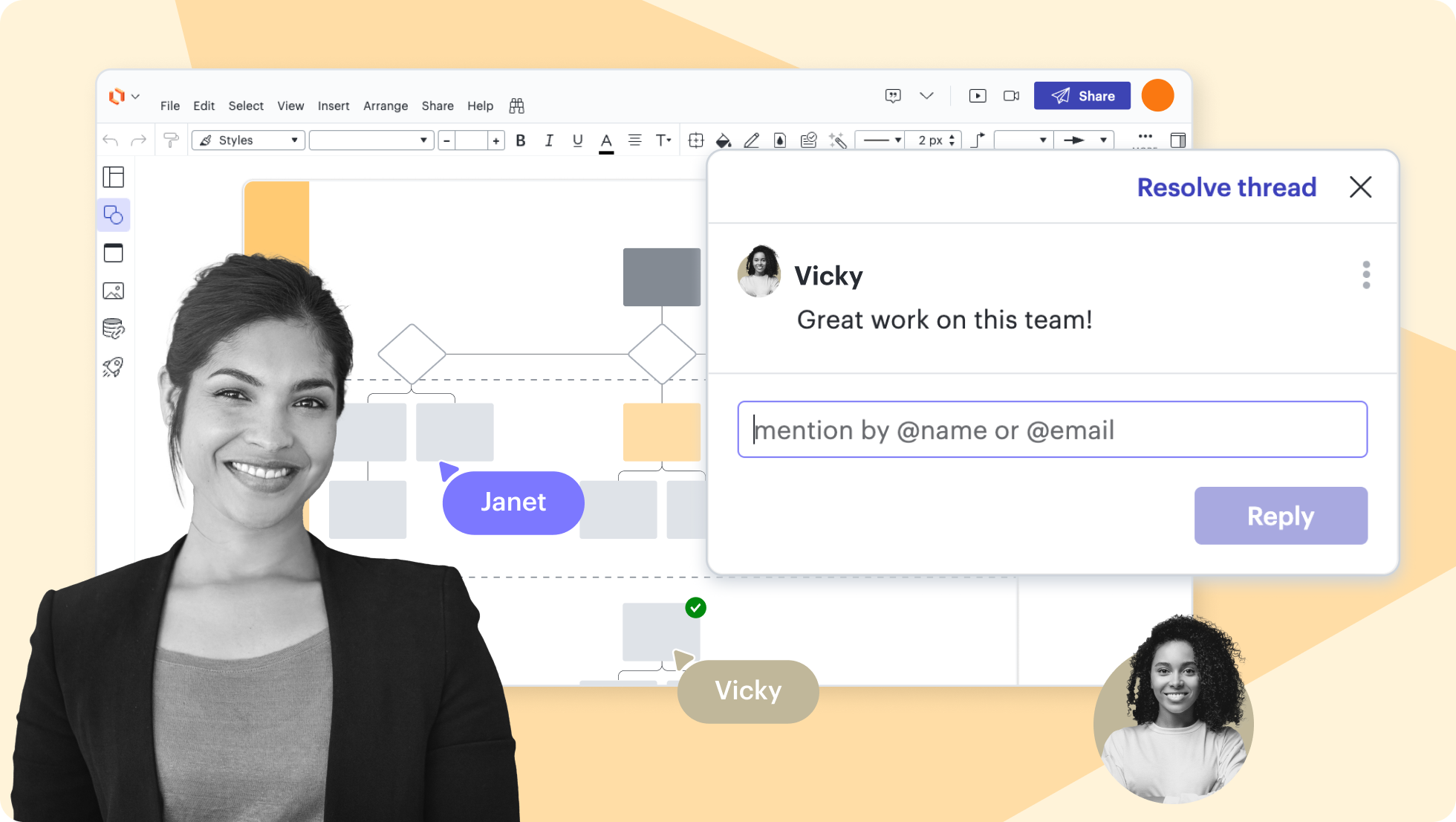
Create and collaborate with team members in real time
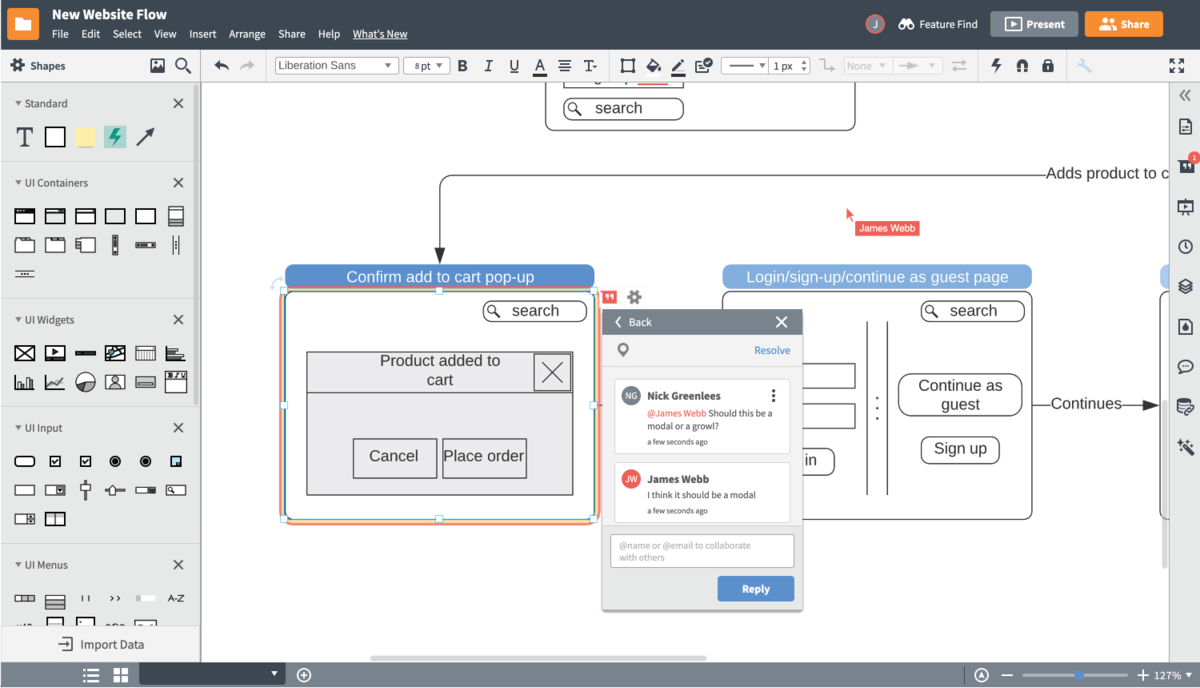
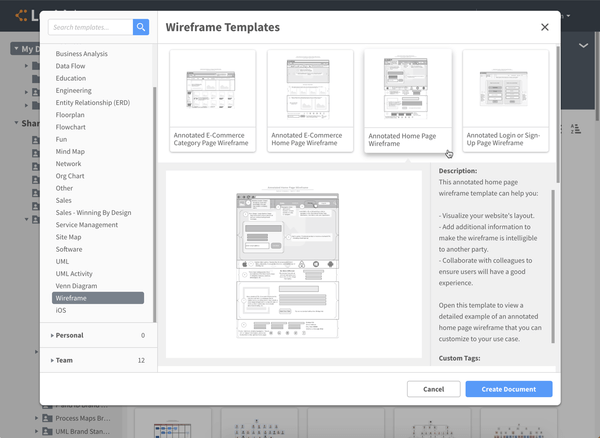
Select templates and shapes for customized mockups
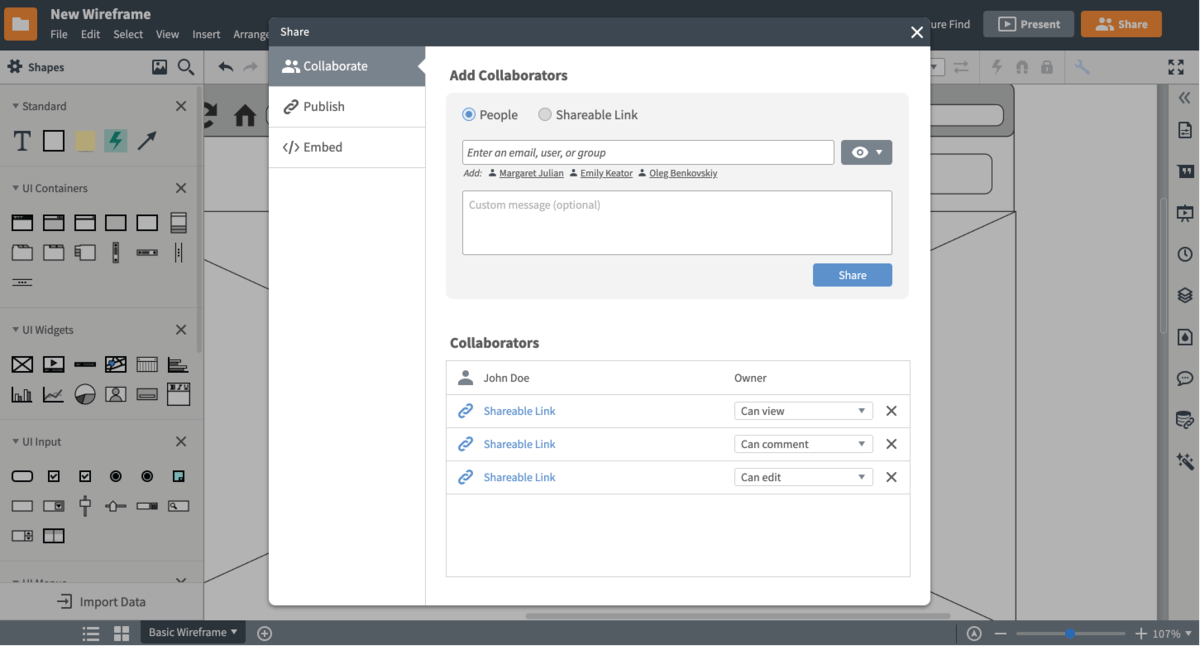
Present and share your work
Lucidchart feature highlights
Real-time collaboration
Real-time collaboration
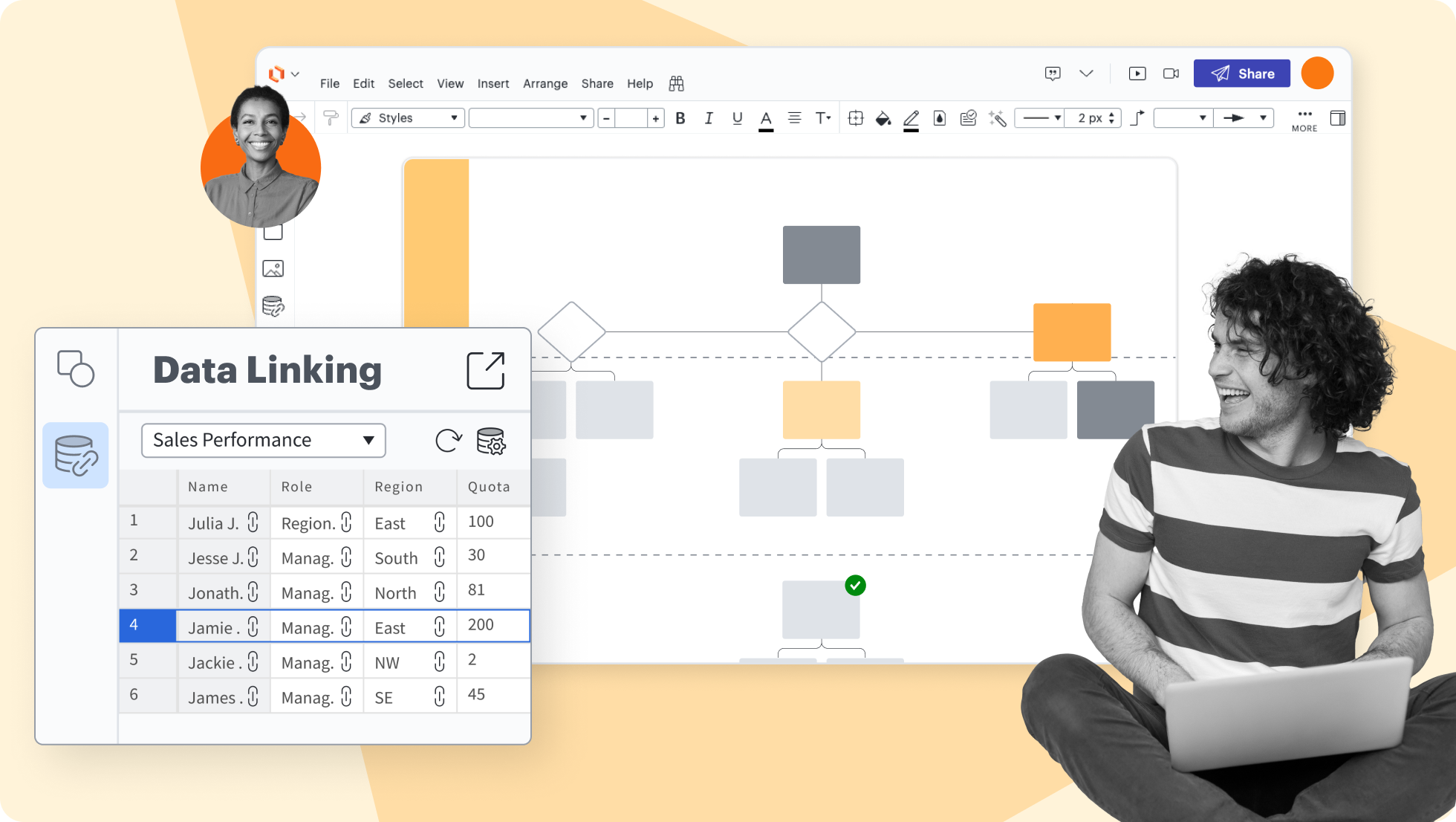
Data linking
Data linking
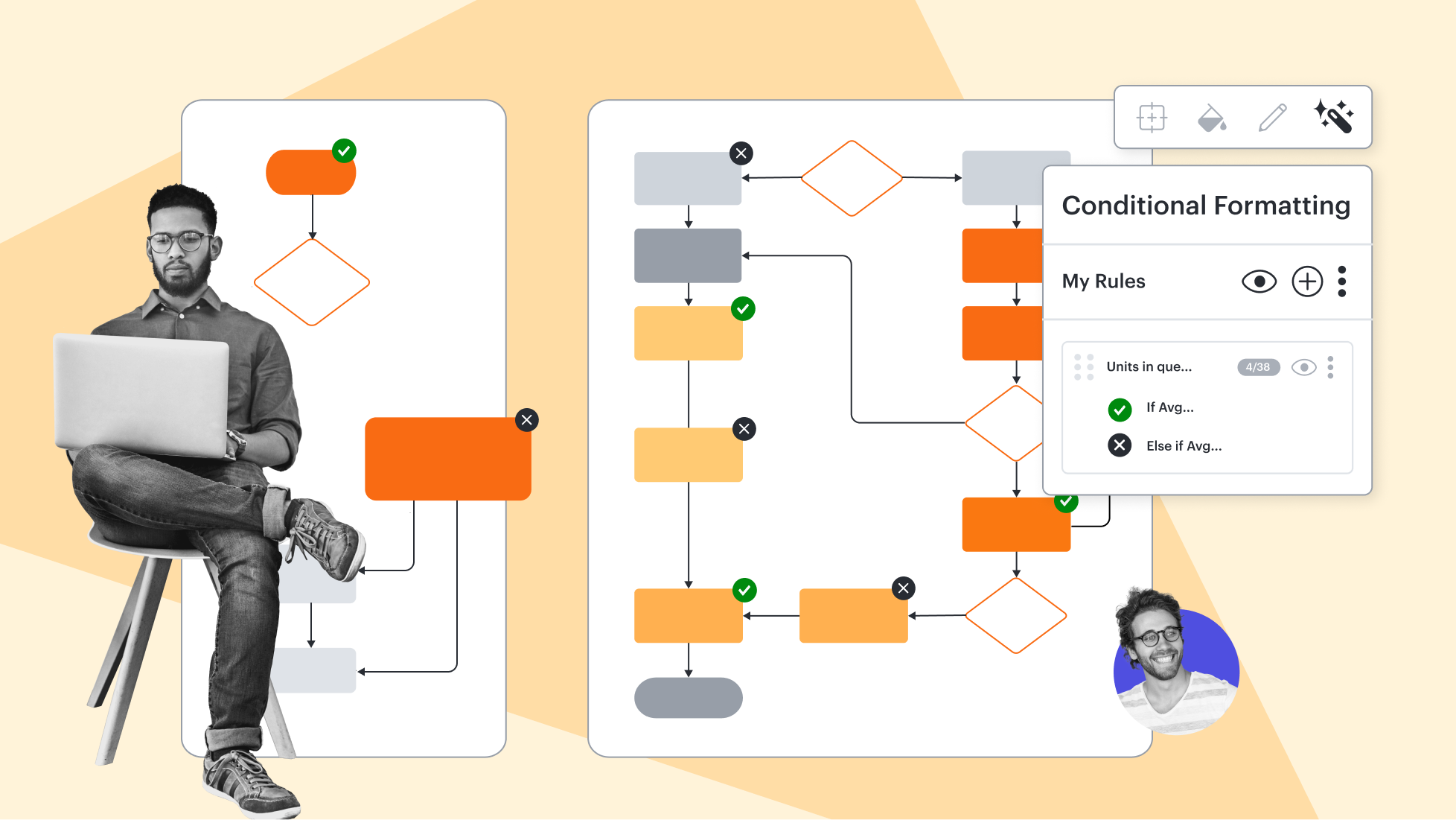
Conditional formatting
Conditional formatting
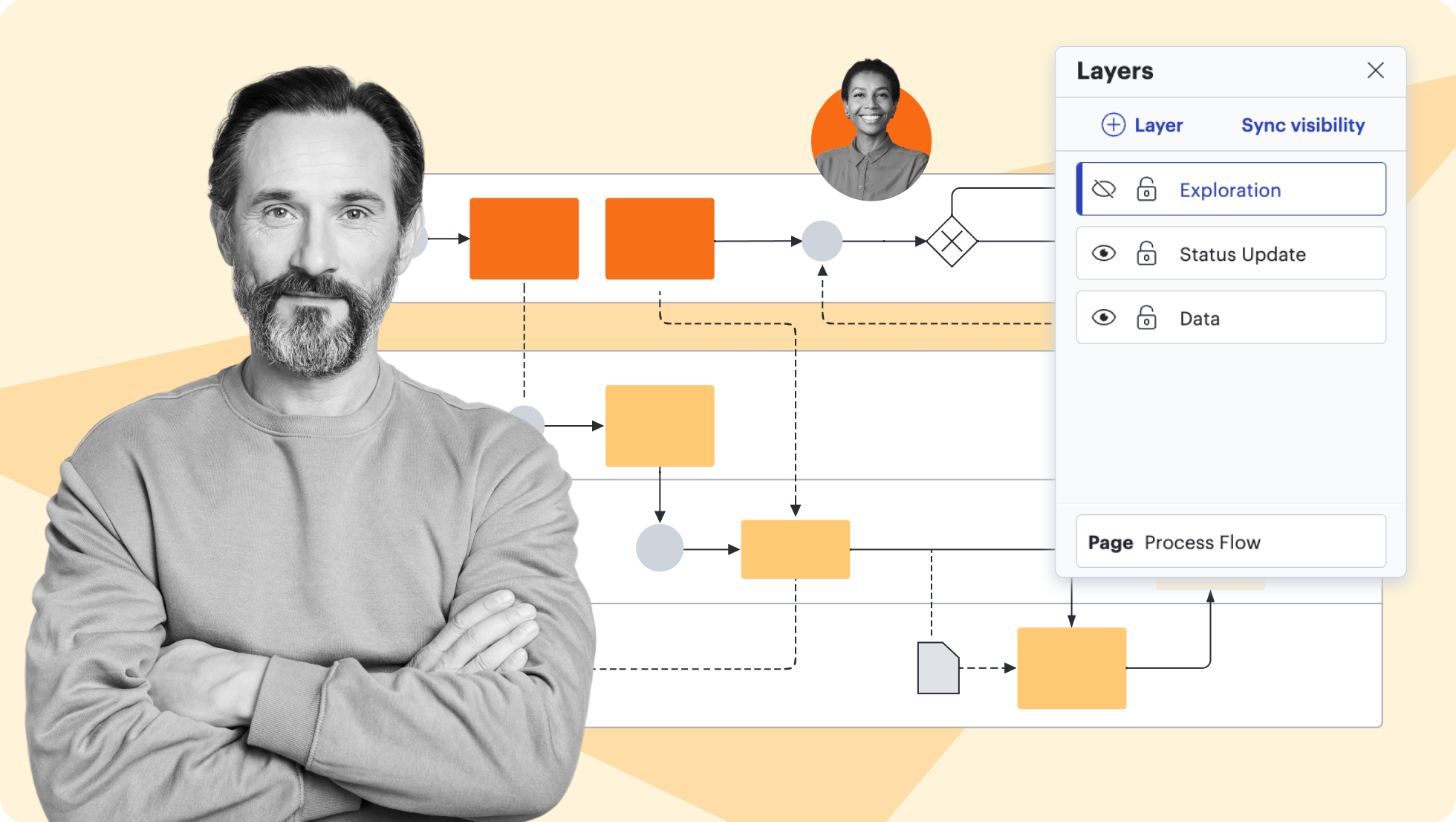
Layers
Layers
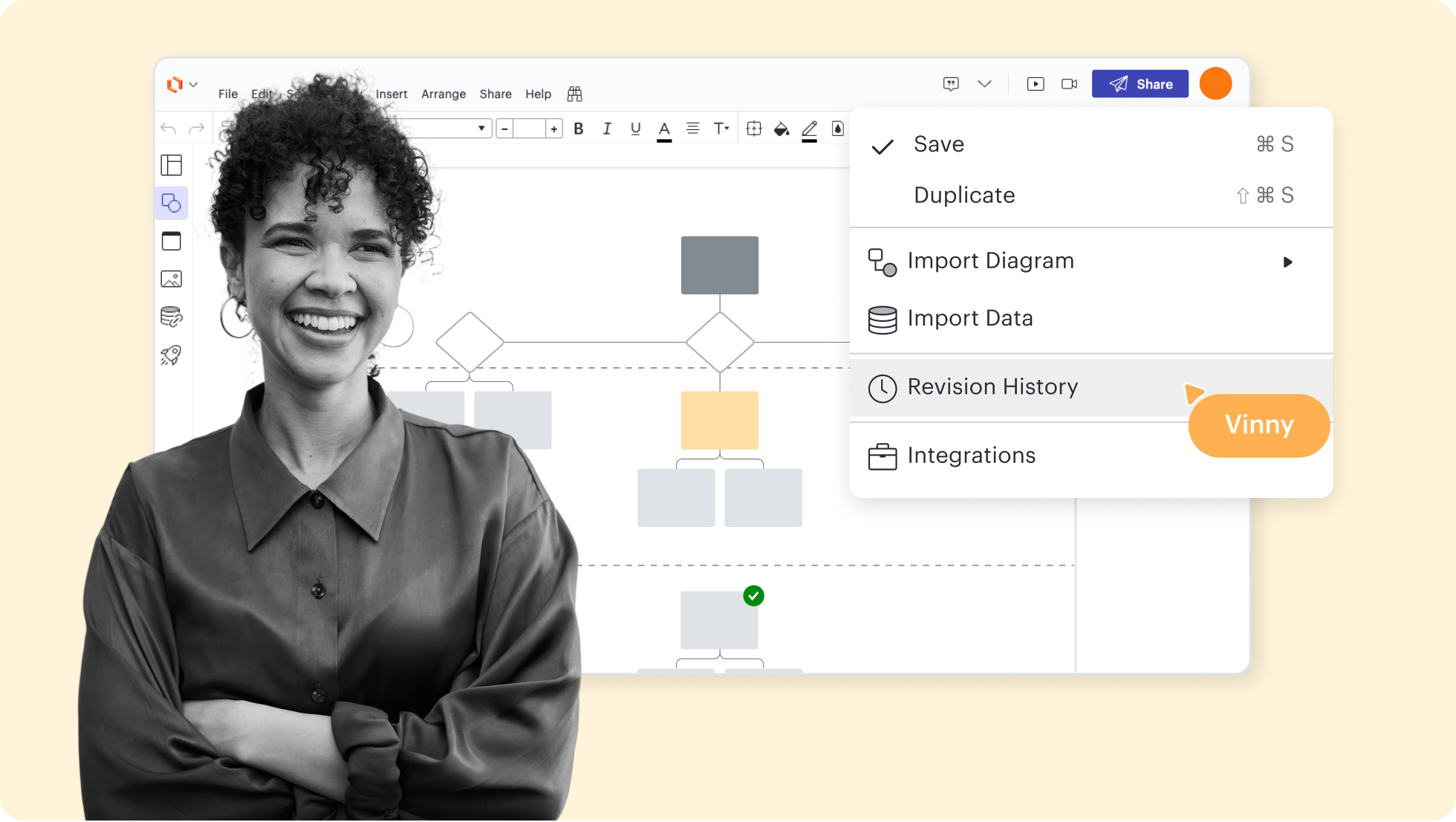
Revision history
Revision history
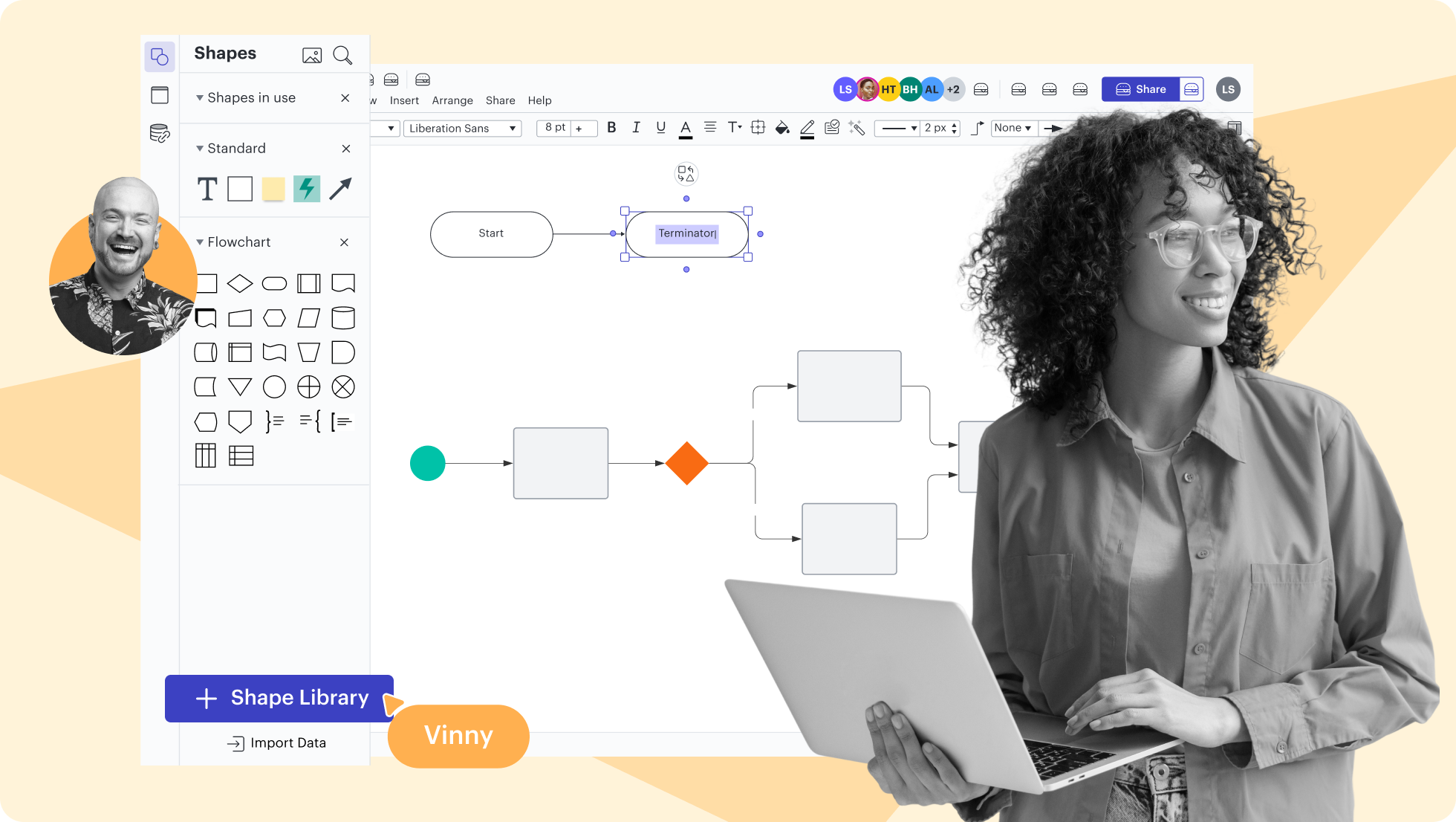
Shape libraries
Shape libraries
AI prompt flow
AI prompt flow
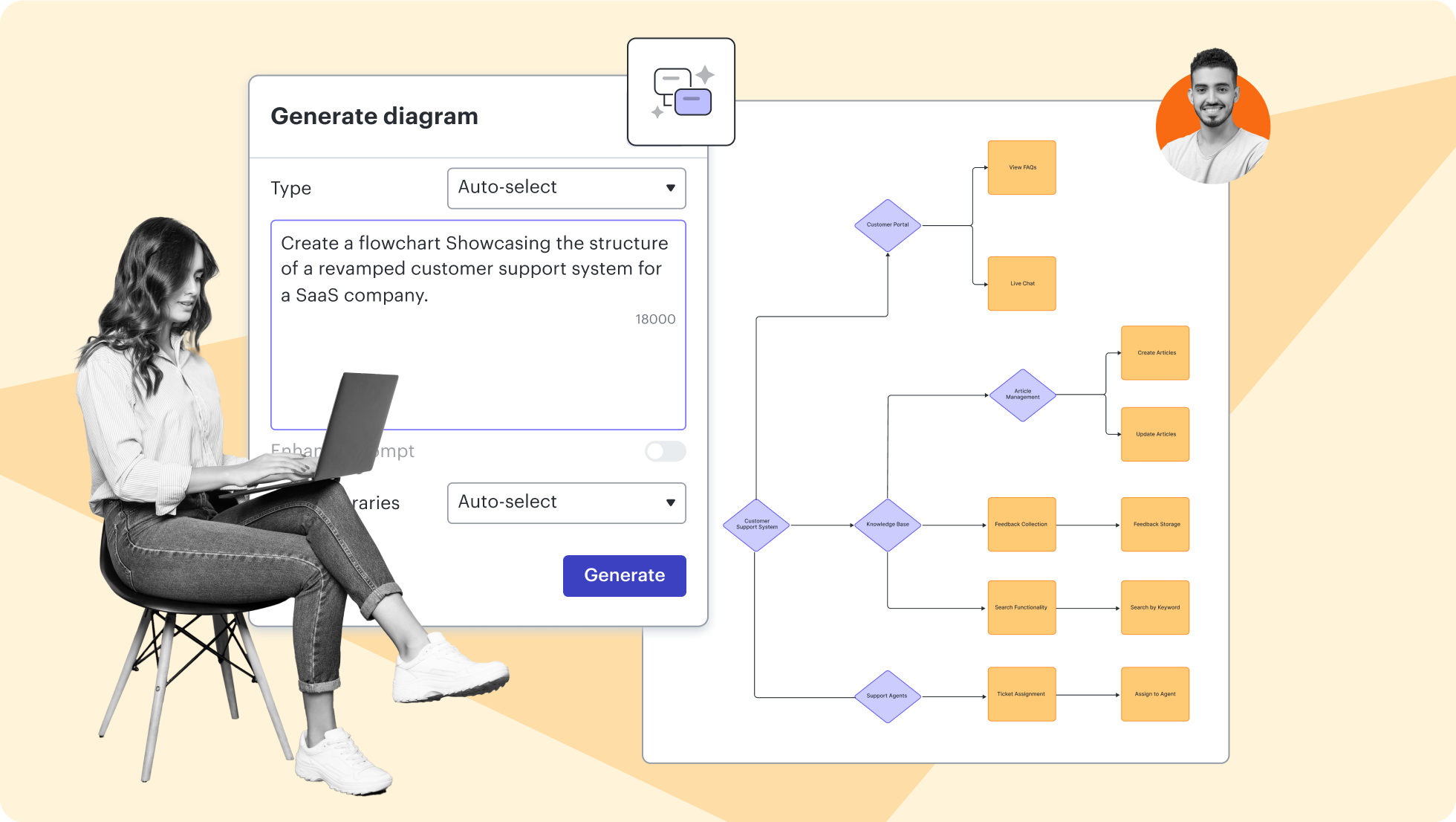
Lucidchart feature highlights
Streamline work by enabling multiple collaborators to create and edit the same diagram at once.
Mockup templates and examples
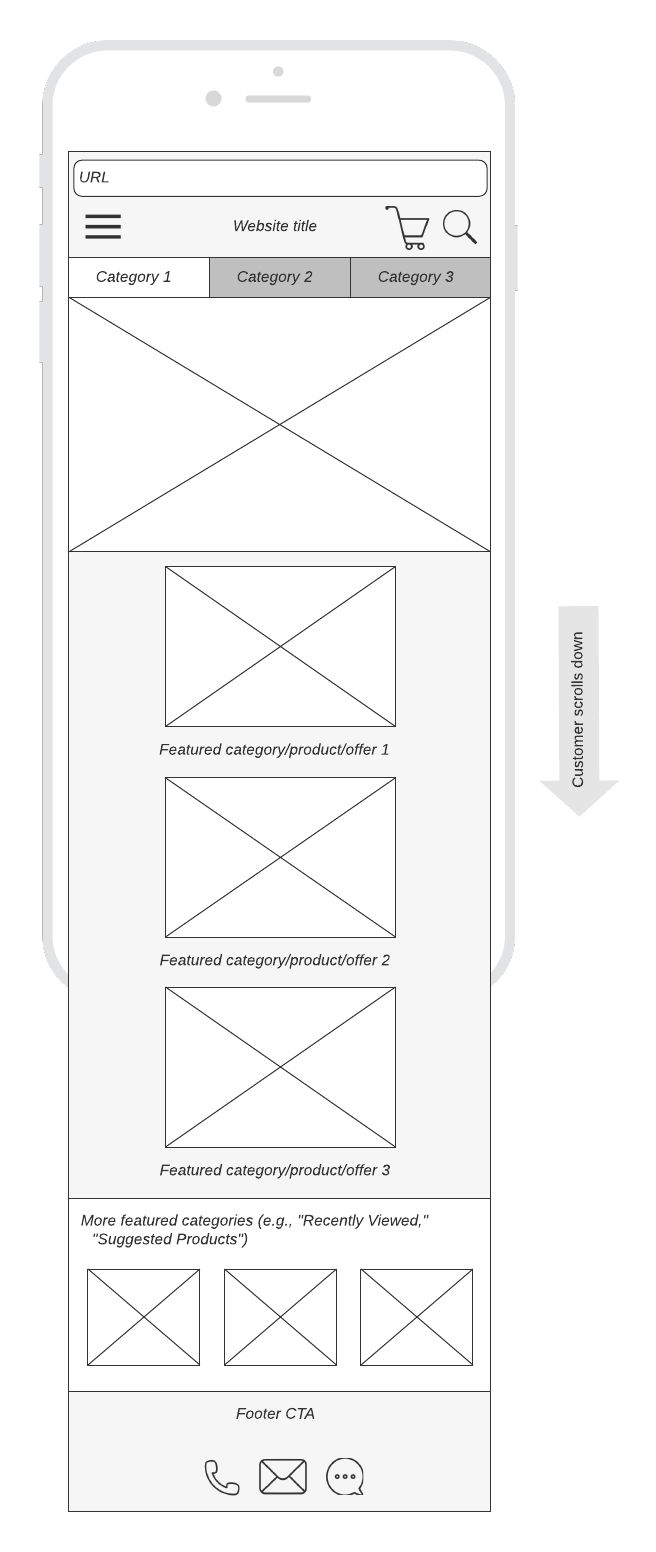
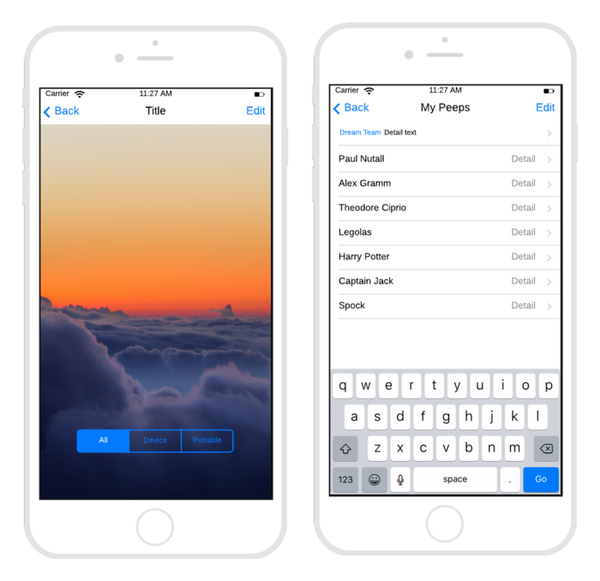
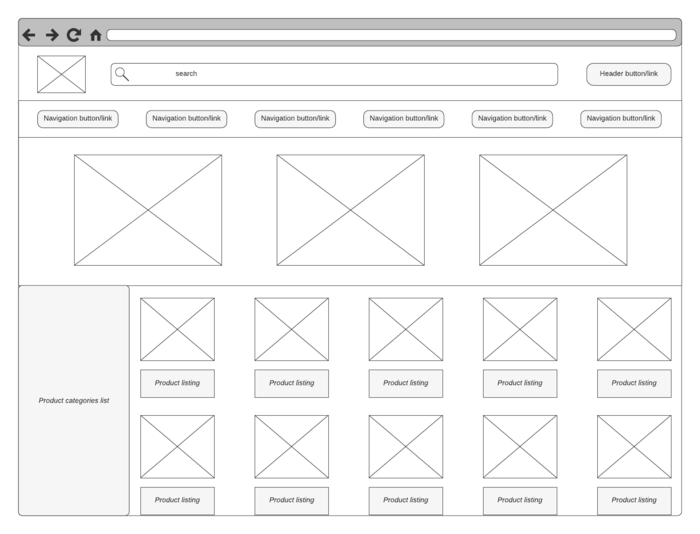
Getting started in Lucidchart
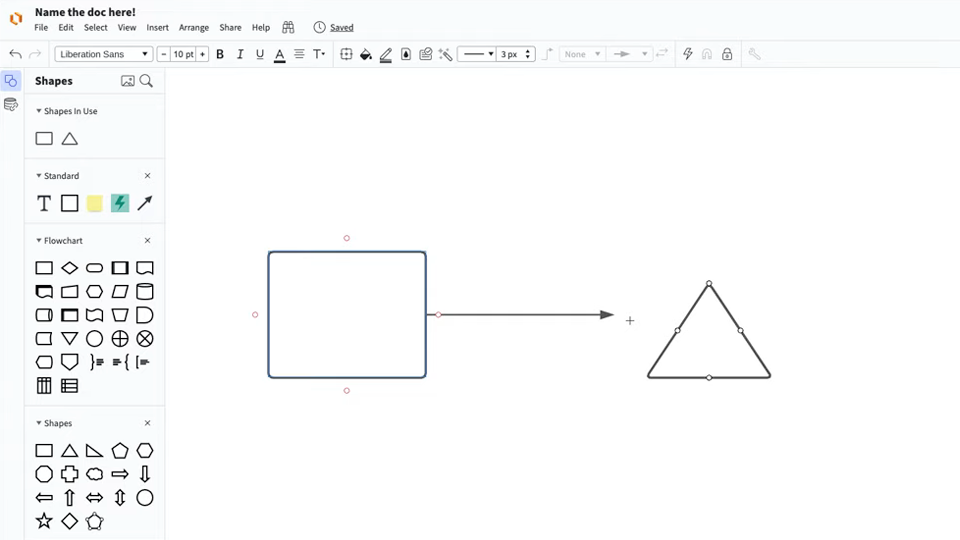
Master the basics of Lucidchart in 3 minutes
Follow along with this video tutorial and learn how to make any type of diagram in Lucidchart.
Why teams choose Lucidchart
As an intelligent diagramming application, Lucidchart provides simple yet powerful capabilities for visualizing information.

Collaboration. Bring teams together side by side on a shared canvas from anywhere in the world.
Alignment. Build transparency and shared understanding of how a team or company works.
Large-scale change. Increase visibility, standardization, and knowledge sharing across your entire org.
End-to-end workflows. Upgrade to the Lucid Suite for a complete, connected visual collaboration solution.


What is a mockup?
A mockup is a more in-depth iteration of the wireframe outline. A mockup is a static wireframe that includes more stylistic and visual UI details to present a realistic model of what the final page or application will look like. A good way to think of it is that a wireframe is a blueprint and a mockup is a visual model. Mockups are useful tools for understanding and communicating what the final interface should look like and gives stakeholders a chance to preview design and style choices before committing to building the app in a functional prototype.
Additional Lucidchart resources
Lucid Training Labs
Learn visual collaboration skills in free, self-serve courses and live training workshops.

Lucid Community
Connect with other users to share tips and insights. Provide feedback to Lucid’s product team.
Help center
Find detailed articles with step-by-step instructions for using specific Lucid features.
Lucidchart tutorials
Go to the Lucidchart tutorials playlist on YouTube for video training on various topics.
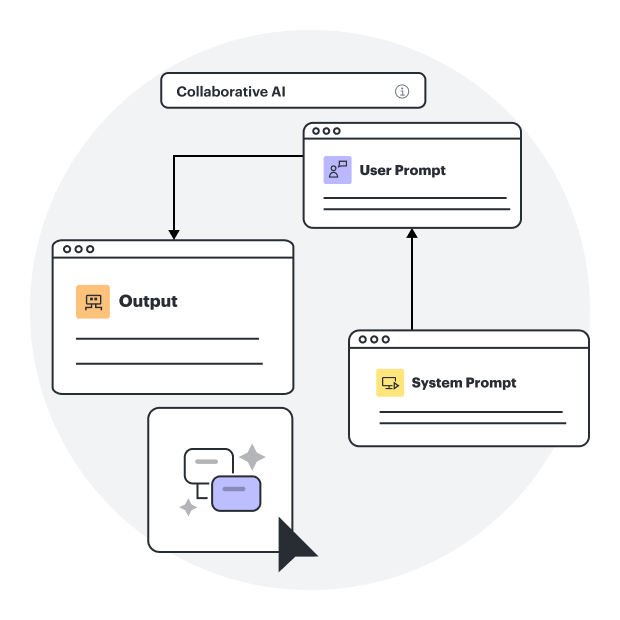
Collaborate with AI
Get an overview of Lucid’s AI functionality and find additional resources.
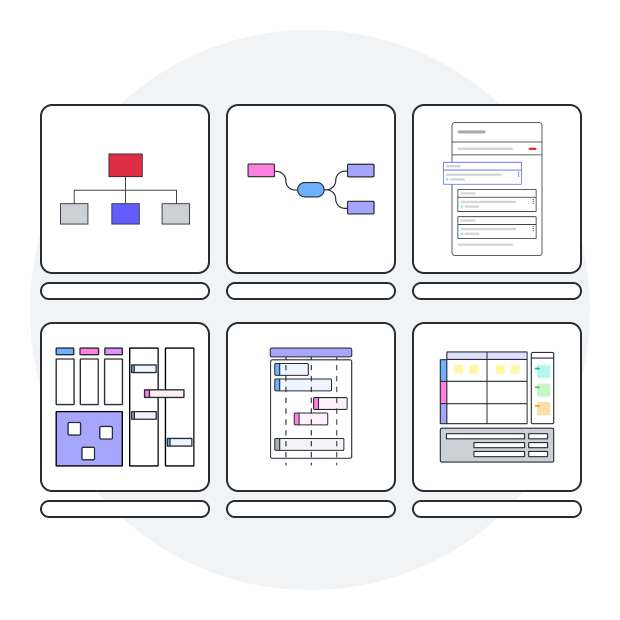
Lucid blog
Explore tips for optimizing collaboration, aligning teams, and driving initiatives in Lucidspark.
Lucidchart pricing
Create a free account and compare options for paid Individual, Team, or Enterprise plans.
Frequently asked questions about mockups
Does Lucidchart include dedicated mockup shapes?
Can I add links to my mockup to make it more interactive?
How long does the free trial last?
Where can I find more information about mockups?
Everything you need to make a diagram
Lucidchart offers support and training resources to help you branch out to any type of diagram.
View Lucid Training Labs