Online FAST diagram

Make a polished, professional diagram for free with Lucidchart. No matter what you have in mind, we have the tools you need to build it. Make an account and start diagramming today.

Sign up free
diagram software

FAST diagramming software to understand product function

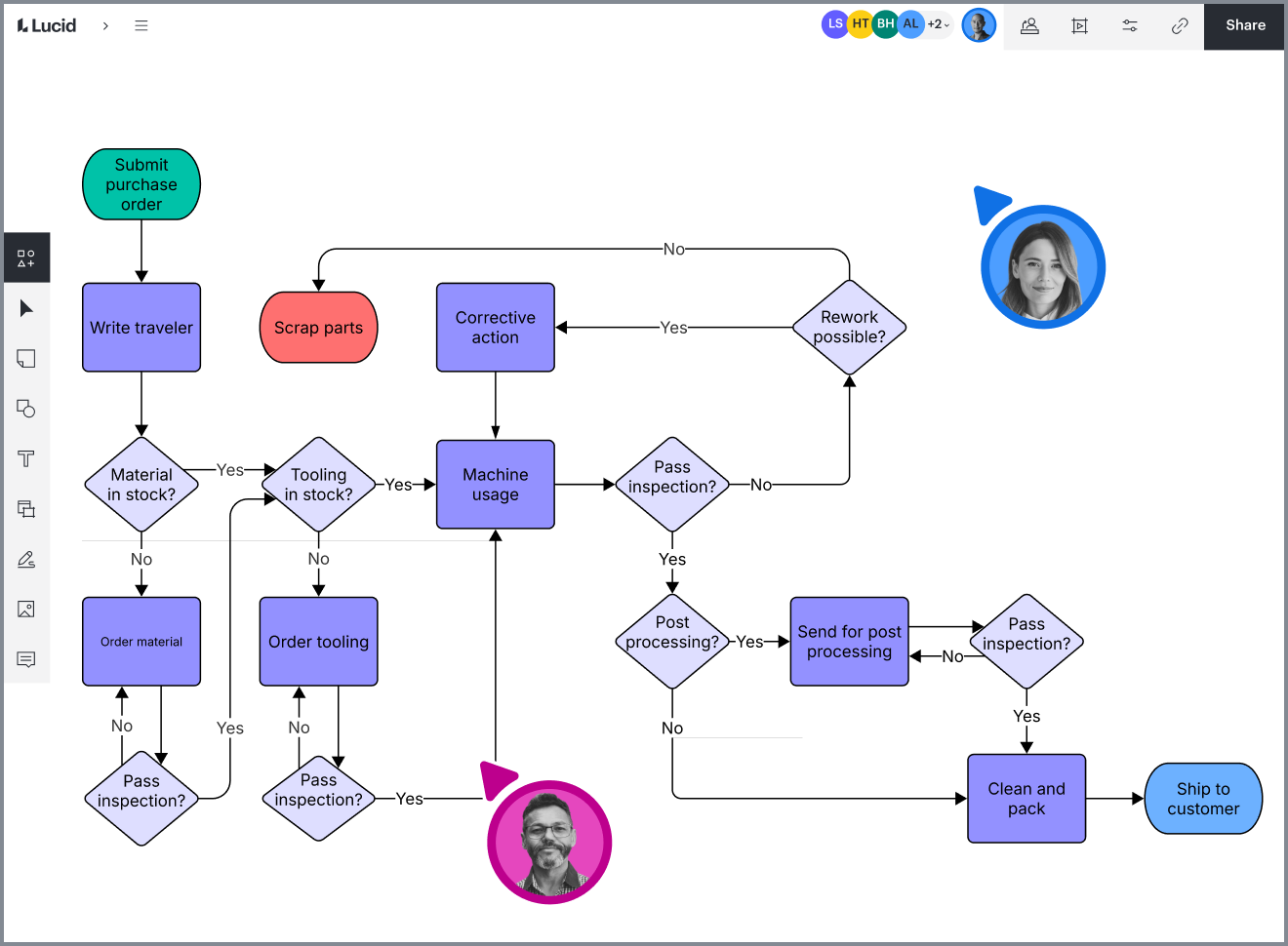
Lucidchart’s creative tools, templates, and open canvas are ideal for creating FAST diagrams that identify and convey how functions are linked and work together

Visualise the logical relationships within an element or system
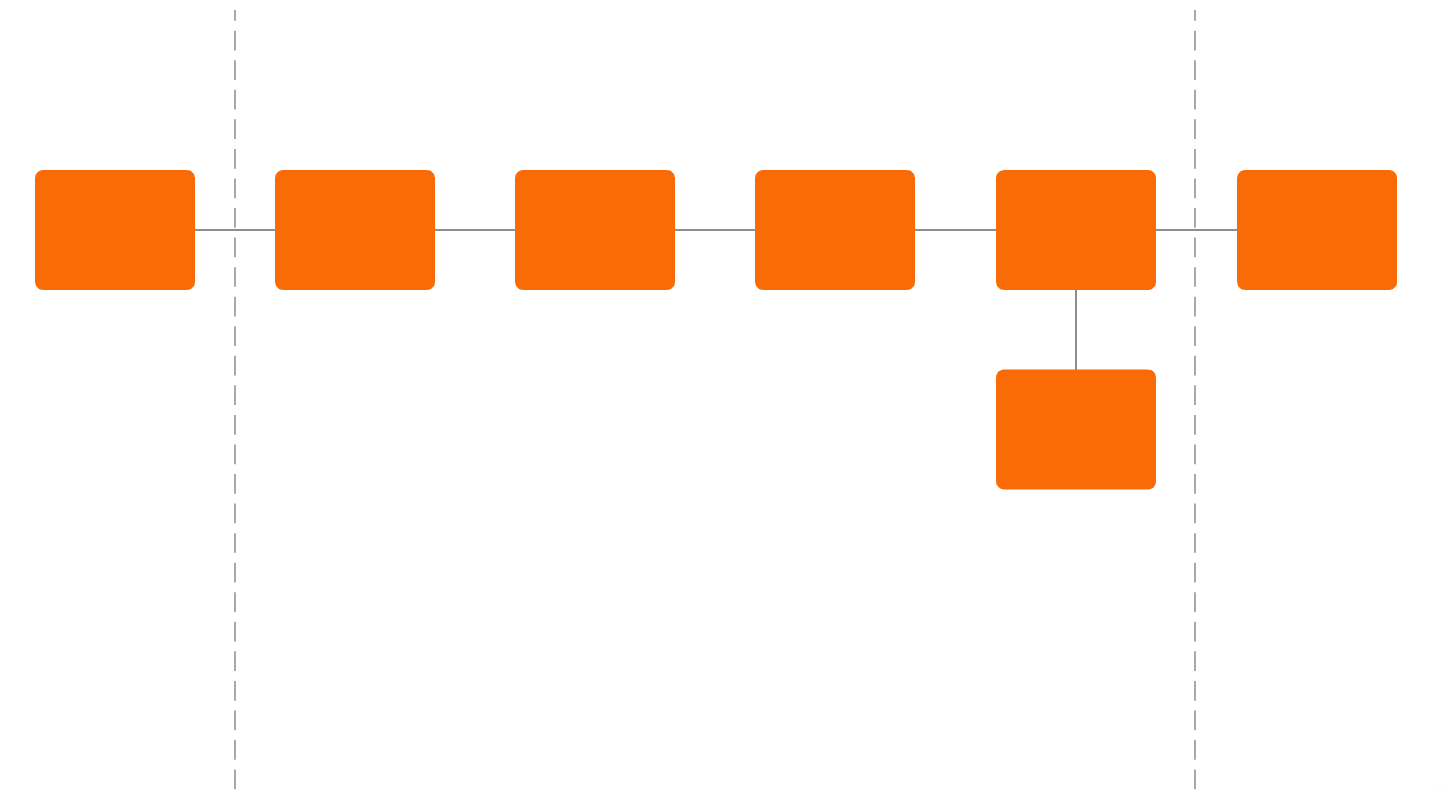
The acronym FAST (Functional Analysis Systems Technique) denotes a method used to develop a visual depiction of the logical relationships between the various functions of a project, product, process or service. It enables people from different technical backgrounds to communicate effectively and solve problems requiring multidisciplinary considerations. 

Create a FAST diagram online to answer the questions “how” and “why”
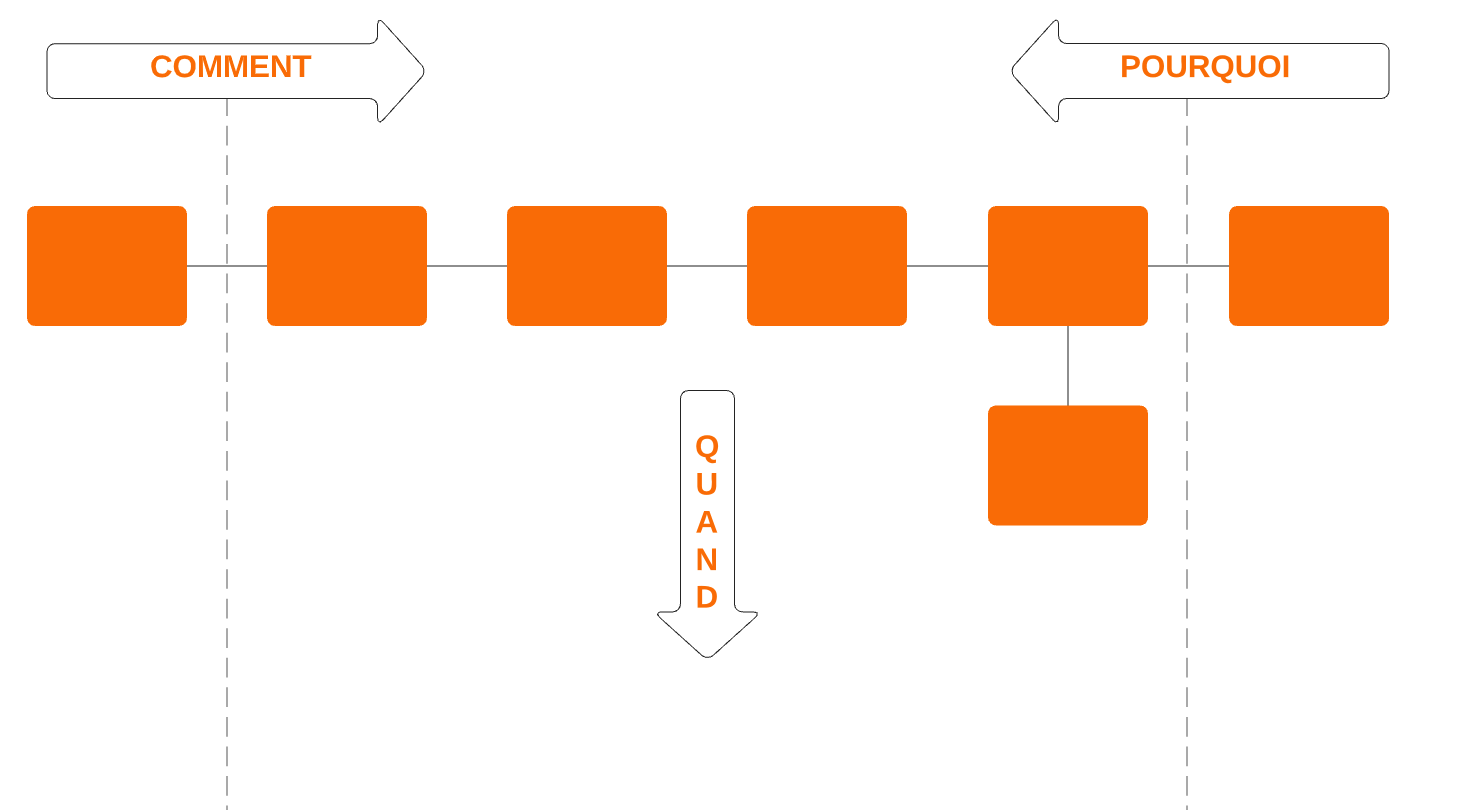
To create a FAST diagram, ask the questions “how” and “why” concerning the structures and functions of your system. Starting with one function, add shapes and arrows to your canvas to depict how this function is performed, from left to right. Then, map out each function’s “why” from right to left. Once you’ve identified your primary and secondary paths, functions can be arranged from top to bottom on your canvas according to “when” functions take place.

Communicate effectively with multidisciplinary teams
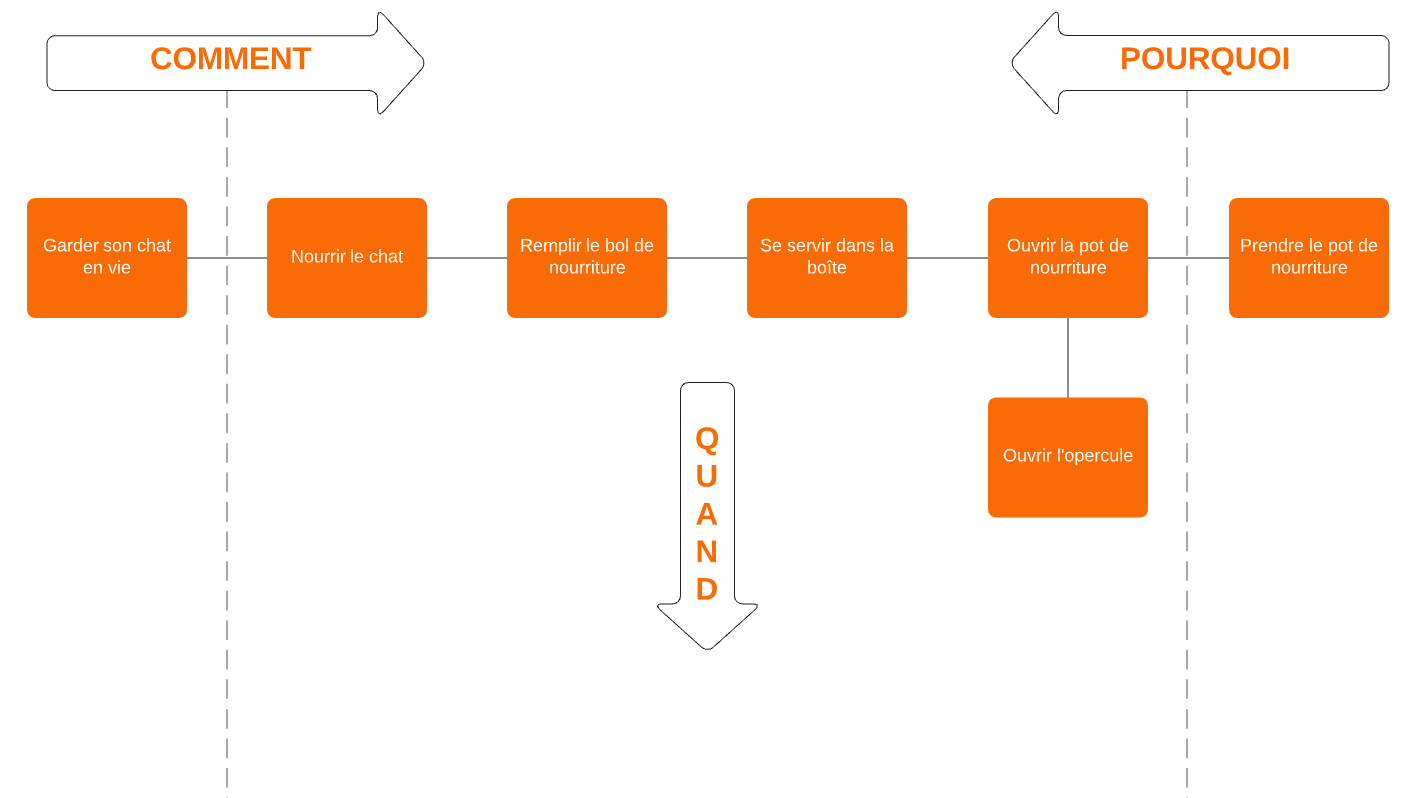
The FAST diagram makes it easy to work effectively within multi-disciplinary teams. With your FAST diagram easily available to your entire team, you can identify problems based on clear-cut visuals. Organise even the most complicated relationships so that your entire team can understand each function at a glance. Our user-friendly tools and formatting options highlight both core functions and missing functions within your product, so you can get to work on creating solutions.

How an online FAST diagram improves creativity
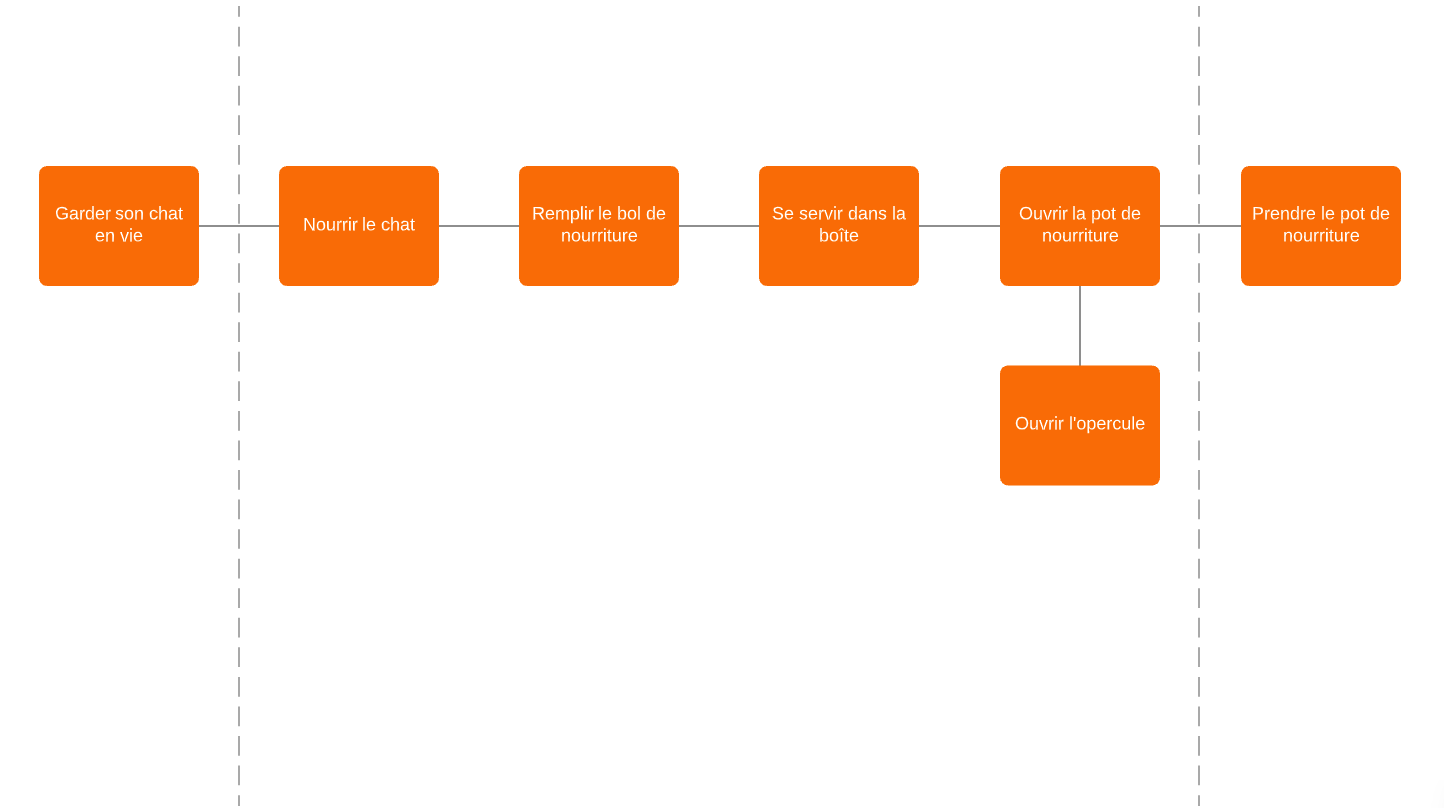
Developing a FAST diagram online can help any team develop a common understanding of a product or project while defining and clarifying the problem at hand. Use your FAST diagram to give your cross-functional team tools to understand relationships between functions, so you can improve communication and build consensus moving forward. With your function analysis clearly mapped out, you can stimulate creativity as you brainstorm solutions to any deficiencies or problems. 

Collaborate online in real time with your team
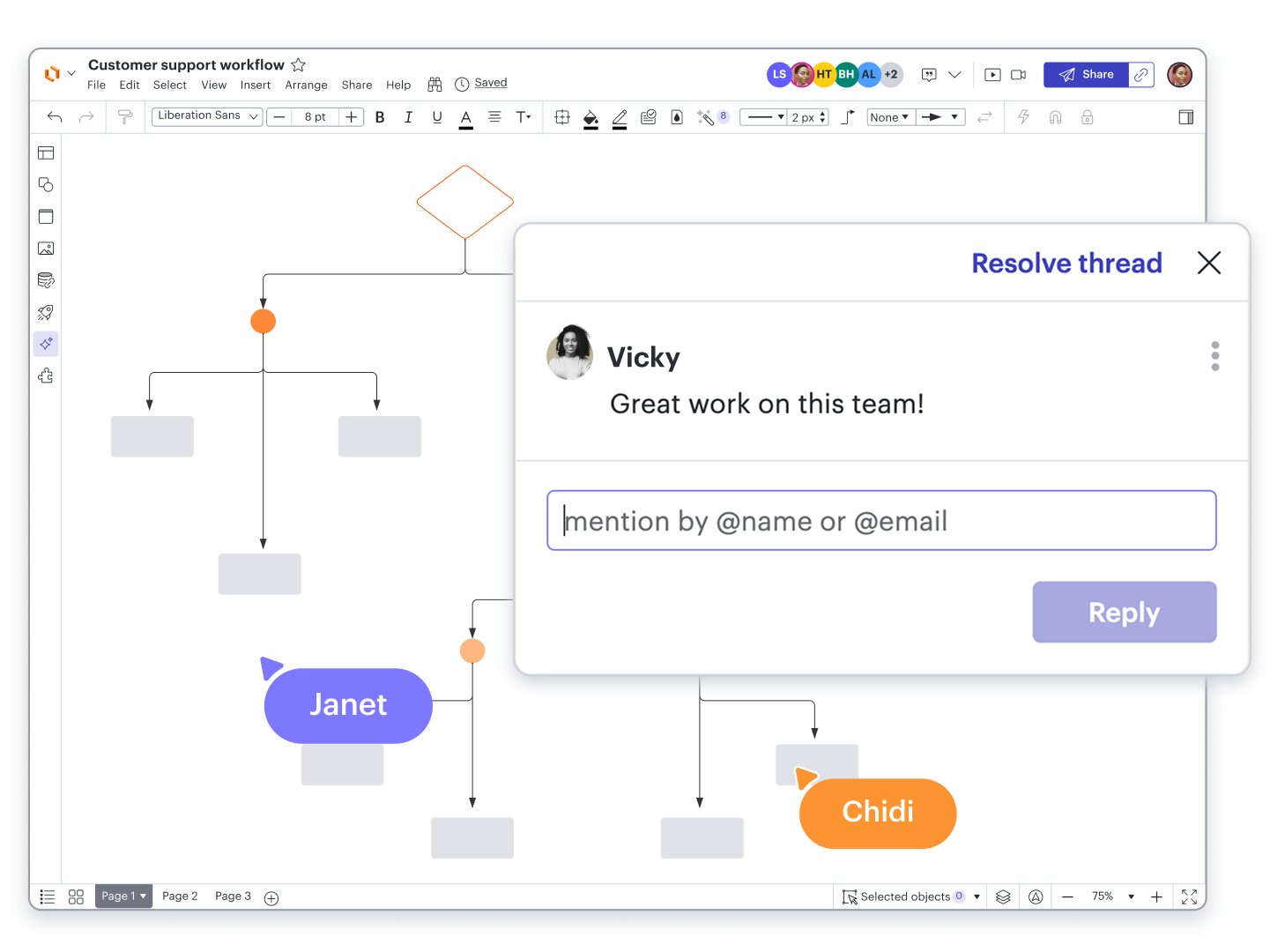
Simplify teamwork with an online FAST diagram with real-time updates, @ mention commenting, and chat features built into the Lucidchart editor. If you want to send your FAST diagram to others once you’ve refined it, simply share your visual via a published URL, embed it in a wiki, or use presentation mode to create professional presentations. Insert your online FAST diagrams into Google Slides, Confluence, or Slack to give your entire team easy access to your function analysis.

Boost productivity with 100+ integrations

Connect Lucidchart to apps from leading providers like Google, Microsoft, and Slack. Explore the Lucid integrations marketplace for apps to streamline communication, strategic planning, task management, and more.

Lucidchart feature highlights

Real-time collaboration

Streamline work by enabling multiple collaborators to create and edit the same diagram at once.

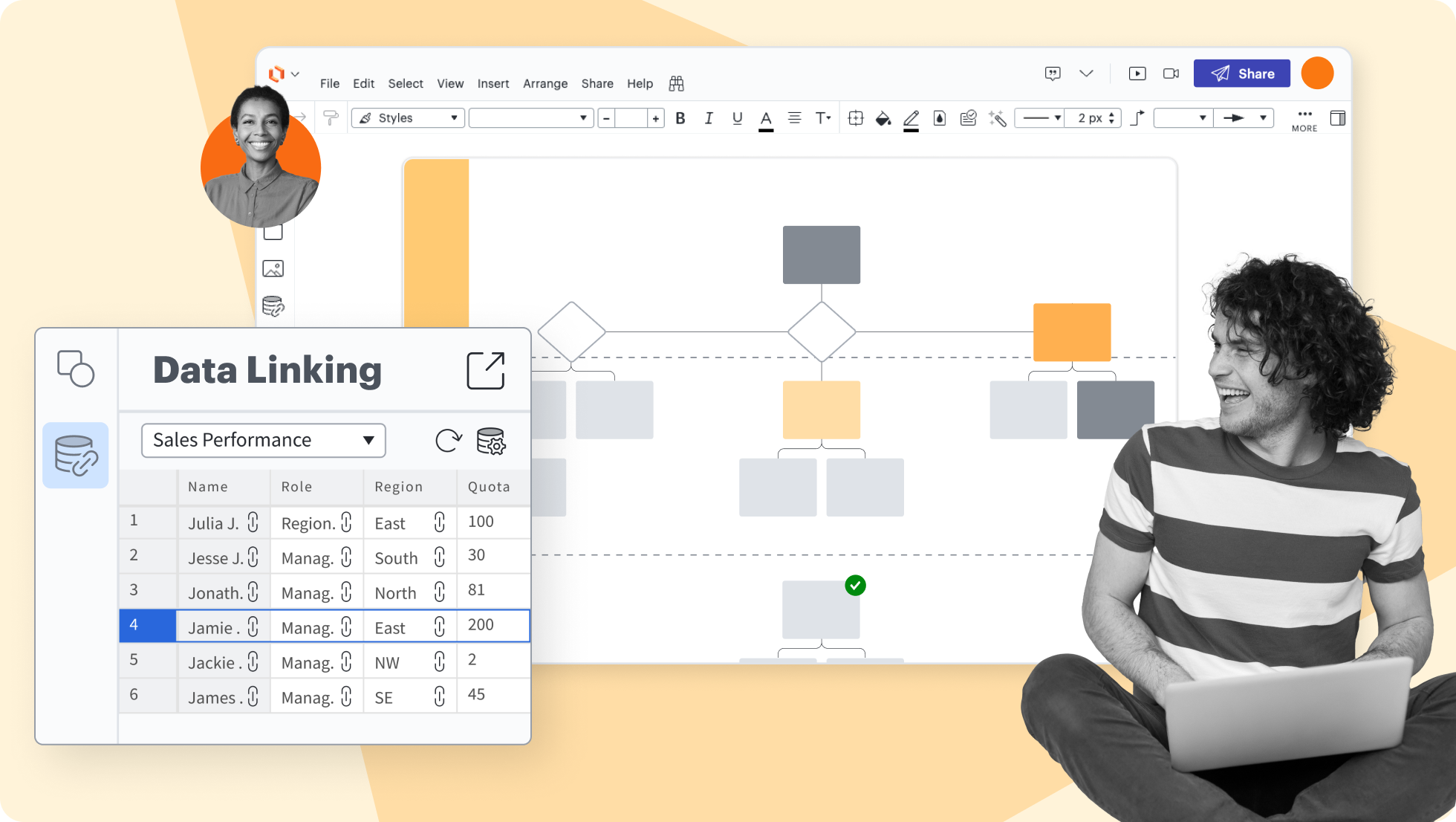
Create accurate diagrams faster by linking shapes to data from Google Sheets, Excel, or CSV files.

Transform data by visually highlighting patterns and insights for quick comprehension at a glance.

Add layers to visualizations for multiple levels, distinct visibility controls, and streamlined editing.

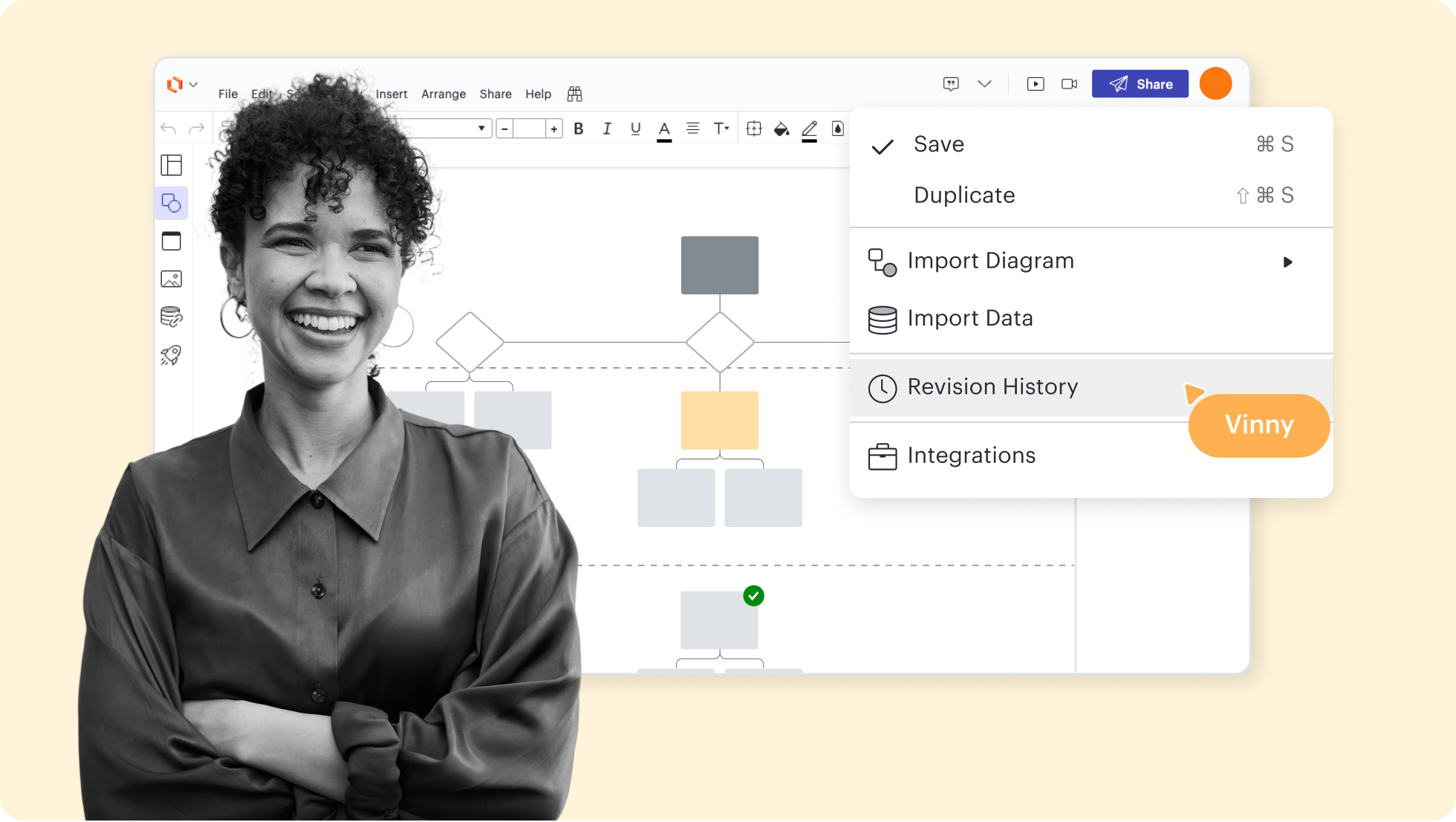
Collaborate confidently—view changes, revert to prior versions, and ensure diagrams are up to date.

Use existing shape libraries for Salesforce, enterprise architecture, and more—or customize your own.

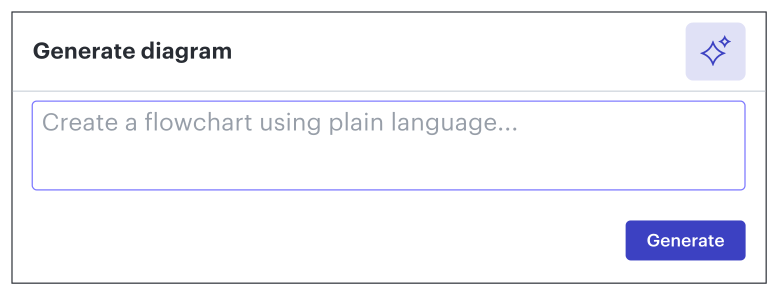
Build and experiment with LLMs on the Lucid canvas. Test prompts and inputs to see what works best.

Lucidchart feature highlights

Streamline work by enabling multiple collaborators to create and edit the same diagram at once.

Getting started in Lucidchart
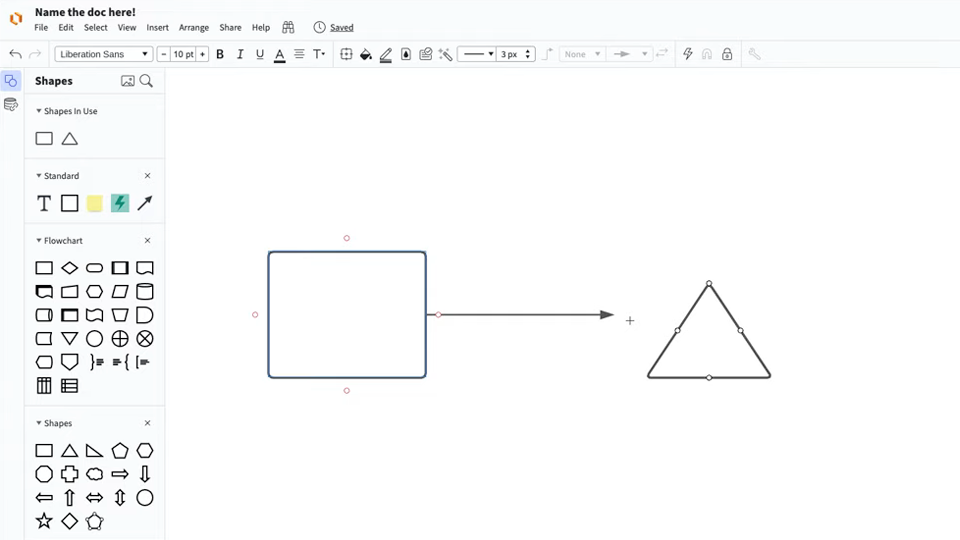
Follow along with this video tutorial and learn how to make any type of diagram in Lucidchart.

Why teams choose Lucidchart

As an intelligent diagramming application, Lucidchart provides simple yet powerful capabilities for visualizing information.

Collaboration. Bring teams together side by side on a shared canvas from anywhere in the world.

Alignment. Build transparency and shared understanding of how a team or company works.

Large-scale change. Increase visibility, standardization, and knowledge sharing across your entire org.

End-to-end workflows. Upgrade to the Lucid Suite for a complete, connected visual collaboration solution.

How do I create a FAST diagram online with Lucidchart?

Begin your diagram by dragging and dropping individual shapes into a work area, or select and customize a FAST diagram template from our template gallery.

Answer the question “how is the function performed?” by placing the answer on the right in the form of an active verb and a quantifiable noun. Repeat the same logic with “why,” from right to left, by asking yourself “why is this function used?”

When the logic doesn’t work, identify missing or redundant functions or change the order until it begins to make sense.

To identify functions that occur at the same time, ask yourself when the function is performed and what the function does or brings about.

Easily customise, modify, and share your diagrams, anytime and with anyone. Work with your colleagues on the same document at the same time, thanks to real-time updates.

Additional Lucidchart resources

Lucid Training Labs

Learn visual collaboration skills in free, self-serve courses and live training workshops.

Explore courses

Lucid Community

Connect with other users to share tips and insights. Provide feedback to Lucid’s product team.
Join now

Help center

Find detailed articles with step-by-step instructions for using specific Lucid features.

Search resources

Lucidchart tutorials

Go to the Lucidchart tutorials playlist on YouTube for video training on various topics.
Explore playlist

Collaborate with AI

Get an overview of Lucid’s AI functionality and find additional resources.

See what’s possible

Lucid blog

Explore tips for optimizing collaboration, aligning teams, and driving initiatives in Lucidspark.

Read now

Lucidchart pricing

Create a free account and compare options for paid Individual, Team, or Enterprise plans.

Compare plans

Frequently Asked Questions about creating a FAST diagram online

Our presentation mode makes it easy to share your diagrams. Select areas of your diagram to convert into slides and present them professionally in Lucidchart.

We provide you with integrations for many popular applications, including G Suite, MS Office, Confluence, Slack and many others.

The Lucidchart trial period lasts for seven days and carries no obligation—you can cancel at any time. You will receive a reminder email before the end of your trial period.

Everything you need to make a diagram

In addition to our online FAST diagram tool, Lucidchart offers support and training resources to help you branch out to any type of diagram.

Lucid Training