Diagram maker
Make a polished, professional diagram for free with Lucidchart. No matter what you have in mind, we have the tools you need to build it. Make an account and start diagramming today.


By registering, you agree to our Terms of Service and you acknowledge that you have read and understand our Privacy Policy.

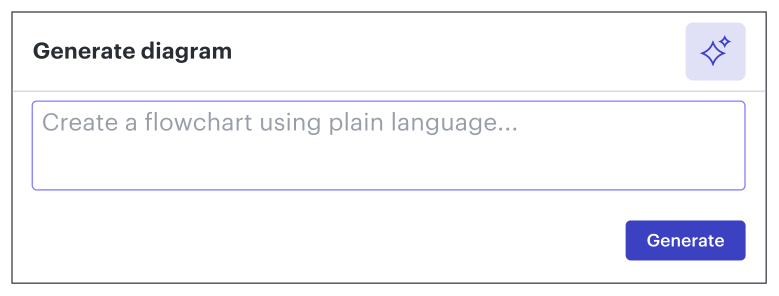
Get started with our AI diagram generator
 , opens in a new tab
Diagrams for all
Lucidchart can help you create a diagram for anything you have in mind—no matter the subject or complexity.
Use standard diagram shapes
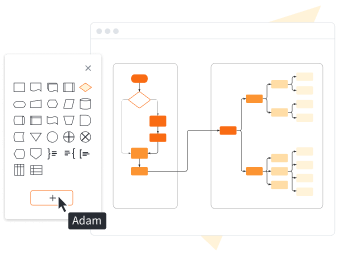
Present your diagram

Enjoy advanced diagramming features

Collaborate with anyone

Start with a customizable template

Stay secure with Lucidchart

Lucidchart feature highlights
Real-time collaboration
Real-time collaboration
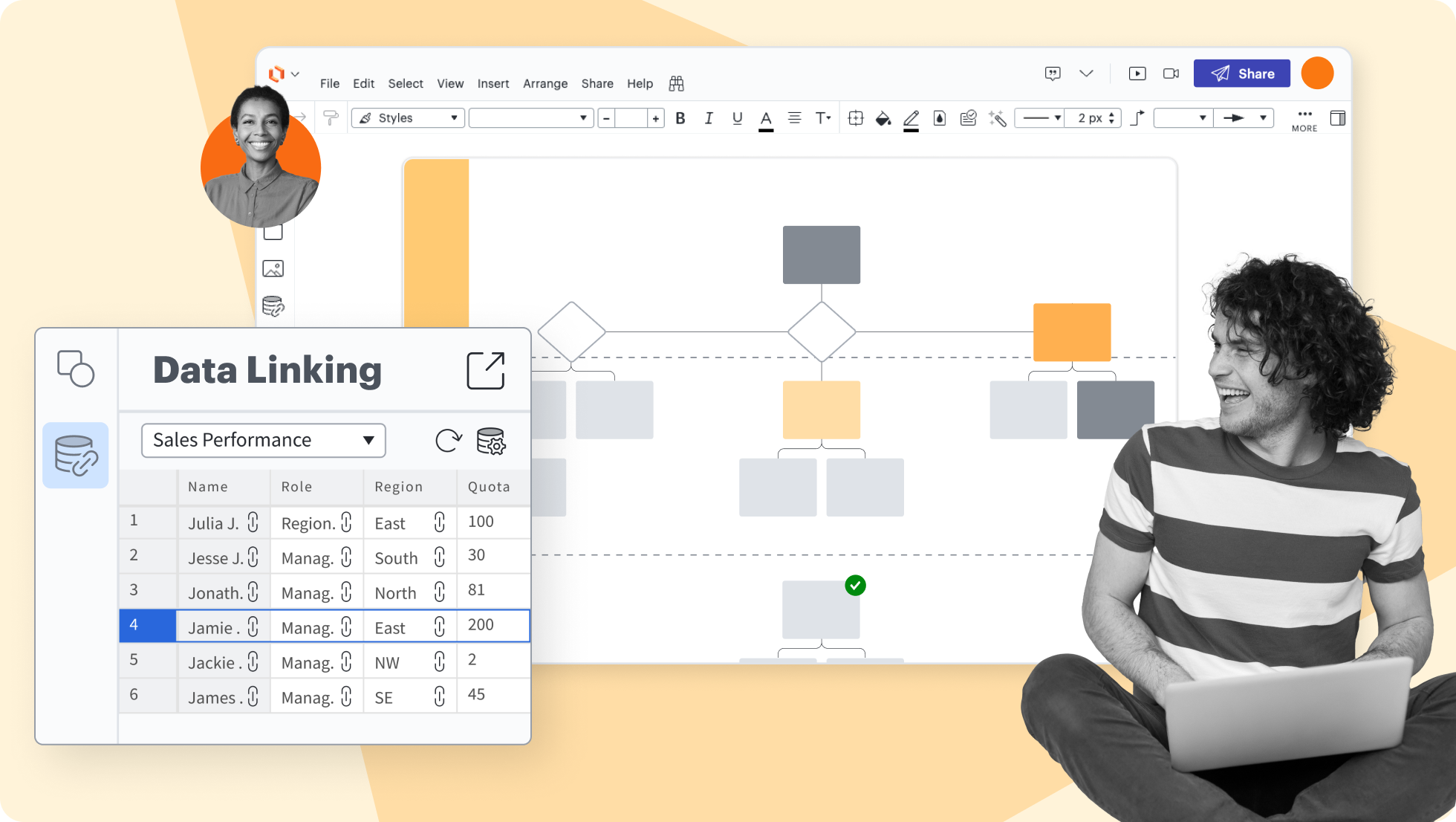
Data linking
Data linking
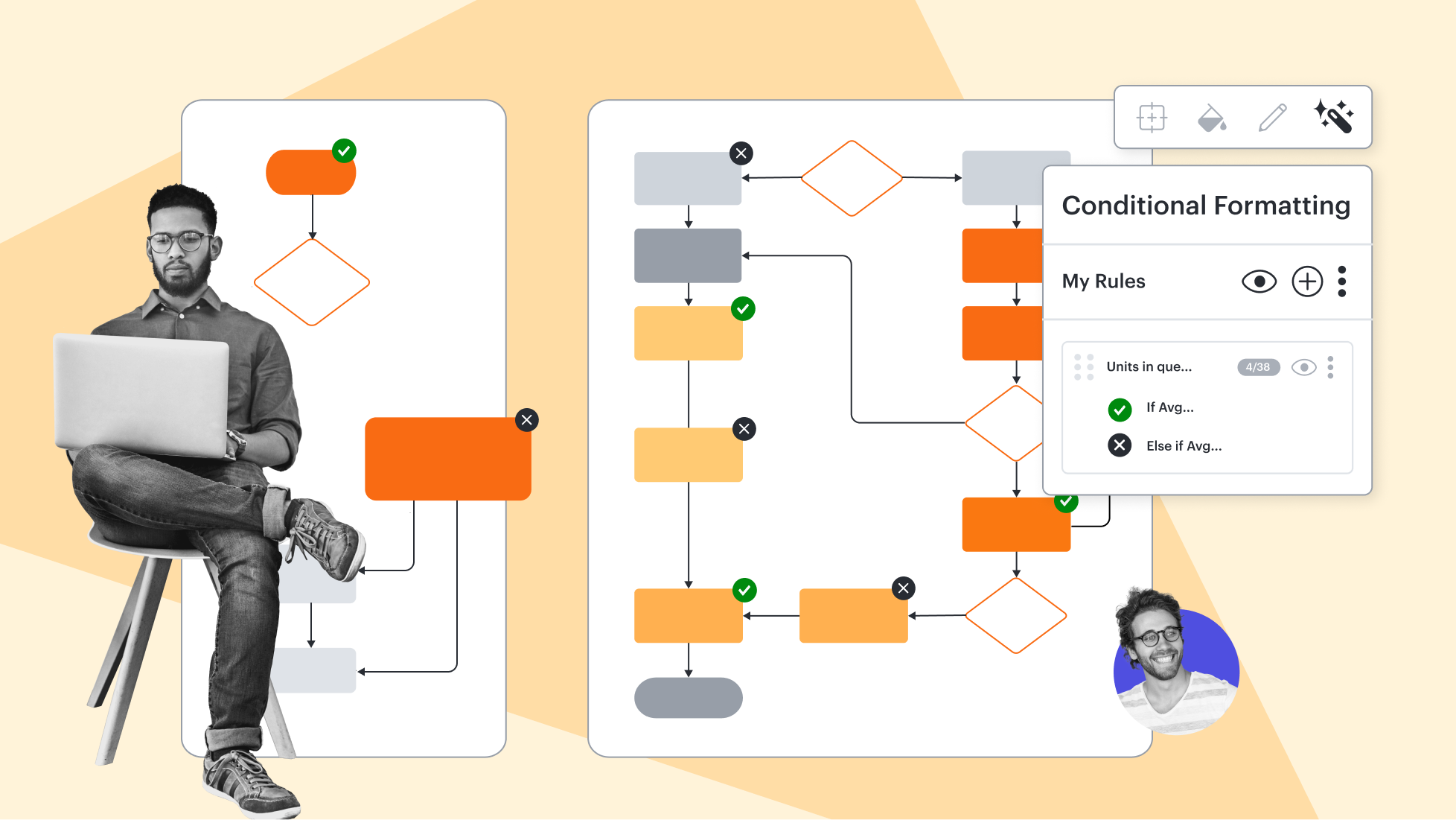
Conditional formatting
Conditional formatting
Layers
Layers
Revision history
Revision history
Shape libraries
Shape libraries
AI prompt flow
AI prompt flow


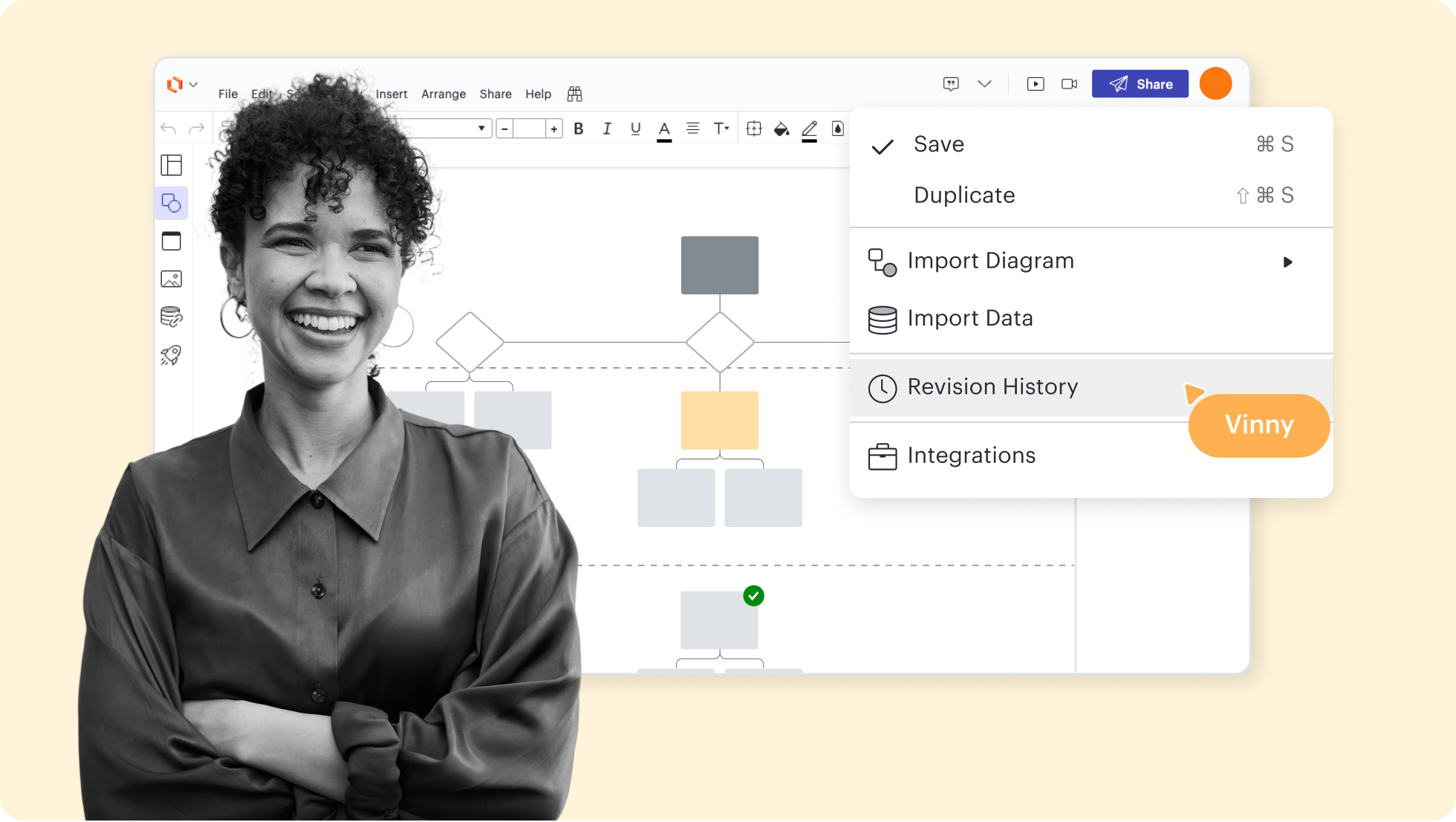


Lucidchart feature highlights
Streamline work by enabling multiple collaborators to create and edit the same diagram at once.
Diagram templates and examples
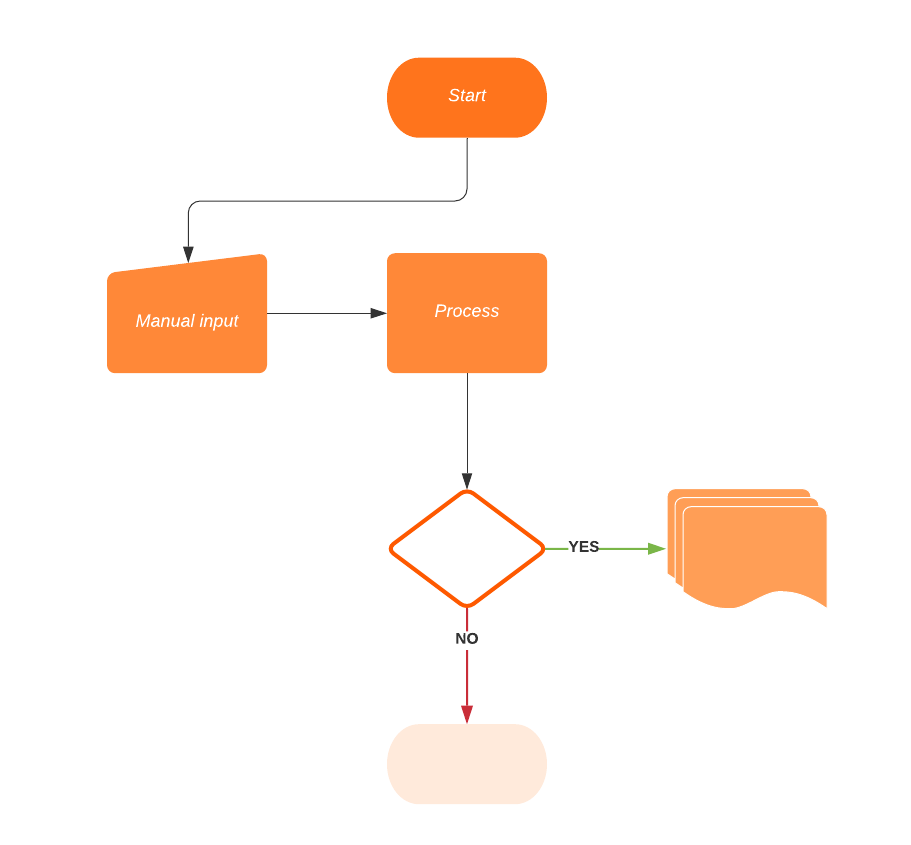
Use one of the diagram templates from our gallery to get started.
Getting started in Lucidchart
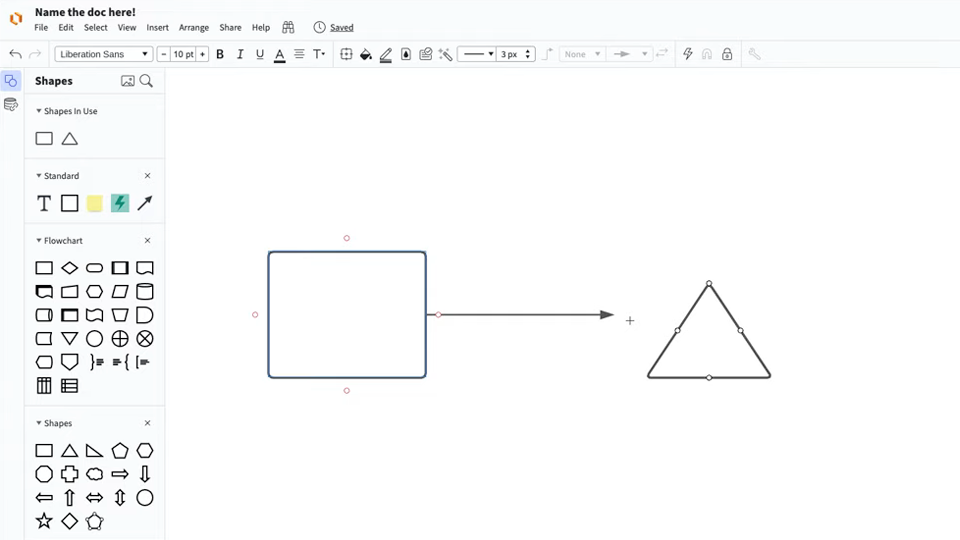
Master the basics of Lucidchart in 3 minutes
Follow along with this video tutorial and learn how to make any type of diagram in Lucidchart.
Why teams choose Lucidchart
As an intelligent diagramming application, Lucidchart provides simple yet powerful capabilities for visualizing information.

Collaboration. Bring teams together side by side on a shared canvas from anywhere in the world.
Alignment. Build transparency and shared understanding of how a team or company works.
Large-scale change. Increase visibility, standardization, and knowledge sharing across your entire org.
End-to-end workflows. Upgrade to the Lucid Suite for a complete, connected visual collaboration solution.


What is a diagram?
A diagram is a symbolic representation of information that helps you visualize concepts. It shows the arrangement of ideas or elements and how they relate to one another. Today, you’ll find diagrams in numerous fields, including education, writing, engineering, and marketing.
How to create a diagram with Lucidchart
Decide what type of diagram you need
Add shapes to your diagram
Connect the shapes
Format your diagram
Collaborate, analyze, improve, and share
Frequently asked questions about diagrams
What data sources do you support for importing diagrams?
What types of diagrams can I make in Lucidchart?
Do you have examples of diagrams that I can make in Lucidchart?
Is Lucidchart free to use?
Are Lucidchart diagrams public?
Can you link multiple diagrams into a master diagram?
Everything you need to make a diagram
In addition to our online diagram tool, Lucidchart offers support and training resources to help you branch out to any type of diagram.
Visit the Lucid Training Labs