Context diagram software

Lucidchart is a visual workspace that combines diagramming, data visualization, and collaboration to accelerate understanding and drive innovation.

Sign up free
diagram software

Simplify systems design and analysis with a context diagram

Create a context diagram as a visual reference for engineers and other team members
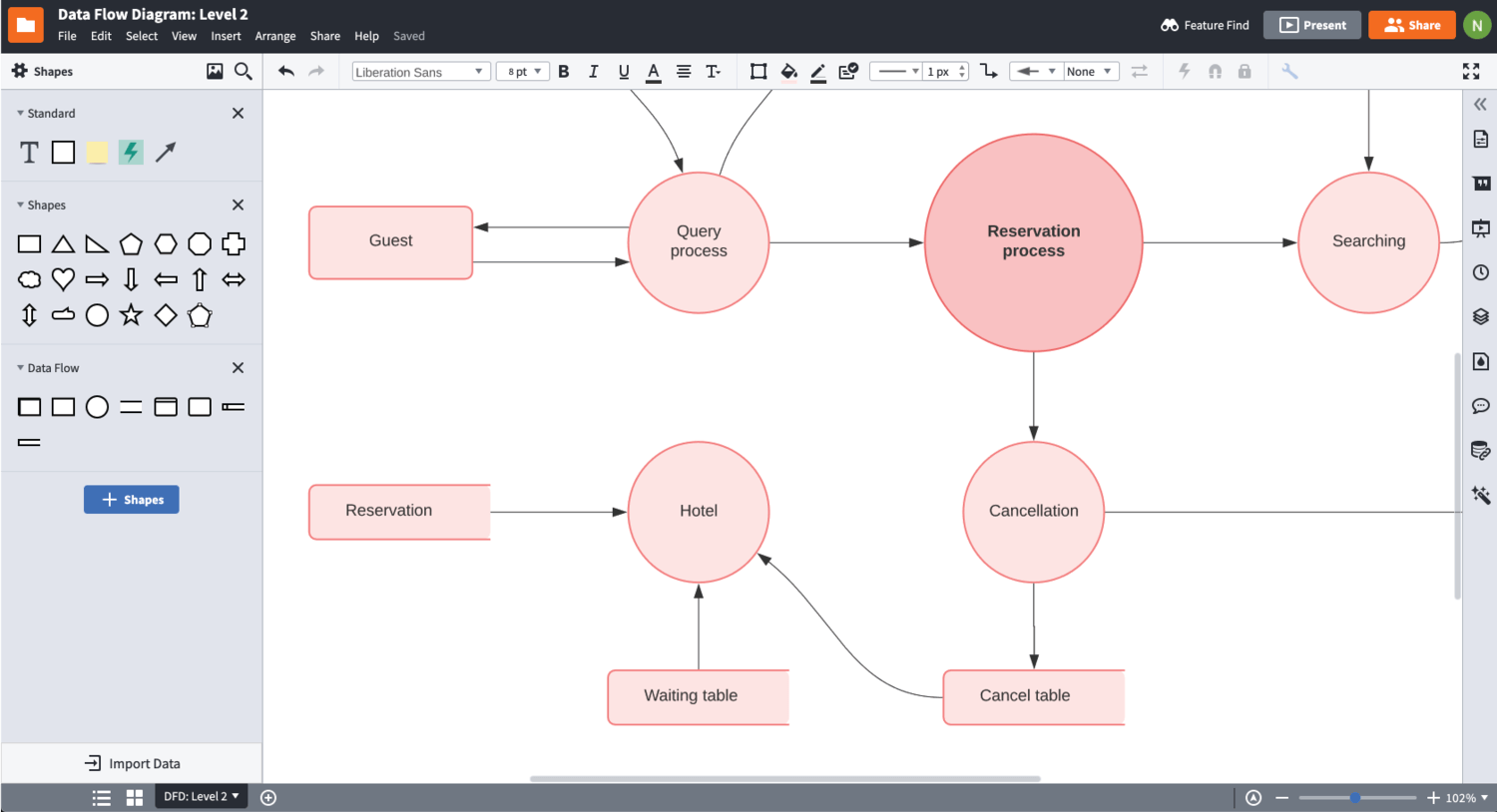
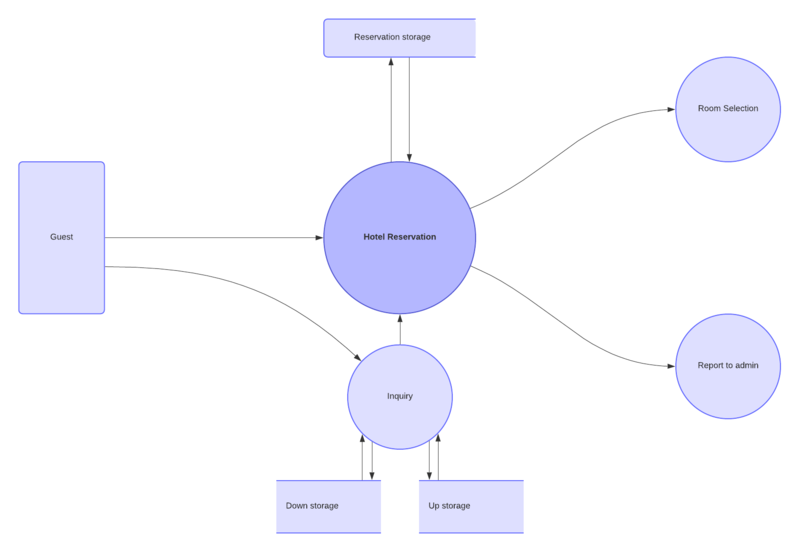
A context diagram, also known as a system context diagram or level-0 DFD, communicates a high-level overview of the flow of data within a technical system. With virtually no technical knowledge required to understand this type of system diagram, engineers, analysts, developers, and stakeholders can easily use it as a visual reference for systems analysis and design. Use Lucidchart as your context diagram software to effectively focus attention on the external factors and events that interact with your system and determine the extent of your process’s scope. 

Enable easy comprehension with intuitive collaborative features
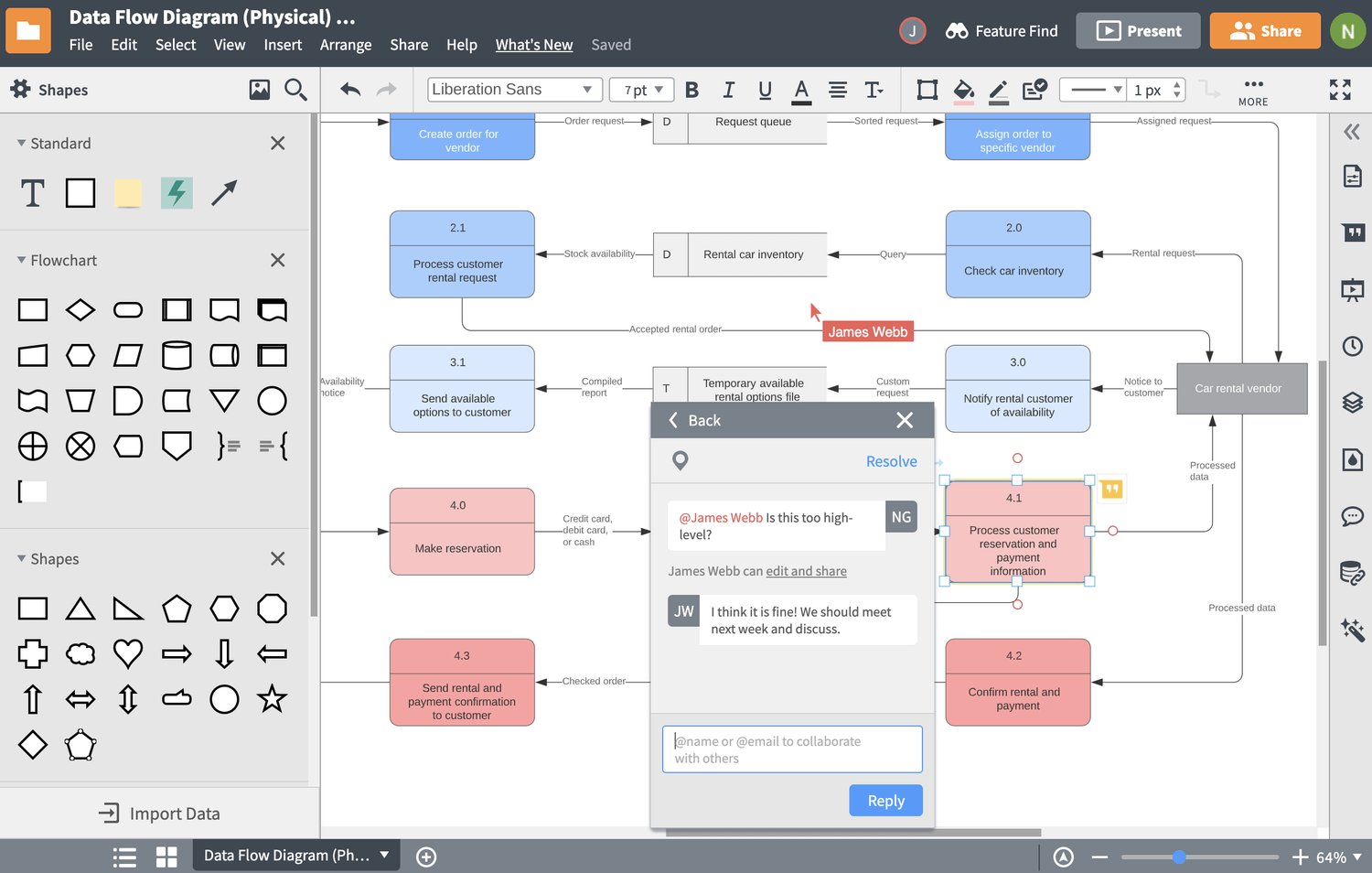
Best practices dictate that project stakeholders review, comprehend, and maintain access to your system context diagram. Our context diagram maker keeps collaboration simple, letting you publish and share your visuals with stakeholders instantly, manage access levels amongst your team, and collect feedback via shape-specific comments, @mention notifications, and in-editor chat. Real-time collaboration in Lucidchart lets you and your collaborators edit and update context diagrams simultaneously on the same canvas, so your team can accurately map data flows at any level. 

Implement and share visuals using the apps your team’s already invested in
Lucidchart is fully integrated with today’s most popular collaborative and technical apps, making sharing and publishing your diagrams an effortless process. Take your visuals created in our context diagram maker and insert them directly into technical platforms, including Confluence wikis or Jira issues. Lucidchart also works seamlessly with platforms like G Suite, Microsoft Office, Microsoft Teams, Slack, Github, and more, so you can publish and share your visuals within text documents, spreadsheets, slideshow presentations, or chat.

Lucidchart feature highlights

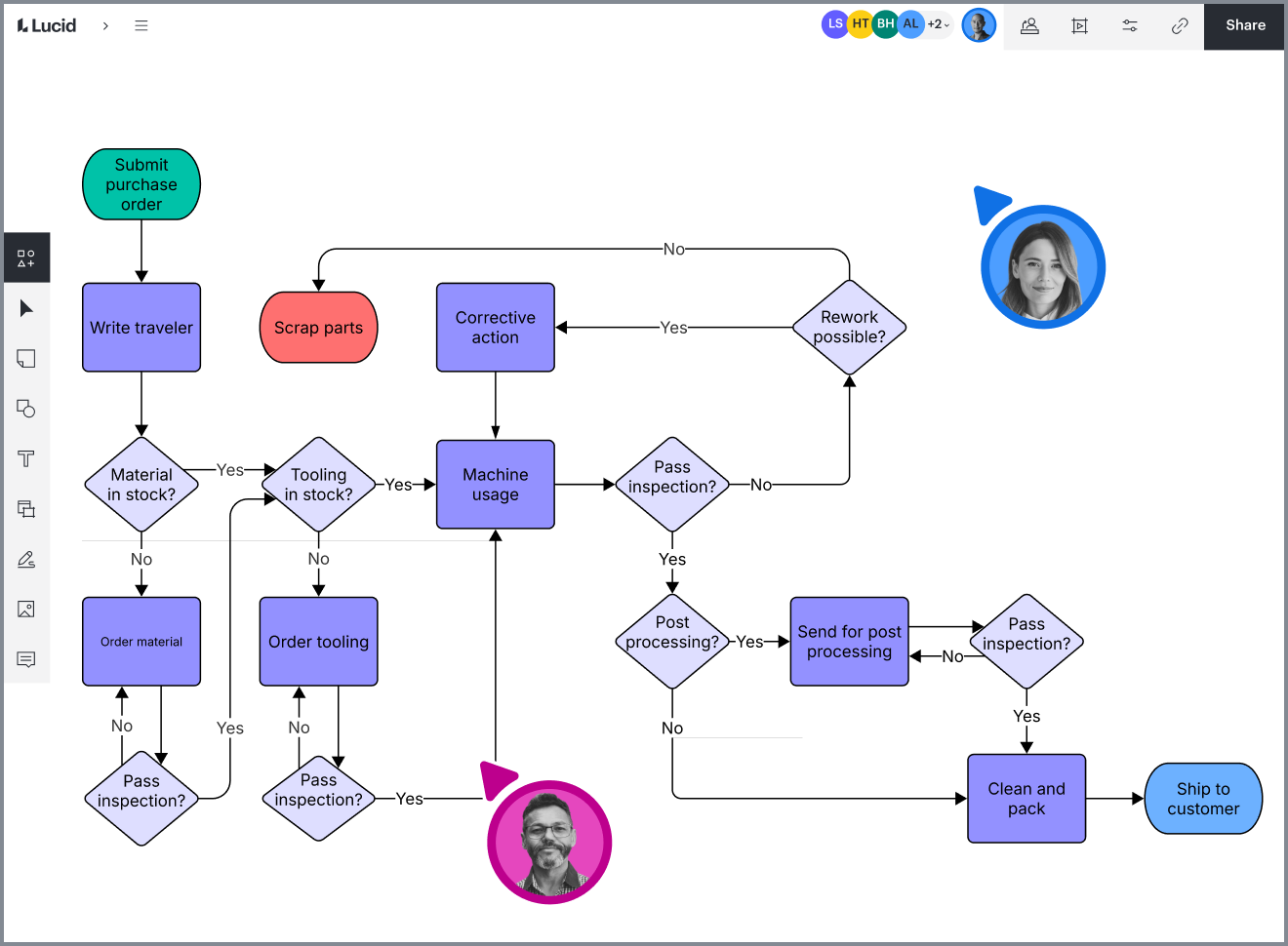
Real-time collaboration

Streamline work by enabling multiple collaborators to create and edit the same diagram at once.

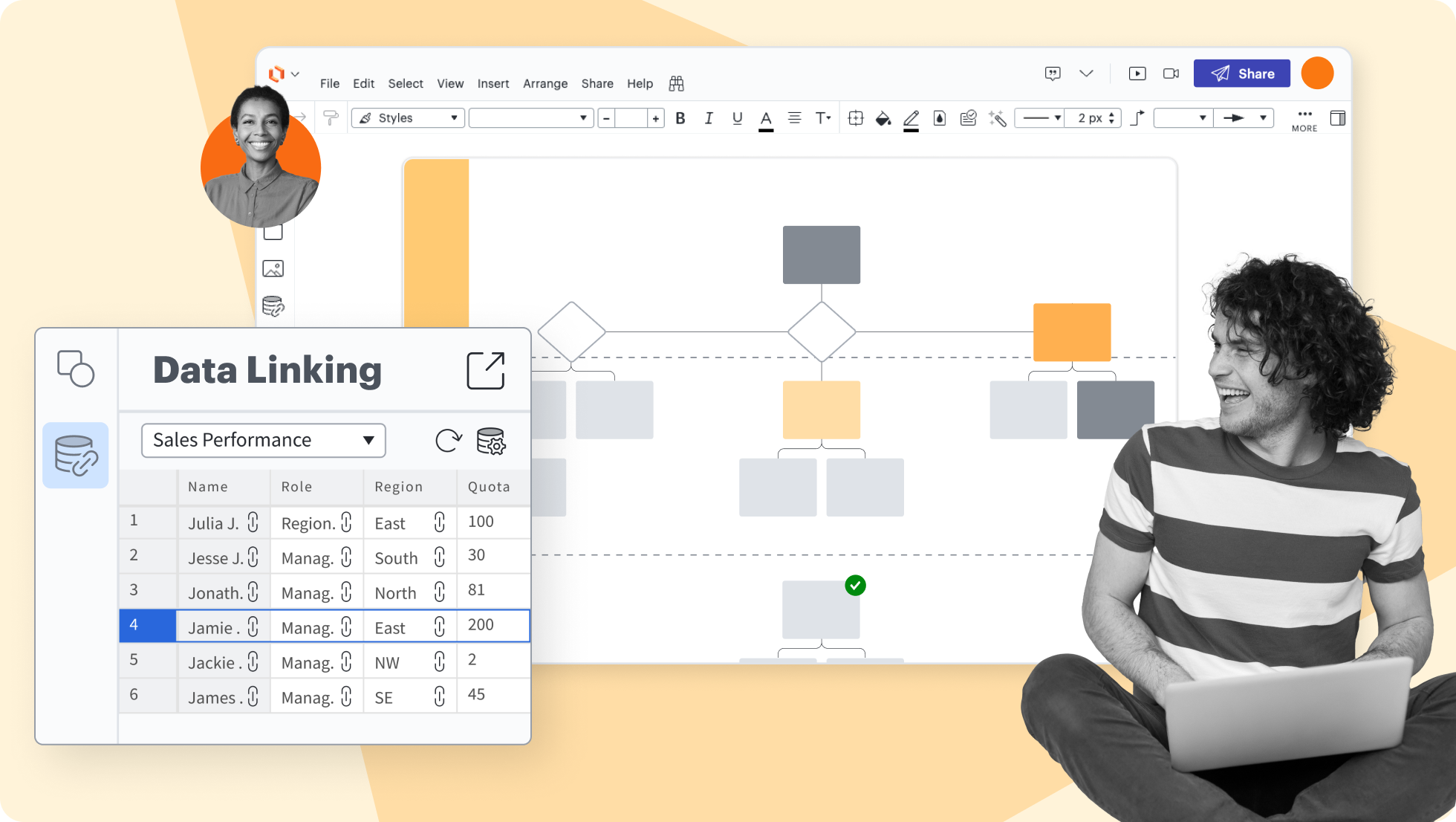
Create accurate diagrams faster by linking shapes to data from Google Sheets, Excel, or CSV files.

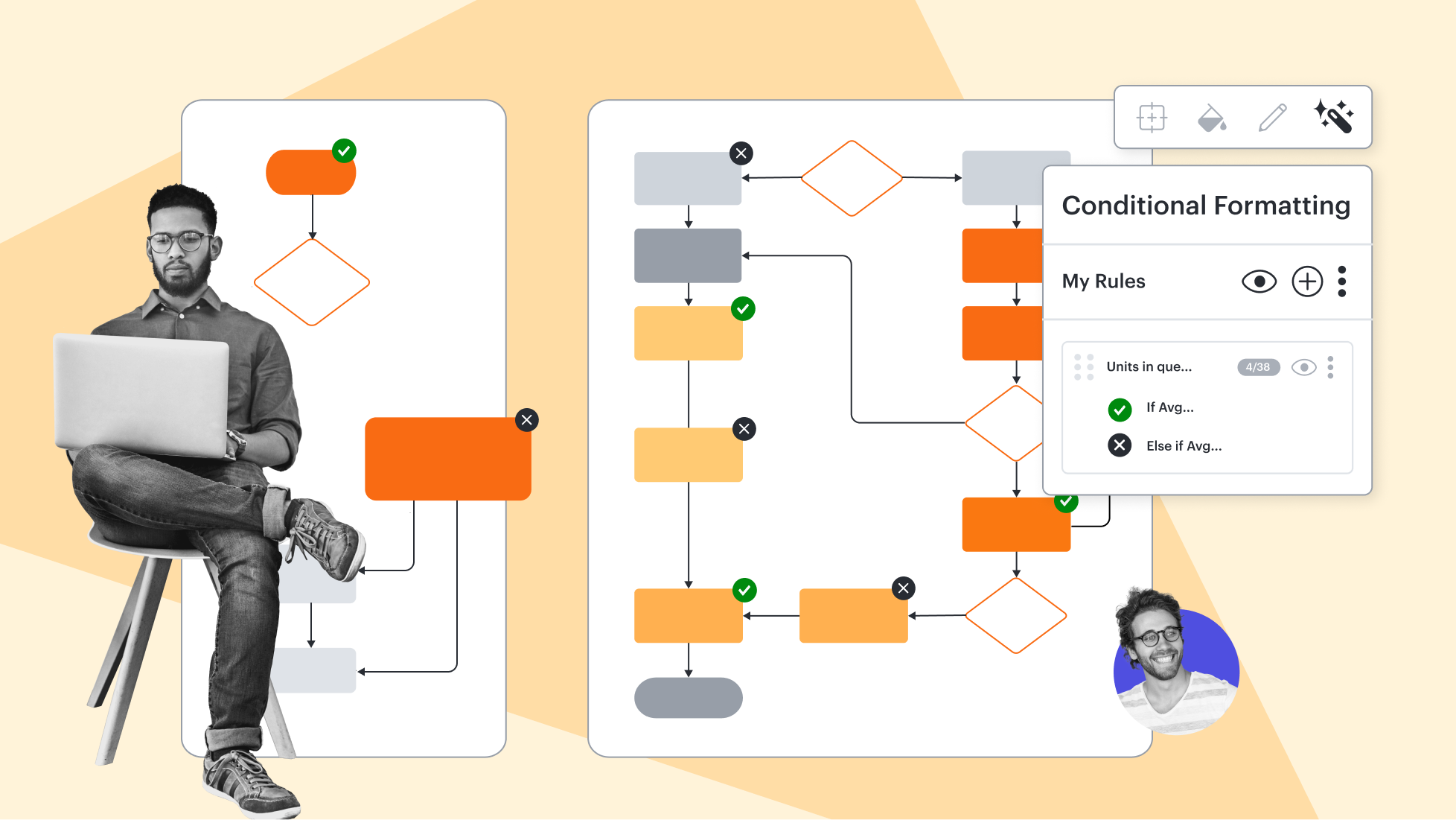
Transform data by visually highlighting patterns and insights for quick comprehension at a glance.

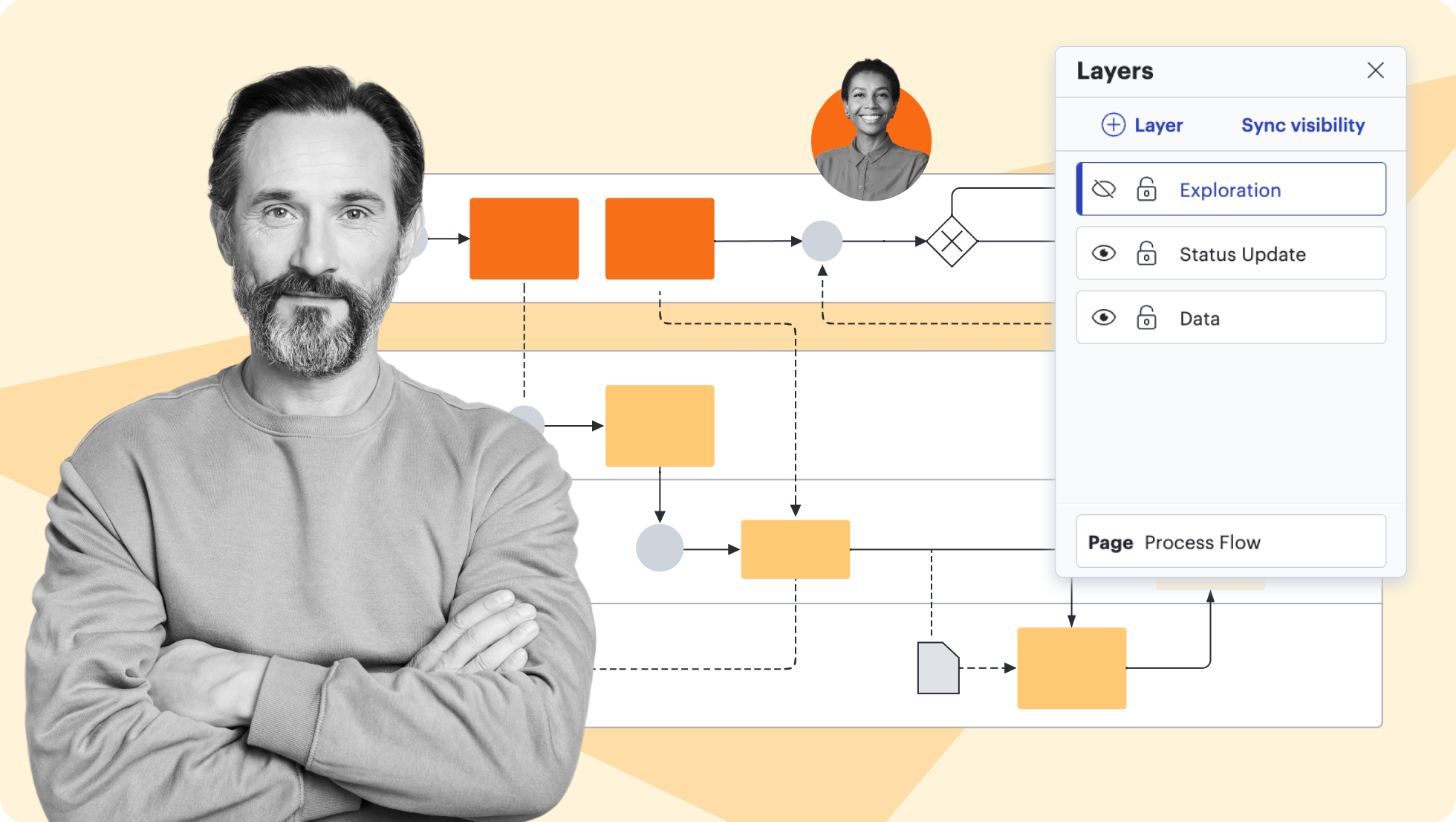
Add layers to visualizations for multiple levels, distinct visibility controls, and streamlined editing.

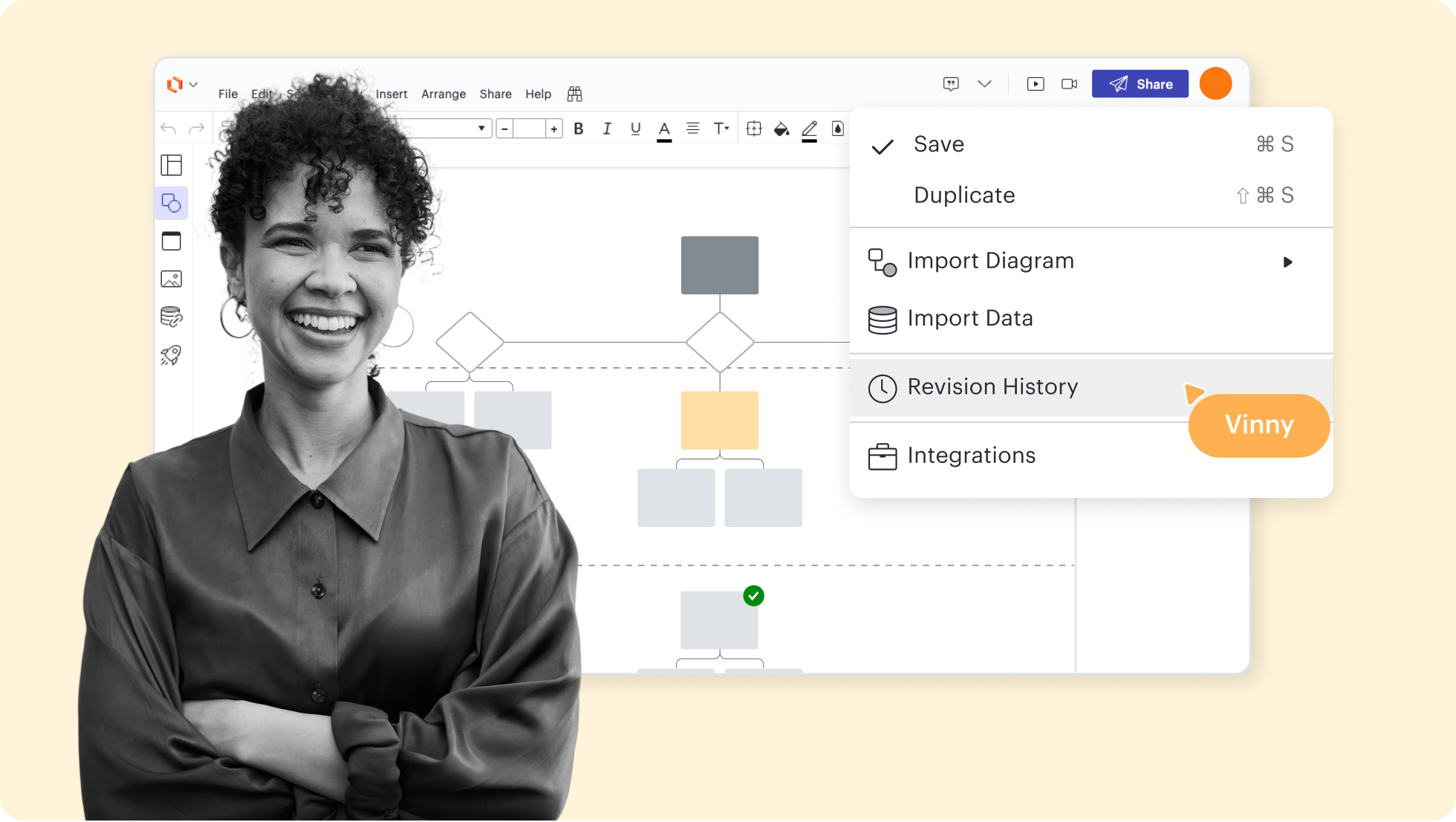
Collaborate confidently—view changes, revert to prior versions, and ensure diagrams are up to date.

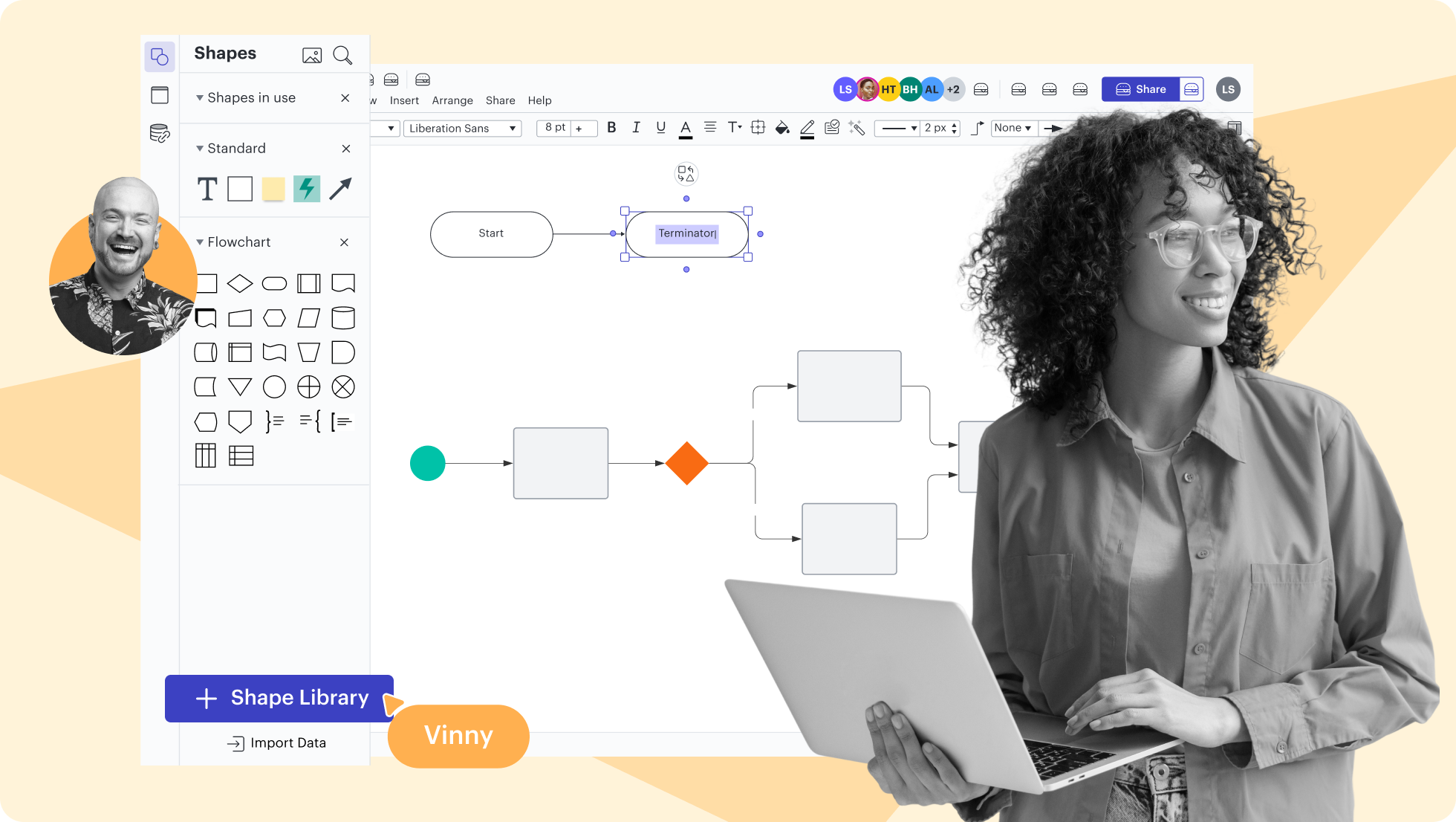
Use existing shape libraries for Salesforce, enterprise architecture, and more—or customize your own.

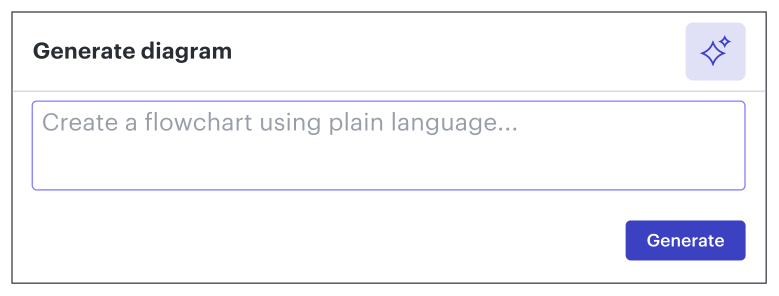
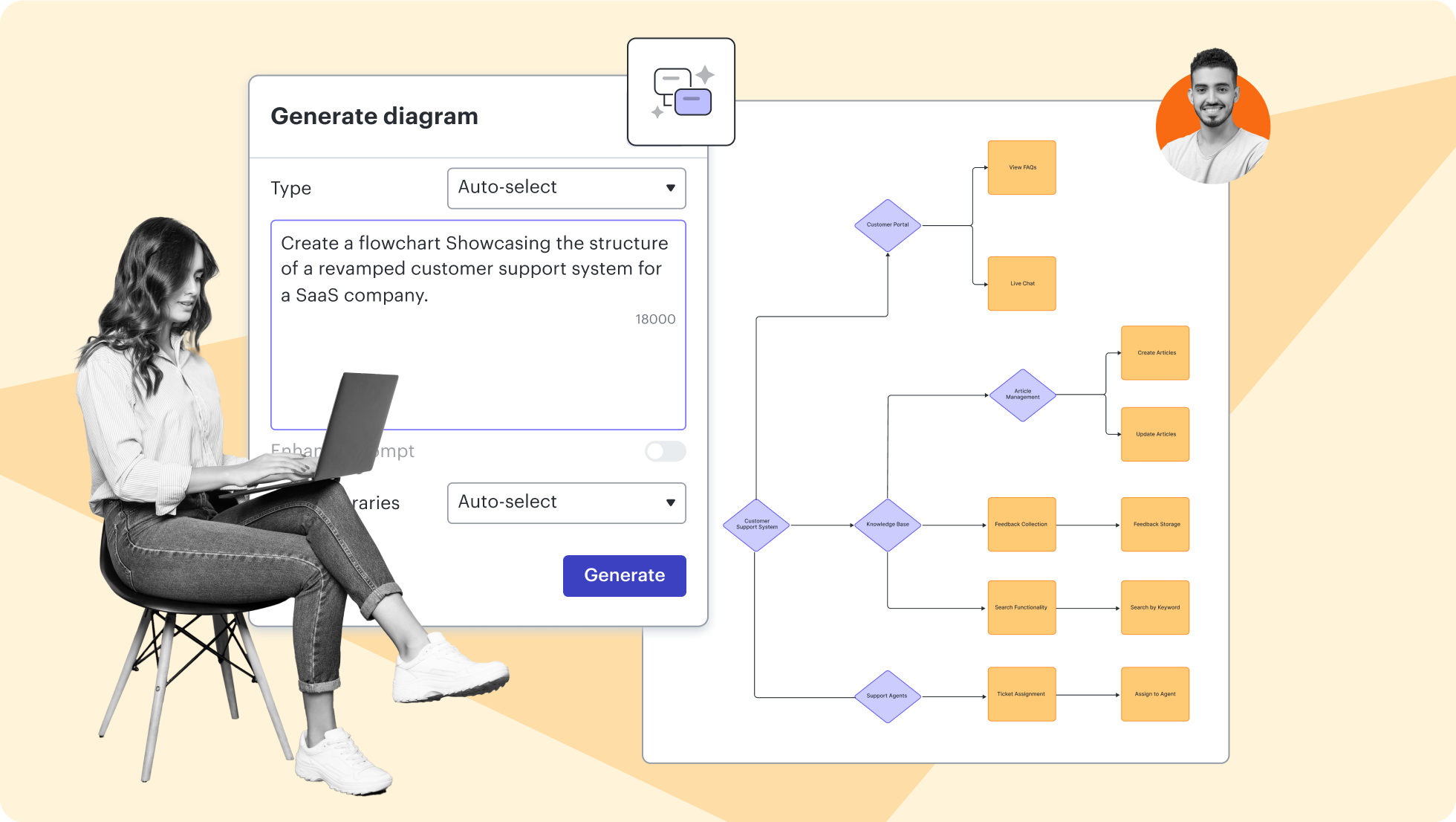
Build and experiment with LLMs on the Lucid canvas. Test prompts and inputs to see what works best.

Lucidchart feature highlights

Streamline work by enabling multiple collaborators to create and edit the same diagram at once.

Browse context diagram templates
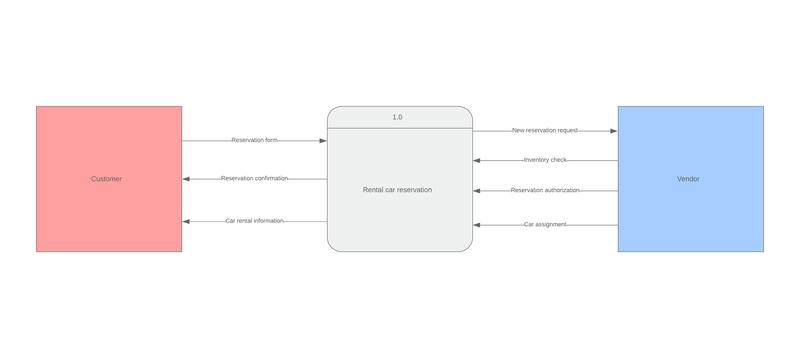
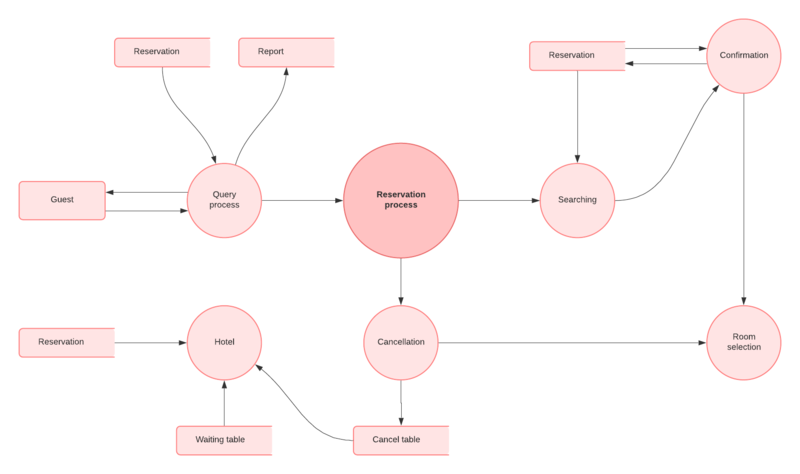
Physical data flow diagram template

Go to Physical data flow diagram template template

Logical data flow diagram template

Go to Logical data flow diagram template template

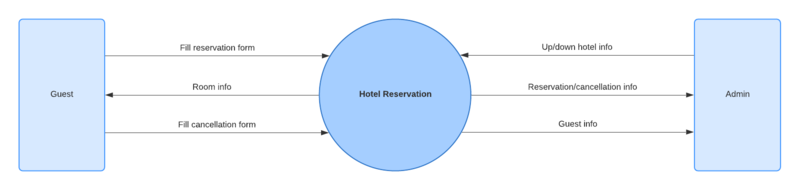
Data flow diagram template: level 0

Go to Data flow diagram template: level 0 template

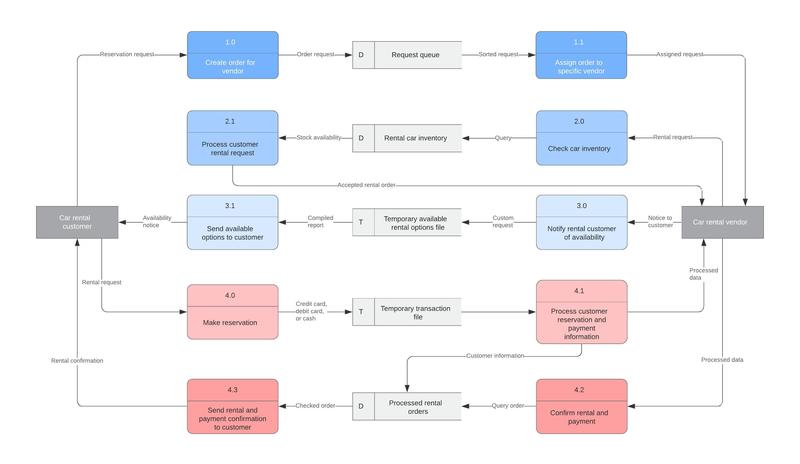
Data flow diagram template: level 2

Go to Data flow diagram template: level 2 template

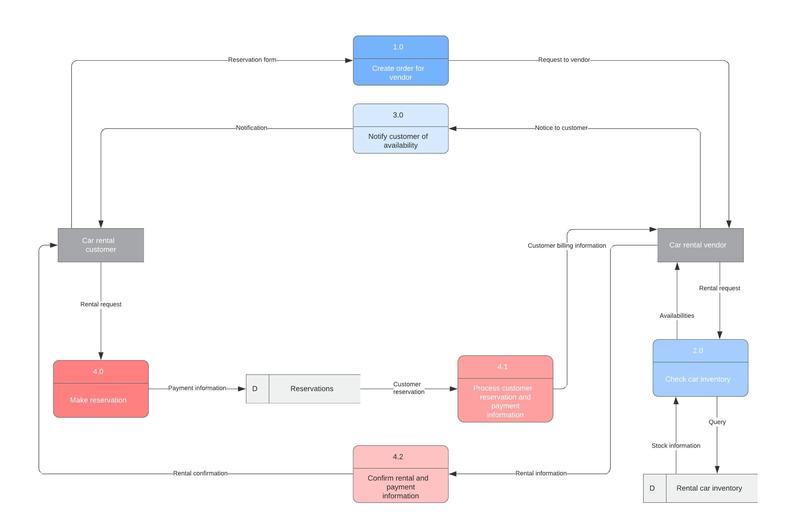
Data flow diagram template: level 1

Go to Data flow diagram template: level 1 template

Getting started in Lucidchart

Follow along with this video tutorial and learn how to make any type of diagram in Lucidchart.

Why teams choose Lucidchart

As an intelligent diagramming application, Lucidchart provides simple yet powerful capabilities for visualizing information.

Collaboration. Bring teams together side by side on a shared canvas from anywhere in the world.

Alignment. Build transparency and shared understanding of how a team or company works.

Large-scale change. Increase visibility, standardization, and knowledge sharing across your entire org.

End-to-end workflows. Upgrade to the Lucid Suite for a complete, connected visual collaboration solution.

How to make a context diagram

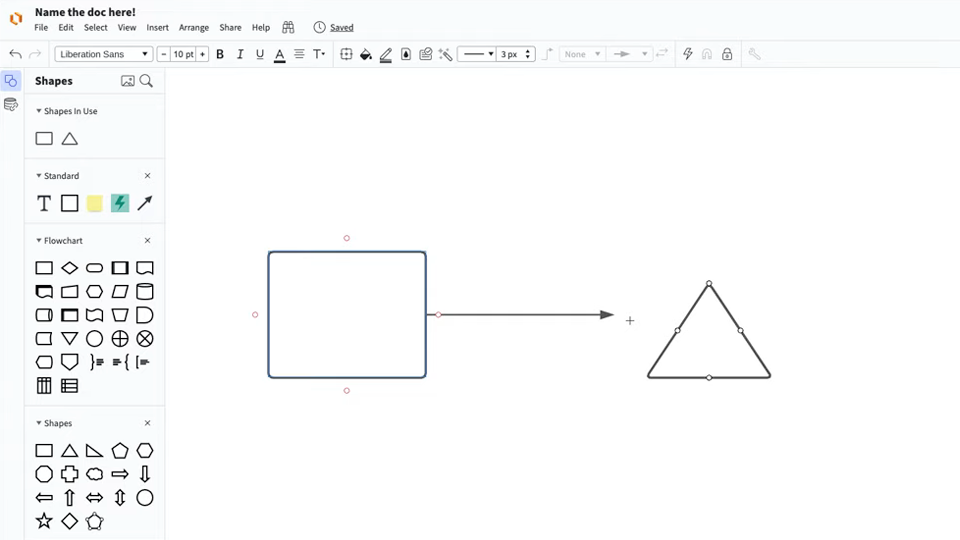
Open the Shape Manager and select the “Data Flow” symbols to start from scratch, or select a template to customize from the template gallery using our context diagram tool.

Put your system in a shape in the center of your canvas and label it accordingly. No further information about the interior operations of your system is required.

Add entity shapes to represent events that may interact with and influence your system. Entities can include other systems, users, data stores, and more.

Use lines and arrows to indicate the flow of data between your system and each external entity. Specify how data interacts with your system by adding arrows in the direction of the flow of data.

Your finished system diagram should be straightforward and simple to understand. Share your diagram with project stakeholders to ensure accurate systems analysis and determine what’s needed to see your project through to completion.

Additional Lucidchart resources

Lucid Training Labs

Learn visual collaboration skills in free, self-serve courses and live training workshops.

Explore courses

Lucid Community

Connect with other users to share tips and insights. Provide feedback to Lucid’s product team.
Join now

Help center

Find detailed articles with step-by-step instructions for using specific Lucid features.
Search resources

Lucidchart tutorials

Go to the Lucidchart tutorials playlist on YouTube for video training on various topics.
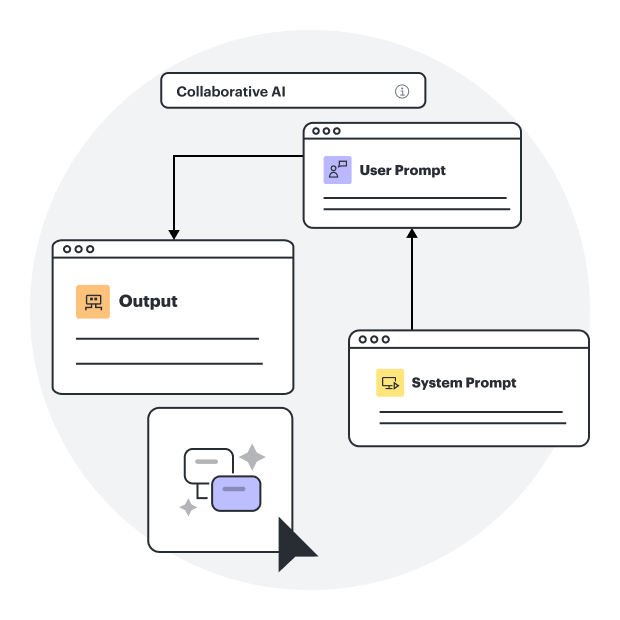
Explore playlist

Collaborate with AI

Get an overview of Lucid’s AI functionality and find additional resources.
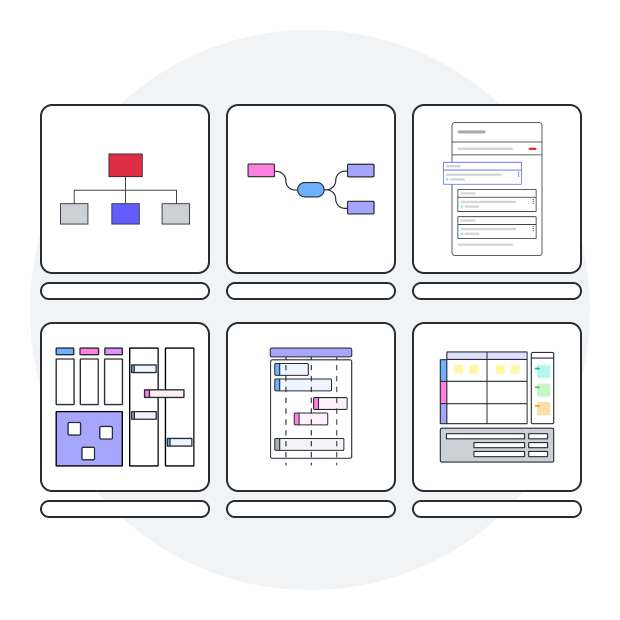
See what’s possible

Lucid blog

Explore tips for optimizing collaboration, aligning teams, and driving initiatives in Lucidspark.
Read now

Lucidchart pricing

Create a free account and compare options for paid Individual, Team, or Enterprise plans.

Compare plans

Frequently asked questions about our context diagram software

We offer templates specifically created to help IT and engineering teams design and analyze systems at any level, including context diagrams (Level 0), DFD diagrams, UML diagrams, network diagrams, and architecture diagrams.

You can share your diagrams using auto-generated links with access management or publish your work as an image or a PDF. You can also leverage Lucidchart’s many integrations to share diagrams across popular apps.

Use Layers to build out individual levels of your system, from a high-level overview to more specific internal compositions. Then, use Hotspots to toggle between each layer.

Everything you need to make a diagram

In addition to our context diagram software, Lucidchart offers support and training resources to help you branch out to any type of diagram.

View training labs