Free canvas maker online

Lucidspark is a virtual whiteboard that helps you and your team collaborate to bring the best ideas to light. Sign up for a free trial today.

Sign up free

Brainstorm, collaborate, and design on an infinite canvas online

Intuitive functionality
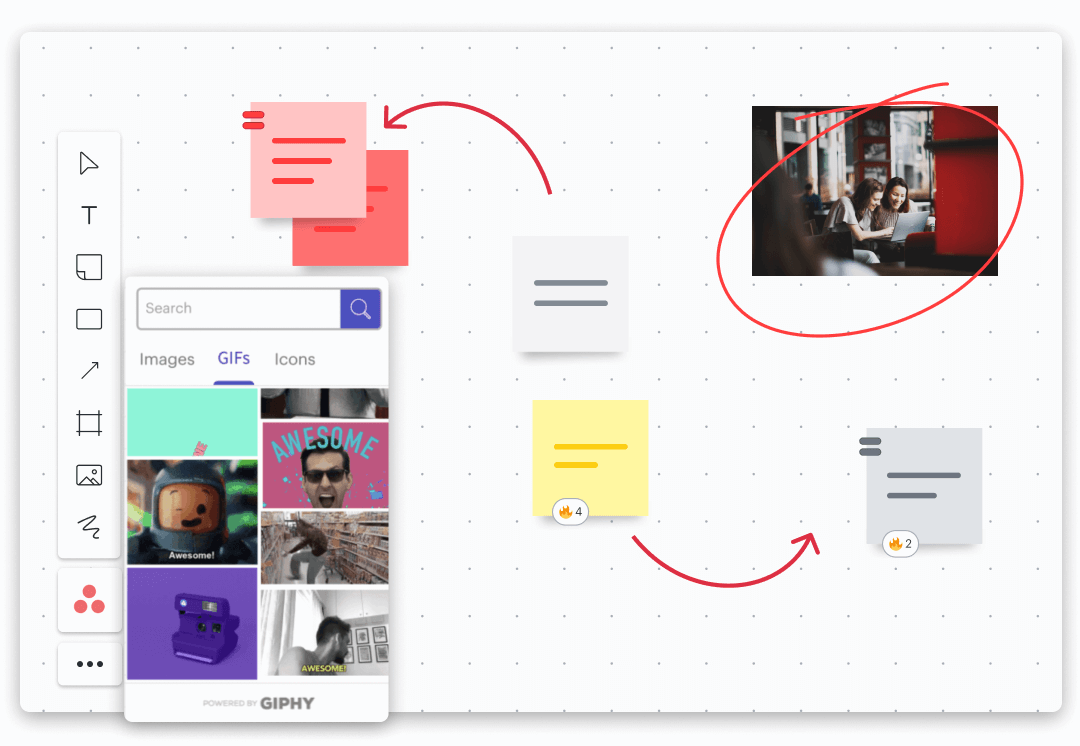
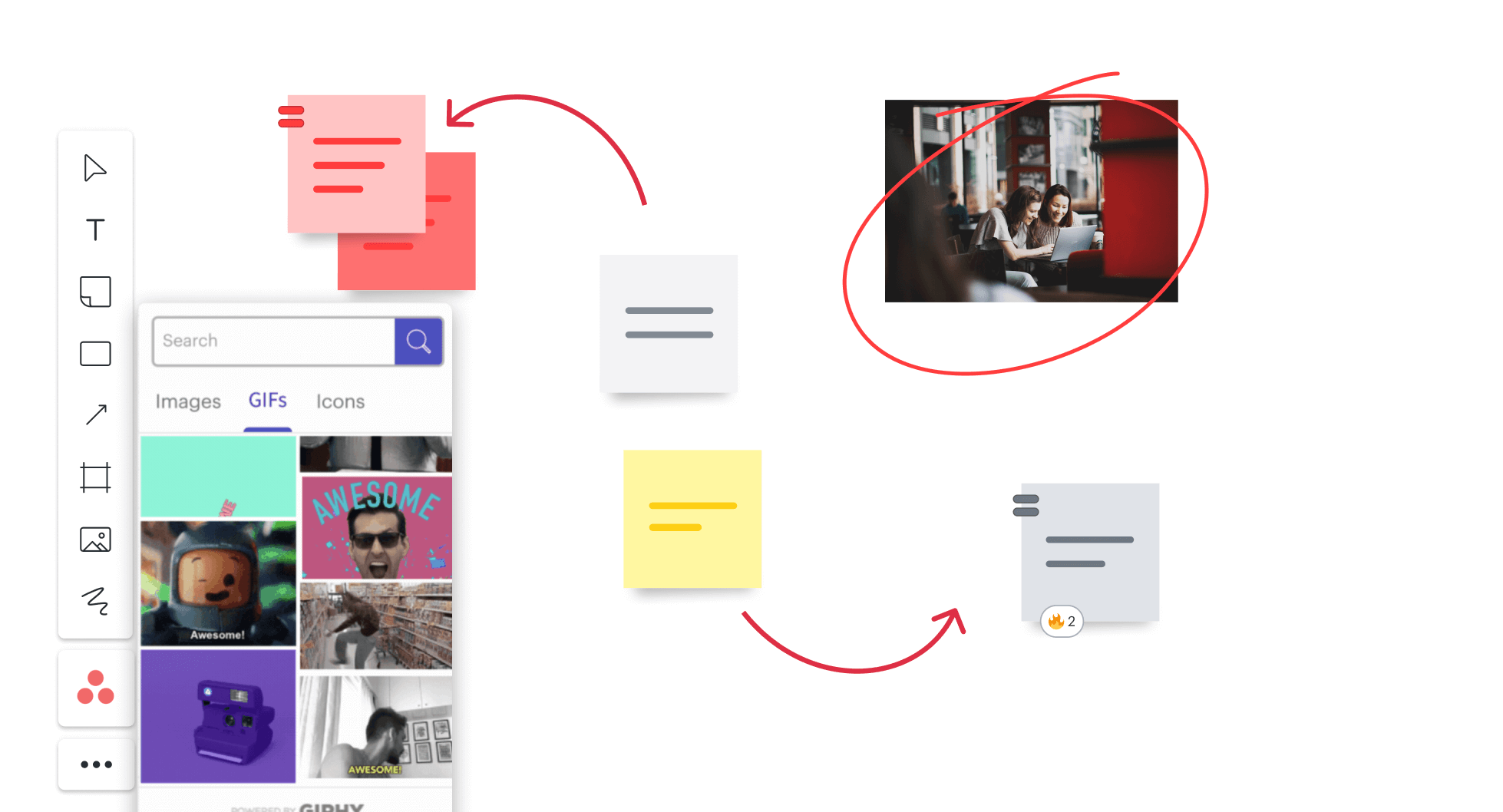
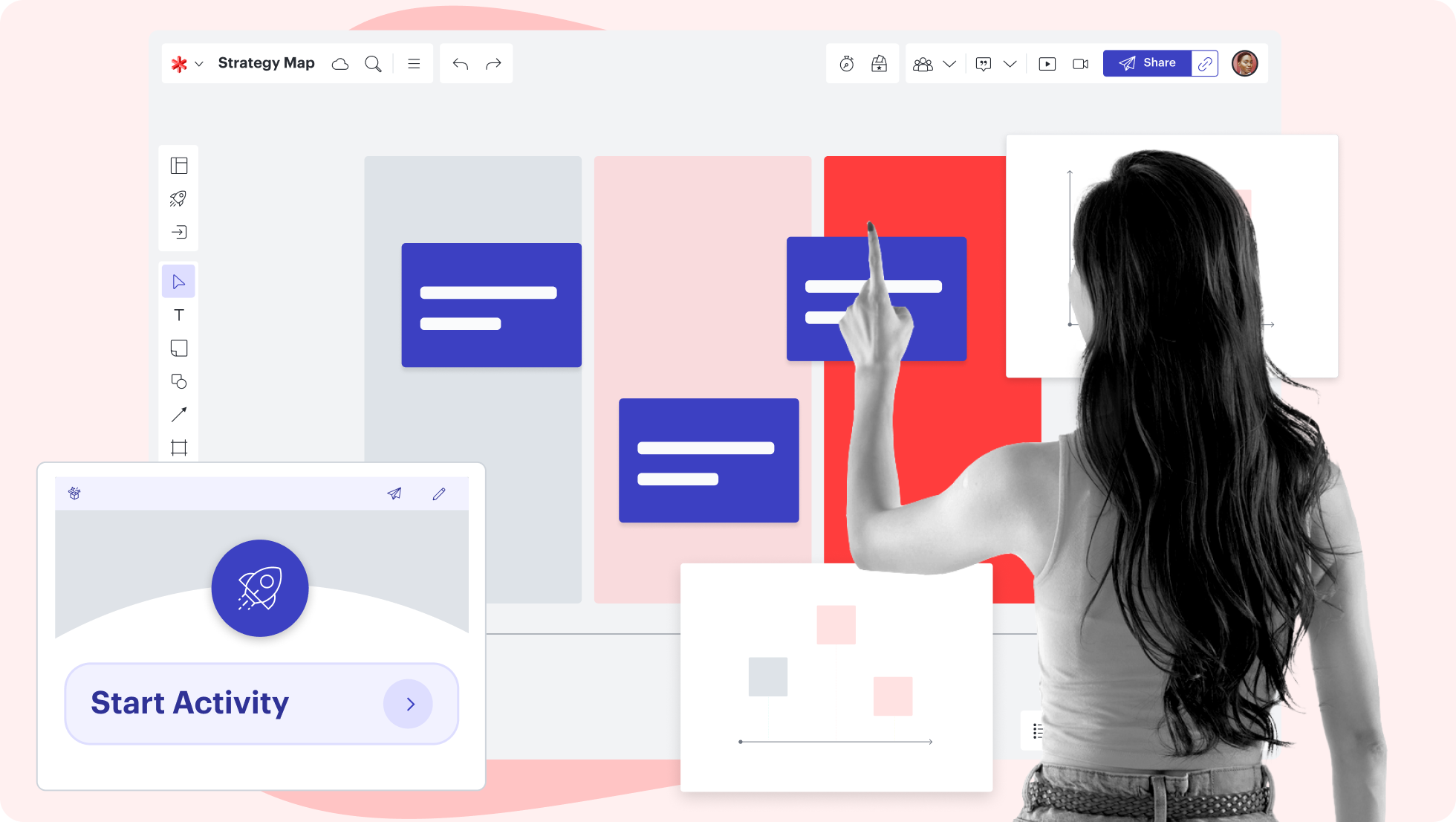
Lucidspark offers all the tools you need for your canvas, including the ability to drag and drop shapes, sketch freehand, add sticky notes, and include images and GIFs. You’ll be able to include all your thoughts as quickly and freely as you come up with them.

Built for collaboration

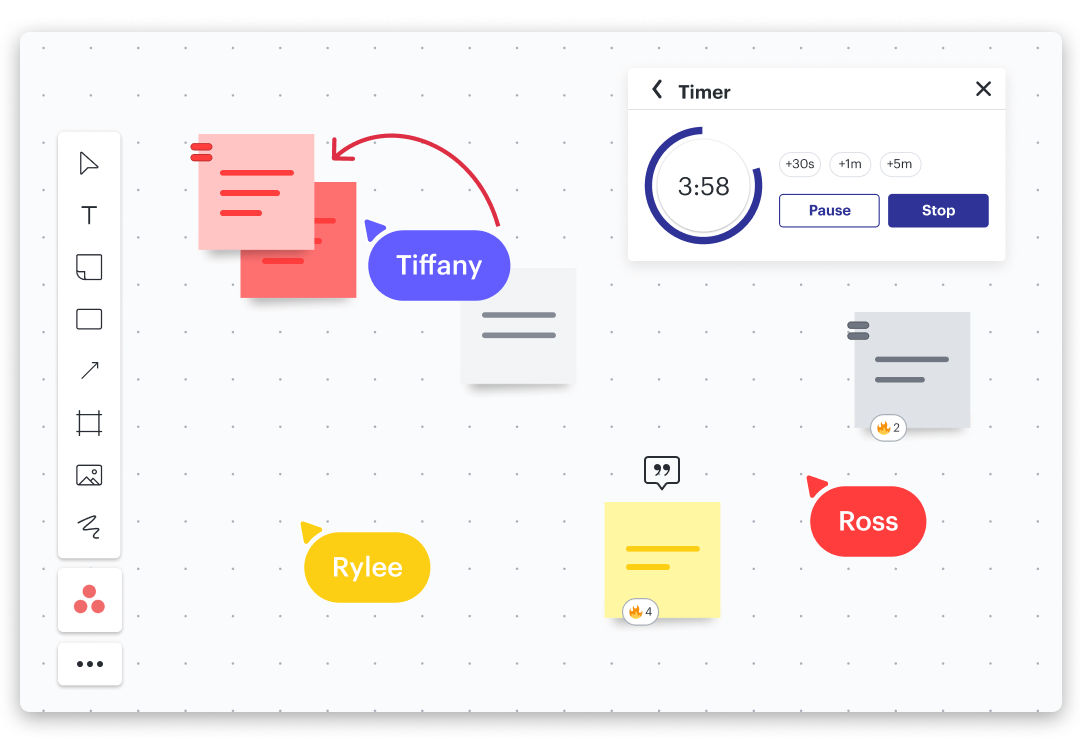
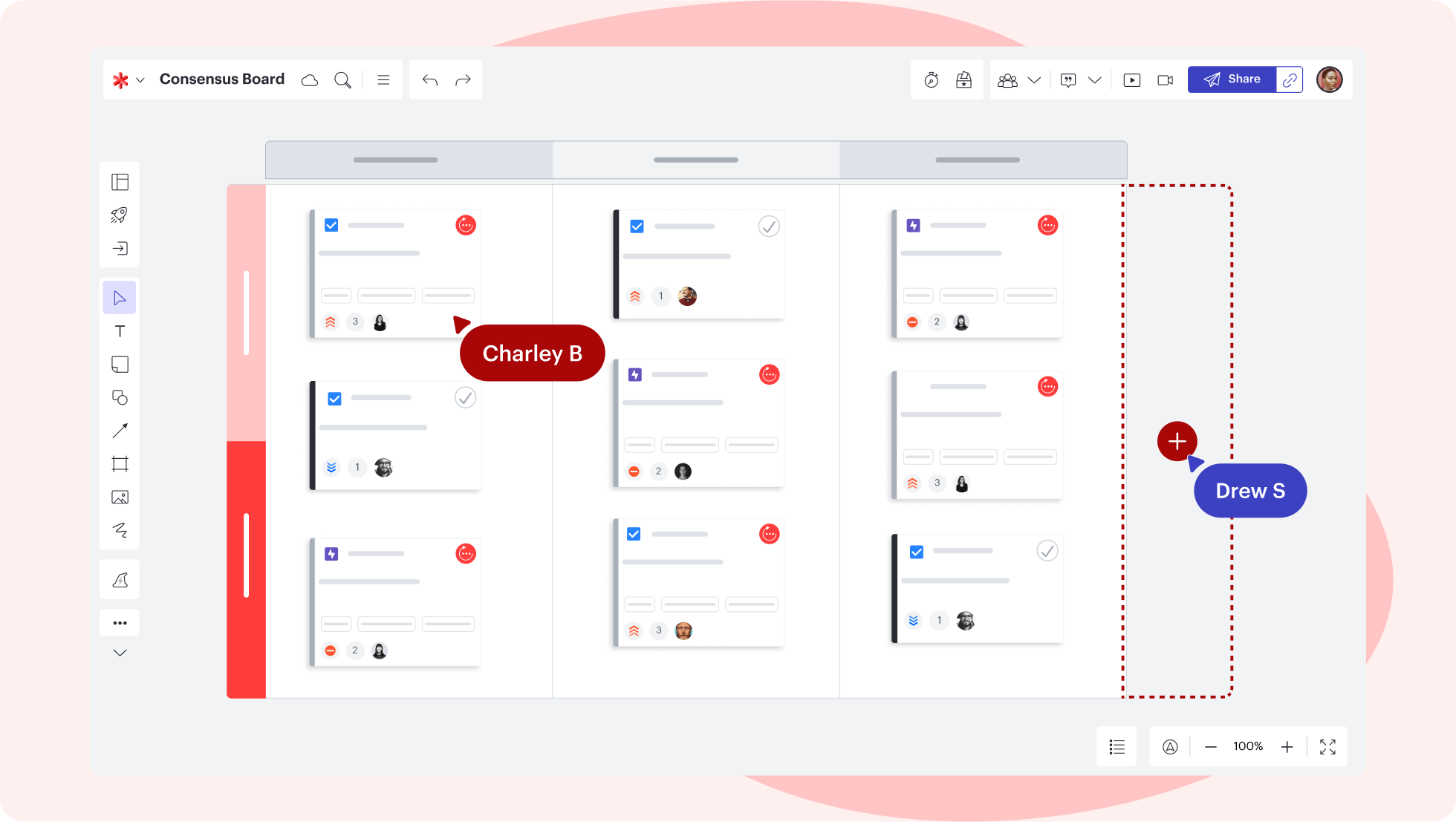
Work with others as you create your canvas. With Lucidspark, you can work with anyone—no matter their location—and you can collaborate in real time or asynchronously. Whatever your team’s setup, you can get the job done.

Ideate with ease

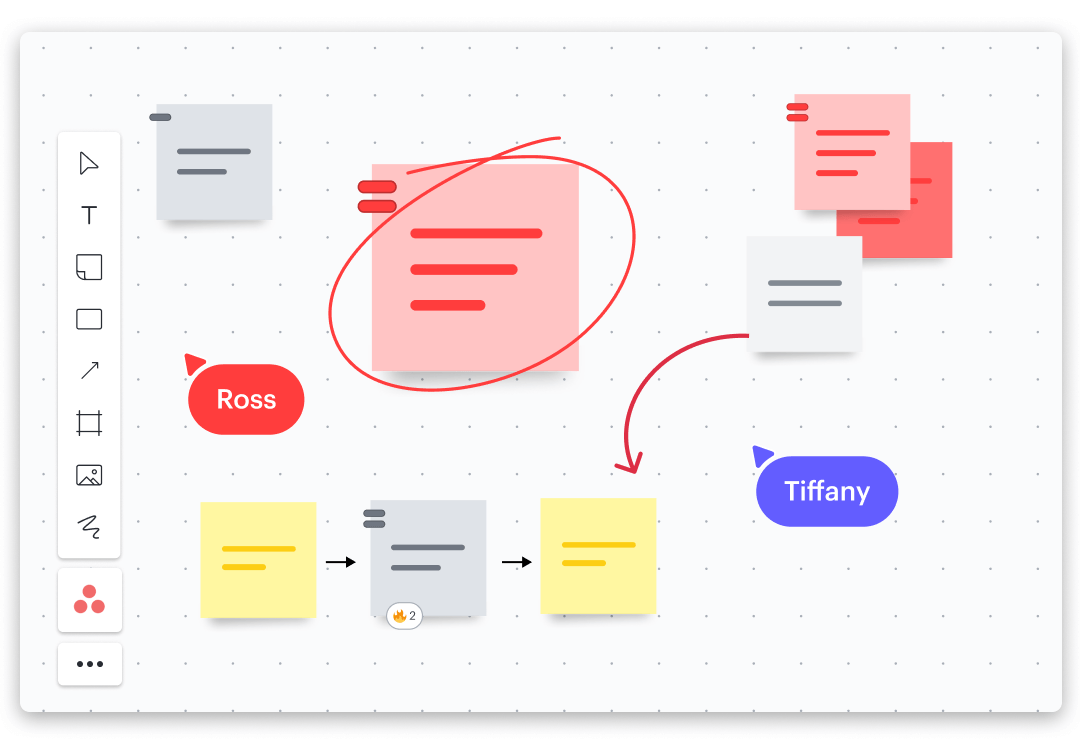
Lucidspark’s features make it easy to brainstorm—the canvas is flexible enough to capture all your ideas and the connections you make between them. Come up with ideas quickly so you can kick-start your design process.

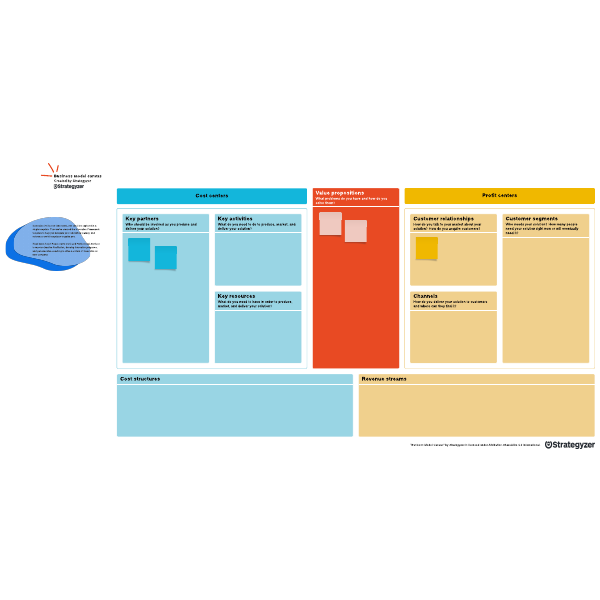
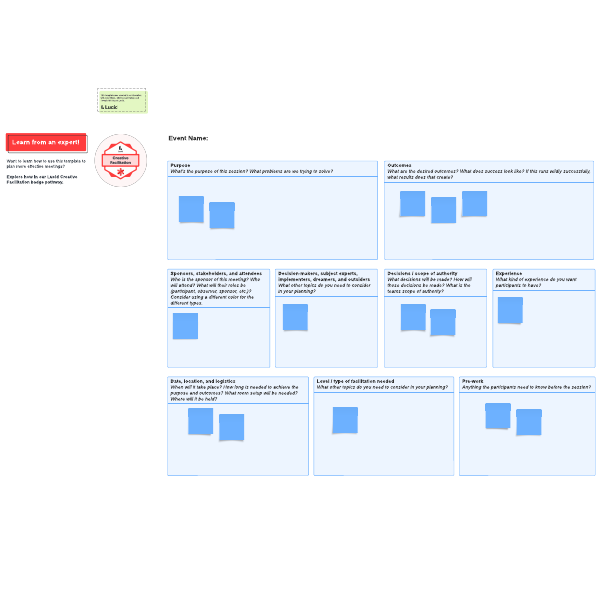
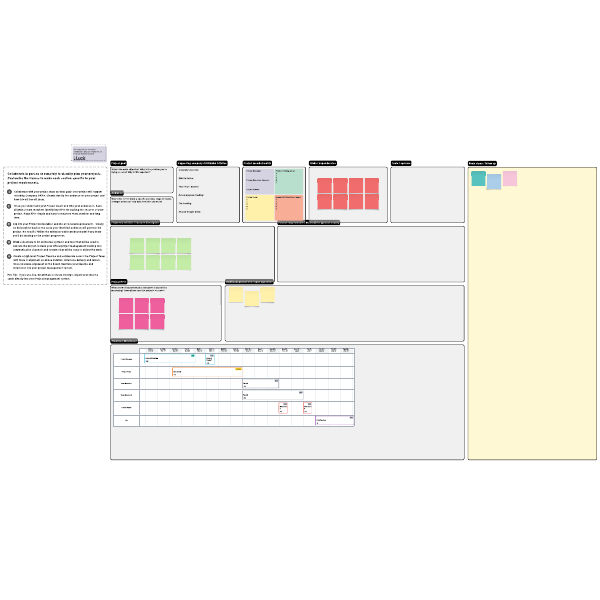
Extensive template gallery

Integrate with your favorite tools
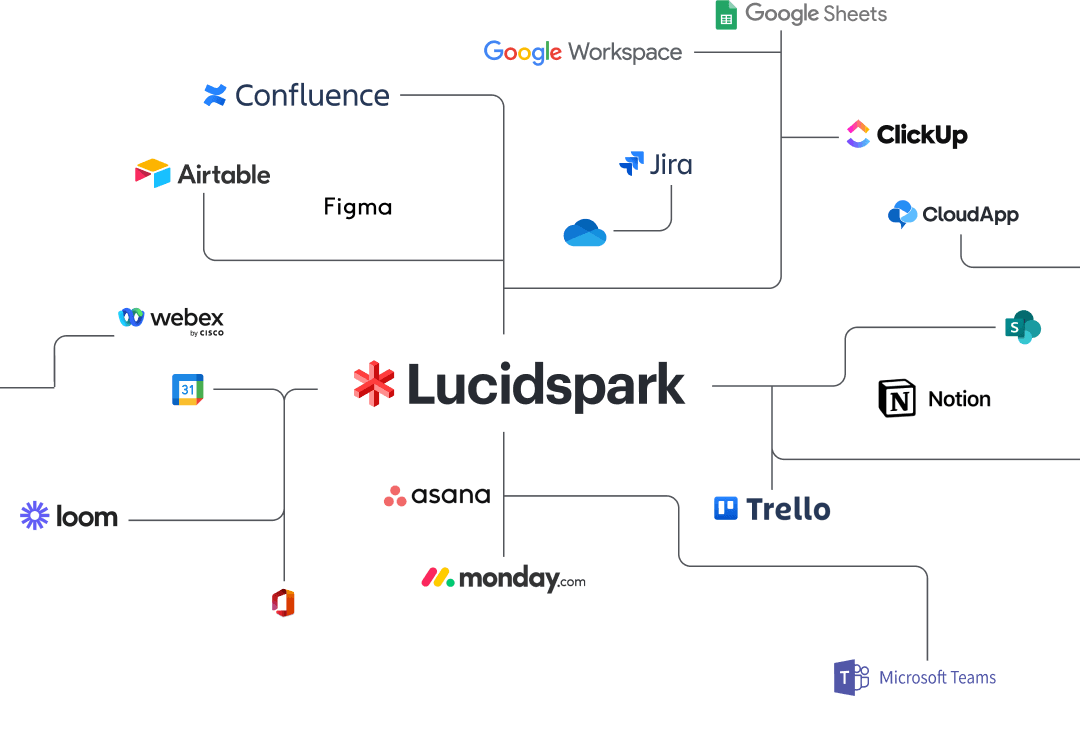
Lucidspark integrates with planning software like Google Workspace, Asana, and more. Combine Lucidspark with your favorite tools to help you build your schedule and share your work easily.

Lucidspark feature highlights

Facilitator Tools

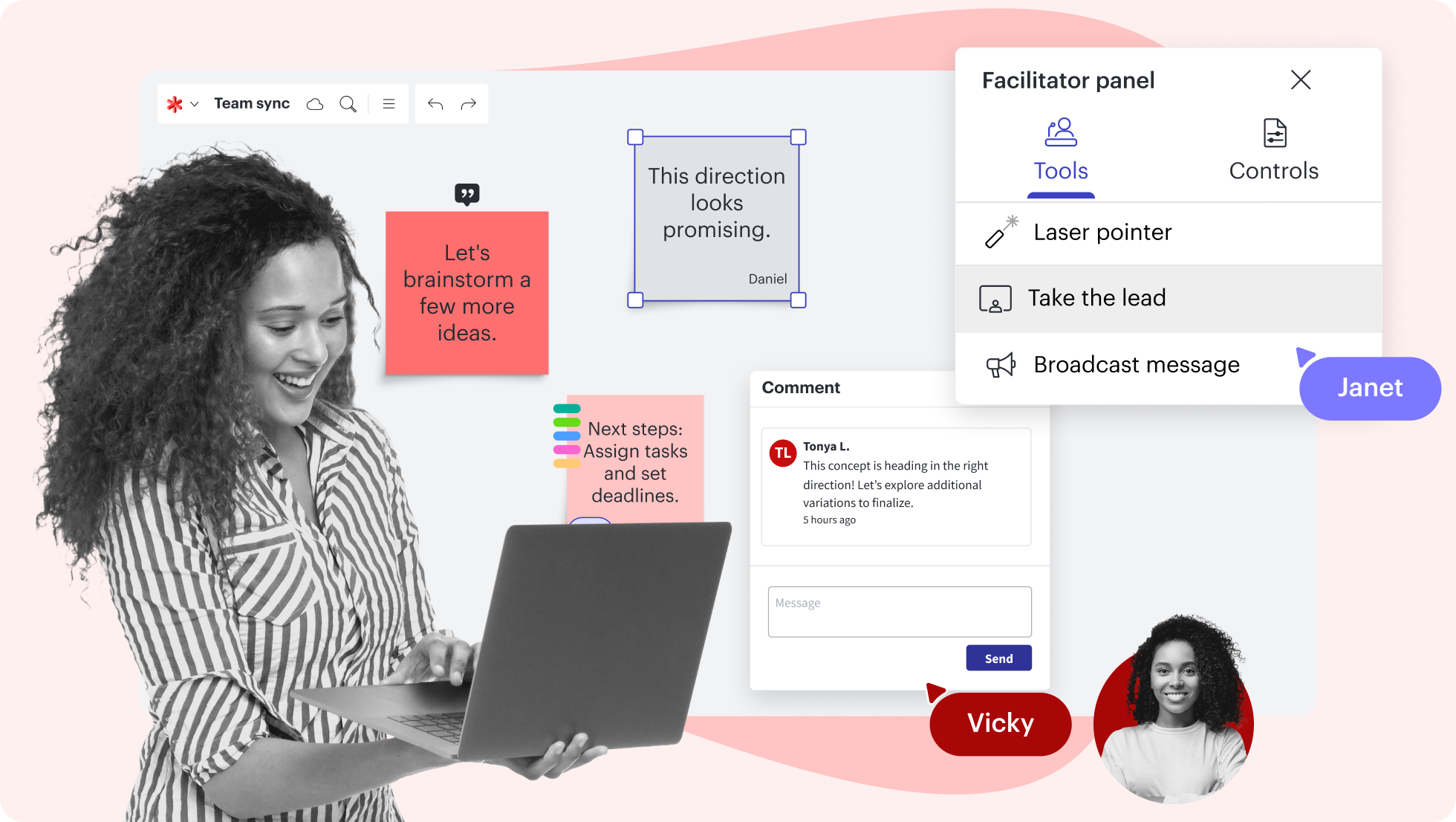
Keep your brainstorming session and your team on track with features like take the lead and timer.
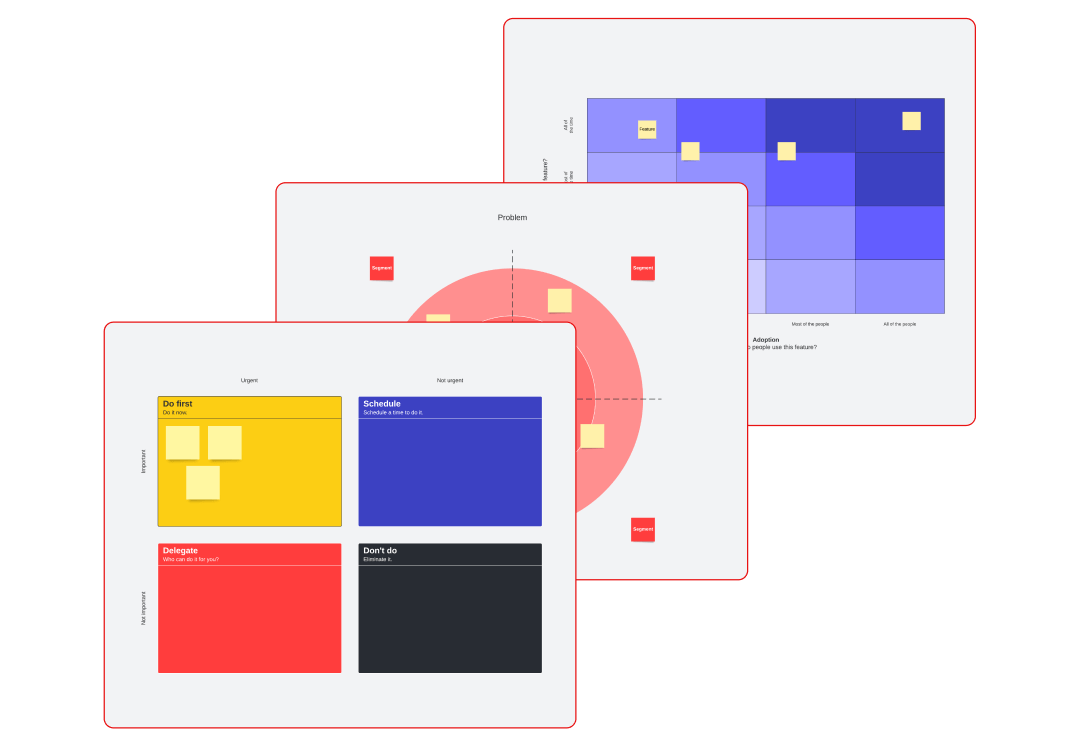
Organize ideas to derive meaning and insights, plan work visually, and take action more quickly.

Embed your Lucidspark boards in external documents (and vice versa) to consolidate project info.

Make it easy for the whole team to collaborate and communicate about ideas surfaced on your whiteboard.

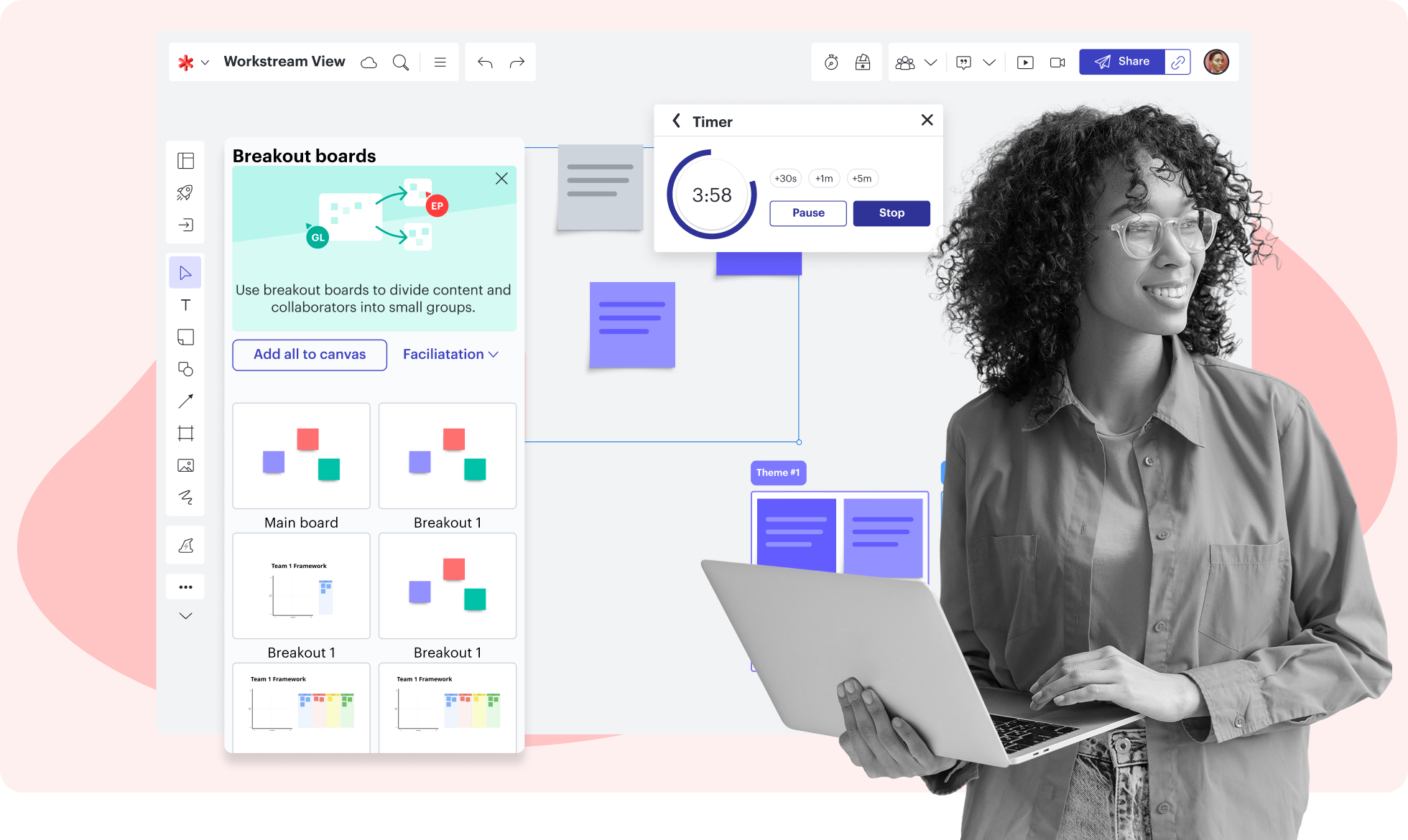
Create breakout boards to divide a large group into smaller groups for activities or discussions.

Empower informed decision-making with interactive activities that make feedback actionable.

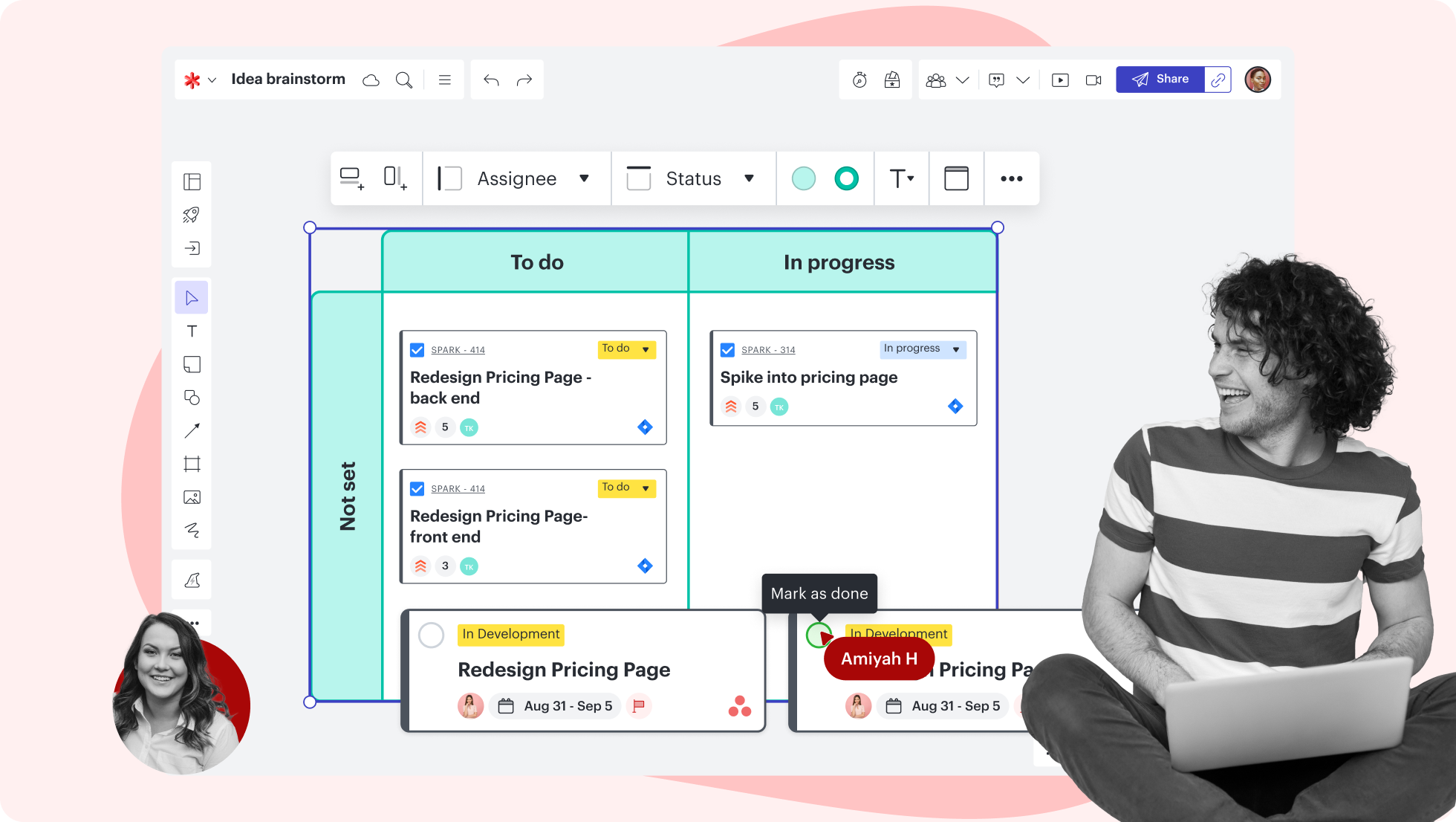
Create Timelines to show past events or future plans. Add details such as status, assignee, or estimate.

Lucidspark feature highlights

Keep your brainstorming session and your team on track with features like take the lead and timer.
Getting started in Lucidspark

Follow along with this video tutorial and learn how to kick-start creativity in Lucidspark.

Why teams choose Lucidspark

As a virtual whiteboarding application, Lucidspark’s infinite canvas enables teams to move seamlessly from ideation to planning and building.

Why Teams Choose Lucid

Collaboration. Bring teams together side by side on a shared canvas from anywhere in the world.

Alignment. Build transparency and shared understanding of how a team or company works.

Large-scale change. Increase visibility, standardization, and knowledge sharing across your entire org.

End-to-end workflows. Upgrade to the Lucid Suite for a complete, connected visual collaboration solution.

How to build a canvas online

You can use Lucidspark to come up with ideas no matter the situation—whether you’re planning a vacation, designing a new product, or creating your strategy for the next year. Define what you’re trying to accomplish, and Lucidspark’s infinite canvas and templates will help you get there.

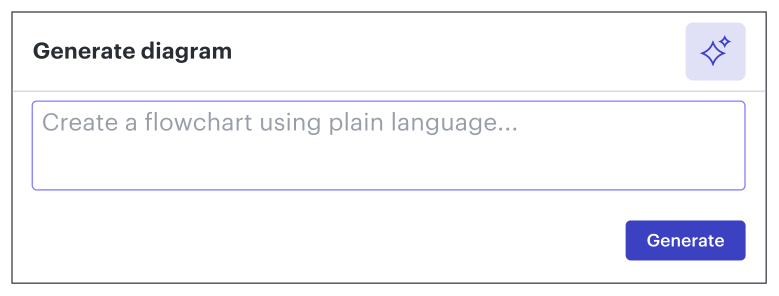
Brainstorm by yourself or with others. Use sticky notes, sorting, and our AI features to explore the ideas everyone brings to the table.

When you’re ready, share your board with stakeholders. Get feedback on what you’ve come up with and have everyone vote on the best ideas.

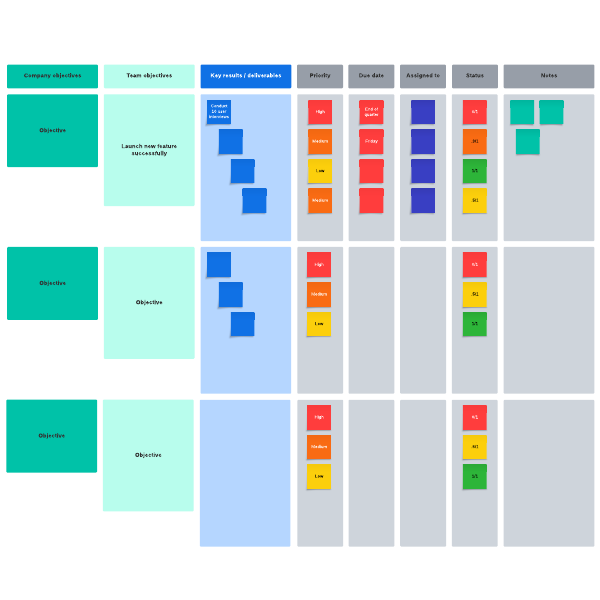
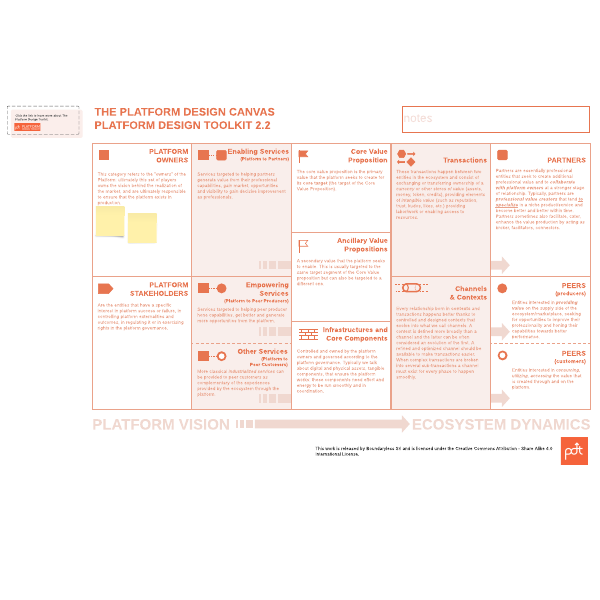
Once you have your best ideas selected, flesh them out. Use our extensive template library to help you map out the solutions you’ve come up with.

Your first draft is done! You can share it with others, but you don’t have to stop there. Keep reiterating until you have an end product that meets everyone’s needs and sets you up for success.

Lucidspark additional resources

Lucid Training Labs

Learn visual collaboration skills in free, self-serve courses and live training workshops.

Explore courses

Lucid Community

Connect with other users to share tips and insights. Provide feedback to Lucid’s product team.
Join now

Help center

Find detailed articles with step-by-step instructions for using specific Lucid features.
Search resources

Lucidspark tutorials

Go to the Lucidspark tutorials playlist on YouTube for video training on various topics.
Explore playlist

Collaborate with AI

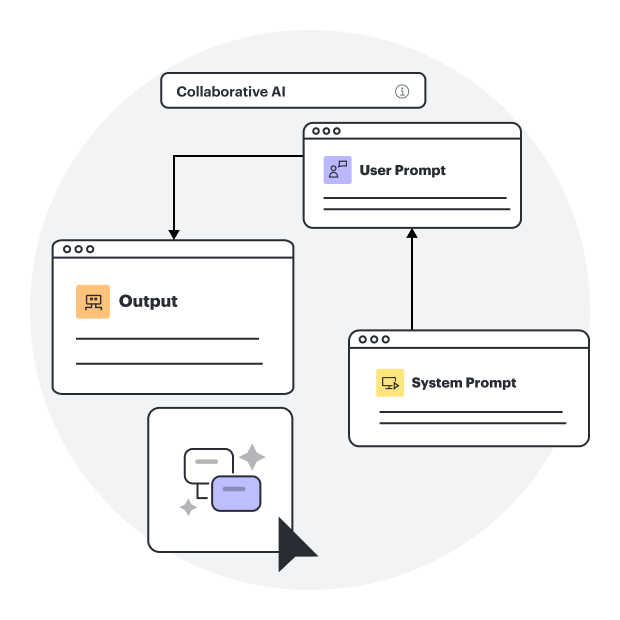
Get an overview of Lucidspark’s AI functionality and find additional resources.
See what’s possible

Lucid blog

Explore tips for optimizing collaboration, aligning teams, and driving initiatives in Lucidspark.
Read now

Lucidspark pricing

Create a free account and compare options for paid Individual, Team, or Enterprise plans.

Compare plans

Frequently asked questions about our online canvas maker

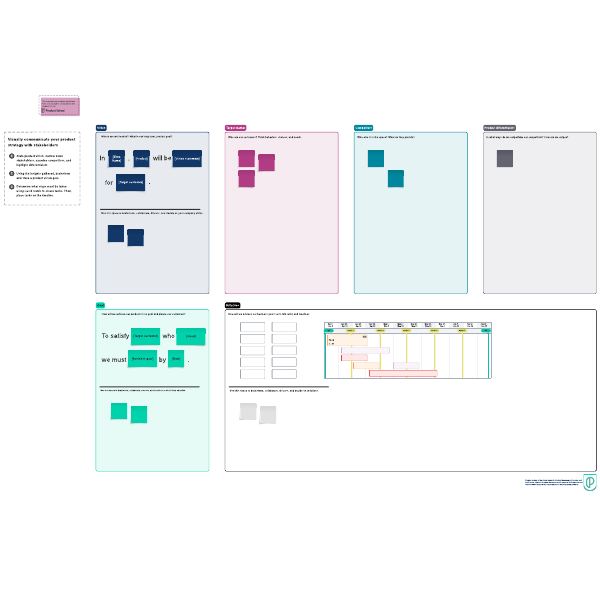
Our template library has a broad range of templates. From brainstorming to user research or business analysis, there's always a template to help you get started. Have a look for yourself!
You can use many Lucidspark features for free. However, to unlock all features, you can purchase an Individual, Team, or Enterprise plan. Purchase on a month-to-month basis if you need the flexibility, or you can subscribe for a year. For more information, see our pricing page.
Yes! Lucidspark is built for working with others. You can follow a collaborator, chat with others, set collaborator colors so each person’s work shows up in their assigned color, add comments to someone else’s contribution, assign tasks, and more. You can also share your work with others easily.
The short answer: everything you need to ideate and collaborate on your online canvas. The longer answer includes collaborator tools like a timer, voting, in-editor chat, and collaborator colors; tools for visual elements like shapes, lines, containers, images, and freehand drawing; templates for getting started quickly; and more.
We integrate with all your favorite tools, including Google Workplace, Asana, Microsoft apps, Slack, and more. Take a look at our full list of integrations to see if what you need is on it.

Everything you need to whiteboard online

In addition to our online whiteboard tools, Lucidspark offers support and training resources to help you ideate, plan, and build with your team.

Get support
whiteboard online with Lucidspark