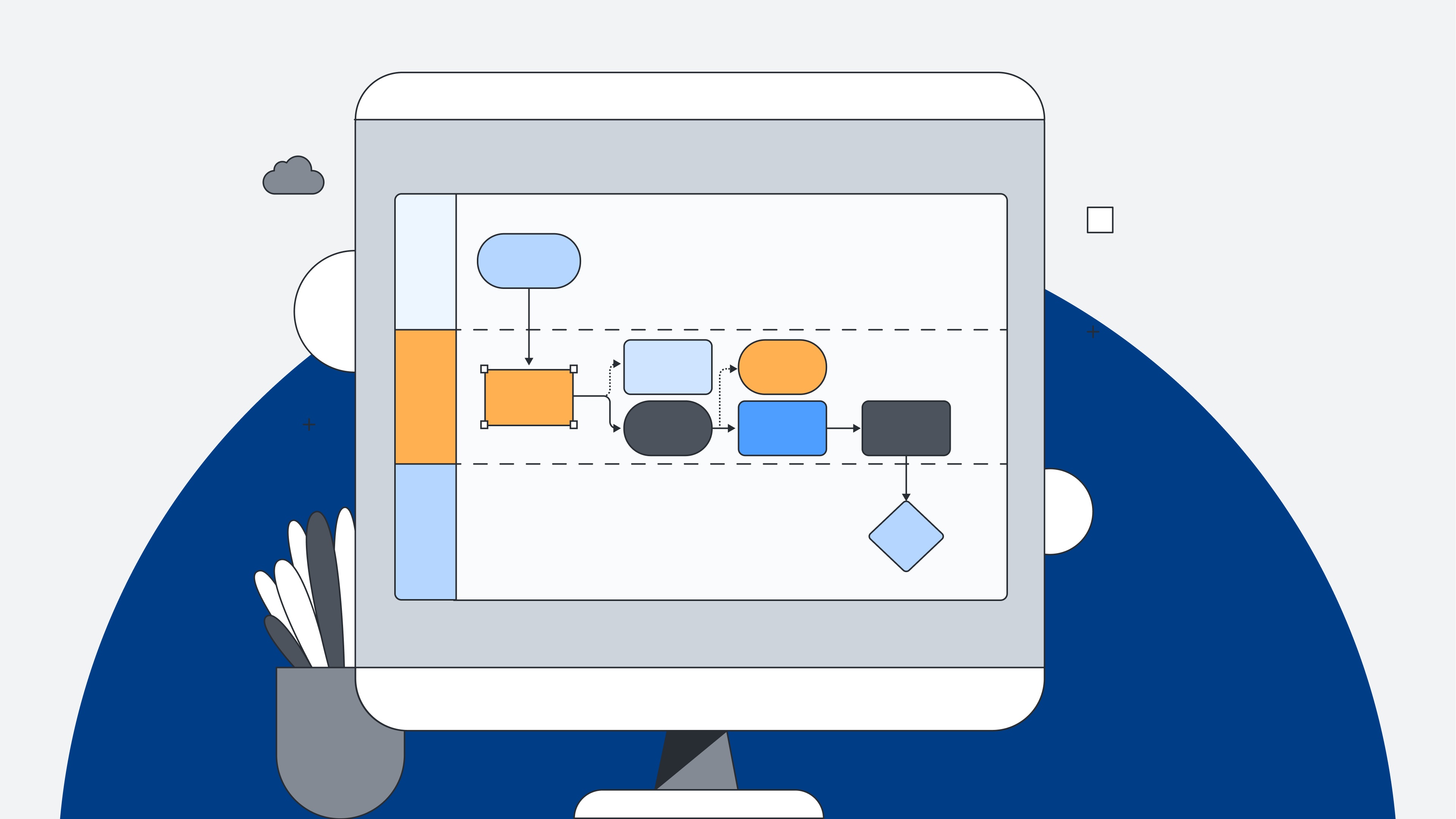
Planning can be a difficult task, especially when it involves coordinating efforts among a team of individuals with different perspectives and ideas. This is where a solution like Lucidchart comes into play, offering a collaborative platform for intelligent diagramming and visualization.
Visualizing your plans
Lucidchart is an intelligent diagramming application that brings teams together to make better decisions and build the future. It is a cloud-based platform that helps teams visualize their ideas through flowcharts and diagrams. Lucidchart's intuitive interface and extensive range of templates help teams map out workflows, diagrams, and processes, cutting down on planning time and streamlining their efforts with ease.
Communicating your plans
Effective planning doesn't end with diagrams and flowcharts—it requires clear communication channels, particularly in today's increasingly remote work environments. This is where a sound communication tool like Zoho Cliq, opens in a new tab steps in, offering a robust team communication platform that fosters collaboration and instant messaging. With features like channels, file sharing, and video conferencing, Zoho Cliq ensures that teams stay connected and updated regardless of their physical location.
Unity is strength
What sets these two applications apart is not just their strengths but also their synergy when used together. Integrating Lucidchart with Zoho Cliq allows teams to seamlessly transition from planning to execution, ensuring everyone stays on the same page throughout the process. Whether brainstorming ideas, discussing project updates, or seeking clarification on diagrams, the integration of Lucidchart and Zoho Cliq offers an inclusive solution for teams looking to maximize their productivity and efficiency.
Zoho Cliq has built an extension revolving around Lucidchart for dynamic businesses and teams who extensively plan and collaborate. With this extension, productivity will be a breeze as you can harness the power of Lucidchart without having to move out of Zoho Cliq. It helps you reduce context switching in several ways, from letting you access your Lucidchart documents directly in Zoho Cliq to receiving real-time notifications when there's an update to a document.

If you want to know more about what you could do with the Lucidchart extension in Zoho Cliq, check out this blog
Read moreWith Lucidchart providing the flexibility of an infinite canvas, and Zoho Cliq ensuring smooth communication with your teammates, it will be as if you never left the office, all while working from the comfort of your home.

Install the Lucidchart for Zoho Cliq extension.
Install now