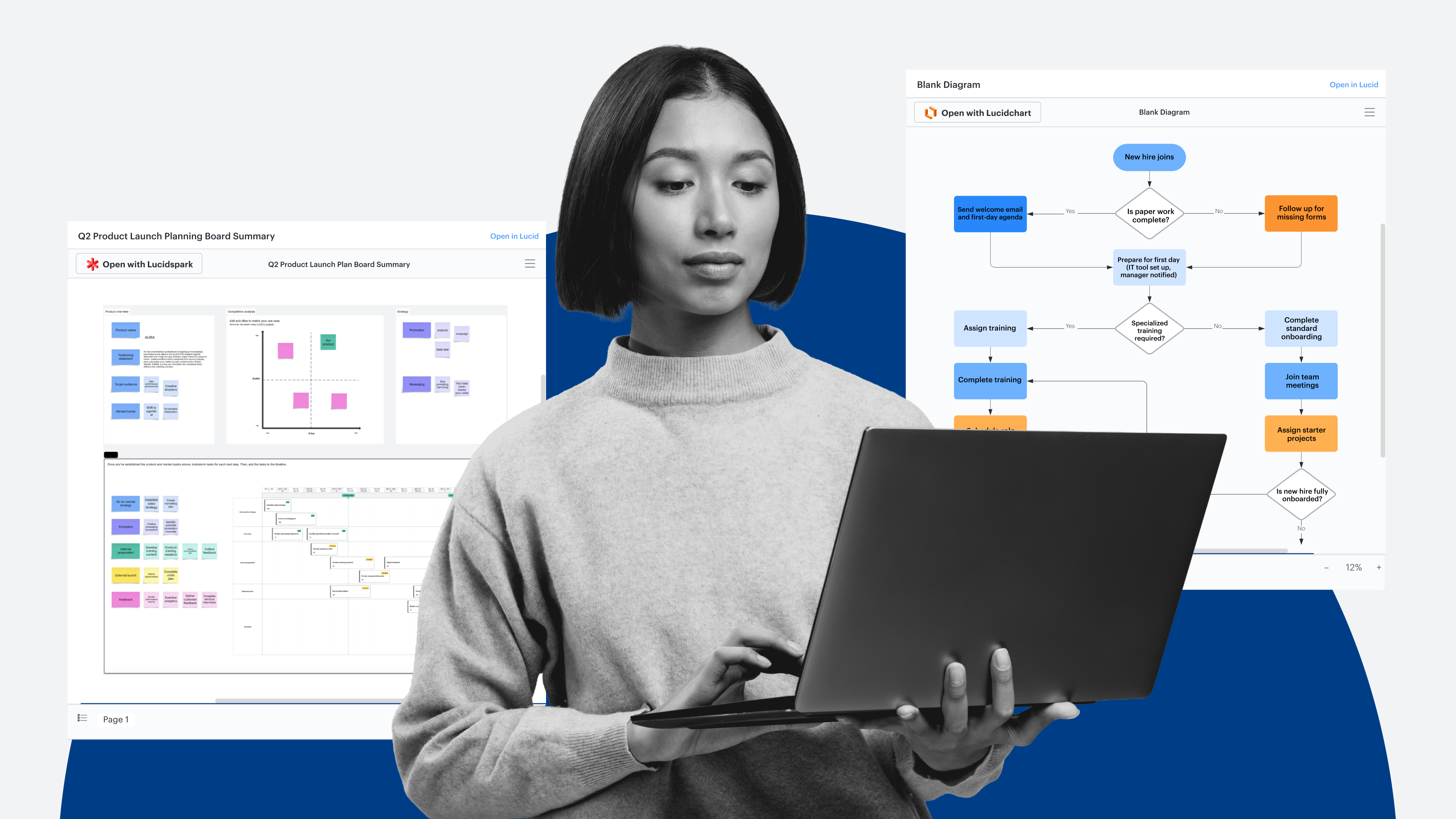
As organizations incorporate AI into daily workflows, one of the challenges they face is how to realize AI-driven productivity—because adding an intelligent tool doesn’t automatically translate to time savings or quality outputs.
A Lucid survey on AI readiness revealed that while 72% of respondents use AI-powered tools for collaboration, 61% believe their organization’s AI strategy is only somewhat to not at all well-aligned with operational capabilities.
If the question is how to integrate AI for operational efficiency, the answer isn’t copying and pasting between your workspace and your LLM—we believe it’s eliminating extra steps and bottlenecks by consolidating your tools, data, and workflows. The Lucid MCP server allows you to do just that.
By connecting the Lucid MCP server with your preferred AI clients, you can streamline workflows, while also allowing AI to access and pull information from your Lucid documentation. Being grounded in documented processes gives AI the context it needs to produce high-quality outputs and execute tasks effectively.
For organizations ready to transition from the individual use of AI to the institutional use of AI, having deeply integrated, documented processes is key to AI readiness.
What is the Lucid MCP server?
The Lucid Model Context Protocol (MCP) server is a secure connection point between Lucid and large language models (LLMs). It acts as a bridge between the intelligence of your AI tools, the visual power of Lucid, and the data and operational knowledge contained within your Lucid documents.
The MCP server can access any Lucid document you can, except those that are owned or created by external users. Acting as a pass-through, the server sends document data directly from Lucid to your chosen AI client without retaining your document data or prompts.
The MCP connection establishes Lucid as the foundational visual and structural layer for your external AI workflows. It integrates Lucid and your AI client, consolidating work in a single, conversational interface.
What can you do with the Lucid MCP server?
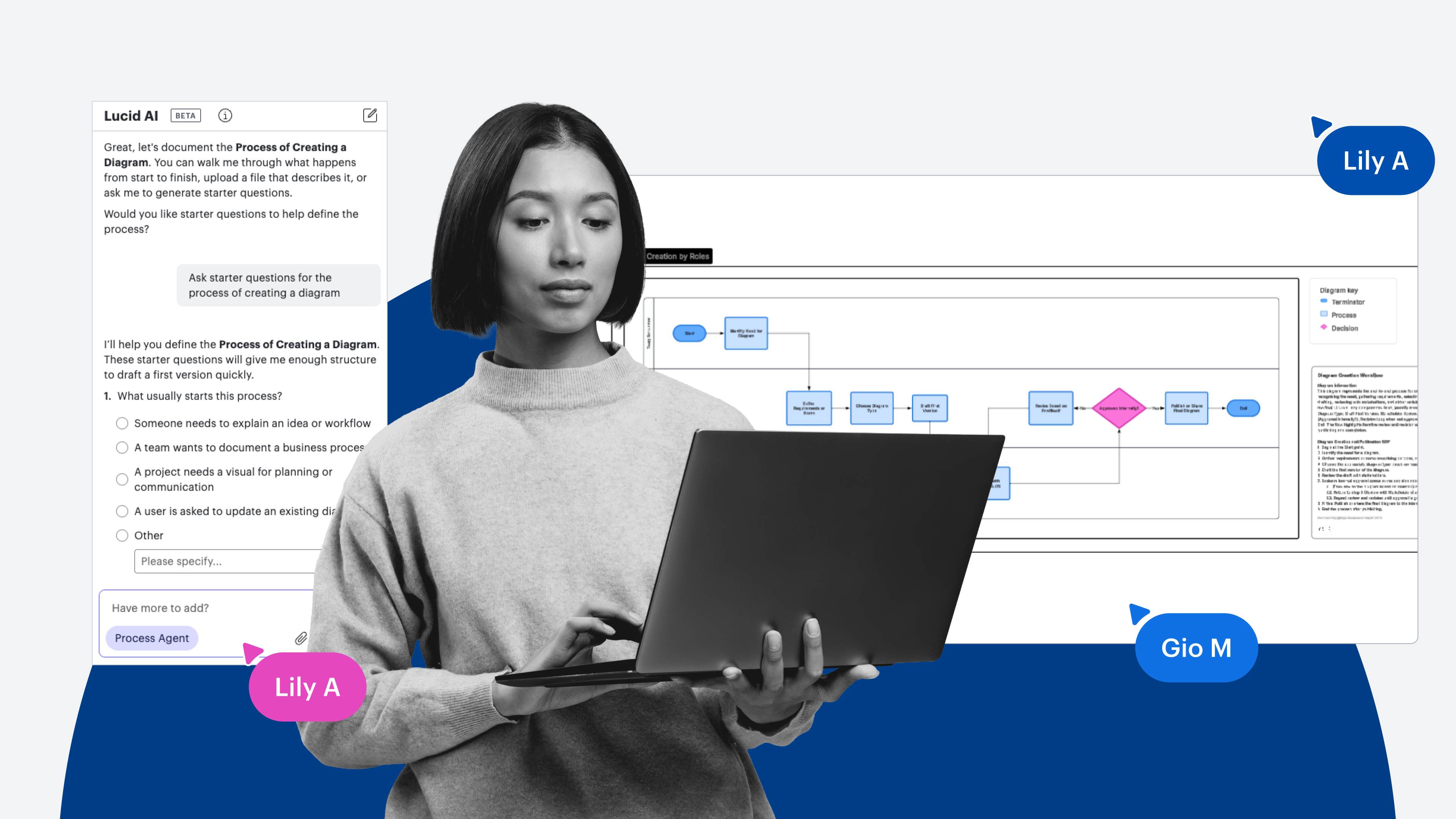
Simply tell your connected AI client what you want to do in Lucid, and it takes immediate action—within your chosen AI tool. This eliminates context switching and turns LLMs into active, informed collaborators so you can increase AI-driven productivity.
Here are examples of how you can leverage the integration between your AI tools and the Lucid MCP server:
-
Locate documents at the speed of AI. Instead of searching through your Lucid documents one by one, ask AI to pull groups of documents by keyword, topic, or title, and it will provide a list of results sorted by relevance.
- Real-world example: A solutions consultant uses their AI client to instantly search an enterprise workspace for a complex system design board titled "Digital booking architecture," surfacing the exact document instantly without breaking focus to search through nested folders.
-
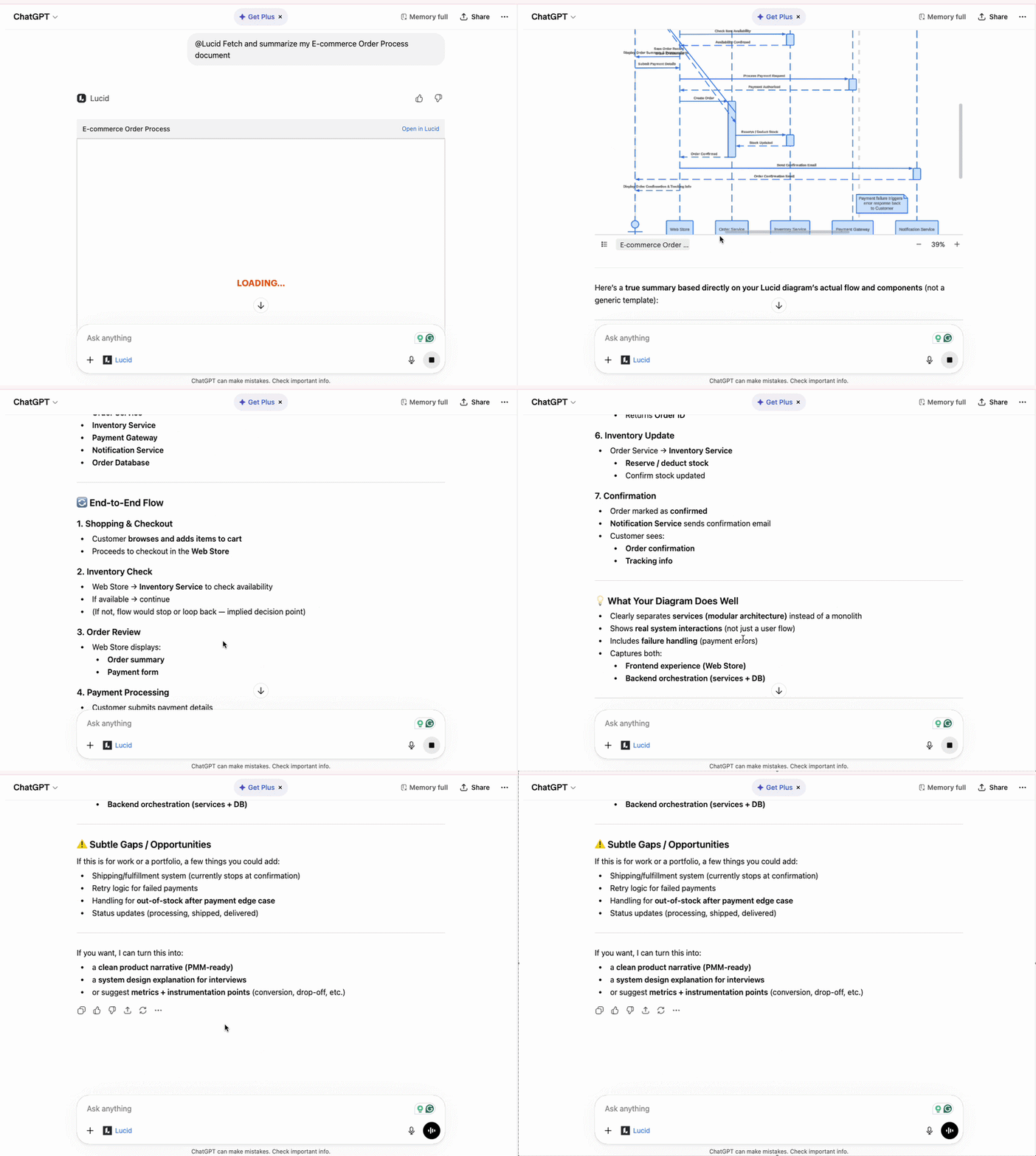
Summarize documents and refresh knowledge. Once AI locates the documents you’re searching for, you can request textual summaries of the content.
- Real-world example: Instead of manually inspecting every node on a dense architecture diagram, an engineer has their AI agent fetch visual data from Lucid, analyze the underlying components (including API gateways and control planes), and output a clear technical summary for team alignment.
-
Distribute content effortlessly. When you need to share documentation with team members, you can reduce the dozen or so steps involved in manually finding your documents and composing an email down to two steps.
- Real-world example: After finalizing a technical workflow in chat, a manager asks their AI client to generate scoped edit-permission links and distribute them directly to collaborators, keeping all distribution steps right inside the conversational window.
-
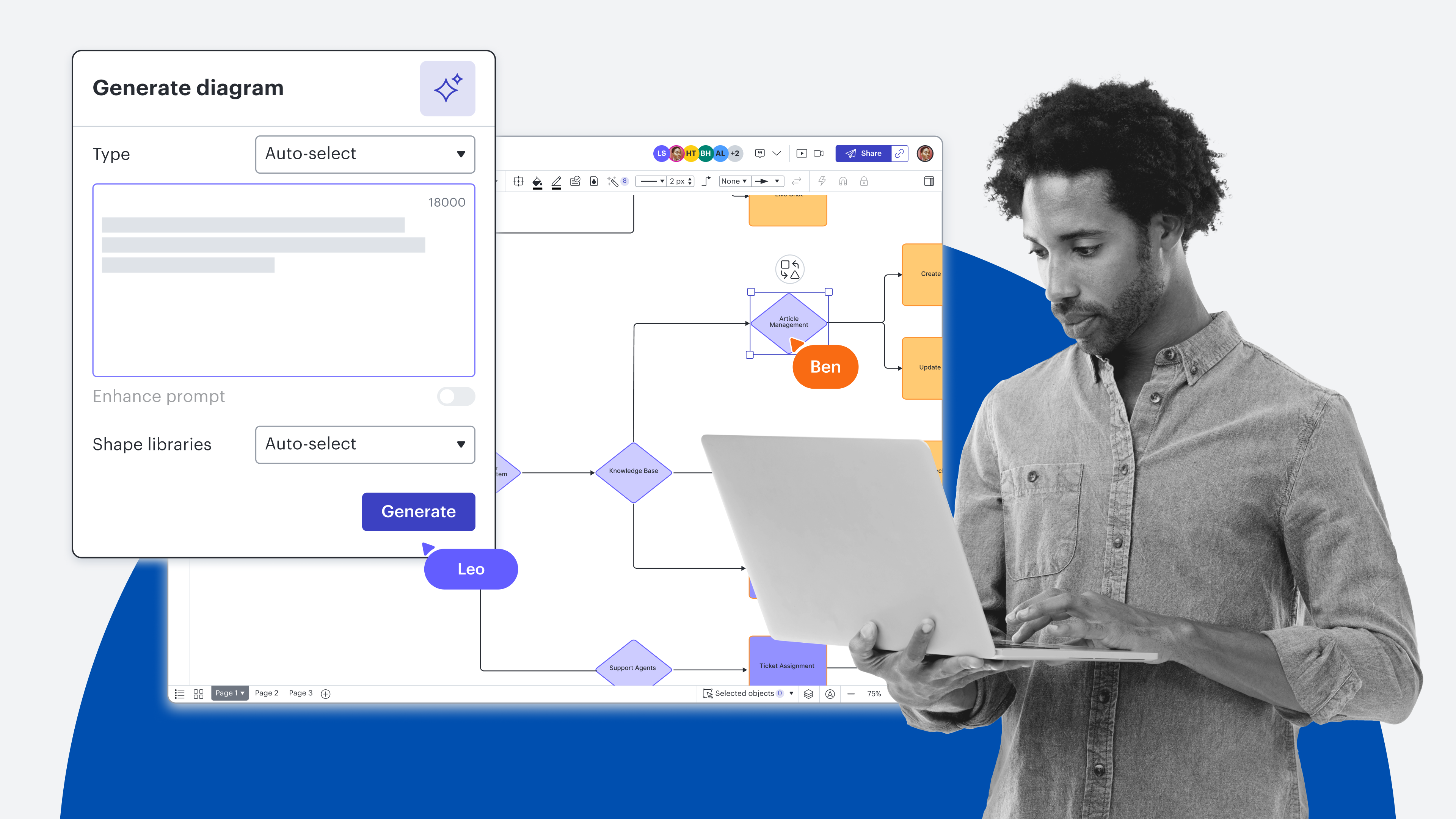
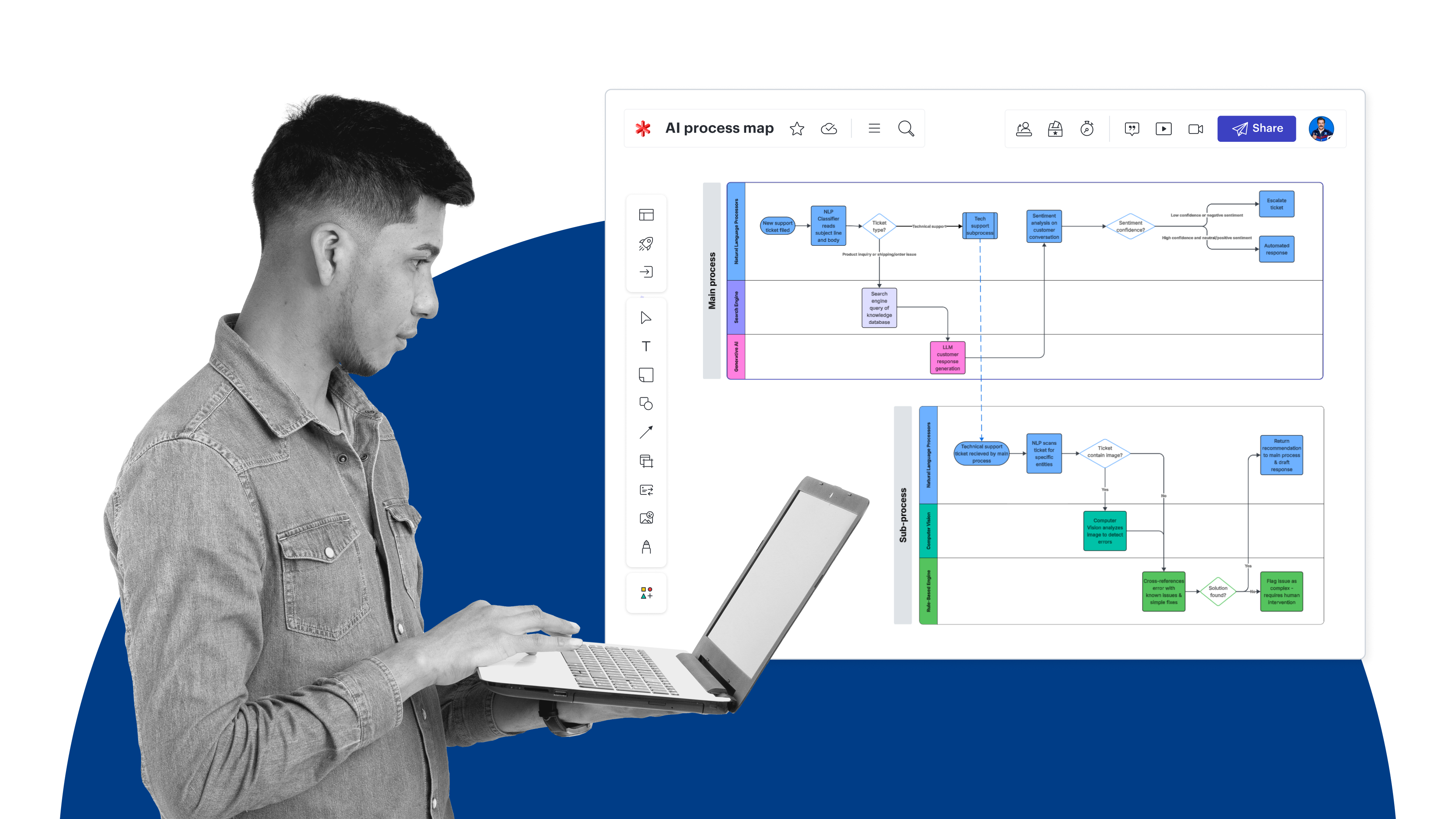
Go from prompt to visual diagram in seconds. With Lucid connected as your visual layer, your AI client can automatically turn conversations into flowcharts, BPMN diagrams, and ERDs. You can also create UML sequence diagrams from PlantUML markup and intelligent org charts from CSVs.
- Real-world example: An engineer points her AI assistant at an 11-file notification codebase. The LLM analyzes class inheritance and relationships, then calls the Lucid MCP server to automatically generate a structured UML class diagram in seconds.
-
Visualize conversations and ideas faster. For complex brainstorming, you can turn an entire AI conversation into a mind map without the manual effort of building the initial map.
- Real-world example: You can feed raw meeting audio, transcripts, or long Slack threads directly to an LLM and instruct it to extract key decision points and build a complete mind map or swimlane diagram directly inside Lucid for immediate team collaboration.
-
Easily deploy changes and evolve content. If you need to revise a Lucid document—even if you didn’t use the MCP server to create it—you can tell your AI tool what to update, and it will make changes for you (e.g., “Update all shapes that mention ‘hand off’ to have a light yellow fill”). Or, you can evolve content by asking AI to create something new from an existing document.
- Real-world example: A developer adds a new Slack notification class visually on a Lucid UML board, then instructs their AI agent to inspect the visual edits and automatically write the corresponding Python code updates across four files in the codebase, showing how visual changes directly drive code execution.
Which AI tools connect to the Lucid MCP server?
The Lucid MCP server can connect to any external AI tool with an available MCP client. This covers a variety LLMs, including but not limited to:
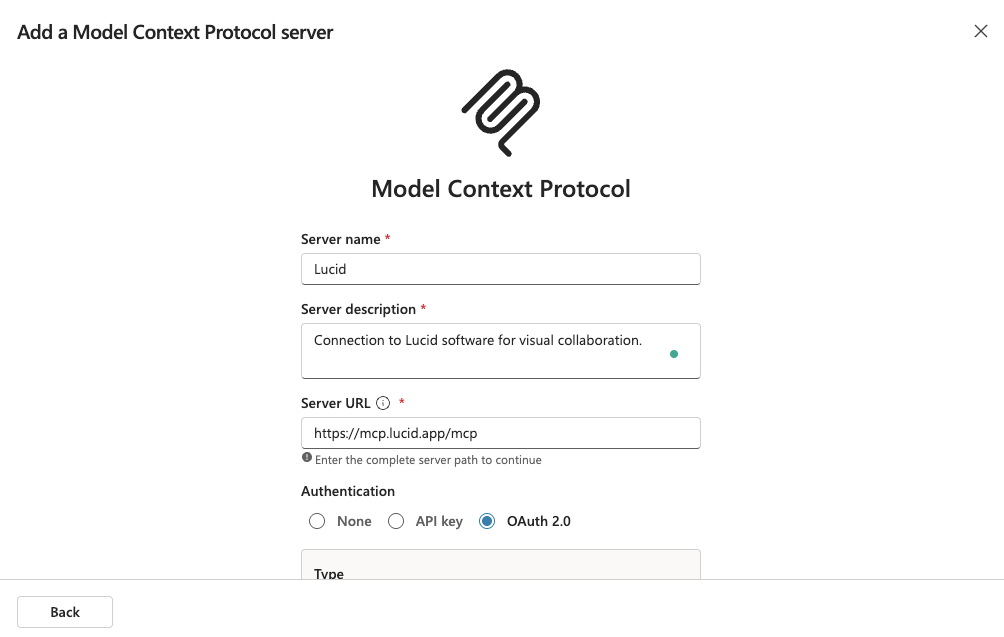
You can connect AI tools to the Lucid MCP server in two ways. The first is manual setup. The second is through Lucid’s MCP connectors, which are available for ChatGPT and Claude in their respective marketplaces.
What’s next for the Lucid MCP server?
Our goal is to ensure that no matter which AI client your team chooses, Lucid can provide the visual intelligence you need to eliminate context switching, go from conversation to action, and inform AI on documented processes. Stay tuned for several MCP server enhancements currently in development.
By anchoring your LLMs to Lucid, you can empower your entire organization to accelerate work and build on a shared understanding.

Integrate with the Lucid MCP server
Learn more about integrating your AI tools with the visual power of Lucid.
Get the details