As an IT leader, you are under a lot of pressure to stay ahead of the game. If you’re the last to discover a new application or update critical software, you’ll lose efficiency, money, and opportunities for innovation. But it’s difficult to devote ample time to this forward-thinking when you’re juggling so many other tasks in your schedule.
Consistently thinking ahead may seem like a difficult challenge to overcome, but Lucid can help reclaim moments in your day, opening up your hours so you can spend more time innovating, identifying new opportunities, and ultimately, improving the bottom line.
Root causes of lost time
Before we discuss methods for saving time, let’s step back and explore some common causes of wasted time.
1. Incomplete information
Executives are often asked to understand a problem or make decisions with incomplete information. In this case, the ill-informed decision may lead to a dead end, and you’ll have to start over to find a proper solution. Or, sometimes, execs may have access to complete information, but it’s disorganized, leading to wasted time trying to locate or understand it.
Better decisions could be made more quickly if information were readily available.
2. Alignment gaps
Getting on the same page is difficult when referencing a highly complex system or process, as is often the case in the IT world. The usual text-based communication, or even face-to-face communication, is inadequate to address these issues. And sometimes you think you’re aligned but later, when you act on the information, you discover you actually weren’t, and again, you have to start over with your new shared understanding to find a real solution.
This problem is especially prevalent between executives and employees, since clarity often shifts or distorts as it’s passed down. A shared understanding throughout the ranks of a company is vital to eliminate incompetence and ignorance. IT leaders need a documentation medium that provides both collaboration and confirmation of alignment.
Lucid can solve these issues
The good news? Just because these problems are common doesn’t mean they’re without a solution. Lucid is powerful enough to tackle your most complicated projects while promoting effective collaboration, saving you time in the end because you can do the job right the first time. Here are a few ways how.
1. Lucid helps you solve problems more clearly with visuals
How can you problem-solve when you aren’t even on the same page about what the problem is? Complex issues require strategic solutions, and Lucid can help align your team on issues and stay organized while you solve them.
It’s all thanks to visual collaboration. Implementing visuals into learning significantly boosts comprehension and understanding. In fact, the use of visuals can improve learning by up to 400%. This means that if you’re trying to understand a difficult concept, process, or piece of software, a Slack message or even an in-person meeting alone won’t cut it. Adding powerful visuals helps you understand the problem quickly, so you can ask the right questions and then identify and implement a successful solution. Add a data-linked diagram, a slide deck, an instructional video for context, or a chart to convey concepts accurately and ensure you’re all talking about the same thing. This ensures that everyone—desk technician to system admin and beyond—is aligned on the problem space, reducing the time it takes to diagnose and resolve issues and outages.
This is especially useful in onboarding because clear, formalized documentation establishes a common understanding from the very beginning. This means new IT hires can quickly get up to speed on complex systems by exploring flowcharts of support ticket workflows or process diagrams for deploying new software, for example, and these can all be created in Lucid.
2. Lucid allows you to access data faster for better decision-making
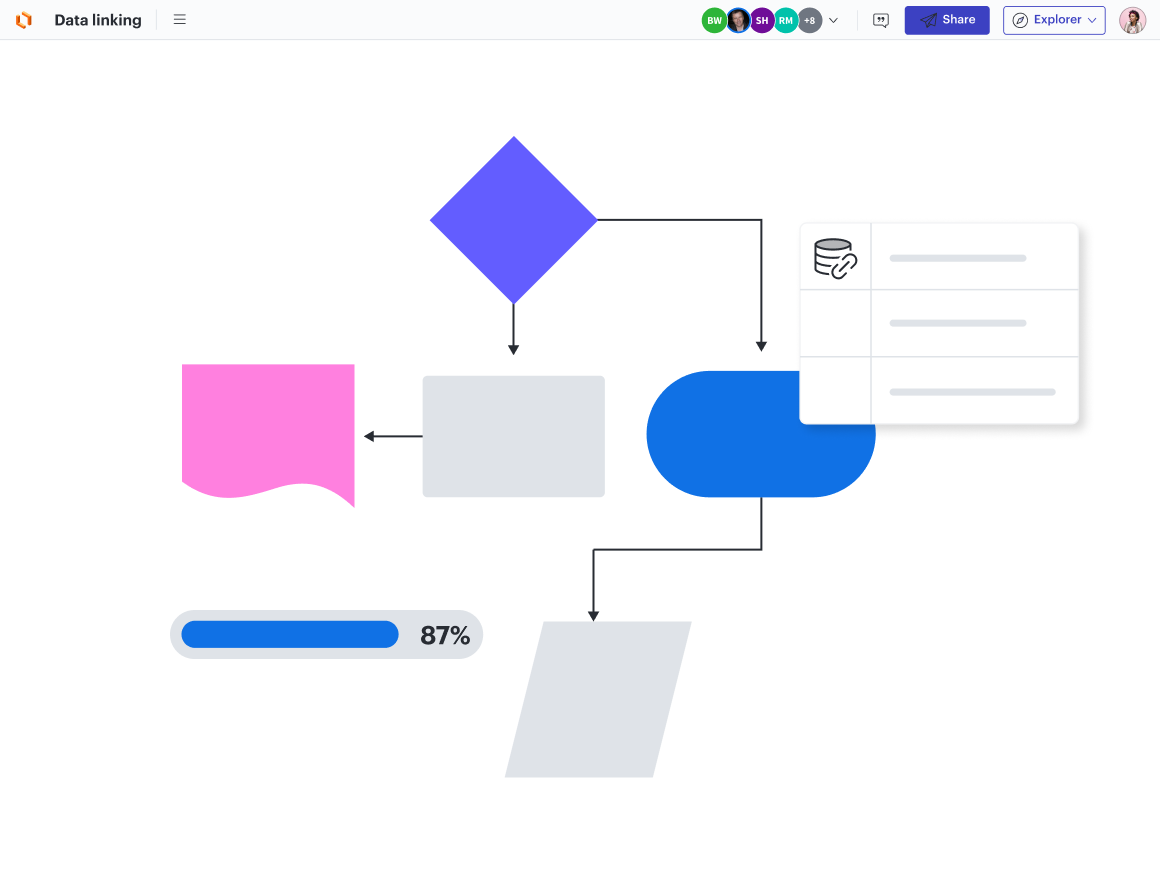
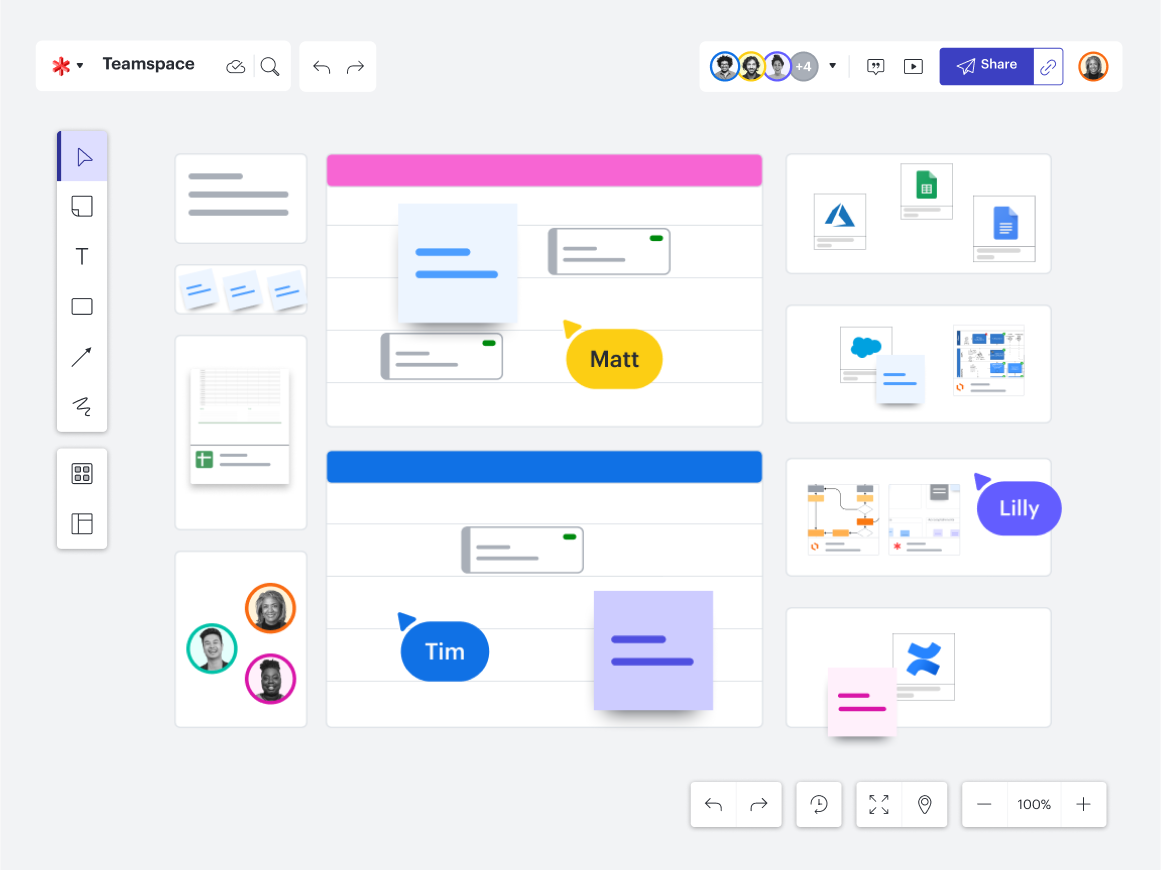
Quickly accessing relevant data is necessary for effective decision-making. This ensures that data is not only available and organized but also quickly accessible.Lucid allows you to easily embed diagrams, data, and relevant context into project briefs, statuses, team hubs, or any other apps where your information is stored, like Jira and Confluence. These data-linked diagrams provide a real-time visual representation of their IT systems, helping them to make more informed decisions. These will automatically update in real time as your source data changes, so your team will maintain a shared understanding as the projects evolve. Plus, with hundreds of templates at your disposal, it’s easy to add documentation in seconds instead of spending time creating a resource your team needs to do their best work.
Our IT toolkit makes documentation effortless.
Learn how3. Lucid ensures equal context and opportunity with collaboration equity
Meetings often rely on the loudest voice in the room to set the tone, brainstorm ideas, and lead the discussion. This doesn’t leave much room for those who may be more tentative to speak up but have great ideas and much to add to problem-solving. Lucid fixes this problem by promoting collaboration equity.
Collaboration equity involves setting up meetings, teams, and workspaces so everyone has the same context and opportunity to contribute. It means the best ideas are guaranteed to surface, regardless of your collaboration style. This is especially vital in IT projects that draw on the deep technical understanding of every member to problem solve, even those who are more reserved and may otherwise feel overshadowed by others in meetings.
Lucid offers several features that support this.
-
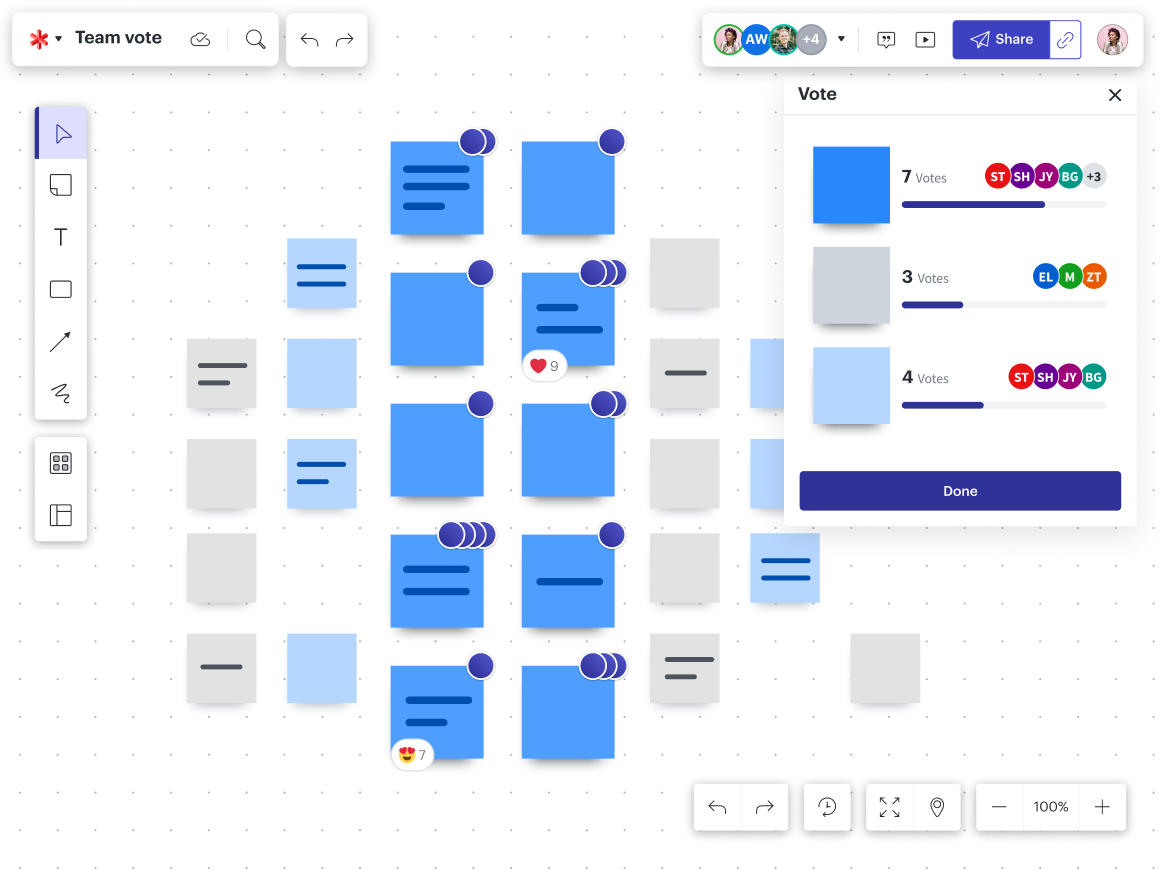
Private voting allows everyone to feel more comfortable contributing their true opinions.
-
Visual Activities allow team members to weigh in, rank options, or share a project's status before aggregating the composite data. It is less intimidating to share updates or opinions when everyone else is doing it simultaneously.
-
Lucidspark’s private mode hides sticky note authors and collaborator names on cursors, encouraging full honesty and lessening the pressure so you can generate ideas without bias or influence.
Traditional collaboration and ideation also depend on the people present in person for the session. If someone misses the meeting or joins in late, it’s nearly impossible for them to truly get all the context they missed, and so they’re unable to contribute equally. But when decisions are made and topics are explored through software like Lucid, documentation is created inherently. This is essential for IT, as it provides a clear audit trail for changes to a system or process, making it easier to ensure compliance and roll back a change if needed. Plus, it means collaborators can step in and out at any time, and the project or initiative can remain relatively undisrupted.

Learn how to leverage your work in Lucid to create a single source of truth for your team.
Read the article