We doubt anyone’s going to deny the importance of strategic planning. Without this critical process, your company would have teams working toward separate goals instead of being united around one clear mission.
But let’s face it: strategic planning sessions can be a slog. Once you’re past the initial excitement of determining your vision and all the ways your business will change the world, you’re left with a boring spreadsheet, forced to undergo the tedious process of mapping potential projects back to key initiatives and estimating just how much time each project will take.
Not the most engaging process.
The global shift to remote work due to COVID-19 has only exacerbated this problem—many teams no longer meet in the same room. It’s hard to stay on the same page, energy’s low, and it’s easier than ever to lose focus on (and interest in) the task at hand with all the distractions going on at home.
With Lucidspark, your company can add some life back into its strategic planning sessions and start turning your plans into action on the spot. Learn how to facilitate a planning session with our strategic planning software.
Steps for facilitating a strategic planning session
1. Have a goal or objective in mind
Before your strategic planning session, you should have a good idea of what your company goals are. If you don’t, take a step back and identify your company’s potential opportunities. Lucidspark offers templates to get you started on a number of strategic analysis models:
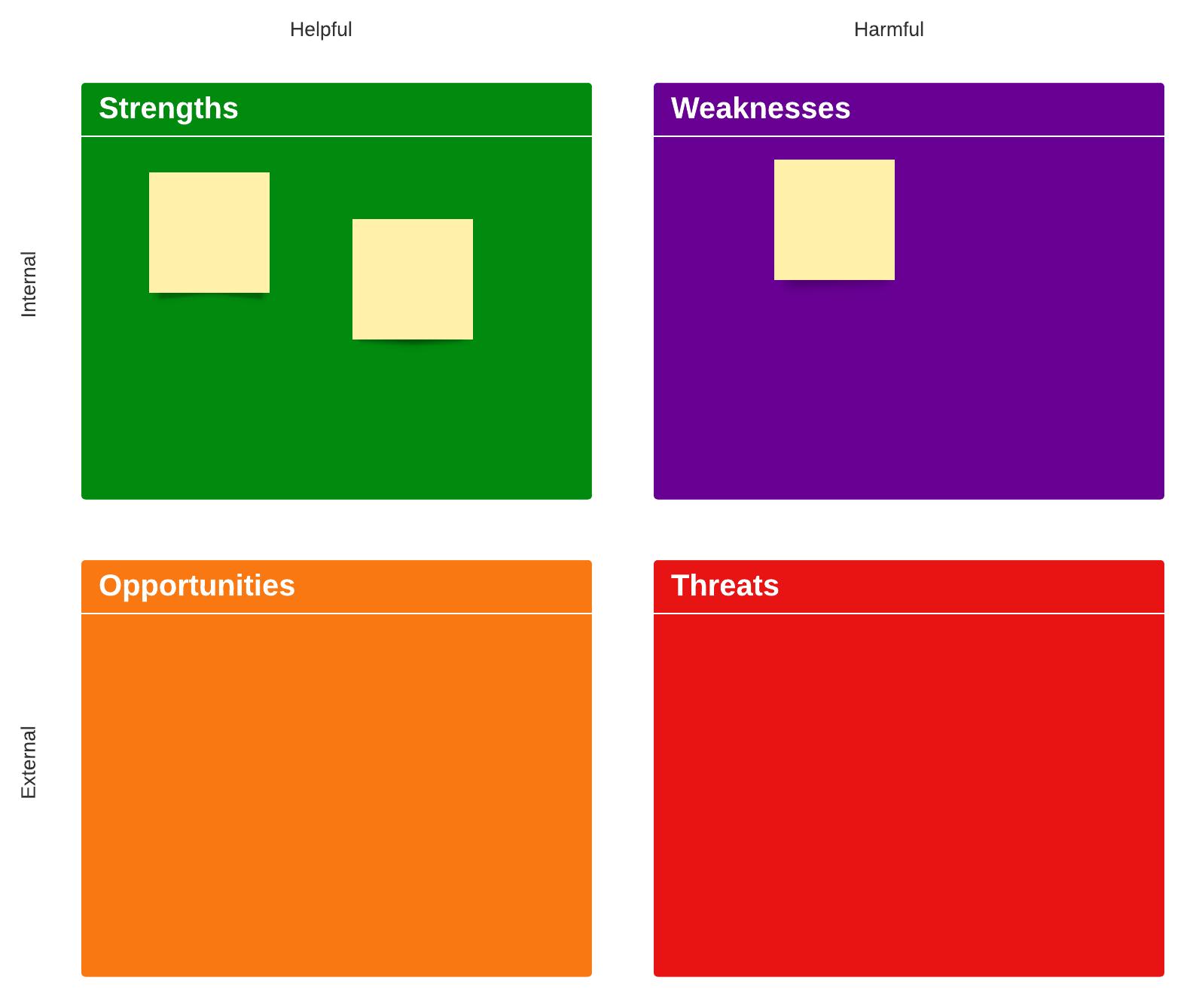
SWOT analysis: This simple framework can help you find the strengths and weaknesses in your current business model and look ahead to the opportunities and threats you should take into consideration.
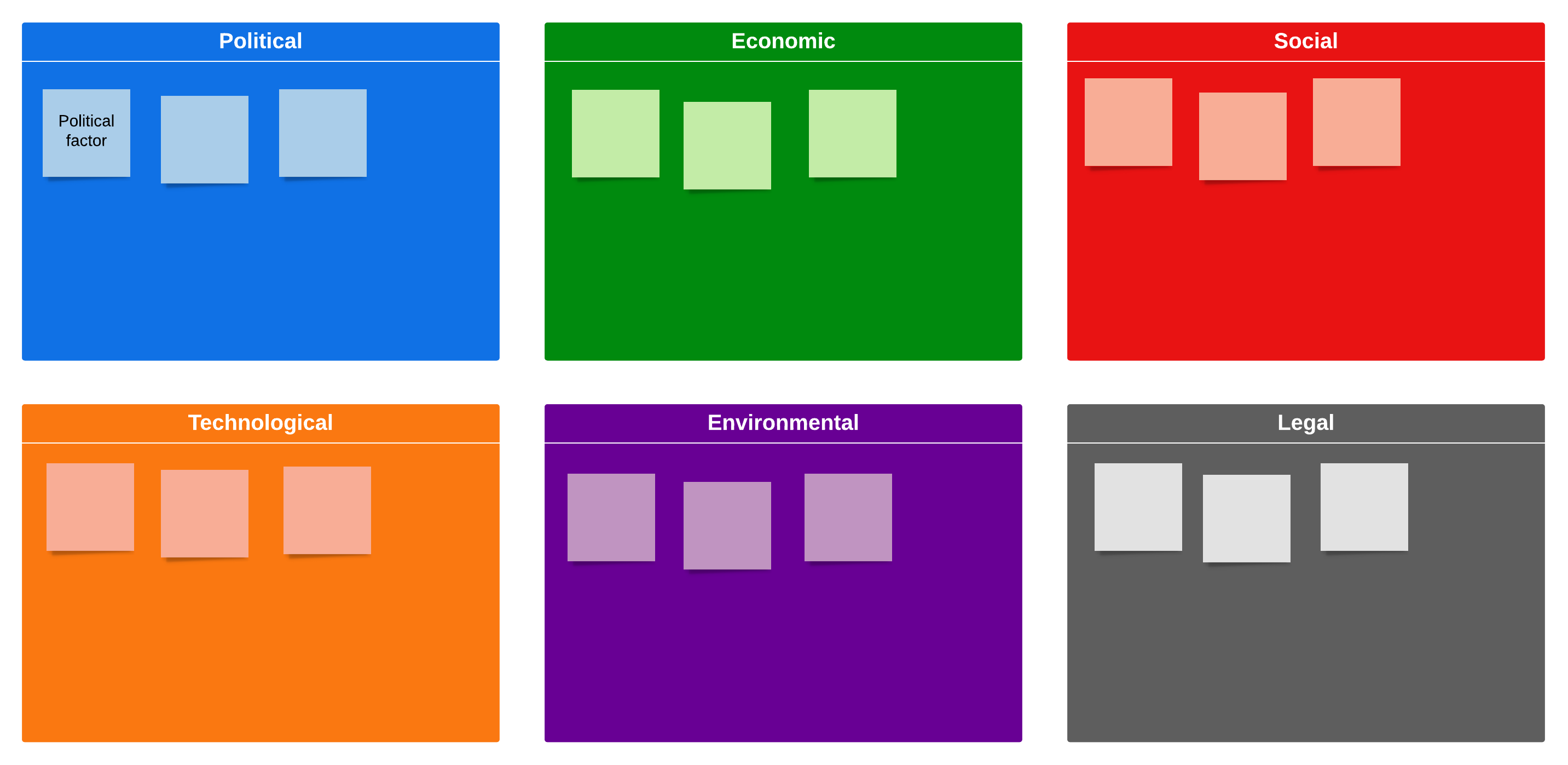
PEST analysis: This framework considers the political, economic, social, and technological factors that could influence market growth and decline. Some have expanded this to PESTLE analysis, including legal and environmental factors as well.
Business model canvas: Map out your existing business model—with sections like value propositions, customer segments, cost structure, and revenue streams—and make adjustments based on changes to the competitive landscape.
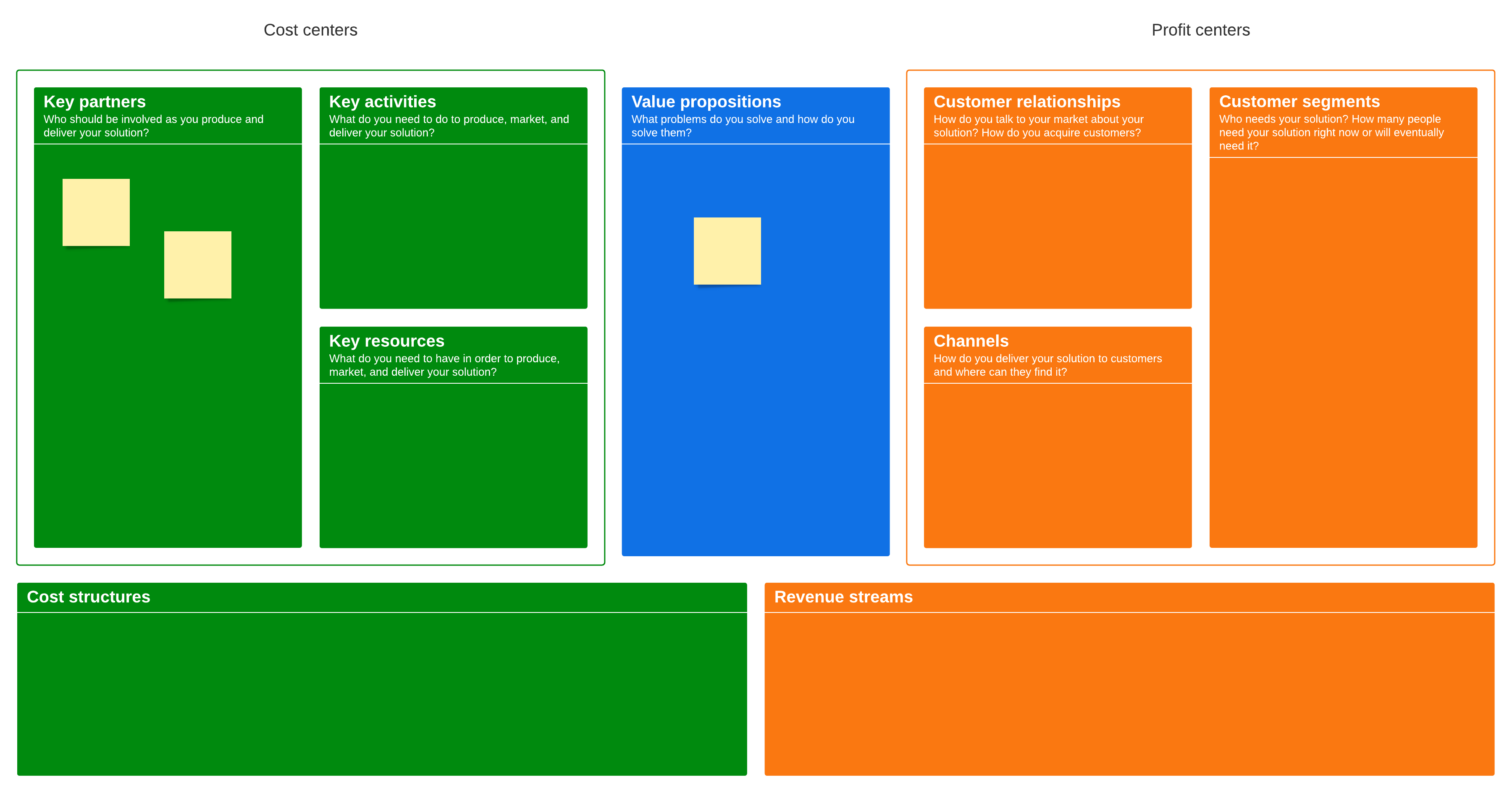
Choose any of these options as your framework, and invite leadership to drag out digital sticky notes with their ideas.
2. Prepare your board before the meeting
Have your objectives ready? Great! We recommend setting up your Lucidspark board before the strategic planning session begins.
Add containers for each objective or goal
In the Note Panel, add the main objectives or goals for the next quarter or beyond so they are easily accessible at any time during the session. You may also want to use the Note Panel to add an agenda or an overview of how the session will go.
Then drag out containers and label them based on each of your main goals. These will keep your objectives top of mind as collaborators brainstorm ideas and prioritize the projects that will best accomplish the company vision.
Depending on the system you use, you may want to add sticky notes to these containers ahead of time to show other preliminary information.

For example, at Lucid, we set OKRs (Objectives and Key Results) each quarter. We created a container for each objective and then used color-coded sticky notes for other information: blue for the primary owner of each objective and orange for key results.
Share your board with attendees
Send your Lucidspark board out so collaborators receive the necessary context and are prepared to jump in at the start of the meeting. Simply click “Share” from Lucidspark—you can even generate a shareable link to attach to your calendar invite. Select “Link to current view” if you’d like to direct collaborators to a specific part of the board when they open it.
For another secure and convenient way to share, click the three person icon in the top right corner of your Lucidspark board and turn on the Join ID feature, then share it with others. This allows the meeting facilitator to easily share their board with other attendees.
3. Add in projects
Now it’s time for everyone to jump in and add their ideas for fulfilling these ambitious goals you’ve set. Ahead of the meeting, create sticky notes for projects that were discussed in previous quarters, but delayed due to other priorities. Now you have those ideas at hand to add them to this round of plans.
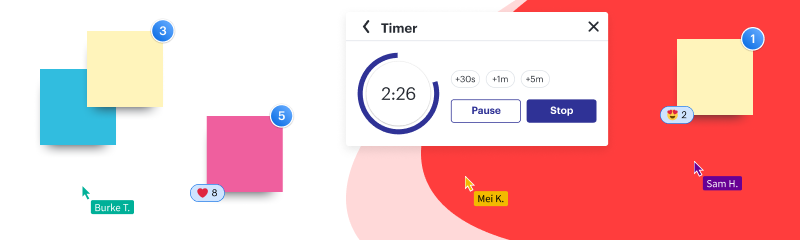
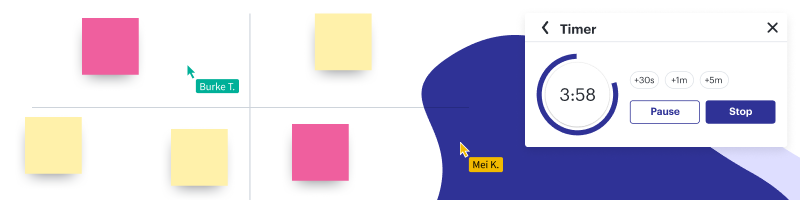
Instead of trying to capture all the ideas being shouted at you in person or, even worse, sitting in silence, an online whiteboard gives team members the chance to brainstorm on their own before coming together. Set a timer to keep this activity focused… and maybe to ramp up the pressure a bit.
Let each team member drag sticky notes into the various containers to document their ideas. You may want to use Collaborator Colors to keep track of who suggested each project. This brainstorm can be a fun and interactive process. Encourage your team members to try out freehand drawing and emoji reactions in addition to sticky notes.
Lucidspark’s infinite canvas allows for unlimited idea space—but if you ever need to bring the group back together, simply summon everyone to the same area of the board using the Call Others to Me feature.

4. Tag projects by priority and lift
This is typically where strategic planning gets tricky. You have a ton of potential projects and only so much time to fulfill them—what makes the cut? Lucidspark makes this whole process easier through tagging.
Click each sticky note to add a tag. We recommend tagging by high, medium, and low priority (how essential the project is to complete the objective) and heavy, medium, and light lift (how much effort or how many resources it will take to complete this project).

Lift can be determined by the person who is most familiar with the project’s scope, whether that’s the team executing the project or the team member who suggested it. You can easily notify someone when you need additional context on a certain project by @mentioning them in a comment or sending them a chat.
Priority should be discussed as a group to get a more holistic perspective. Worried that the group might spend too much time debating the priority of various projects? Set a timer in Lucidspark to keep the meeting on track.
5. Sort projects (and cut or postpone the low-priority ones)
Use Sort and Gather to collect sticky notes by the tags you’ve created. For example, you may want to start with the high-priority, heavy-lift items since your teams will only have so much bandwidth to fit those in. The low-priority projects will be easy to sort and either keep, cut, or save for another quarter.
If you have a lot of high-priority projects that you still need to narrow down as a group, set up a voting session in Lucidspark. Click “Voting” under Team Tools—you can assign a specific number of votes to each person and visualize the results to quickly determine which projects are absolutely essential to include within your strategic plan.
Create a new container to house your “overflow list,” the projects that you don’t have time for this quarter but should be considered in the future.
6. Export your plans to take action
You’ve got your projects planned out, but don’t let the momentum stop there—export your Lucidspark board into Lucidchart to transfer your planned projects into other assets, like product roadmaps and Scrum boards, in order to hit your objectives.
As distributed work becomes the norm, Lucidspark is the ideal solution to drive engagement and action from your strategic planning sessions. If you haven’t already, sign up for an account and start nailing down your company goals.
Sign up for Lucidspark today to get started on an effective strategic planning session.
Try it now