
Key takeaways
-
Using Lucid’s universal canvas, teams can brainstorm, diagram, and plan all in one place, seamlessly bridging the gap between initial ideas and cloud execution.
-
Lucid's Cloud Accelerator allows teams to instantly auto-generate and filter cloud infrastructure diagrams for a complete picture of their network.
-
Lucid's features empower IT teams to automatically maintain a single source of truth, making it easier to pass compliance audits and optimize resource usage.
The sky is truly the limit when it comes to the benefits of working in the cloud. However, life in the cloud can also be complex. Achieving the agility, clarity, and alignment that successful cloud environments can provide requires ongoing management, innovation, and verification.
We want to help teams and leaders make the most of their cloud environment. Lucid, the leading work acceleration platform, delivers capabilities that enable teams to plan and design a successful cloud migration strategy that meets goals and objectives as they grow and evolve.
Bring clarity to complex infrastructure
Do you have accurate documentation of your current IT architecture? Whether you're heading into your first cloud migration or updating existing infrastructure, it's important to have a clear understanding (and record) of what your system looks like today.
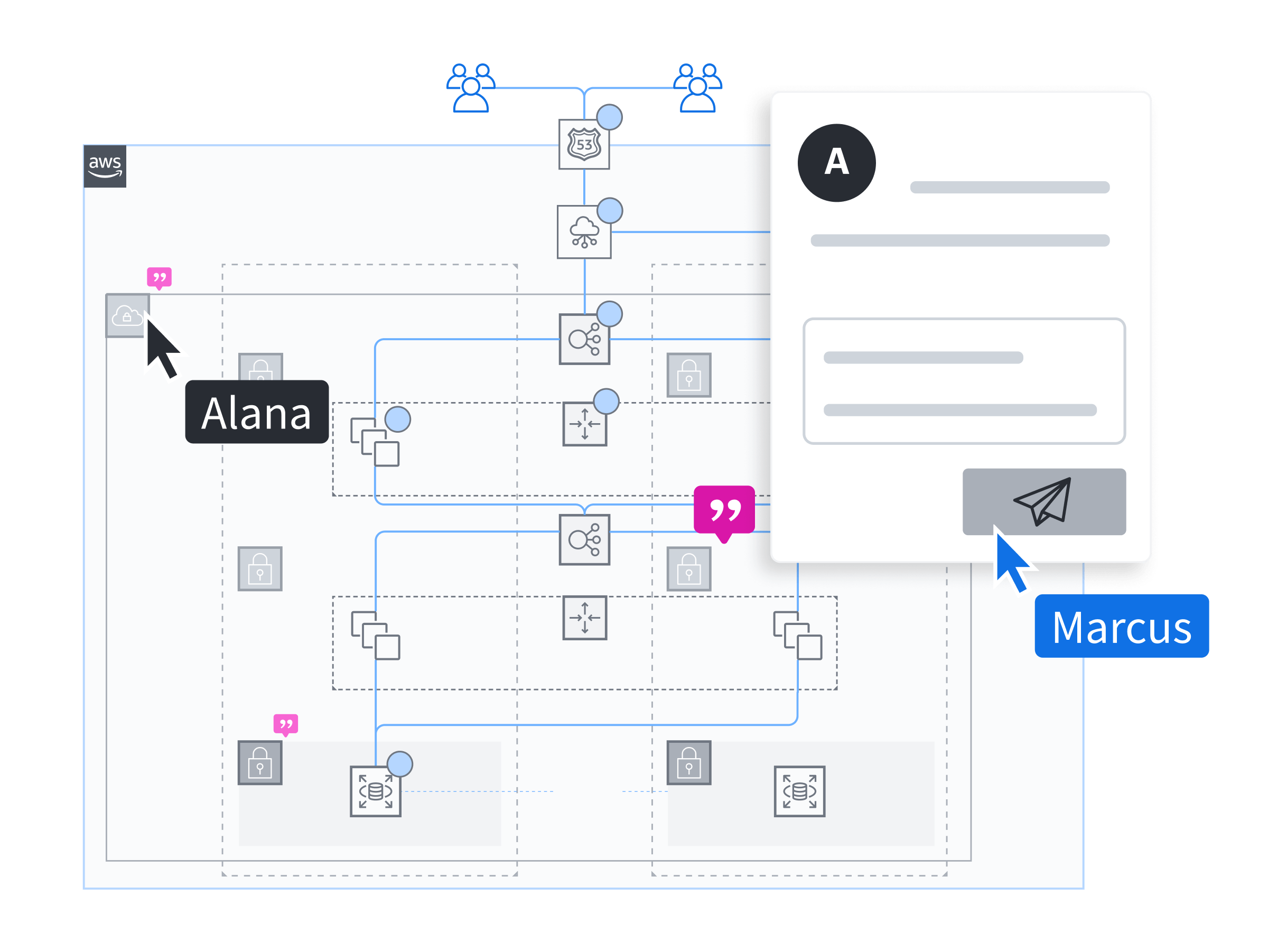
Lucid helps teams document their on-prem, cloud, or hybrid environment. The Cloud Accelerator add-on automatically visualizes AWS, Azure, or Google Cloud architecture, allowing teams to quickly filter views and focus on the aspects and resources that are most critical to their efforts.
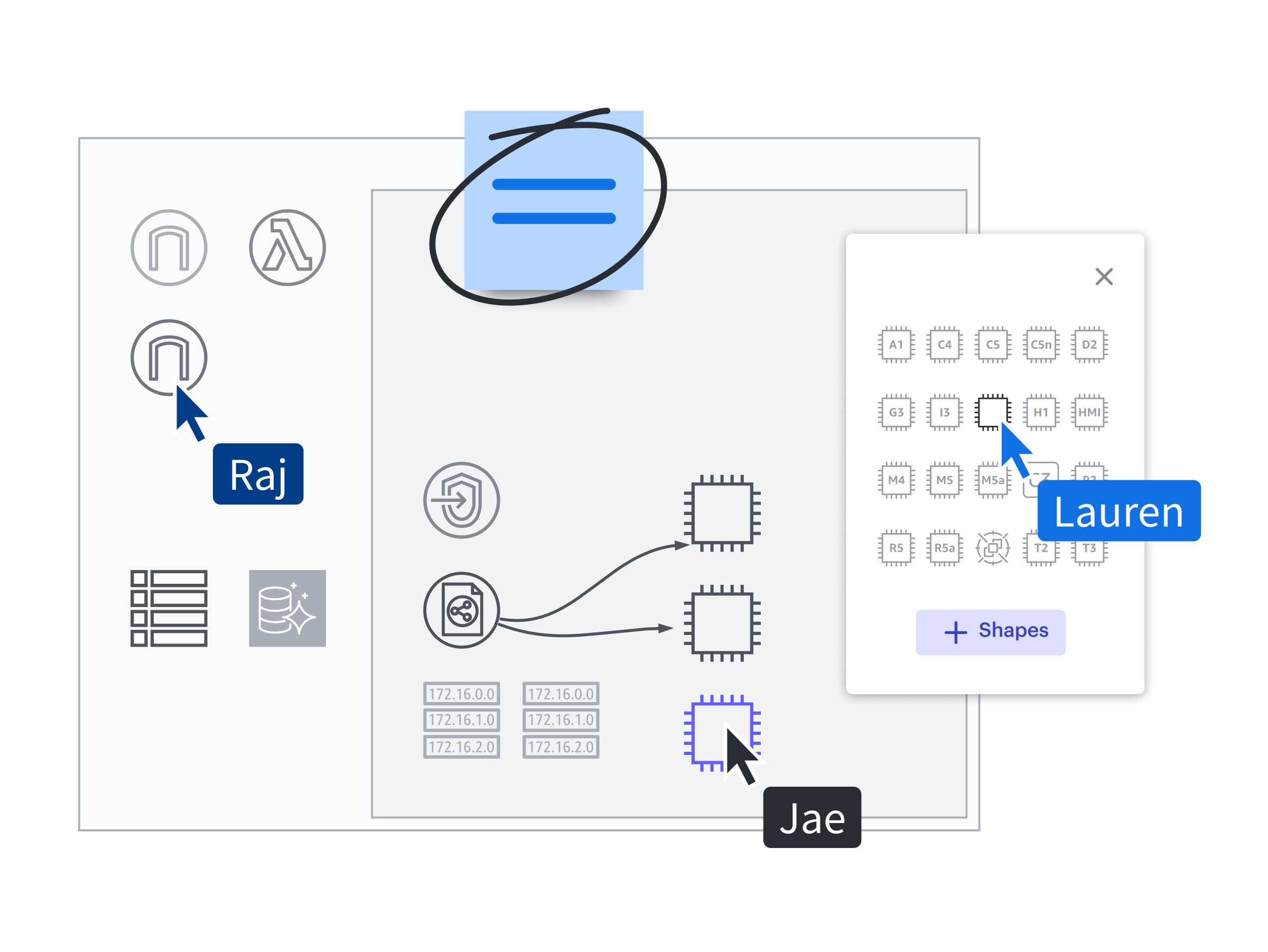
During this process, collaborators can tag each other, leave comments, and highlight points of interest for stakeholders across departments. Automated cloud infrastructure diagrams, created through the Cloud Accelerator, can be filtered for specific resources, and contributors can point out opportunities for improvement while tagging the appropriate teams or specialists. Communication within the diagrams carries a level of clarity that can't be matched by an email or text conversation alone.
Turn ideas into actions
Bringing teams together on a virtual whiteboard like Lucidspark creates a central location for notes, ideas, market data, research findings, and major objectives to be shared across teams and stakeholders. This allows teams to see the big picture of their cloud migration, define scope, and quickly identify how individual parts of the project contribute to the larger goal. Teams can quickly record, sort, and vote on ideas as they collaborate, ensuring the best inputs are prioritized.
From there, you can transform your Lucidspark board into a Lucidchart document using universal canvas and get that much closer to executing.
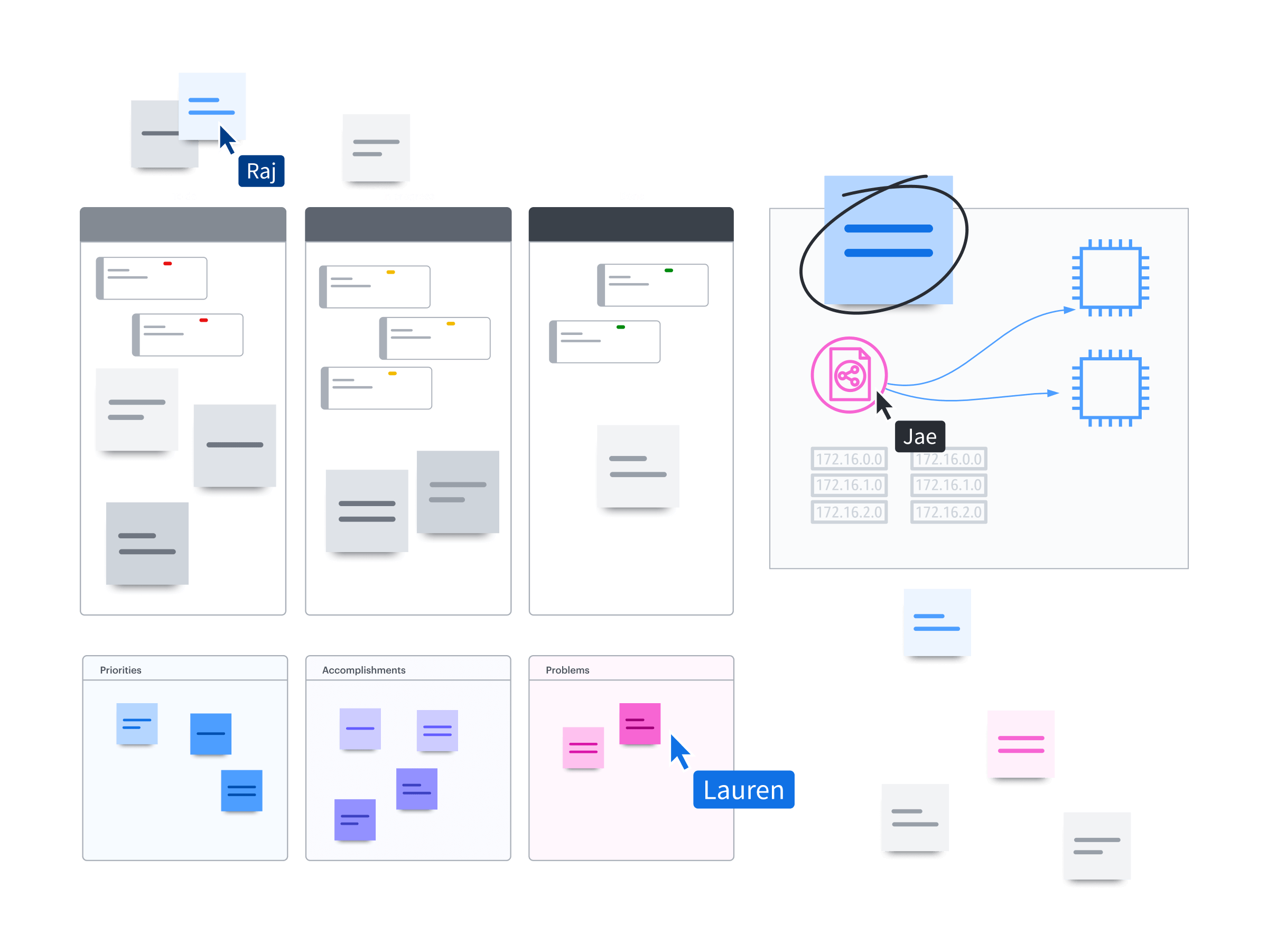
Cloud migration implementation can be planned in Lucidchart with supporting operational documents like org charts, timelines, and workflows. Deliverables can be assigned to individuals and teams, dependencies are clear, and each item is clearly defined for all stakeholders to see. Sprint planning is collaborative, impactful, and automatically documented. Everyone knows what their responsibilities are, when their tasks are due, and how they contribute to the final product.
See and build your future state
Making your cloud environment clear is a continual effort of validation, documentation, brainstorming, planning, and implementation. Cloud architecture documents are the ideal reference for future improvements and migrations. By having an accurate starting point, teams work more efficiently as they brainstorm their next move in the cloud. You can carry your cloud models through every element of your project planning, keeping the conversations focused, relevant, and aligned.
Plans can also be conceptualized by embedding cloud frames directly in Lucidchart documents to visualize your target architecture. Lucidchart includes official AWS, Azure, and GCP shapes so you can easily envision your future state. Innovations and improvements can be detailed at a technical level so that everyone understands the goals and objectives around the next cloud iteration before deploying.
Create and share a single source of truth
Cloud diagrams are complex, which makes creating and maintaining documentation challenging, time-consuming, and prone to human error when done manually. The Cloud Accelerator can help you update cloud diagrams with one click, so teams can validate successful cloud migrations and deployments while also maintaining accurate records.
Organizations can save time and effort by utilizing bulk data import methods to bring an entire cloud account into the platform at once. Once the data is in, the Cloud Accelerator scales your documentation efforts through data source sharing. Admins can import and configure provider data once and share it across the account, so team members can instantly start creating documents without needing to input their own cloud provider credentials.
Users can quickly generate cloud models, data flow maps, ERDs, and UML diagrams that are easily accessible and reliable. With conditional formatting, annotations, filters, and comments, it's easy to ensure team members can see the elements most important to their areas of responsibility.
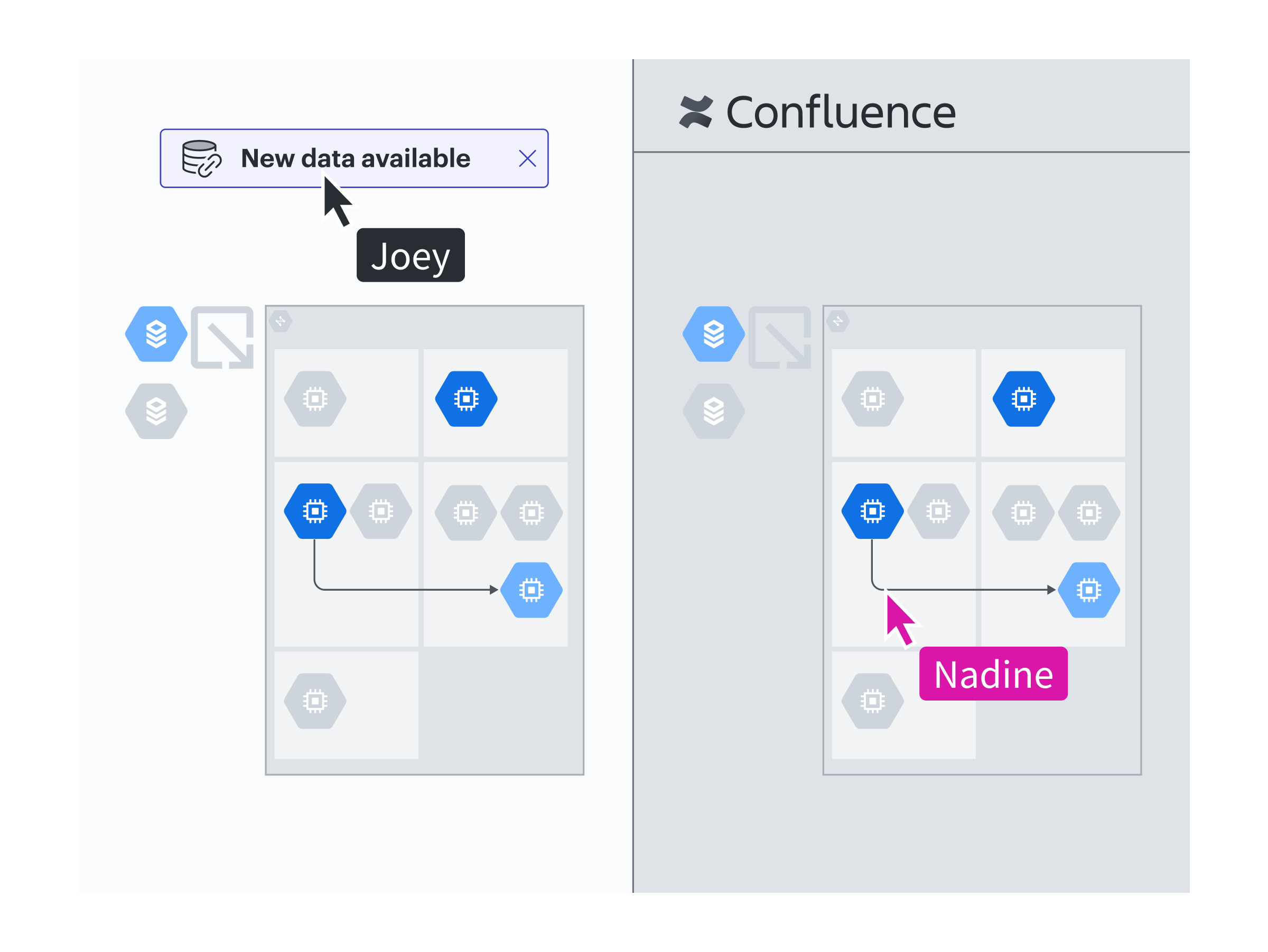
Having accurate documentation also helps with activities like onboarding, troubleshooting, and validating security and compliance. Filters can be applied to help identify orphaned elements, unnecessary resource use, and so much more to optimize your cloud usage.
Your automated cloud infrastructure diagrams can also be compared to your planning blueprints to validate that the deployment was successful. Diagrams may be shared with stakeholders, including via platforms like Confluence, or customized externally using the Cloud Accelerator API to pull credentials and update documents. This offering provides a single source of truth that teams can rely on for accuracy and validation.
Whatever point you're at for your cloud migration—brainstorming, diagramming, or designing infrastructure—Lucid helps teams efficiently and collaboratively optimize their cloud architecture. By working across the Lucid Suite and leveraging the Cloud Accelerator, you can ideate, create, and validate an improved cloud environment.

Ready to plan your cloud migration strategy with Lucid?
Learn more