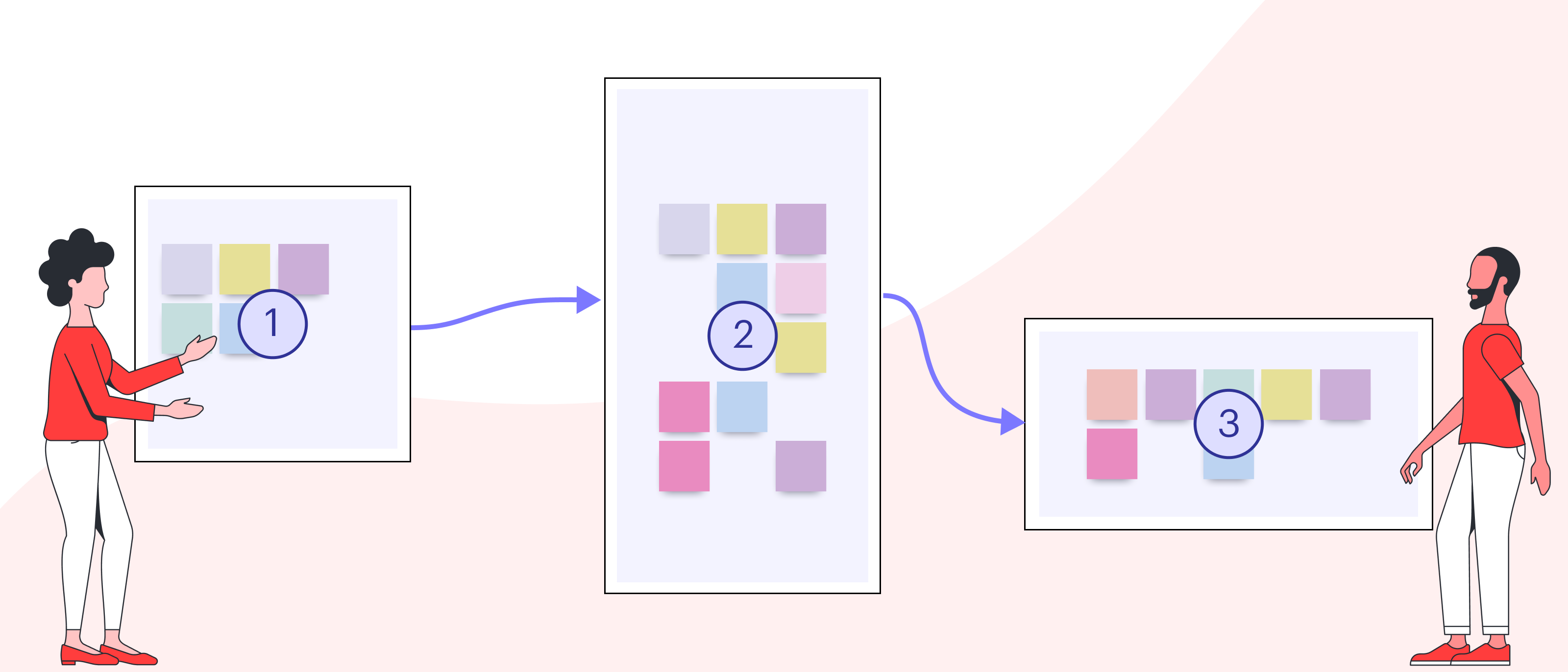
Even for the most experienced facilitator, managing a large project can be overwhelming. With so many moving parts, cross-functional teams involved, and shifting deadlines, it can be difficult to convey the right part of your plan to the right people—and at the right time. As a result, important details are overlooked, deadlines are missed, and projects run off course or even come to a halt.
Working in a visual collaboration platform like Lucidspark helps connect the different teams involved and align on a shared vision. With complicated projects, however, shared boards can quickly become confusing and difficult to navigate—especially when different collaborators have different goals.
To keep the project on track, it’s important to direct each distinct audience’s attention to the information most relevant to them. With Lucidspark’s Paths feature, you can focus different teams on the content they care about most.
Benefits of tailoring your content to a specific audience in Lucidspark
Let’s say you’re working on a go-to-market launch that involves stakeholders across nearly all departments. In this project, the information your product development team needs differs from the information your marketing team needs, which differs from the information executives need, and so on.
Lucidspark’s Paths features makes it easy to tailor content to each of these audiences—all in the same board. Regardless of whether you're working in-office, remote, or in a hybrid environment, Paths ensures you keep your projects moving forward.
By creating custom paths in Lucidspark, you’ll:
- Receive curated feedback on what matters most.
- Save time in meetings with additional structure.
- Align cross-functional teams on their part in the big picture.
- Share, store, and track your project all in one board.
How to simplify projects with tailored experiences in Lucidspark
If you’re leading a strategic planning session, conducting market research, or planning a product launch, it’s likely you’ll have to loop in various teams across your organization at some point in the process. With Paths, you can customize the content flow that each of these teams will see on your board. Here’s how:
Step 1: Identify what content is relevant to what audience and place that in Frames.
Before you begin, spend some time thinking about who will be collaborating on the project. Consider their goals, potential concerns and questions, and areas of expertise. This will help you identify which sections of your Lucidspark board are relevant to that audience.
With that in mind, simply create a frame around the content you’d like included. Then, you can title the frame, style it, and add any additional content to it.
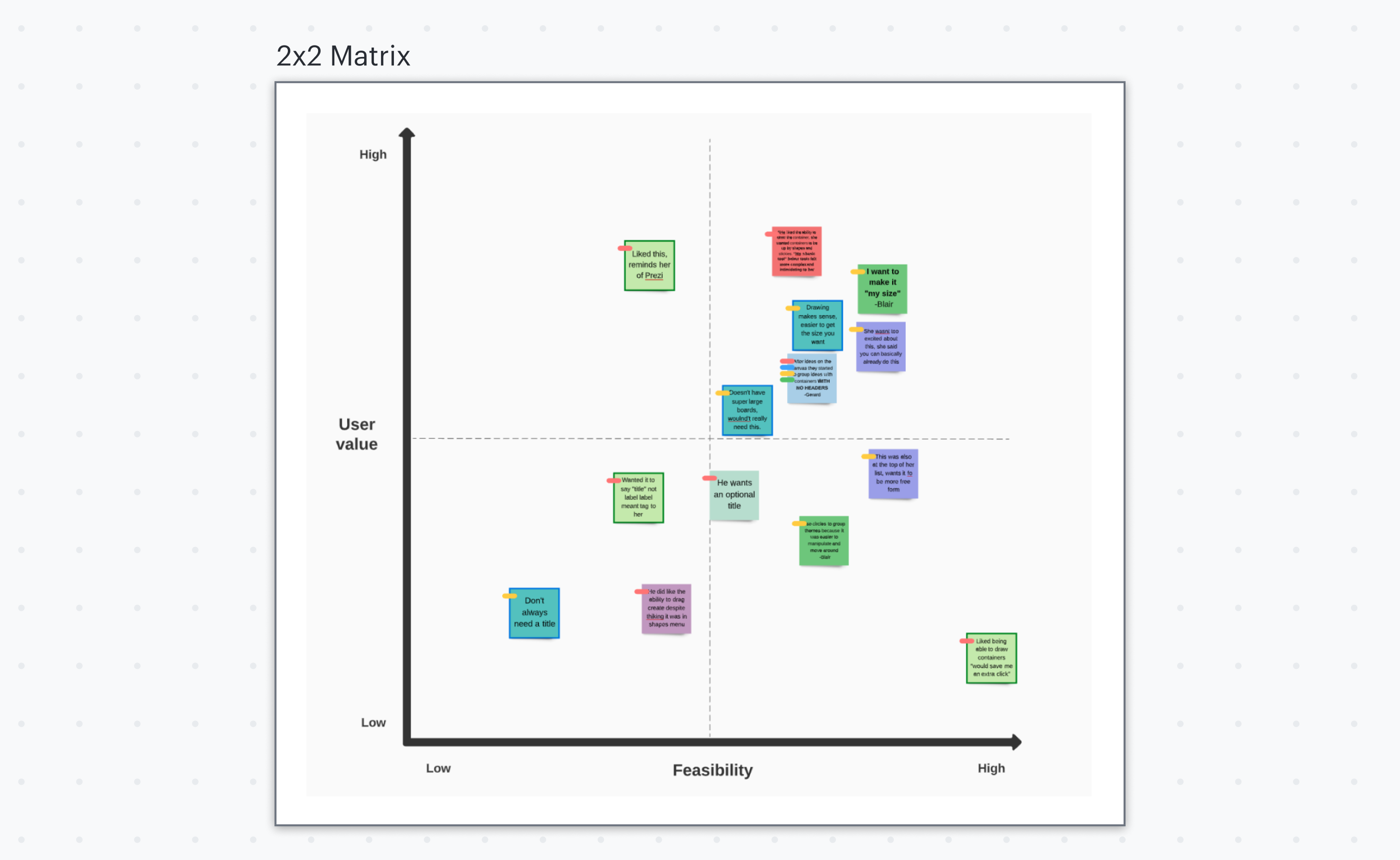
Step 2: Navigate your board quickly using Table of Contents.
When you have a large, complex board, it can be challenging to find the frame you need quickly. To access a particular frame, use the Table of Contents feature to view all the frames you’ve created and swiftly navigate to the desired one.
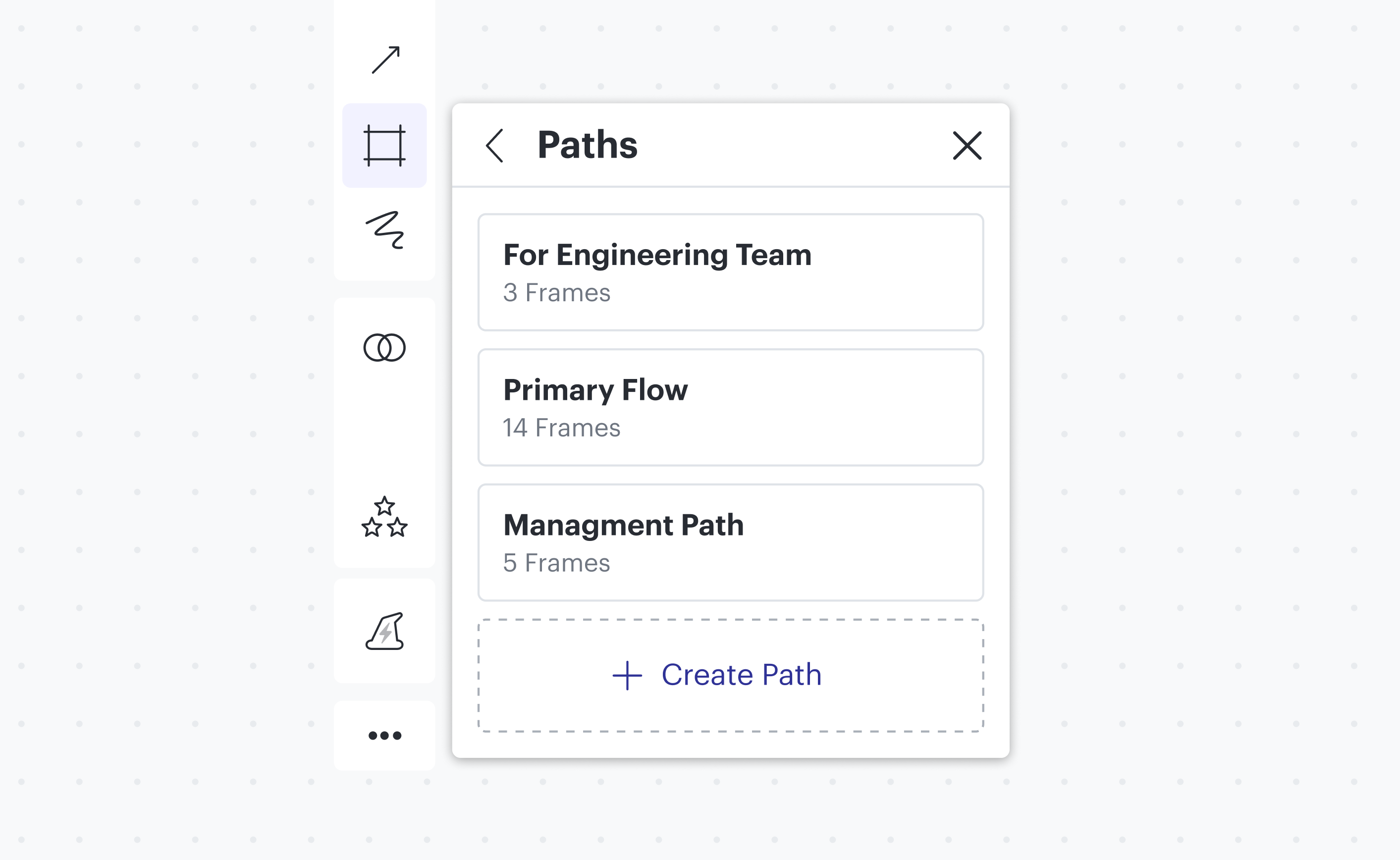
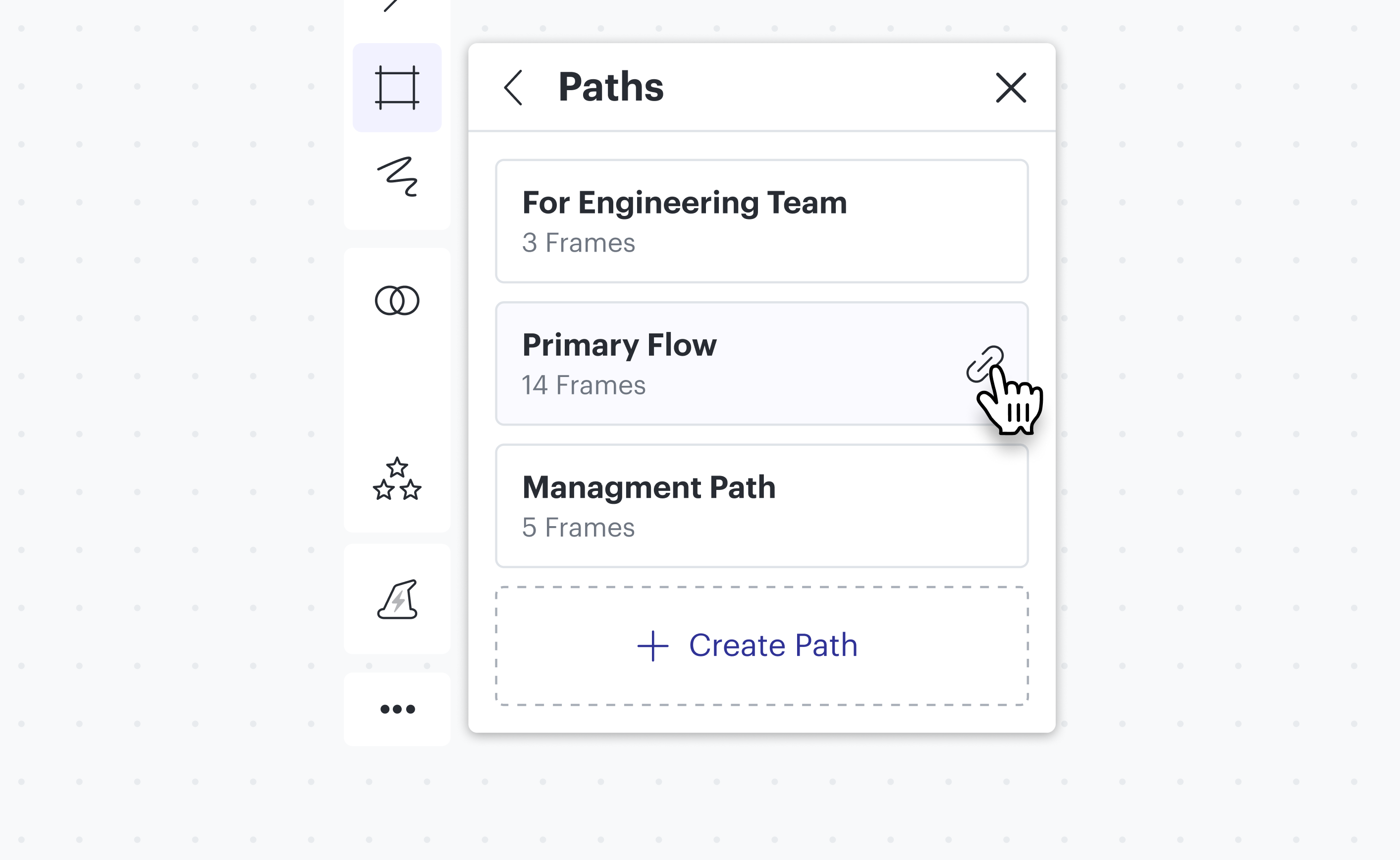
Step 3: Curate your audience’s journey by connecting Frames with a Path.
Once you have the frames around the content you’d like to present to your audience, it’s time to complete the story by creating a path to guide your audience from frame to frame.
This process is straightforward: Create custom paths for your different audiences by adding relevant frames to each path. If certain content is relevant to multiple audiences, you can include that frame in multiple paths. There’s no right or wrong way to label your paths here—you could use department or team names, process stages, or any other format.
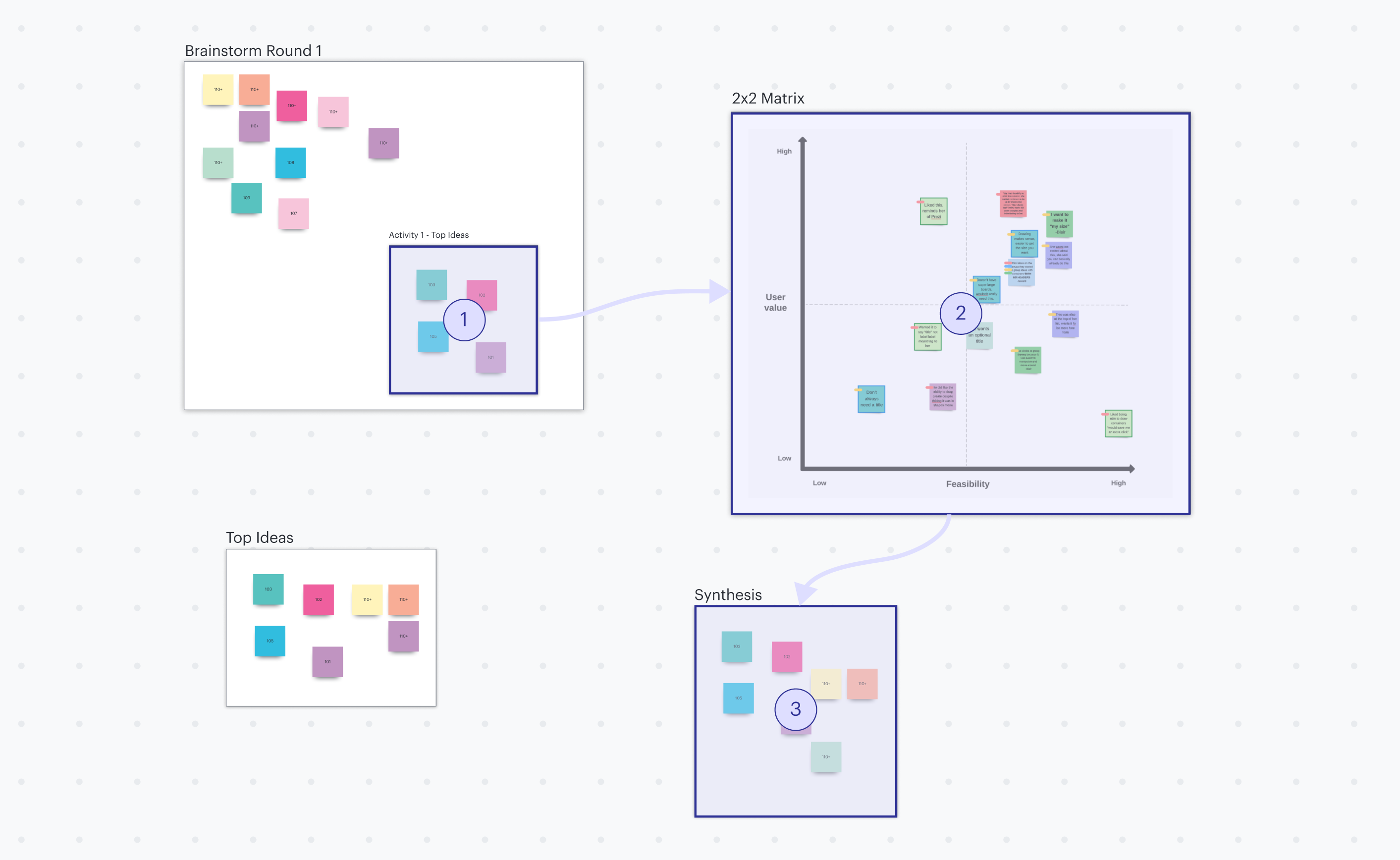
Step 4: Share the tailored paths with the appropriate audiences.
Now that you’ve created paths and know how to access any frame at a moment’s notice, you’re ready to share the custom experiences with your different audiences. This is where the real magic happens.
You can choose to either share a custom link to a specific path or walk through your path in real time during a meeting. Either way, the collaborators will be able to view their entire path at a glance and then dive into each frame along the path for more information.
The best part? All Lucidspark editing functionality is available within the frames, so collaborators can still react, edit, and leave comments.
When should you use Paths?
Paths can help add direction and clarity to any board. In general, though, the larger and more complex a board, the more useful creating paths is. Here’s a few common situations:
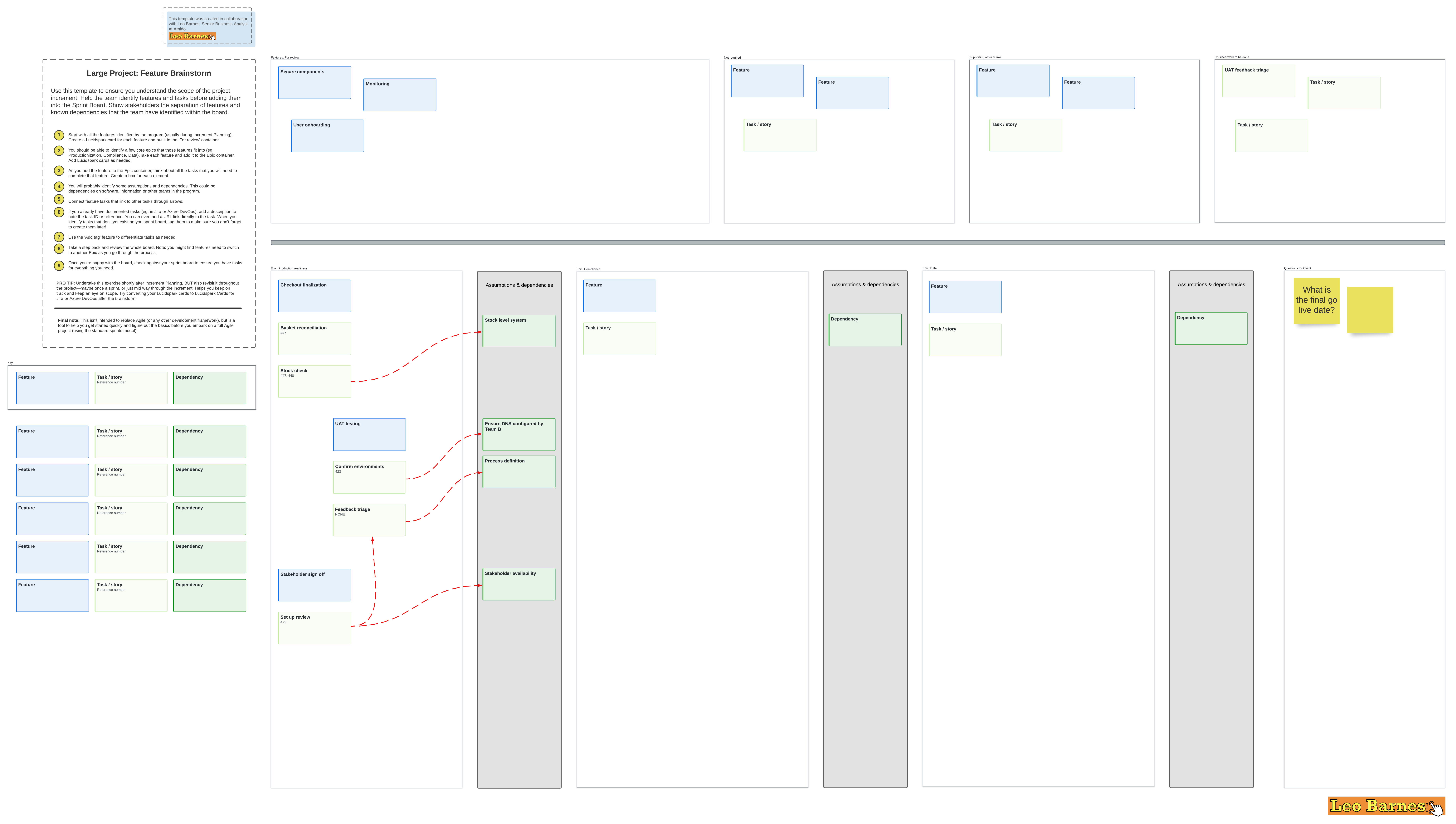
To obtain targeted feedback. Let’s say you’re brainstorming product features in the large project feature brainstorm template and need review from stakeholders across the company on the various epics in order to move into action. Use a path to direct their attention to the appropriate sections.
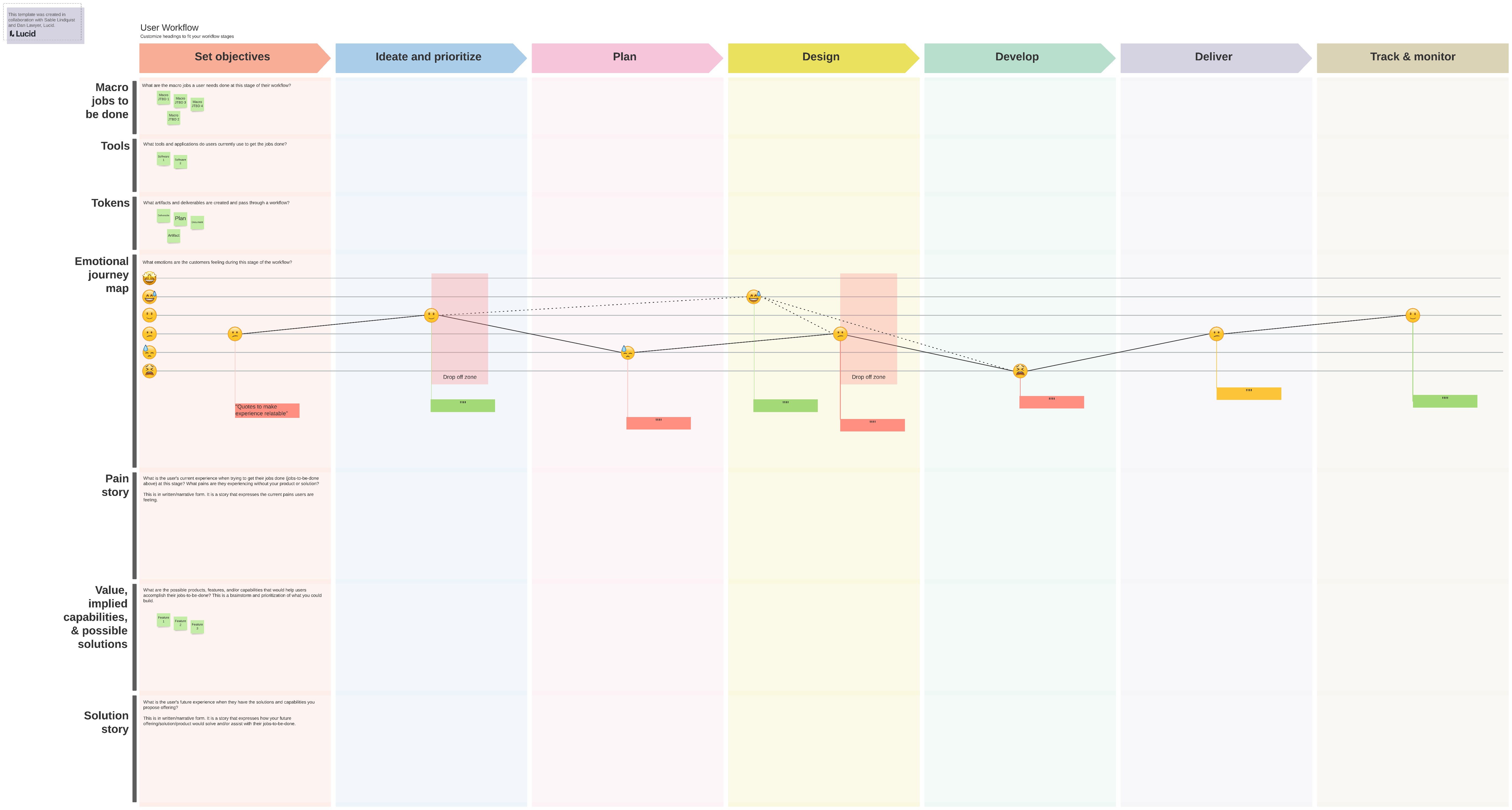
To collaborate asynchronously with cross-functional teams. Paths clarifies participation roles in collaborative activities. For example, when working on product strategy in the product fundamentals template, input is required from different team’s areas of expertise, such as product development, marketing, or user experience. Create a path for each and share to the appropriate audience to lead them to the portion they specialize in.
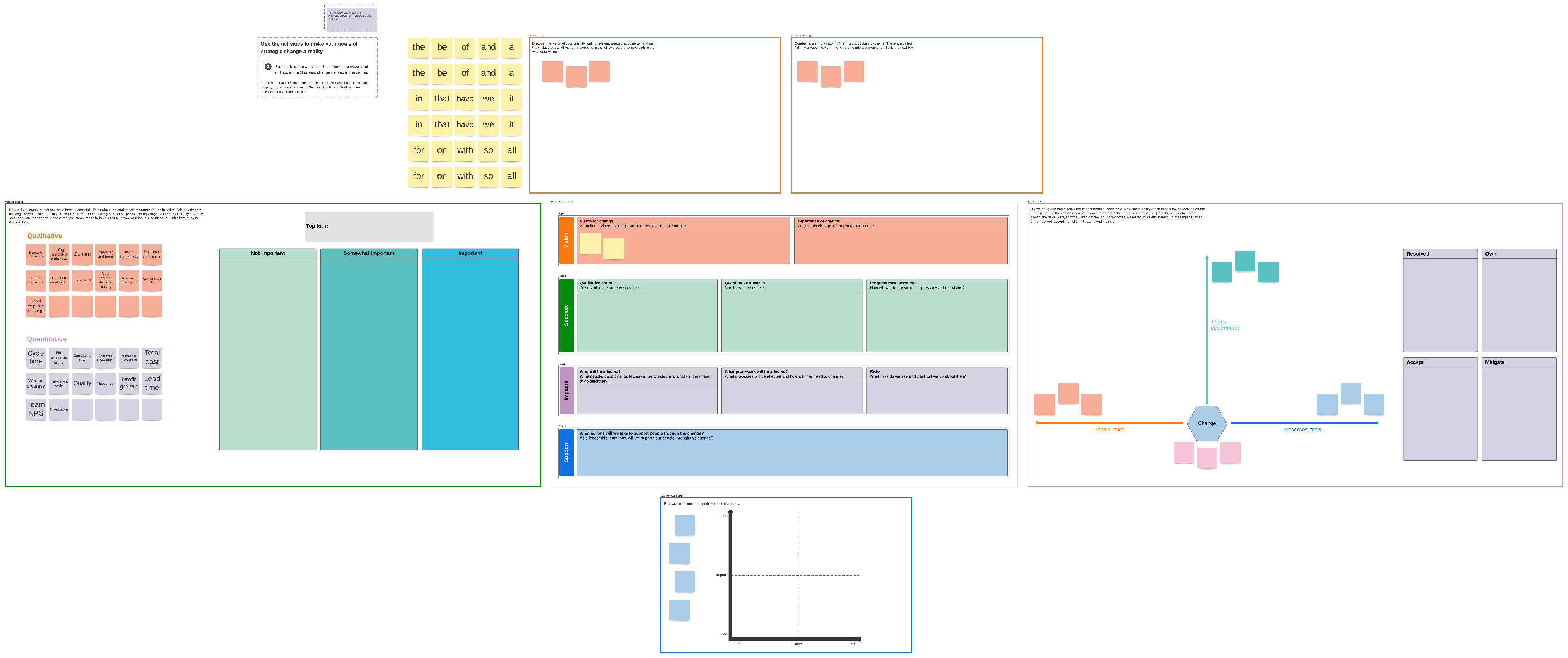
To help users navigate processes in a complex board. With Lucidspark’s infinite canvas, it’s not uncommon for boards to sprawl out far and wide. If the board contains a step-by-step process, like the strategic change canvas, Paths can help guide a team member through the process so they stay on track.
To add structure to your meetings. Whether you’re meeting to brainstorm ideas, share a project plan, or provide status updates, Paths keeps your session on track, focused, and productive. Check out our blog for more best practices on facilitating meetings.
Don’t let the hard work you’ve put into your project get lost in the shuffle. Create clarity, achieve buy-in, and keep your projects moving by trying out Lucidspark Paths today.
Get started
