Visual collaboration is a necessity for distributed teams that need to come together for brainstorming, planning sessions, and other team meetings. Using a visual collaboration platform like Whimsical enables teams to collaborate both in real time and asynchronously, as well as create diagrams and other designs to visualize processes. People around the world have chosen Whimsical as their virtual whiteboard due to its speed and ease of use.
Like many visual collaboration platforms, Whimsical comes with some limitations. If you’ve been using Whimsical and are looking for an alternative, there are a lot of whiteboarding options to choose from. We’ve spared you all the research and found the best options that are comparable to Whimsical, offering more advanced collaboration features and intelligent diagramming capabilities.
Check out our picks for alternatives to Whimscial and discover your next go-to whiteboarding tool.
Alternatives to Whimsical
- Mural
- Lucidspark
- Boardmix
- FigJam
- Miro
- Stormboard
- Confluence whiteboards
What is Whimsical?
Whimsical, opens in a new tab is a virtual whiteboarding app that supports planning and diagramming. Teams turn to Whimsical when they need to ideate, create mindmaps, design flowcharts, and more. Whimsical is well-known for its speed and simplicity, as it was specifically created to be faster than traditional virtual collaboration tools. Users can use keyboard shortcuts to quickly craft visuals and easily get started from Whimisical’s robust collection of templates.
Whimsical offers a free plan so users can try out the platform, with paid plans available for larger teams that require more advanced support.
What makes for a good Whimsical alternative?
Whimsical is a great option for people who need a simple, quick solution for virtual collaboration. The platform is a popular choice for wireframing, flowcharts, and mind maps, and it works well for small teams. However, since Whimsical was designed to be fast and easy, it isn’t the best option for complex or highly technical use cases, and it doesn’t come with the free-form drawing capabilities many people need for creativity.
If you need a whiteboarding solution for large teams or for mapping technical systems, there are better options. These are some of the features that we looked for as we evaluated the best alternatives to Whimsical:
- Collaboration capabilities that support planning and decision-making, allowing people to leave both real-time and asynchronous feedback on boards.
- Free-form drawing so users can sketch and unleash their creativity as they create designs and work with collaborators.
- Facilitation tools, such as timers, laser pointers, and the ability to follow presenters. The best Whimsical alternatives are designed for sharing boards with large groups and facilitating meetings.
- Data linking and other intelligent features. Being able to link your images on a whiteboard to real-time data keeps diagrams up to date and ensures that people are viewing the most accurate information.
Key takeaways
| Best for | Feature highlights | Pricing | |
| Mural | Workshop facilitation and consulting | Facilitator Superpowers™ (summon participants, voting, Private Mode) | Free, paid (Team+, Business, Enterprise) |
| Lucidspark | Remote and hybrid teams | Free-form infinite canvas, robust Facilitator Tools | Free, paid (Individual, Team, Enterprise) |
| Boardmix | Content creators | AI generation for diagrams and images | Free, paid (Starter, Business, Enterprise) |
| FigJam | Design teams working within Figma | Native Figma integration and interactive widgets | Free, paid (Professional, Organization, Enterprise) |
| Miro | Brainstorming and group work | Robust templates and community resources | Free, paid (Starter, Business, Enterprise) |
| Stormboard | Structured executives | Substorms and instant reporting | Free, paid (Business, Enterprise) |
| Confluence whiteboards | Development teams using Confluence | Jira integration and embedded Smart Links | Included with Confluence |
Whimsical alternatives list
Mural
Best for workshop facilitation and consulting
Capterra rating: 4.5/5, opens in a new tab
Pricing: Free for first three murals. Paid team and enterprise plans available.
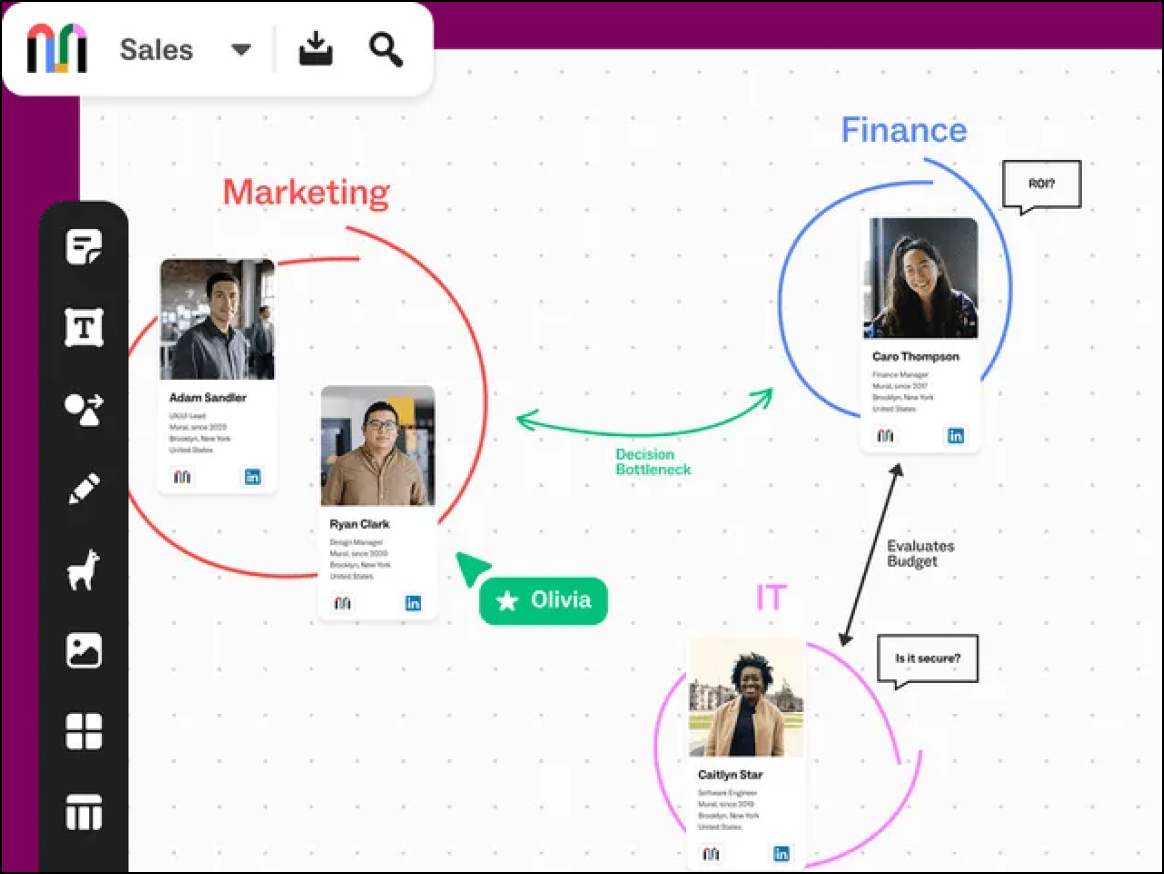
Mural, opens in a new tab is often used by design thinking coaches and other facilitators who run structured workshops with groups. The platform focuses on facilitation features that were developed to guide a large number of people without causing confusion or chaos.
Notable features include:
- Facilitation Superpowers™: Facilitation tools such as timers and the ability to lock views or summon users
- Outline mode: The ability to guide navigation through complex boards—similar to a slide deck
- Methodology templates: Official templates from IBM Enterprise Design Thinking and LUMA Institute
Notable integrations include Microsoft Teams, Webex, Slack, and Jira.
Pros: Facilitators enjoy the control they have over meetings with workshop facilitation tools. Mural also offers a strong enterprise security focus.
Cons: Mural has a steeper learning curve than other Whimsical alternatives, and the panning/zooming navigation capability can be poor.
Lucidspark
Best for cross-functional collaboration
Capterra rating: 4.7/5, opens in a new tab
Pricing: Free for up to three editable boards. Paid individual and enterprise plans available.
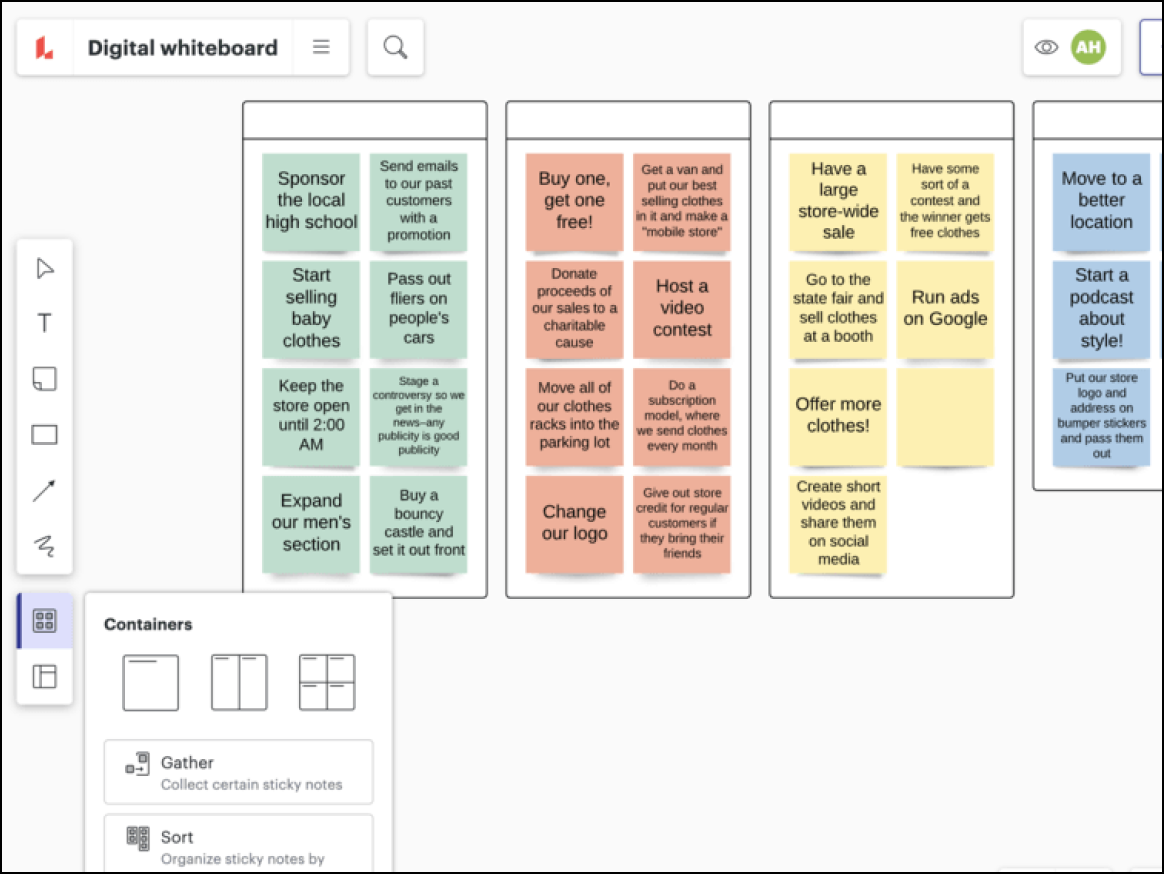
Available as part of the Lucid Visual Collaboration Suite and as a standalone product, Lucidspark supports end-to-end workflows as teams maximize their collaboration and creativity. Lucidspark, opens in a new tab is the go-to option when teams need to host planning sessions, brainstorming sessions, and team meetings, helping millions around the world enhance alignment and connection.
Notable features include:
- AI capabilities: Lucid AI allows users to generate and sort ideas as well as summarize content on boards.
- Visual Activities: Interactive team polls and activities help team members gather important data quickly.
- Facilitator tools: Facilitators can enhance meetings with features such as private mode, laser pointers, timers, and the ability to follow collaborators.
Notable integrations include Figma, Microsoft 365, Google Workspace, Slack, and Atlassian (Confluence and Jira).
Pros: Lucidspark is highly praised for its advanced features and collaboration capabilities. Thanks to the universal canvas feature, users can switch between Lucidspark for whiteboarding and Luidchart for diagramming, making Lucid a great option for multiple use cases.
Cons: Some users may find the advanced options a little intimidating.
Boardmix
Best for content creators
Capterra rating: 4.2/5, opens in a new tab
Pricing: Free for three editable boards. Paid individual and enterprise plans available.
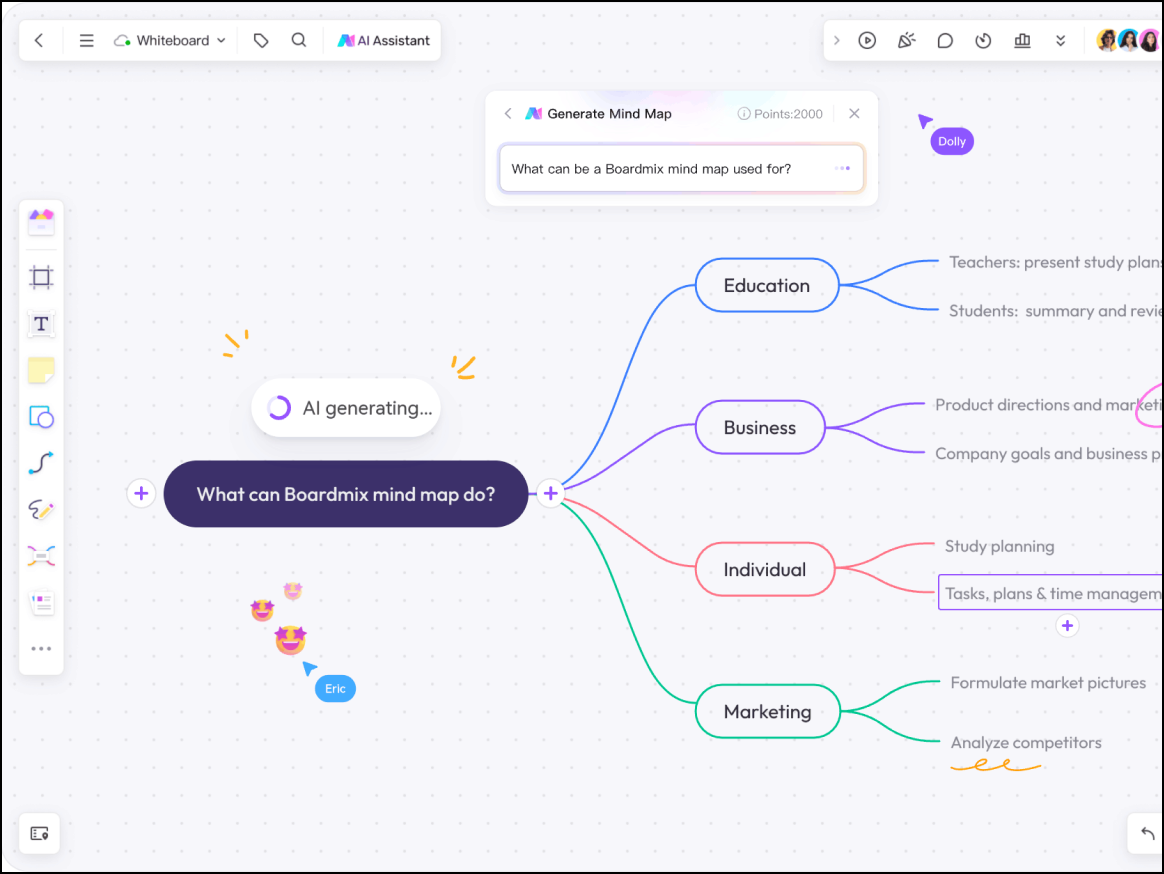
Boardmix, opens in a new tab focuses on whiteboarding driven by AI features. This option is popular for creative teams and educators who want to generate mind maps, create templates or images, and speed up the brainstorming process.
Notable features include:
- AI assistant: Native AI capabilities can generate SWOT analyses, mind maps, and code from prompts.
- Presentation mode: Users can turn their board into a slide deck.
Notable integrations include Google, Microsoft Teams, and Zoom.
Pros: Users like that Boardmix offers a one-time payment option and is available at an affordable price. Users also enjoy using Boardmix for its innovative AI tools.
Cons: There are some concerns around Boardmix being newer to the whiteboarding space. It has fewer third-party app integrations, and its community is much smaller.
FigJam
Best for product designers and UX/UI teams working within Figma
Capterra rating: 4.8/5, opens in a new tab
Pricing: Available as a Figma add-on
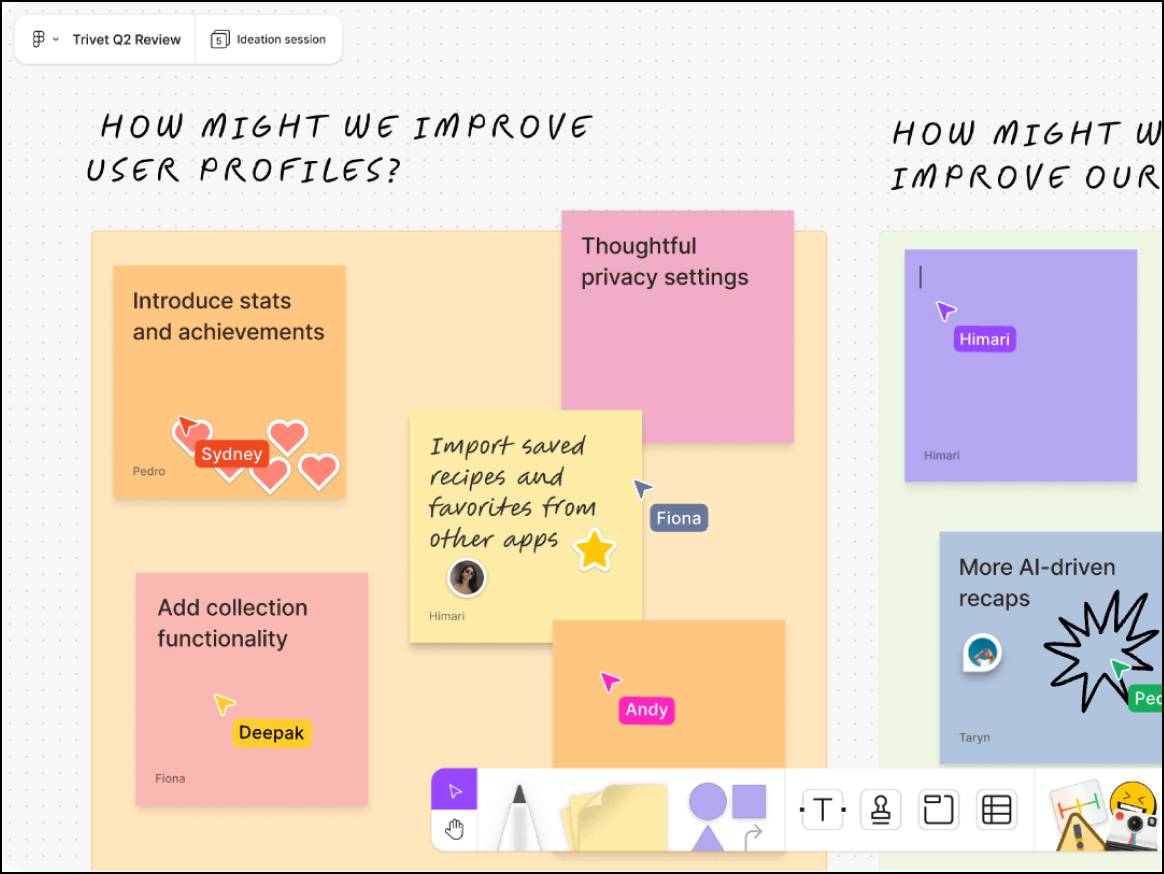
As Figma’s whiteboarding companion, FigJam, opens in a new tab is perfect for teams that already use Figma and want a seamless workflow. FigJam was specifically created to help design teams collaborate, brainstorm, and critique alongside their Figma designs.
Notable features include:
- Figma interoperability: Users can copy and paste layers between Figma and FigJam seamlessly.
- Widgets: Users can leverage interactive plugins for dice rolling, calendars, and voting.
- Audio chat: Users can have live audio conversations directly on their boards.
Notable integrations include Figma, Jira, Asana, Slack, and Linear.
Pros: Users say that FigJam is fun and engaging to use, and it’s a great option for brainstorming and critiquing sessions.
Cons: FigJam lacks enterprise processing and advanced data-linking features.
Miro
Best for brainstorming and group work
Capterra rating: 4.7/5, opens in a new tab
Pricing: Free for three editable boards. Paid individual to enterprise plans available.
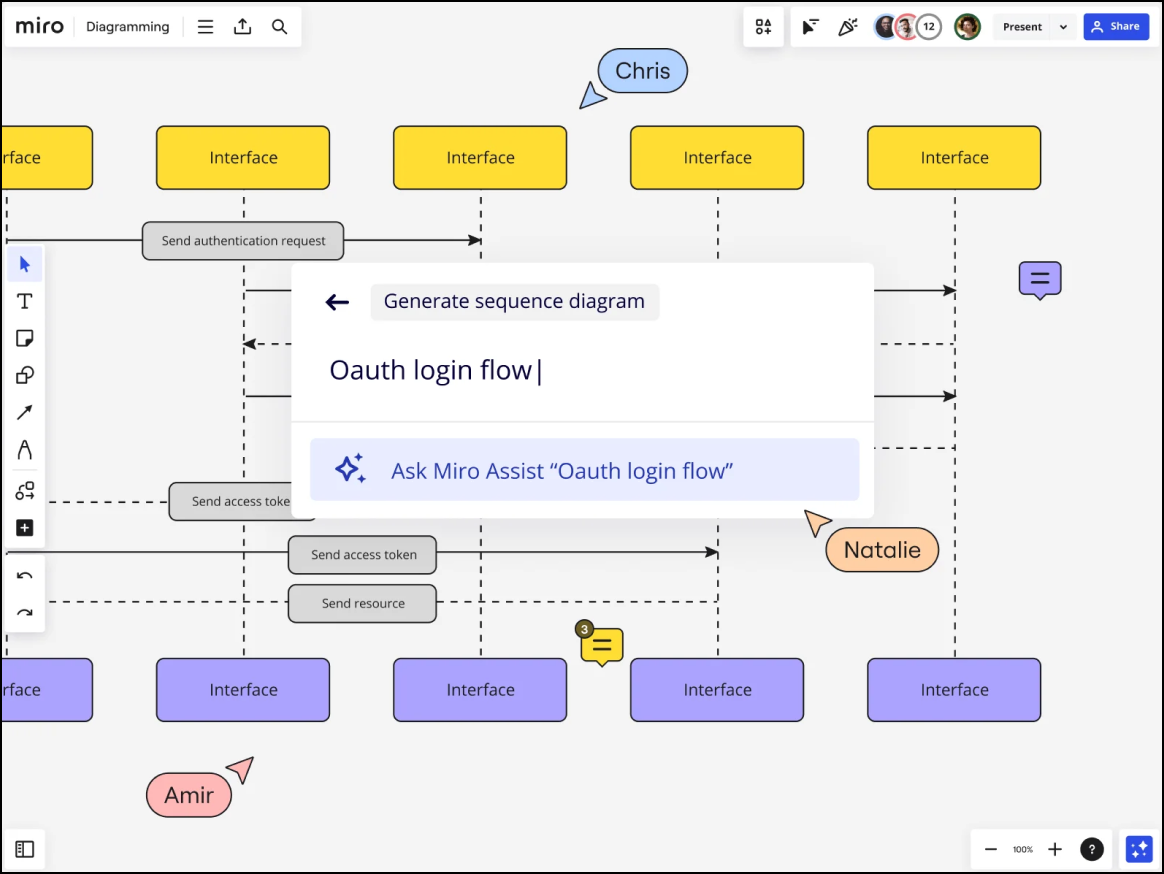
Miro, opens in a new tab is an AI innovation workspace that supports distributed teams and offers users a space to collaborate. The platform includes a large template library with many designs contributed by its Miroverse community.
Notable features include:
- Focus mode: A full-screen view that hides surrounding board elements for a distraction-free workspace
- Interactive Presentation Mode: High-level engagement features for board presentation
- Talktrack: Interactive audio and video walkthroughs of boards so users can view content asynchronously
Notable integrations include Google Workspace, Azure DevOps, Jira, Zoom, Slack, Microsoft Teams, and Webex.
Pros: Miro has a large support community and is well-known for its robust template library.
Cons: Miro has limited support for advanced use cases, and the interface can be overwhelming for some users.
Stormboard
Best for structured executives
Capterra rating: 4.5/5, opens in a new tab
Pricing: Free for up to five editable boards. Business and enterprise plans available.
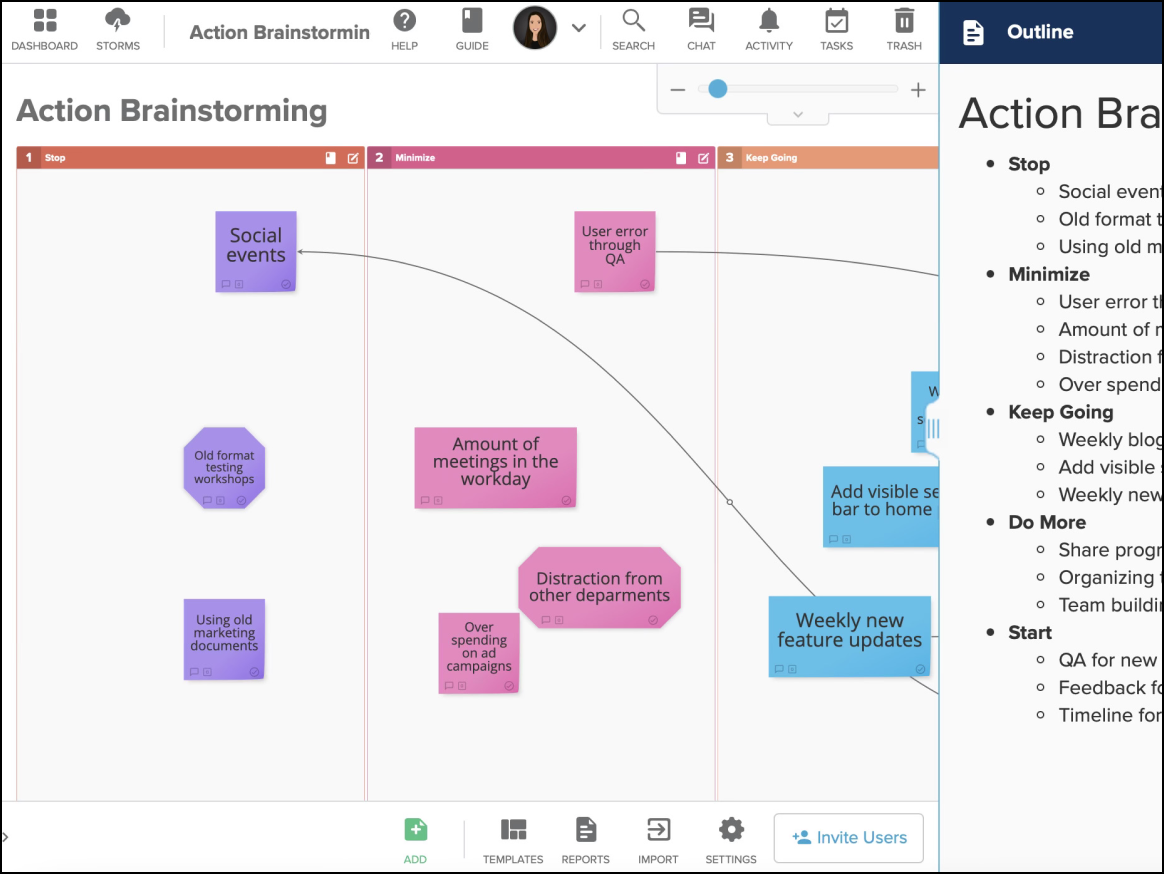
Stormboard, opens in a new tab features “data-first” brainstorming. The platform is most widely used by executives and Agile teams who need to take a brainstorming session and instantly turn it into a structured report.
Notable features include:
- Substorms: Organize sticky notes into detailed sub-boards to reduce clutter.
- Smart reporting: Export board data to formatted Word, Excel, or PDF documents with a single click.
- Template sections: Keep data organized with strict lanes and sections.
Notable integrations include Jira, Slack, and Microsoft 365.
Pros: Stormboard is praised for its reporting capabilities and export features.
Cons: The platform’s strict layouts can be restrictive for some users, and Stormboard is criticized for having a more dated and rigid user interface compared to other whiteboard tools.
Confluence whiteboards
Best for development teams using Confluence
Capterra rating: 4.5/5, opens in a new tab
Pricing: Included with Confluence. Atlassian offers both free and paid plans for Confluence.
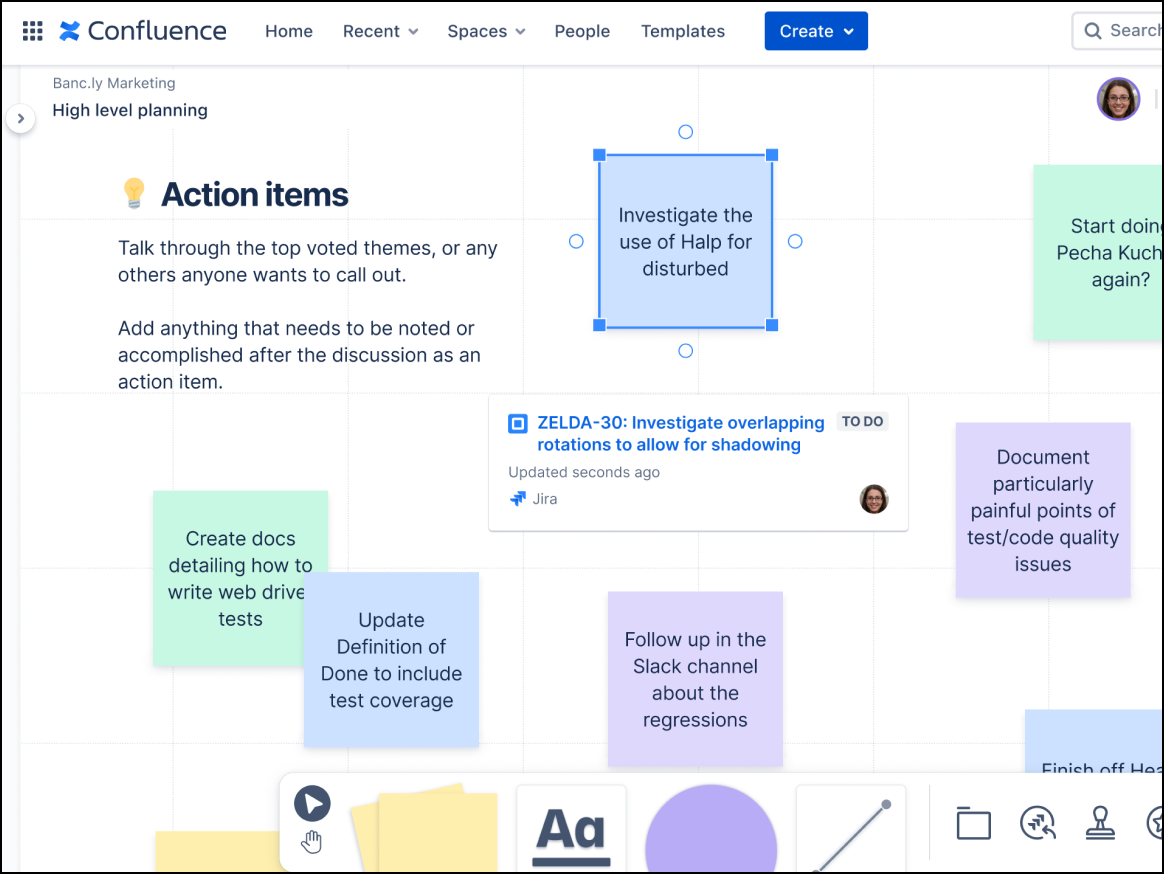
Confluence whiteboards, opens in a new tab live within Atlassian documentation, making them the best choice for heavy Atlassian users. Using Confluence whiteboards, developers can convert sticky notes into Jira issues without leaving their page.
Notable features include:
- Smart links: Transforms URLs into interactive elements such as embeds, lists, and cards
- Smart sections: Performs bulk actions to make collaboration more efficient
- Native wiki embedding: Integrates directly into Confluence pages
Notable integrations include Trello, Loom, and Jira.
Pros: Confluence whiteboards are free for existing Confluence customers, and they provide a seamless experience for users of the Atlassian ecosystem.
Cons: The whiteboards have basic drawing functionality, offer few export options, and have limited standalone value.
Discover the best Whimsical alternative
Whimsical is a useful tool for product teams and developers, but if you need a whiteboarding platform that provides more collaboration features and free-form drawing, check out some of the options we listed above. Alternatives such as Lucidspark include built-in facilitation tools and smart features like AI capabilities that help you not only create, but also elevate how your boards are shared and used. Check out Lucidspark today to see how you can maximize connection and creativity.
Ignite ideas with Lucid
Discover why Lucidspark is the top whiteboarding choice for millions of users around the world.
Check it out