If you use Mermaid to build visuals, you already know the convenience of text-based diagramming. But as projects scale, many teams need a more integrated solution that combines robust diagramming with real-time collaboration. The best Mermaid alternatives offer intelligent diagramming with tools that foster team alignment. We’ve researched the top diagramming solutions to help you find the Mermaid alternatives that best fit your team’s workflow.
Alternatives to Mermaid list
- SmartDraw
- draw.io
- Lucidchart
- Visio
- Creately
- Gliffy
What is Mermaid?
Mermaid, opens in a new tab is a JavaScript-based application designed for text-to-diagram generation. Using a Markdown-inspired syntax, users can create a wide range of visuals, including flowcharts, user journey maps, timelines, and more. While its pricing model and “diagram as code” capabilities appeal to developers, teams seeking a more seamless experience often seek Mermaid alternatives to better facilitate cross-functional alignment.
What makes for a good Mermaid alternative?
Here are a few of the features that make for a good alternative to Mermaid:
- Competitive pricing: Test the product before committing to a paid license.
- Seamless integrations: Connect to popular apps to streamline your workflow.
- Real-time collaboration: Edit, comment, share, and create powerful visuals with your team, no matter where you’re working from.
Key takeaways
| Best for | Feature highlight | Pricing | |
| SmartDraw | Automated formatting | Extensive template library, intelligent formatting options | Paid (Individual, Team, Enterprise) |
| draw.io (diagrams.net) | Standalone diagramming | Offline mode, vast shape library, embed mode | Free, paid |
| Lucidchart | Intelligent diagramming | Text-to-diagram with Lucid AI, conditional formatting, and data linking | Free, paid (Individual, Team, Enterprise) |
| Visio | Engineering and IT teams | Data linking, AutoCAD support, Power Automate | Paid |
| Creatley | HR and operations teams | One-click styling, universal search, and folder management | Free, paid (Personal, Team, Business, Enterprise) |
| Gliffy | Confluence users | Native Confluence integration, code-to-diagram, interactive layers | Paid (add-on) |
Mermaid alternatives list
SmartDraw
Best for automated formatting
Capterra rating: 4/5, opens in a new tab
Pricing: Only available with a paid subscription
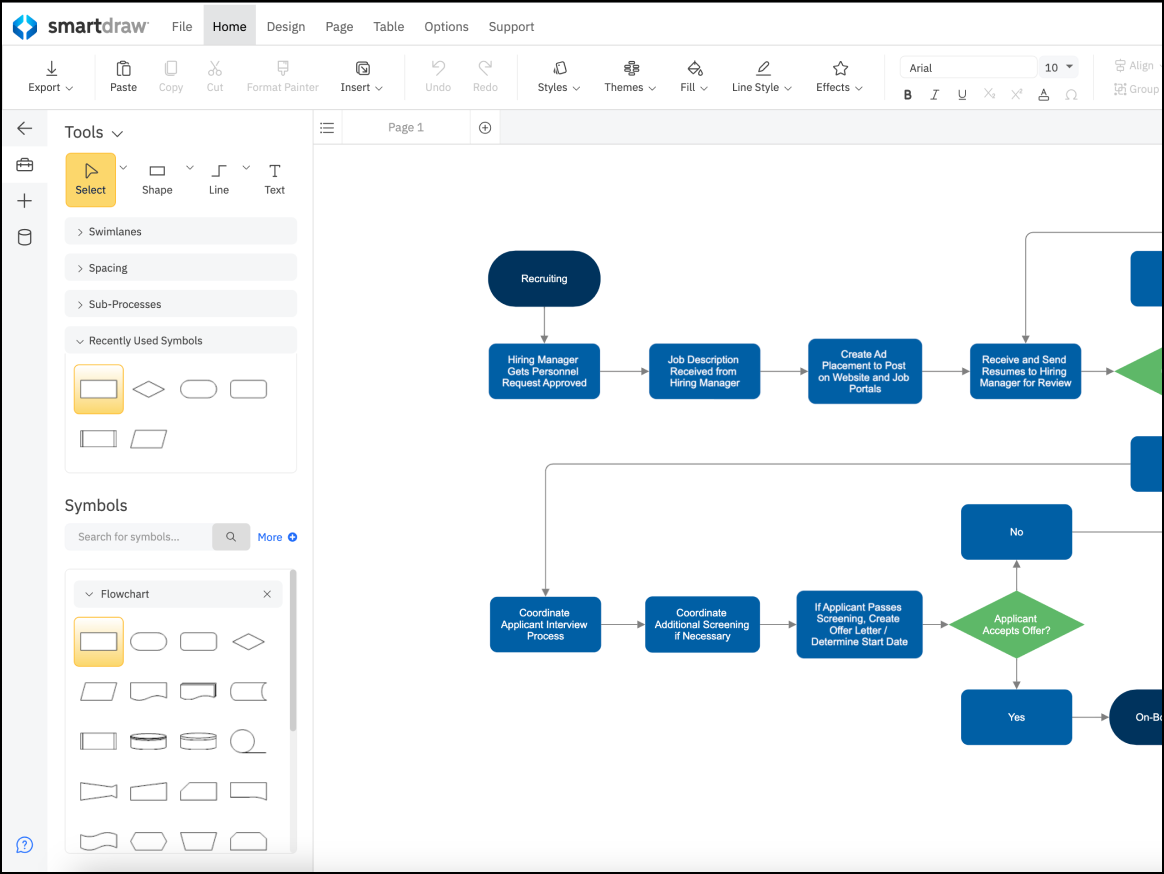
SmartDraw, opens in a new tab is a Mermaid alternative for creating data-driven floor plans, flowcharts, and org charts. It allows users across industries to transform external data into complex visuals for better space and process management.
Notable features include:
- Intelligent formatting: Align, space, and connect shapes automatically.
- CAD-like features: Create landscape design and floor plans.
- Data visualization: Instantly generate charts from Excel data.
- Template library: Choose from thousands of diagram templates.
Notable integrations include the Atlassian ecosystem, Google Workspace, and Microsoft Office.
Pros: SmartDraw offers an extensive library of diagram types equipped with powerful automation capabilities.
Cons: Users have noted that SmartDraw is more expensive, and its web interface can run more slowly than typical desktop applications.
draw.io (diagrams.net)
Best for standalone diagramming
Capterra rating: 4.6/5, opens in a new tab
Pricing: Free (open source). Paid apps available for Atlassian users
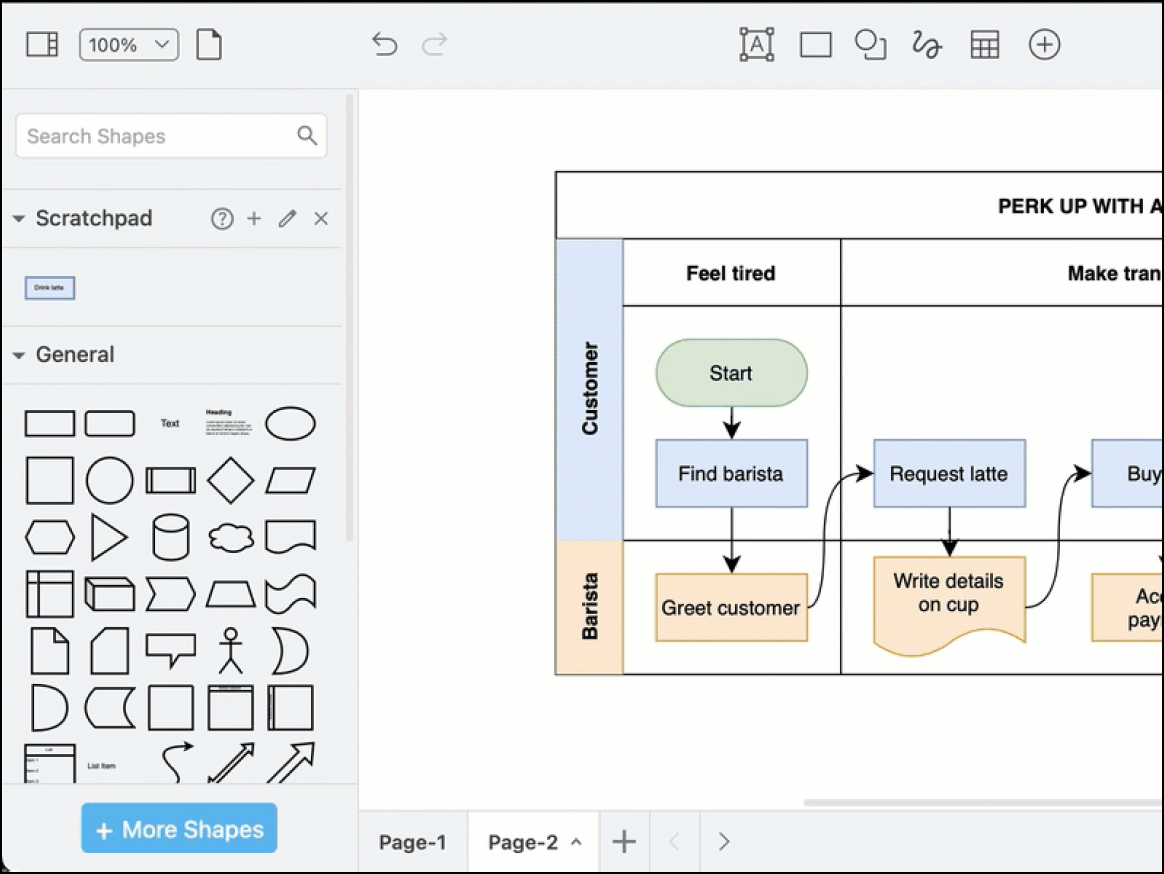
draw.io, opens in a new tab is the no-frills solution for developers, students, and privacy-conscious teams. It is valued for its free web and desktop applications and its security-first model.
Notable features include:
- Bring your own storage model: Save files to your preferred provider or your local machine.
- Extensive shape libraries: Choose shapes for UML, ERD, AWS architecture, and network infrastructure.
- Embed: Insert diagrams into internal documentation.
- Offline desktop app: Diagram from anywhere, even without an internet connection.
Notable integrations include Google Workspace, GitHub, GitLab, Confluence, and Jira.
Pros: draw.io prioritizes security, and you don't need an account to get started.
Cons: The scrappy UI feels less polished than other diagramming tools.
Lucidchart
Best for intelligent diagramming
Capterra rating: 4.5/5, opens in a new tab
Pricing: Free for three editable documents. Paid individual, team, and enterprise plans available.
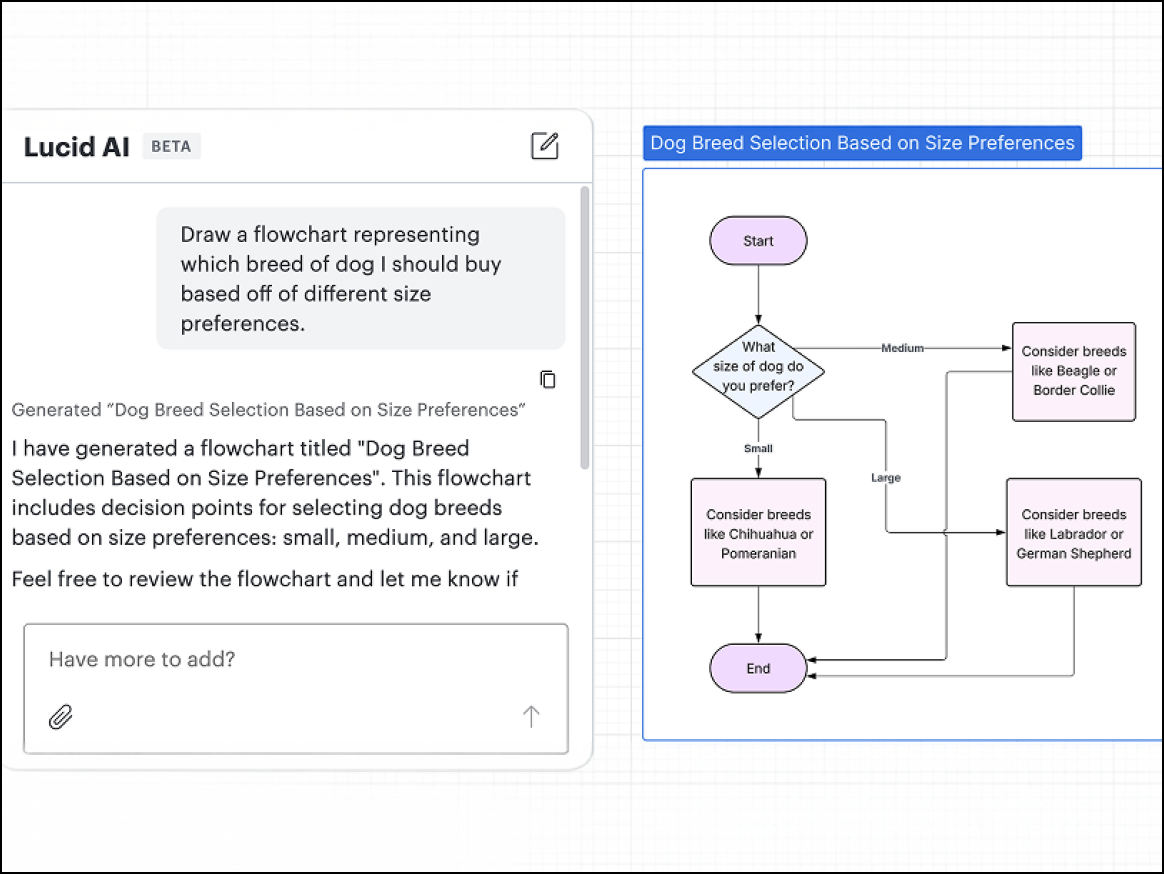
Lucidchart, opens in a new tab is the intelligent diagramming application built for teams. Part of the Lucid Visual Collaboration Suite, opens in a new tab, Lucidchart’s collaborative canvas empowers teams to diagram their people, processes, and systems in real time.
Notable features include:
- Data linking: Connect shapes to live data from Excel, Google Sheets, or Salesforce to update diagrams automatically.
- Conditional formatting: Set and apply rules to your diagrams that automatically change the color or icon of shapes based on underlying data.
- AI diagramming: Use simple text prompts to generate diagrams on your canvas automatically.
- Universal canvas: Switch seamlessly between Lucidchart and Lucidspark (Lucid’s virtual whiteboarding application).
- Templates: Choose from hundreds of customizable templates to jumpstart your work.
Notable integrations include Microsoft 365, Atlasian, Salesforce, and Slack.
Pros: Lucidchart offers excellent cross-platform performance and robust data features.
Cons: More advanced data features require an Enterprise plan.
Visio
Best for engineering and IT teams
Capterra rating: 4.5/5, opens in a new tab
Pricing: Paid subscription or one-time purchase
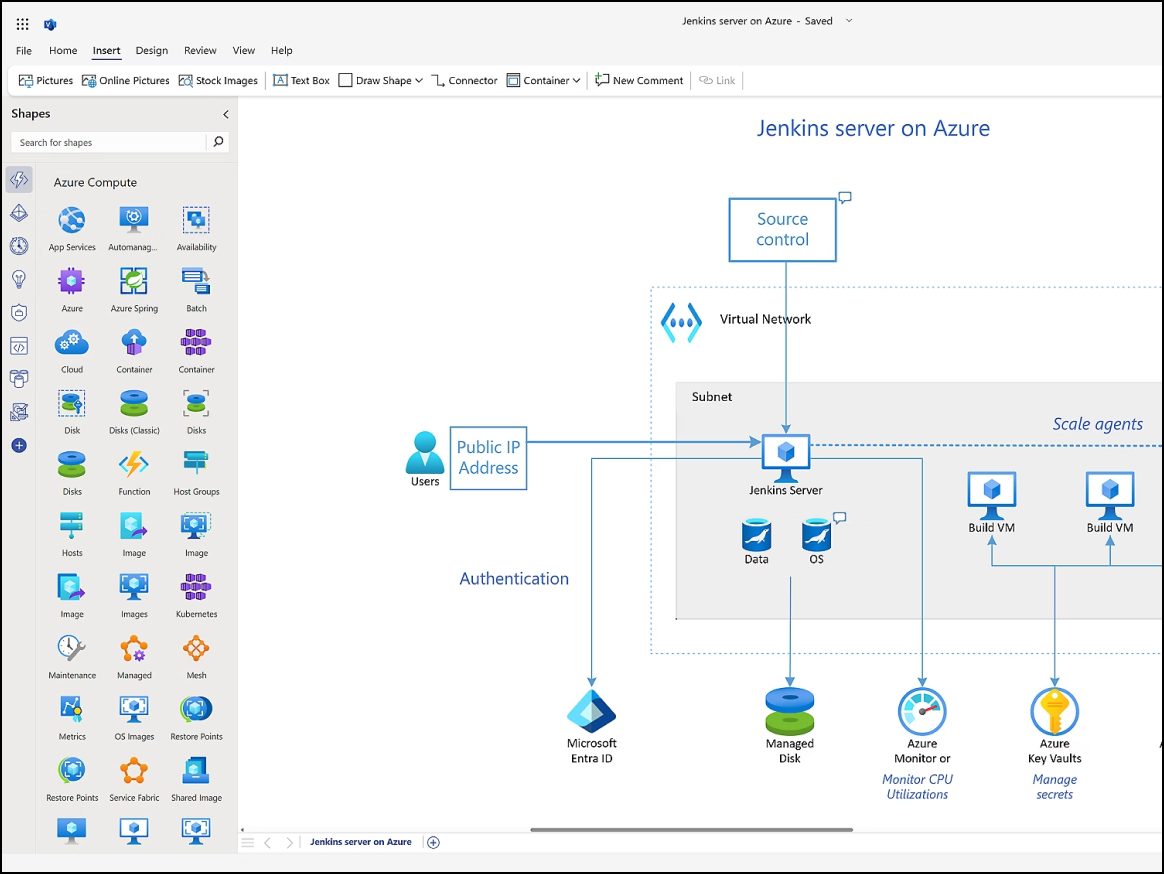
Visio, opens in a new tab has long been the default diagramming application for engineering and IT teams, valued for its high-fidelity environment and strict adherence to industry standards. It is popular among specialists who manage complex, data-driven visuals and technical blueprints.
- Live data visualization: Connect shapes to external datasets to automate visual updates as the data changes.
- Shape libraries: Access a large library of specialized shapes for electrical, piping, and network engineering.
- AutoCAD import: Bring AutoCAD files into the diagramming environment for detailed markups and reviews.
- Process map export: Transform static process diagrams into active workflows.
Notable integrations include AutoCAD, Microsoft 365, and Power BI.
Pros: Visio offers online capabilities and supports in-depth technical diagrams.
Cons: Plans can be expensive, with users often noting a steep learning curve and poor real-time collaboration.
Creatley
Best for HR and operations teams
Capterra rating: 4.4/5, opens in a new tab
Pricing: Free and paid subscriptions available
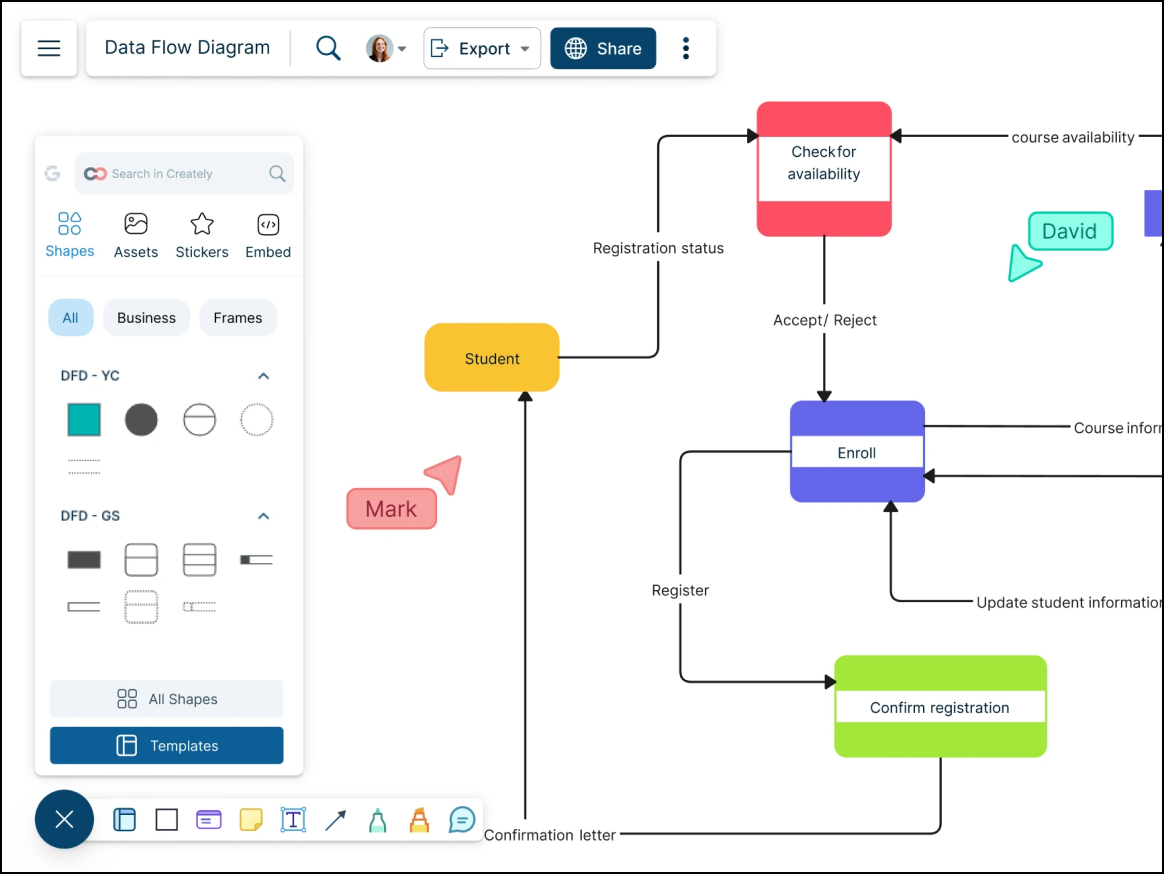
Creately, opens in a new tab is a diagramming tool that goes beyond basic visualization by allowing teams to connect live data, detailed notes, and tasks directly to canvas objects. It is a preferred choice among HR and operations teams managing complex org charts and process flows that require embedded metadata.
Notable features include:
- Contextual toolbar: Predicts your next action, allowing you to select and snap the next shape into a flow without manual dragging
- Universal search: Efficiently searches across all workspaces, diagrams, and shape text
- Organizational hierarchy: Simplifies navigation through top-down organizational structures, allowing teams to filter content by region, division, or custom categories
Notable integrations include Slack, Google Drive, and Confluence.
Pros: Creately is affordable and offers smart drawing features that speed up diagramming.
Cons: Users have noted that the mobile experience is somewhat limited and that the interface can feel crowded when managing highly complex diagrams.
Gliffy
Best for Atlassian users
Capterra rating: 4.3/5, opens in a new tab
Pricing: Available as a paid add-on
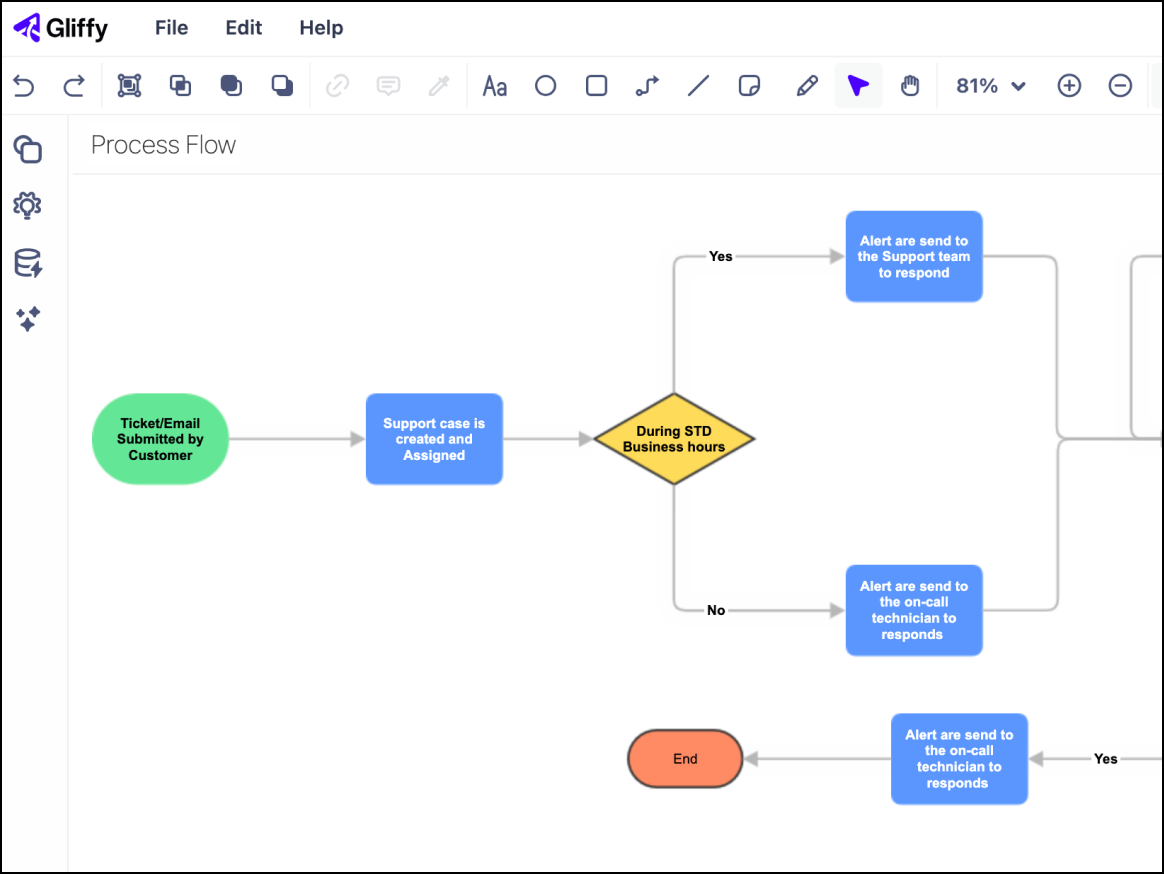
Gliffy, opens in a new tab was designed for teams deeply integrated within the Atlassian ecosystem. It is tailored for technical teams that prioritize building technical documentation without leaving their existing wiki environment.
Notable features include:
- Interactive layering: Manage complex visuals by toggling layers within the Confluence interface.
- Native wiki indexing: Quickly search for any diagram via Confluence’s search functionality.
- Mermaid support: Automatically transform Mermaid.js code blocks into polished visualizations within your documents.
Notable integrations include Trello, Jira, and Confluence.
Pros: Gliffy prioritizes security and offers a seamless experience for Atlassian users.
Cons: The app has limited functionality outside of Atlassian.
Find your Mermaid alternative
While there are several alternatives to Mermaid, the best choice depends on your team's unique needs. Use the insights above to find the software that will improve alignment and accelerate how you work.
Interested in Lucid?
Sign up for a free account and experience the capabilities for yourself.
Try free