IcePanel is a diagramming tool widely used by technical teams to map complex systems and align on decision-making. While IcePanel offers advanced features and on-premise deployment, you can find diagramming software that’s more user-friendly and intuitive for team collaboration.
This article provides a breakdown of the best IcePanel alternatives and the features you should consider when selecting a diagramming tool for your team.
Alternatives to IcePanel list
- Visio
- Lucidchart
- SmartDraw
- draw.io
- Creately
- Gliffy
What is IcePanel?
IcePanel’s diagram software, opens in a new tab helps technical teams design and explain complex software architecture. The platform improves the technical design process by helping to establish a consistent, shared language of systems, bridging the gap between teams and stakeholders. IcePanel offers tailored views for different audiences and enables gathering feedback and iterating on diagrams before businesses commit to technical decisions.
What makes for a good IcePanel alternative
While IcePanel is great for technical and highly complex use cases, it has a steep learning curve and doesn’t offer many flexible or customizable diagramming options. There are specific reasons why teams might invest in IcePanel, but many teams will benefit from choosing a user-friendly diagramming solution that can be used across their businesses for a wide variety of reasons. IcePanel alternatives also offer more collaboration features and a large library of templates so you can quickly create and share diagrams, no matter your familiarity or skill level.
These are some of the top characteristics that we kept in mind during our search for the best IcePanel alternatives:
- A user-friendly interface that is intuitive to use and doesn’t require a lot of training or experimentation.
- Facilitator tools that help you present your diagrams to stakeholders, ensuring that viewers are able to follow along seamlessly.
- Intelligent features such as automation and conditional formatting that enable users to create diagrams fast and communicate complex information more easily than ever.
- Collaboration features that allow for asynchronous collaboration and enhanced decision-making, so your diagrams aren’t just visual creations but also act as a canvas that brings people together.
Key takeaways
| Best for | Feature highlight | Pricing | |
| Visio | Industry-standard documentation | Precise formatting and strict adherence to modeling standards | Paid |
| Lucidchart | Intelligent features | Universal canvas to easily switch between diagramming and whiteboarding | Free, paid (Individual, Team, Enterprise) |
| SmartDraw | Automated formatting | Intelligent formatting automatically aligns and connects shapes | Paid (Individual, Team, Enterprise) |
| draw.io (diagrams.net) | Standalone diagramming | High privacy and security features | Free, paid |
| Creately | HR and operations teams | Shape data to define custom fields and data for any shape | Free, paid (Personal, Team, Business, Enterprise) |
| Gliffy | Confluence users | Diagrams indexed and searchable within the Confluence wiki | Paid (add-on) |
IcePanel alternatives list
Visio
Best for strict or formal documentation
Capterra rating: 4.5/5, opens in a new tab
Pricing: Paid subscription (Plan 1 or Plan 2) or one-time purchase
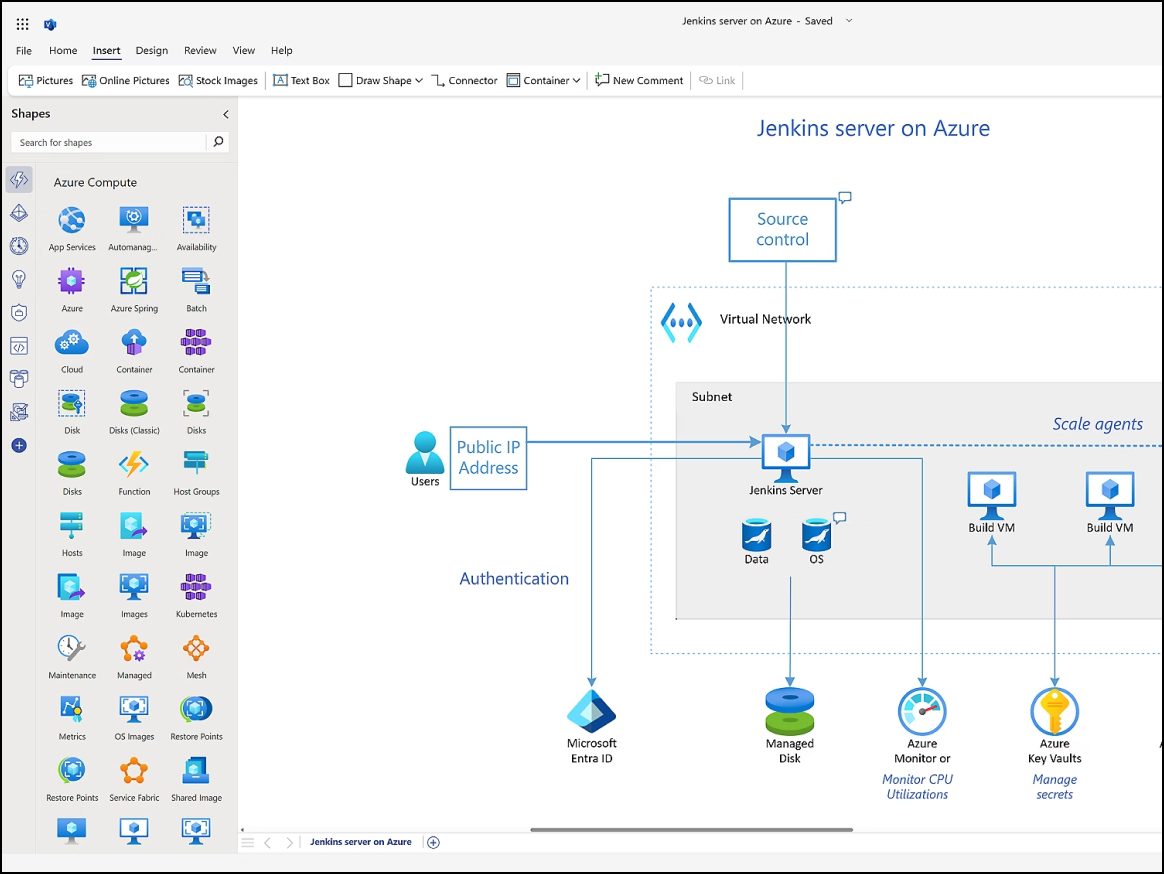
A staple of the Microsoft 365 ecosystem, Visio, opens in a new tab is a specialized diagramming tool built for precision. It’s often used by IT, engineering, and construction professionals who need to create high-fidelity, formal documentation that aligns with rigorous modeling frameworks such as BPMN or IEEE.
Notable features include:
- Power Automate: Transforms static diagrams into live, functional workflows
- AutoCAD support: Allows users to import, overlay, and annotate AutoCAD files
- Specialized stencil sets: Provides an extensive library tailored for electrical, piping, and network architecture
Notable integrations include Microsoft 365, AutoCAD, and Power BI.
Pros: Visio offers a useful offline desktop application and a vast library of shapes for specialized industry standards.
Cons: Visio is often viewed as having a clunky, dated interface, and it has higher licensing costs than other competitors. Unfortunately, it has very poor support for Mac users.
Lucidchart
Best for intelligent features
Capterra rating: 4.5/5, opens in a new tab
Pricing: Free for three editable documents. Paid individual, team, and enterprise plans available.
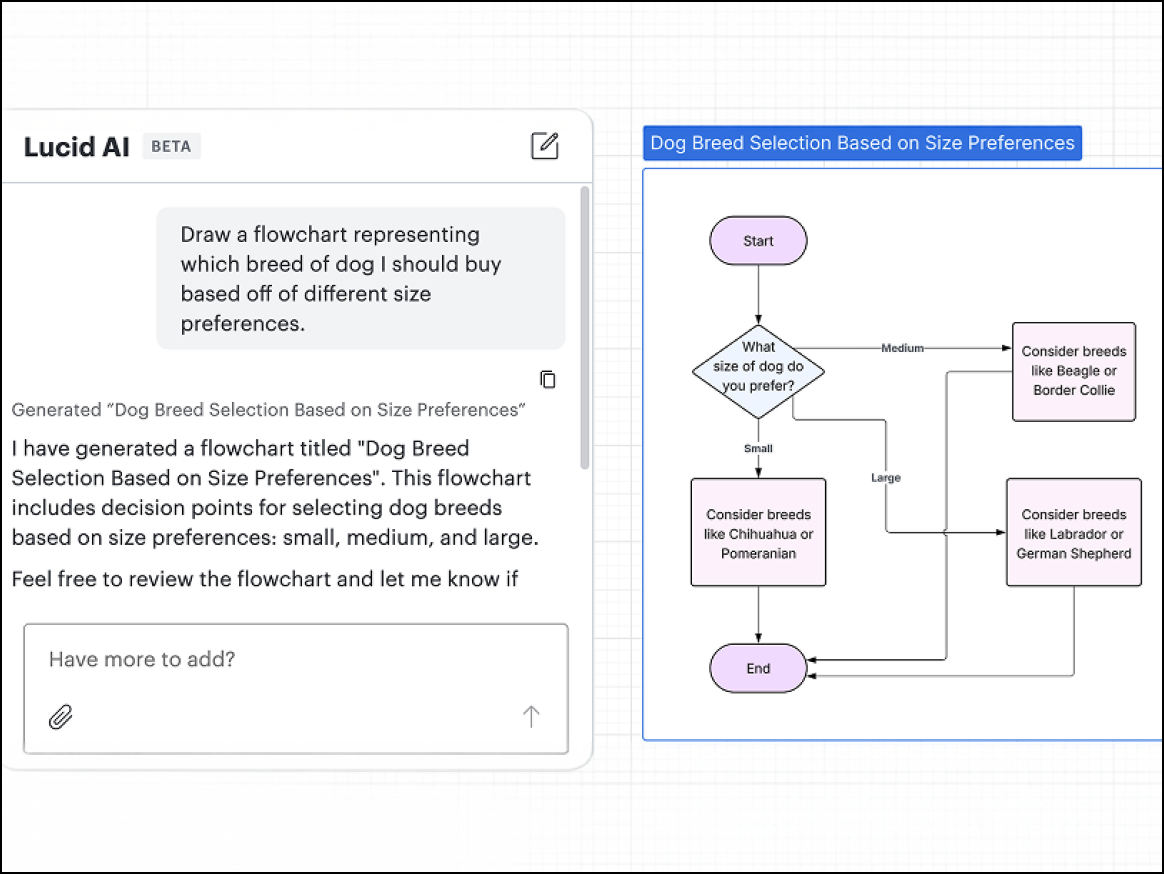
Lucidchart, opens in a new tab is the Lucid Suite’s core intelligent diagramming application and is best suited for organizations that need to create documentation that is linked to live data sources. Lucidchart is widely used by IT, engineering, and business operations teams for collaboration and cloud-based diagramming.
Notable features include:
- Data linking: Updates diagrams automatically by connecting shapes to live data from Excel, Salesforce, or Google Sheets
- Conditional formatting: Determines rules that change the icon or color of shapes based on underlying data (e.g., a server turns red if utilization is less than 80%)
- Universal canvas: Seamlessly switches between Lucidchart for diagramming purposes and Lucidspark for whiteboarding
- Layers and hotspots: Creates interactive diagrams where users can toggle between layers of detail with a single click
Notable integrations include Google Workspace, Microsoft 365, Salesforce, Atlassian (Jira/Confluence), and Slack.
Pros: Lucidchart sets the bar for diagramming with its intuitive, industry-leading interface and data capabilities. The software is a top choice thanks to user-friendly “smart” tools and seamless cross-platform utility.
Cons: While Lucidchart excels in automation and data integration, some high-end functionalities are reserved for the subscription tiers.
SmartDraw
Best for automated formatting
Capterra rating: 4/5, opens in a new tab
Pricing: Only available with a paid subscription
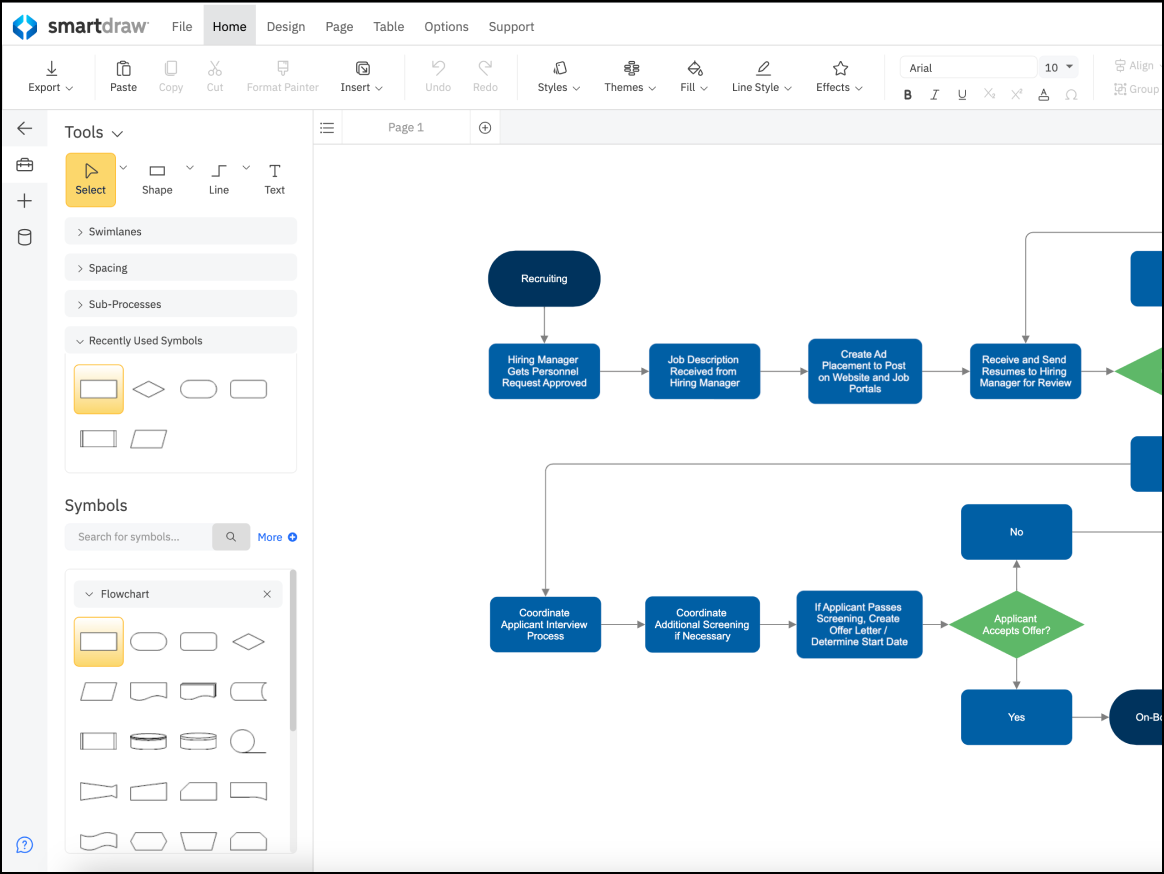
SmartDraw, opens in a new tab is widely used by professionals who value efficiency and need polished diagrams without a lot of manual effort. The platform is particularly popular in industries such as corporate management, law, and healthcare, because it prioritizes speed and structural logic over basic drag-and-drop diagramming.
Notable features include:
- Landscape design and floor plans: Includes specialized templates and robust tools for architectural layouts and landscape design
- Data visualization: Transforms raw data from sources such as AWS or Excel into diagrams instantly
- Intelligent formatting: Auto-aligns shapes and maintains connections as diagrams are edited
Notable integrations include Microsoft Office, the Atlassian stack, and Google Workspace.
Pros: SmartDraw’s sheer volume of templates provides a lot of versatility, and its automation capabilities save users hours of manual tweaking.
Cons: Premium features come at a higher price point. Some users report that SmartDraw’s web interface runs slower than most typical desktop applications.
draw.io (diagrams.net)
Best for standalone diagramming
Capterra rating: 4.6/5, opens in a new tab
Pricing: Free (open source). Paid apps available.
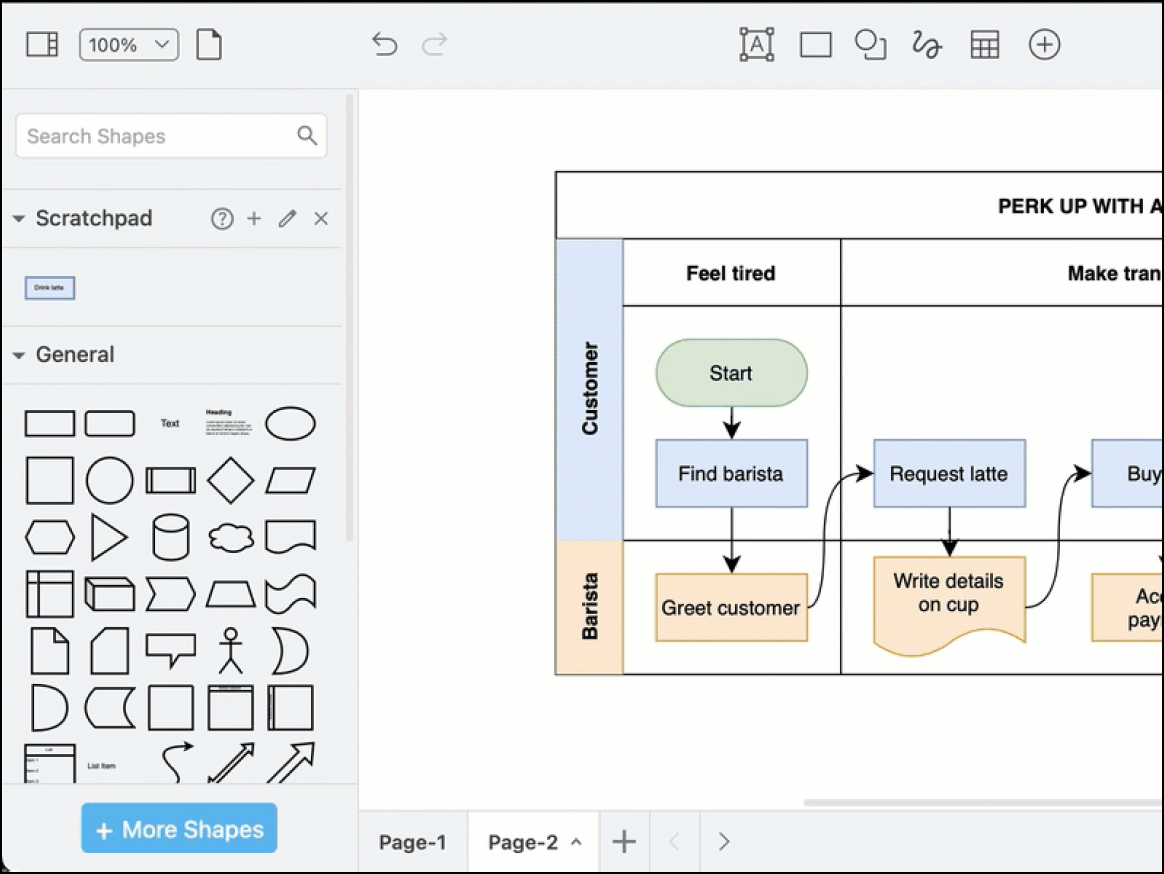
draw.io, opens in a new tab is an open-source alternative to IcePanel that’s particularly favored by students and professionals who want to build diagrams immediately without needing to sign up for an account. Because of its transparent nature, draw.io is a valuable choice for privacy-focused documentation and system architecture.
Notable features include:
- Offline mode: A dedicated desktop application allows for seamless work without an internet connection.
- Bring your own storage: Users retain full ownership of their data by saving files directly to local hardware, OneDrive, GitHub, or Google Drive.
- Vast shape libraries: Specialized icons are available for Kubernetes, Cisco networking, AWS, GCP, and Azure.
- Embed mode: The platform streamlines HTML embedding, making it easy to integrate diagrams into blogs or wikis.
Notable integrations include GitHub, GitLab, Google Workspace, Jira, and Confluence.
Pros: Users consistently praise draw.io for its commitment to security and the ability to operate without an account. The platform’s “free forever” model provides professional-grade tools.
Cons: draw.io’s collaboration features are less robust than other alternatives, and some users may find the user interface less modern compared to cloud-native design tools.
Creately
Best for HR and operations teams
Capterra rating: 4.4/5, opens in a new tab
Pricing: Free and paid subscriptions available
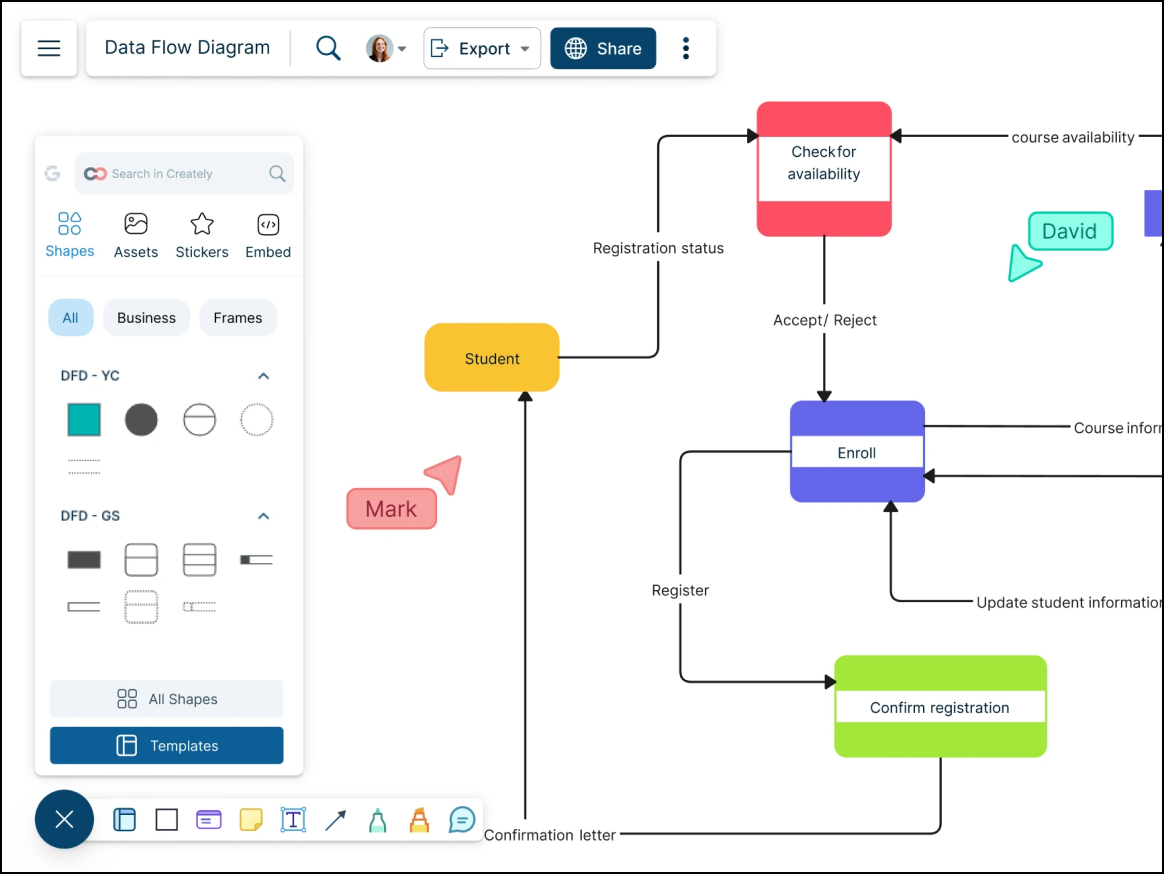
Favored by operations and HR teams, Creately, opens in a new tab is a data-driven diagramming tool that was specifically designed for people who need to embed metadata, task assignments, and detailed notes directly into their org charts and process maps.
Notable features include:
- Efficient folder management: An intuitive folder structure makes it easy to manage complex projects.
- Shape data: Users can assign unique data fields to any shape on the canvas.
- Universal search: Users are able to search across all shape text and diagrams.
- One-click create: A single-click toolbar predicts a user’s next move, allowing for rapid-fire diagramming.
Notable integrations include Google Drive, Slack, and Confluence.
Pros: Creately is frequently praised for its competitive pricing model and its ability to link live data to diagrams. Smart shortcuts significantly reduce manual drawing time.
Cons: Creately’s mobile app experience is less robust than the desktop version. Complex layouts can make the interface feel cramped, and users have reported occasional glitches with line connectors.
Gliffy
Best for Confluence and Jira users
Capterra rating: 4.3/5, opens in a new tab
Pricing: Available as a paid add-on
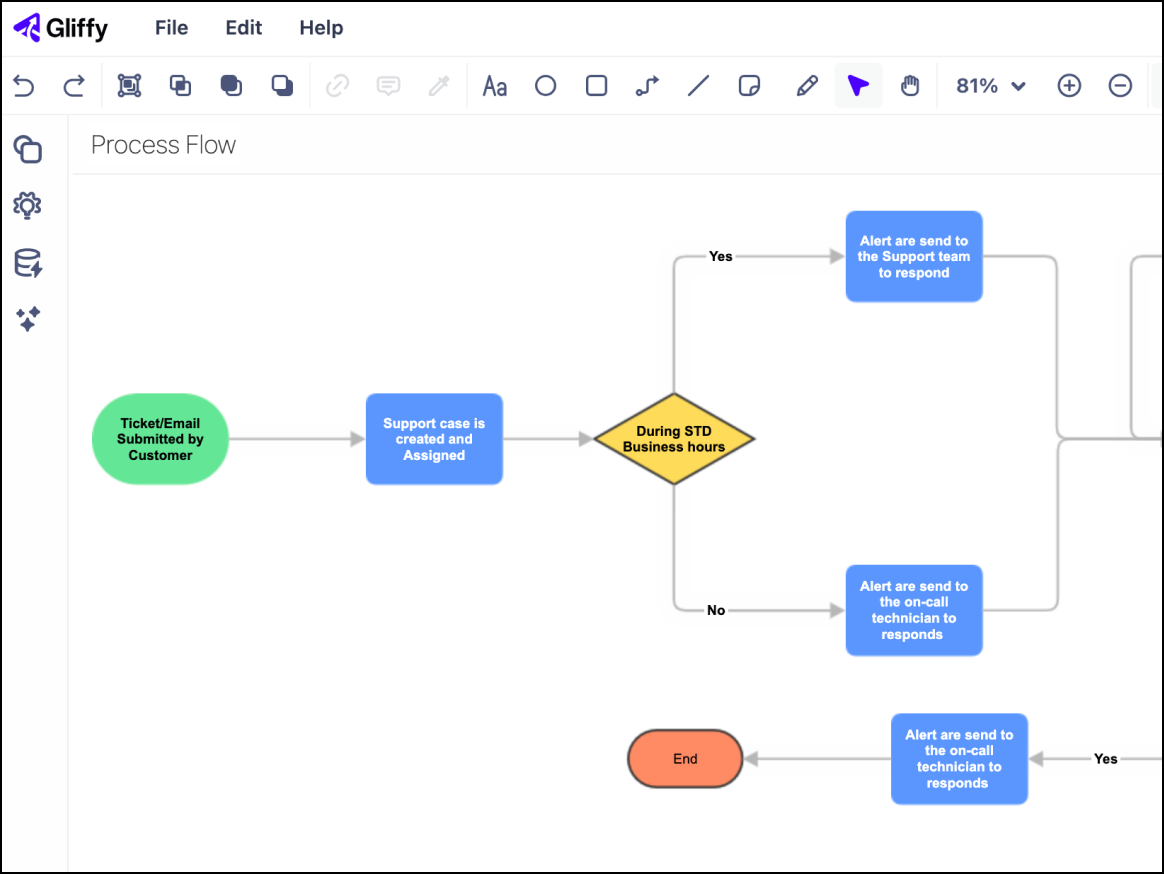
Gliffy, opens in a new tab serves as the default diagramming solution for teams operating primarily within the Atlassian suite. Since Gliffy functions directly within Confluence and Jira, users can create technical diagrams without having to toggle between different applications.
Notable features include:
- Native Confluence integration: All diagrams are fully indexed, making them searchable directly within Confluence.
- Interactive layers: Layers can be adjusted while viewing diagrams in the Confluence page.
- Code-to-diagram: Mermaid.js support allows users to transform code into diagrams.
- Real-time collaboration: Newer versions allow multiple team members to work on the same canvas at once.
Notable integrations include Jira, Confluence, and Trello.
Pros: People value Gliffy’s unbeatable convenience for Atlassian users. Security is simplified as data stays within the existing environment.
Cons: The UI can feel dated compared to other IcePanel alternatives. Gliffy offers a smaller template library and has limited functionality outside of the Atlassian ecosystem.
Discover your IcePanel alternative
There are many diagramming options available that offer more flexibility and collaborative features than IcePanel. Use the information we’ve provided to evaluate your needs and choose the best alternative. If you’re interested in Lucidchart as an alternative to IcePanel, sign up for a free account, opens in a new tab and take advantage of intelligent features that boost innovation and communicate complex ideas.
Visualize your data and diagram your processes with Lucid
Check out Lucidchart as an IcePanel alternative and bring your diagrams to life with intelligent features and real-time collaboration.
Go now