Often referred to as Eraser.io to distinguish the brand from the common noun, Eraser is a diagramming platform built for engineering workflows. The platform offers specialized tools for AI diagramming, customizable APIs for developers, and integrations with apps favored by technical teams. In this guide, we’ll explore the best Eraser.io alternatives, including ratings and pricing plans, as well as notable features and integrations.
Alternatives to Eraser.io
- SmartDraw
- draw.io
- Visio
- Lucidchart
- Creately
- Edraw
- Gliffy
What is Eraser.io?
With a flexible API for customizable solutions, Eraser.io, opens in a new tab is an AI-powered diagramming platform built by and for developers. Its focus on AI diagramming includes the ability to generate and iterate on diagrams from editable code. Eraser.io specializes in diagramming and documentation tools for engineering teams with features such as:
- DiagramGPT: Generates complex diagrams using natural language prompts
- Git-integrated diagrams: Enables users to automatically generate and update diagrams directly from private repositories
- Docs + Canvas: Places documentation and diagramming in a single view
Eraser.io also provides data and automation capabilities to help keep diagrams and documents up-to-date. Notable integrations include Confluence, GitHub, Notion, and Visual Studio Code.
Users can sign up for a free plan with a limit of three documents and five AI diagrams or opt for a paid plan at one of three levels: Starter, Business, and Enterprise.
Eraser.io hasn’t yet been reviewed on Capterra or G2.
What makes for a good Eraser alternative?
Because of its deep focus on engineering, Eraser comes with a steep learning curve for non-technical teams, making it a less-suitable option for general diagramming use cases. Also, its use of proprietary syntax can make it difficult to move complex diagrams to other diagramming tools.
To help identify good Eraser alternatives, we focused on competing platforms that offer comparable AI, data, automation, and developer tools—but that also support more general use cases throughout an enterprise.
See how the leading Eraser.io alternatives compare on the factors that matter most to your team.
| Best for | Feature highlights | Pricing | |
| SmartDraw | Automated formatting | AI diagram generation, intelligent formatting, CAD-like features | Paid (Individual, Team, Enterprise) |
| draw.io (diagrams.net) | Standalone diagramming | Generate tool, vast shape libraries, offline mode | Free, paid |
| Visio | Engineering, IT, and construction teams | Data linking, AutoCAD support, process map export | Paid |
| Lucidchart | Intelligent diagramming | Lucid AI, data linking, developer platform | Free, paid (Individual, Team, Enterprise) |
| Creately | HR and operations teams | Creately VIZ for AI-generated visuals, multi-perspective modeling, shape data | Free, paid (Personal, Team, Business, Enterprise) |
| Edraw (EdrawMax) | Large template library | AI assistant, 280+ types of diagrams, cross-platform compatibility | Free, paid |
| Gliffy | Confluence users | AI diagram generation, Code-to-diagram, interactive layers | Paid (add-on) |
Eraser alternatives list
SmartDraw
Best for automated formatting
Capterra rating: 4/5, opens in a new tab
Pricing: Only available with a paid subscription
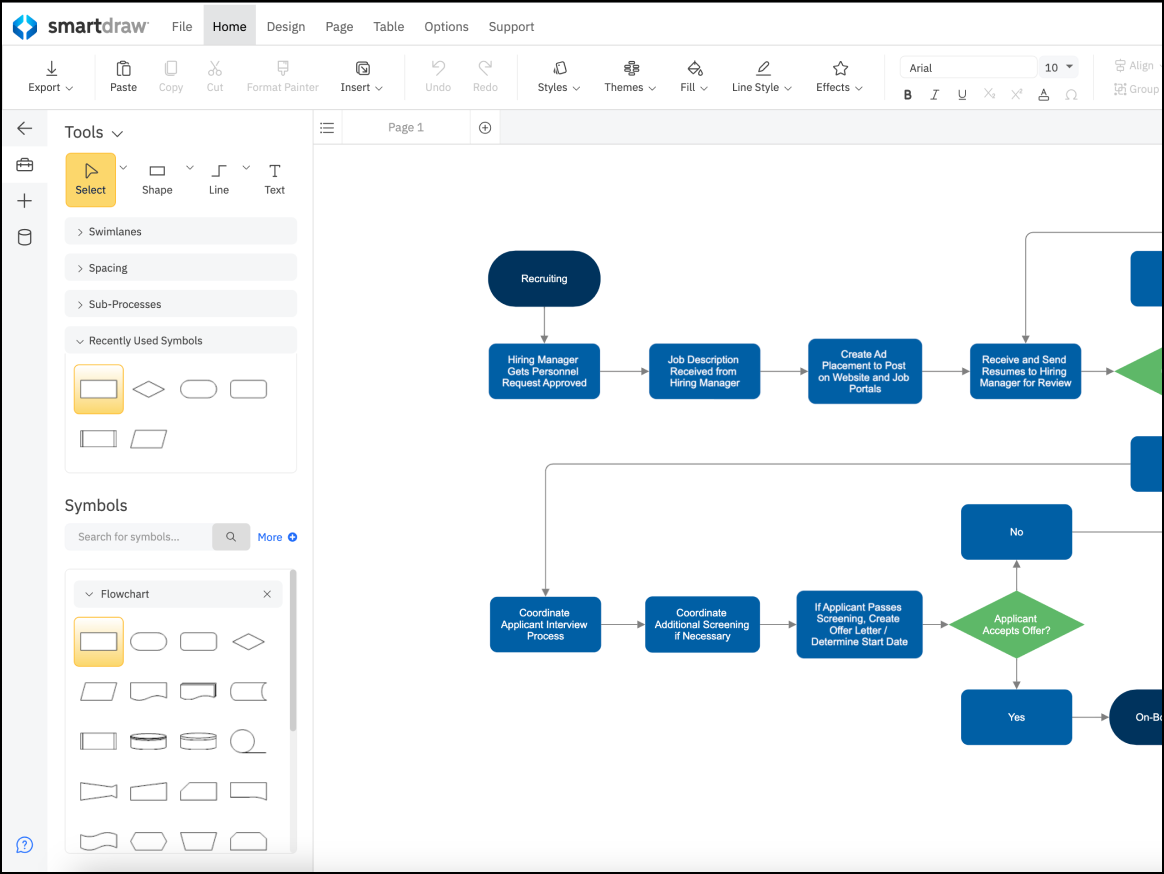
A specialized application for creating floor plans and diagrams, SmartDraw, opens in a new tab is for business professionals who aren’t design experts but need to create audit-ready diagrams quickly. It’s used by teams who prefer automated drawing over manual drag-and-drop formatting.
Notable features include:
- AI diagram generation: Generates four diagram types from a prompt
- Intelligent formatting: Automatically aligns, spaces, and connects shapes
- CAD-like features: Enables users to create landscape design and floor plans (unlike other Eraser.io alternatives)
Notable integrations include Atlassian, Google Workspace, and Microsoft Office
Pros: SmartDraw offers a large library of diagram types and has powerful automation capabilities.
Cons: The software comes at a higher price for individuals, and its web interface can run slower than typical desktop applications.
draw.io (diagrams.net)
Best for standalone diagramming
Capterra rating: 4.6/5, opens in a new tab
Pricing: Free (open source) and paid apps available
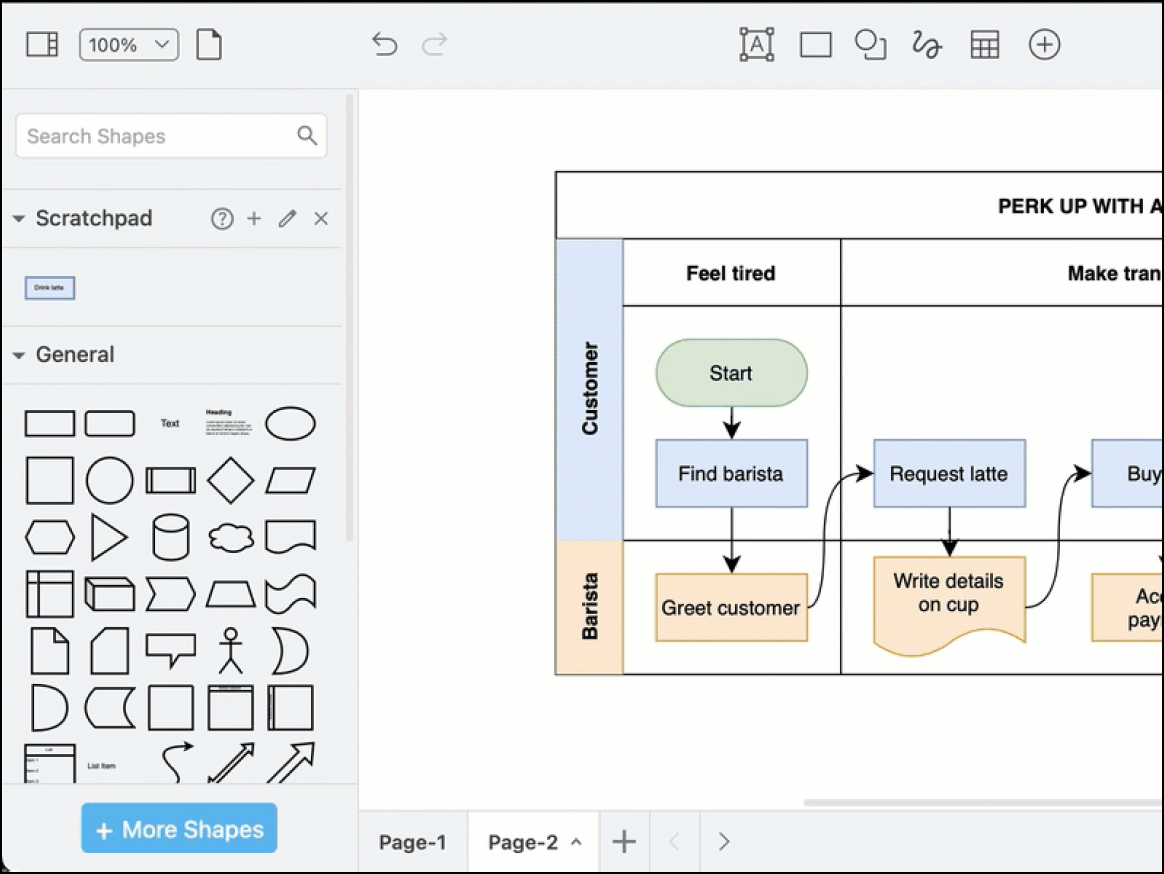
A free and open source diagramming application, draw.io, opens in a new tab is widely used for creating architectural diagrams and other technical documentation. It’s considered a go-to solution for privacy-conscious users because it doesn’t require an account.
Notable features include:
- Generate tool: Uses a wide range of AI generators to create diagrams
- Vast shape libraries: Includes icons for AWS, Azure, GCP, Kubernetes, and Cisco networking
- Offline mode: Enables users to work without an internet connection on the desktop app
Notable integrations include Confluence, GitHub, GitLab, Google Workspace, and Jira.
Pros: The top advantage cited by users is the ability to access professional-grade diagramming features without a subscription and having the choice to save files locally or within one of multiple cloud providers, including Google Drive, GitHub, and OneDrive.
Cons: Collaboration features are lacking compared to other diagramming applications, and some users feel that the UI is slightly outdated.
Visio
Best for engineering, IT, and construction teams
Capterra rating: 4.5/5, opens in a new tab
Pricing: Paid subscription or one-time purchase
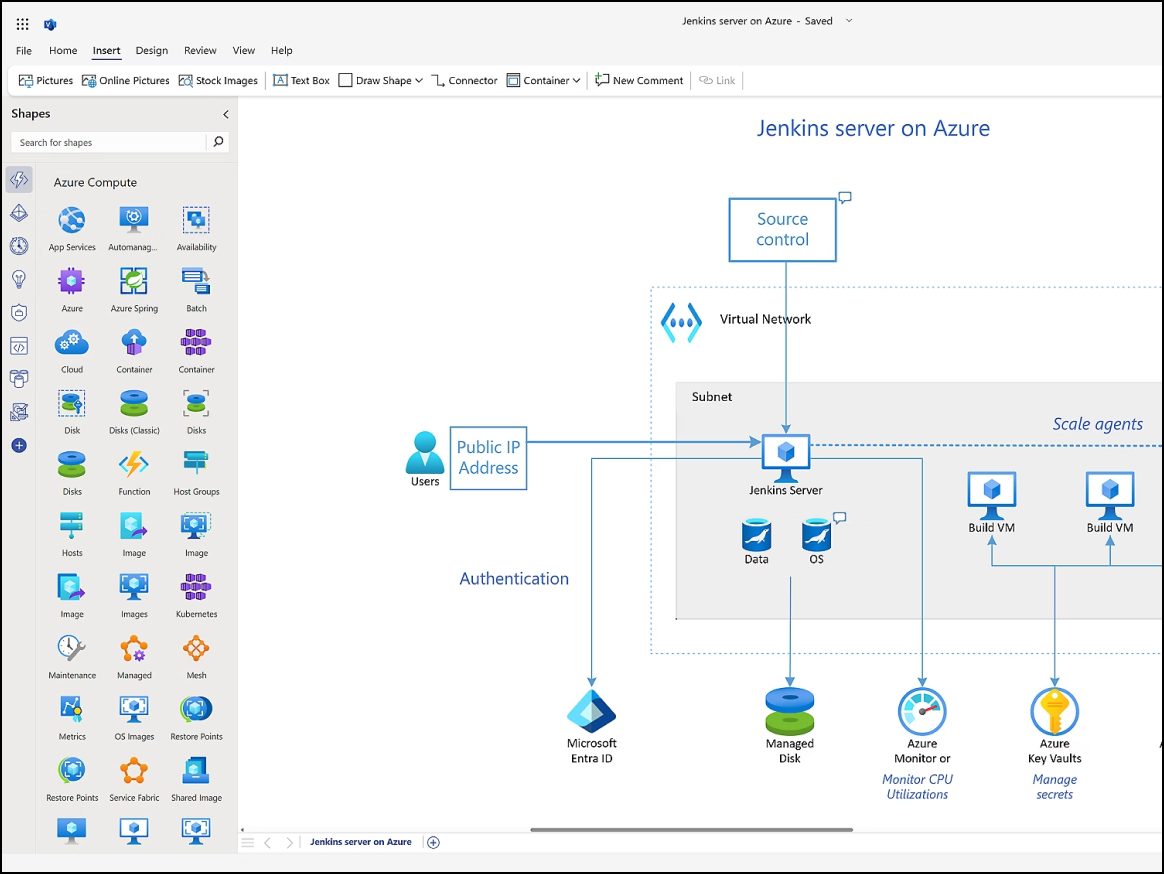
A diagramming and vector graphics application, Visio, opens in a new tab is best suited for users who need deep detail, precise formatting, and strict adherence to modeling standards. Instead of offering AI-supported text-to-diagram capabilities, Visio provides AI assistance within the Microsoft 365 ecosystem.
Notable features include:
- Data linking: Connects shapes to live data sources to visualize real-time changes
- Large library of stencils for electrical, piping, and network engineering
- AutoCAD import: Enables users to import and markup AutoCAD designs
- Process map export: Enables users to design process maps in Visio and export them into functional workflows
Notable integrations include AutoCAD, Microsoft 365, and Power BI.
Pros: Technical users cite Visio’s support for AutoCAD files and the ability to create detailed architectural and engineering diagrams as a major plus.
Cons: Visio plans can be expensive, and some users say it comes with a steep learning curve and poor real-time collaboration.
Lucidchart
Best for intelligent diagramming
Capterra rating: 4.5/5, opens in a new tab
Pricing: Free for three editable documents. Paid individual, team, and enterprise plans available.
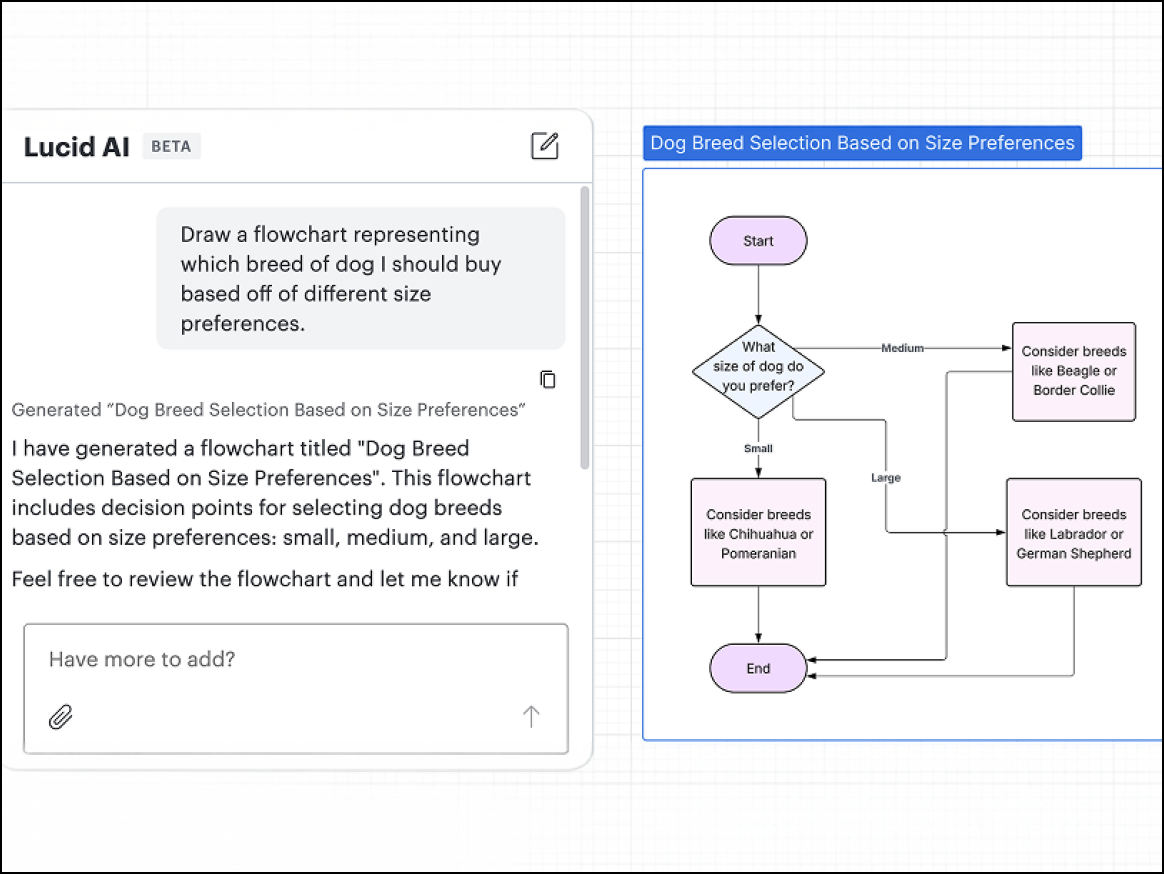
An intelligent diagramming application, Lucidchart, opens in a new tab is part of the Lucid Visual Collaboration Suite, opens in a new tab. Lucidchart is widely used by both technical and non-technical teams who need advanced capabilities for AI, data, automation, custom integrations, as well as real-time collaboration.
Notable features include:
- Lucid AI: Enables users to generate and iterate on diagrams, add conditional formatting, and summarize content within a unified, conversational interface
- Data linking: Creates data-driven visualizations with imported datasets from Google Sheets, Excel spreadsheets, and CSV files
- Developer platform: Allows for the creation of custom integrations using the Lucid API
Notable integrations include Atlassian (Confluence and Jira), Azure DevOps, LeanIX, Google Workspace, Microsoft 365, and Slack.
Pros: Reviewers consistently point to Lucidchart’s data linking capabilities as its most powerful differentiator, saying the ability to generate complex diagrams from datasets allows them to eliminate manual data entry and keep diagrams up-to-date with the live data sync.
Cons: Lucidchart doesn’t provide a desktop app, and some users are frustrated that its offline editing mode doesn’t enable full access to all of the application’s capabilities.
Creately
Best for HR and operations teams
Capterra rating: 4.4/5, opens in a new tab
Pricing: Free and paid subscriptions available
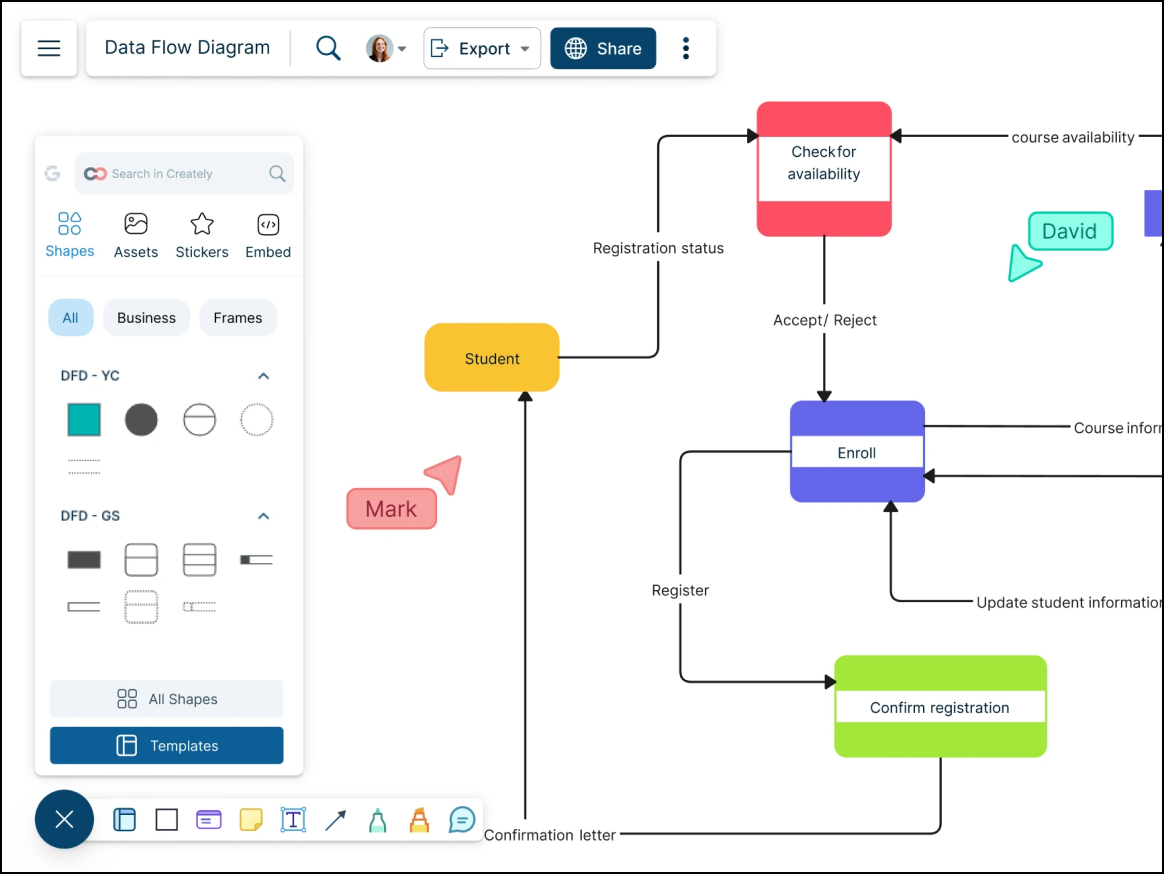
A visual collaboration and diagramming platform, Creately, opens in a new tab is popular among HR and operations teams because of its support for process flows and org charts that require metadata. It bridges the gap between diagramming and data-driven project management.
Notable features include:
- Creately VIZ: Transforms text into visual models
- Multi-perspective modeling: Provides a view of the same data from different formats
- Shape data: Enables users to define custom data and fields for any shape
Notable integrations include Confluence, Google Drive, and Slack.
Pros: Creately’s smart drawing features allow for the quick creation of diagrams. Reviewers say the platform’s data capabilities are more like a living database than a static drawing board.
Cons: Some users note that Creately’s interface can become cluttered when working on particularly complex diagrams. Mobile experience of the platform is limited, and users have reported minor bugs with connector lines.
Edraw (EdrawMax)
Best for large template library
Capterra rating: 4.5/5, opens in a new tab
Pricing: Free and paid subscriptions available
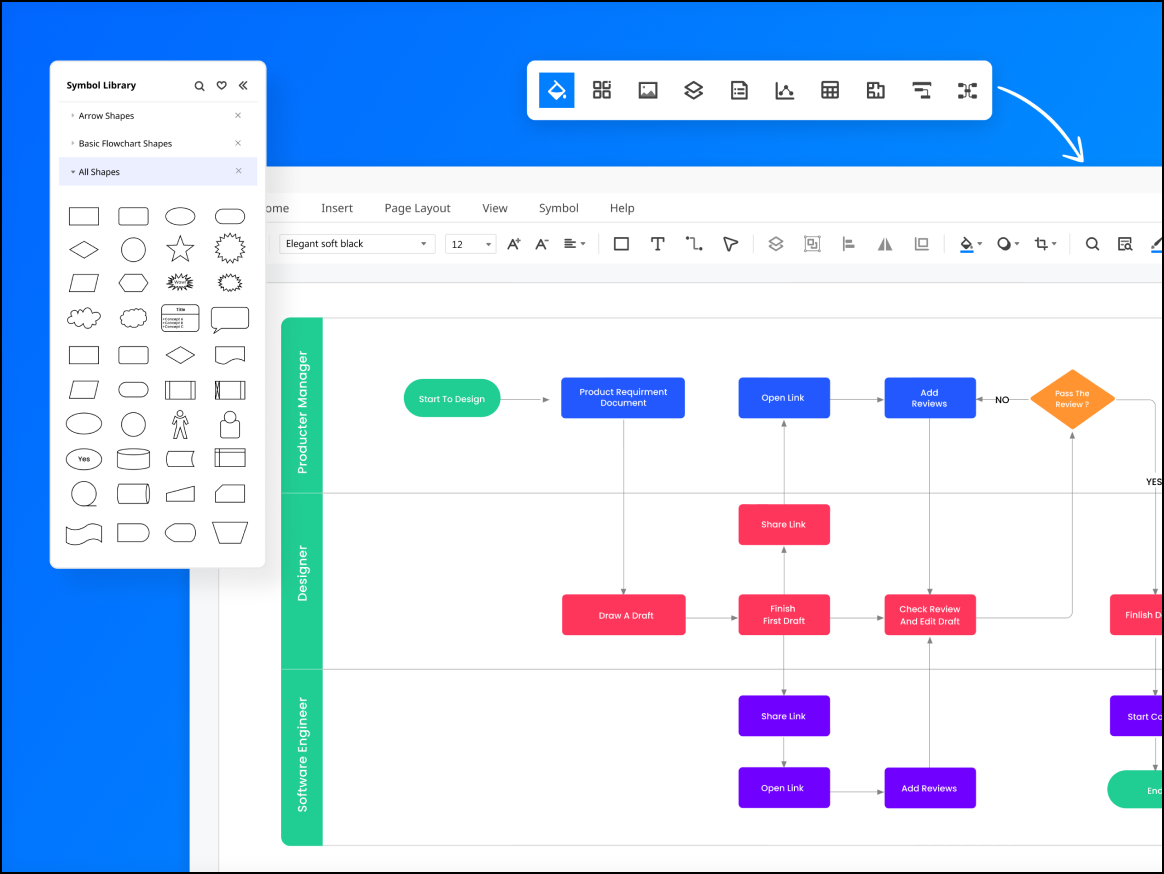
An AI-powered visual collaboration platform, Edraw, opens in a new tab appeals to a wide range of users across industries because of its massive library of pre-made symbols and templates, which allow for the creation of everything from flowcharts to floor plans.
Notable features include:
- AI assistant: Generates mind maps and diagrams from text prompts
- 280+ types of diagrams: Offers templates for niche areas such as fashion design and science illustration in an expansive community-driven template library
- Cross-platform: Works well on Windows, Linux, macOS, and the web
Notable integrations include Dropbox, Google Drive, and Microsoft Office.
Pros: Edraw is well-known for its ease of use and large template library. Users also love the option of a lifetime license.
Cons: Many reviewers cite issues with customer services, as well as performance lags and limited functionality for collaboration compared to other leading platforms.
Gliffy
Best for Confluence users
Capterra rating: 4.3/5, opens in a new tab
Pricing: Available as a paid add-on to Confluence or Jira
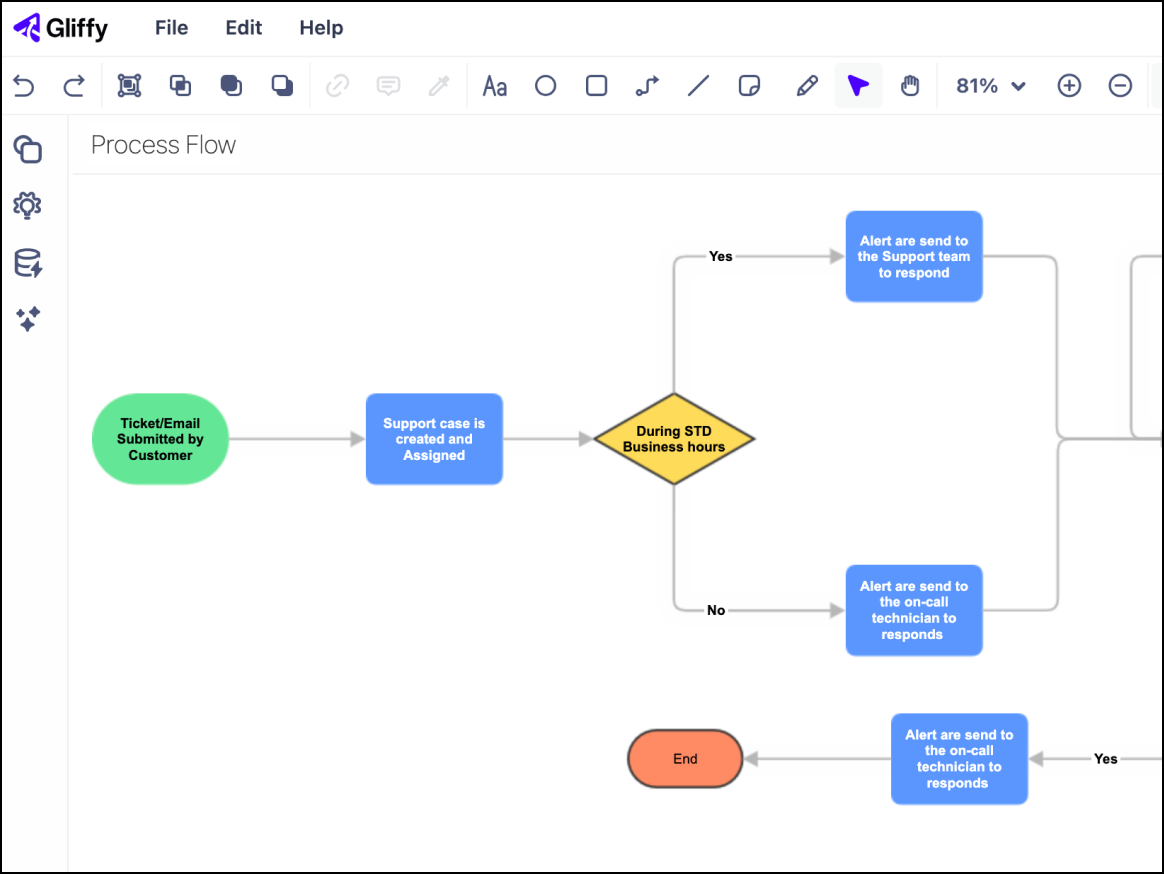
A lightweight, user-friendly diagramming tool, Gliffy, opens in a new tab is a common option for users within the Atlassian ecosystem. It allows for the creation of technical diagrams within Confluence and Jira wiki pages.
Notable features include:
- AI diagram generation: Creates the first draft of a diagram using natural language prompts
- Code-to-diagram: Enables users to automatically visualize Mermaid.js code blocks
- Interactive layers: Toggles layers off and on
Notable integrations include Confluence, Jira, and Trello.
Pros: The native integration with Confluence and Jira is Gliffy’s most loved feature. It enables users to build, edit, and link diagrams directly within their documentation. Reviewers often describe Gliffy as "intuitive" and “fast.”
Cons: Gliffy lacks the advanced interface and features of competing platforms and has limited functionality outside the Atlassian ecosystem. It also has a more limited template library.
Finding the best Eraser.io alternative
Among the seven diagramming applications compared above, the best overall Eraser.io alternative is Lucidchart. It provides AI, data, automation, and developer tools on par with those offered by Eraser—and, like Eraser.io, Lucidchart offers a free plan and three paid tiers, including an enterprise plan. Importantly, Lucidchart also supports a broad range of use cases for technical and non-technical teams.
Another alternative to Eraser.io is Edraw, which offers free and paid accounts (Basic and Unlimited), as well as capabilities for AI diagramming. Edraw is a suitable alternative for users looking for a large library of pre-made templates and flexible support for a wide range of use cases.
Visualize your data and diagram your processes with Lucid
Learn why Lucidchart is the best overall Eraser alternative for diagramming.
Go now