Jira dashboard by priority
Note: For Team and Enterprise plans
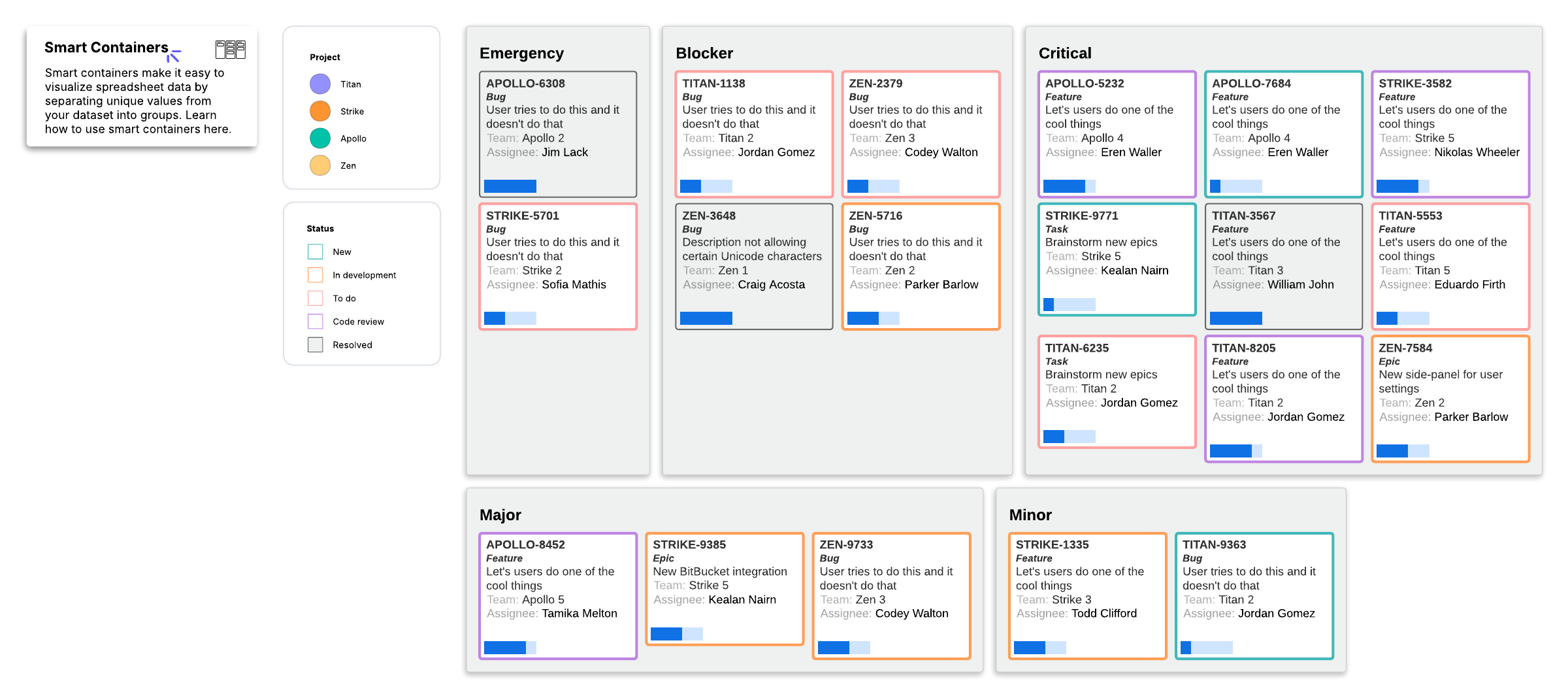
This Jira dashboard by priority template can help you:
- Understand what is possible with Zapier integrations in Lucidchart.
- Visualize, categorize, and update tickets with ease by using and understanding smart containers.
- Automatically highlight important data on each ticket with conditional formatting, such as the ticket’s status and which project it’s a part of.
Open this template to view a Jira dashboard by priority example that you can customize to your use case.