Program för tankekartor
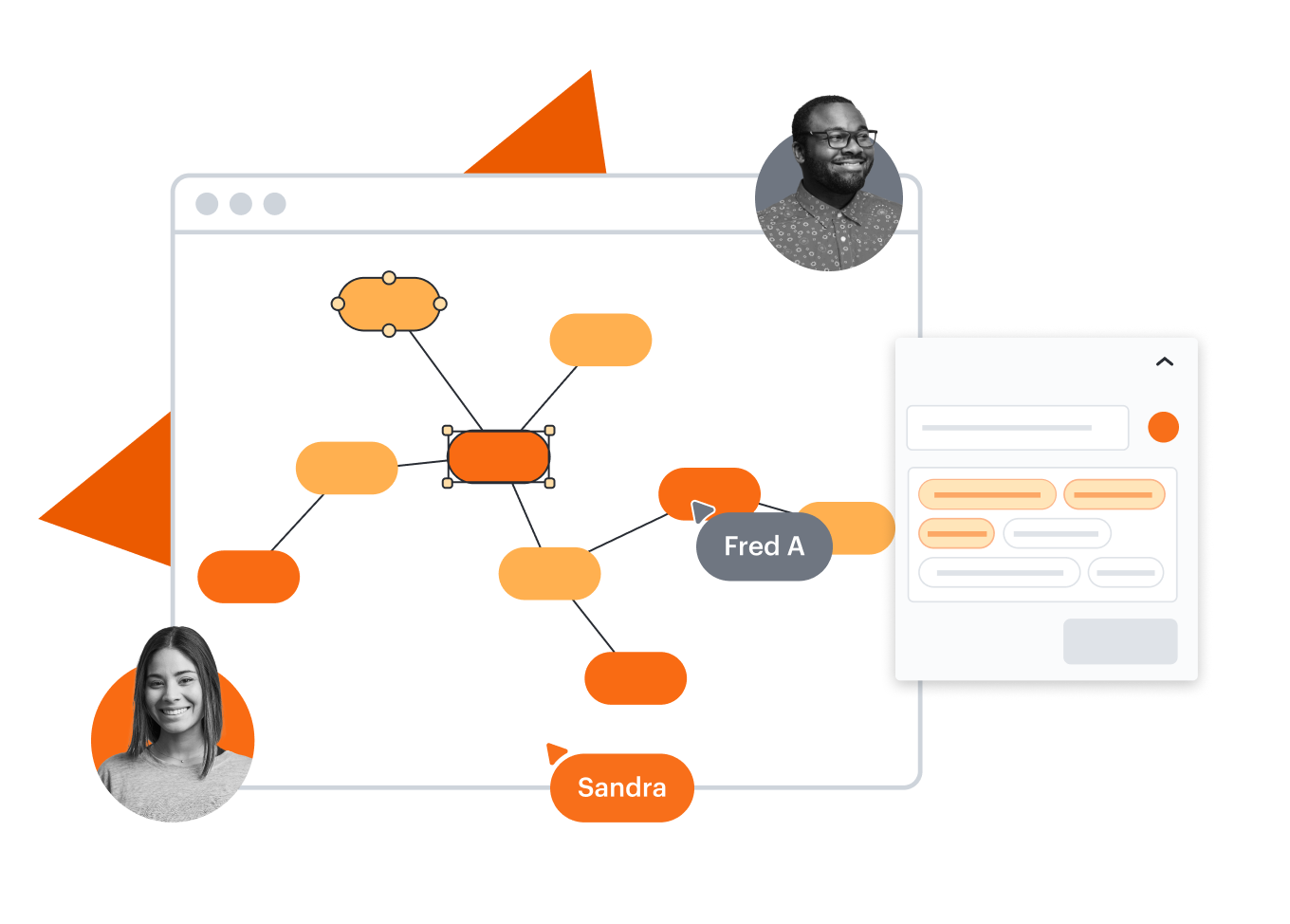
Allt du behöver för att intuitivt skapa kartor online


Genom att registrera dig godkänner du våra användarvillkor och bekräftar att du har läst och förstår vår integritetspolicy.


Se varför team väljer Lucidchart
Samarbete i realtid
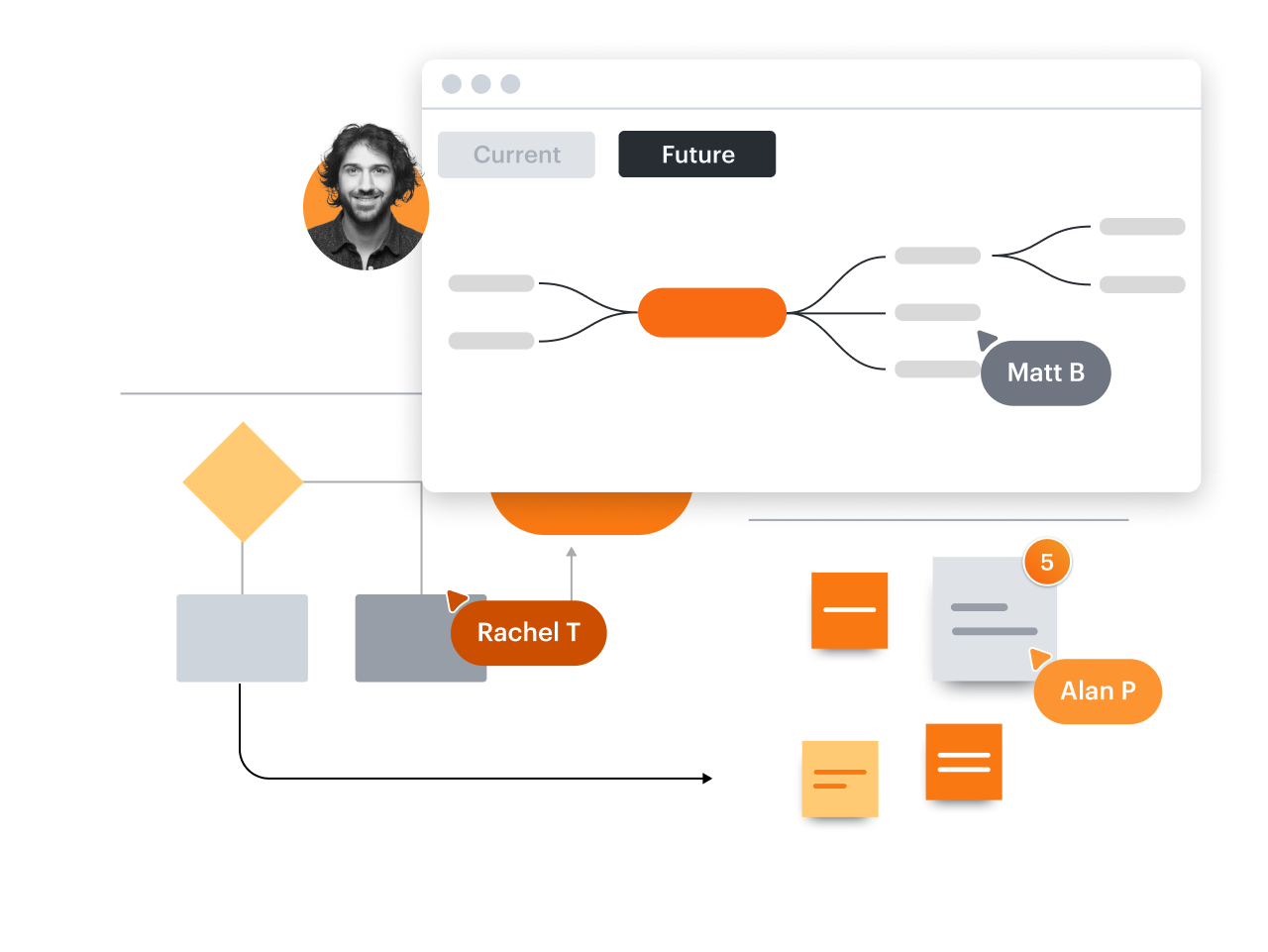
Tankekartor på rätt sätt
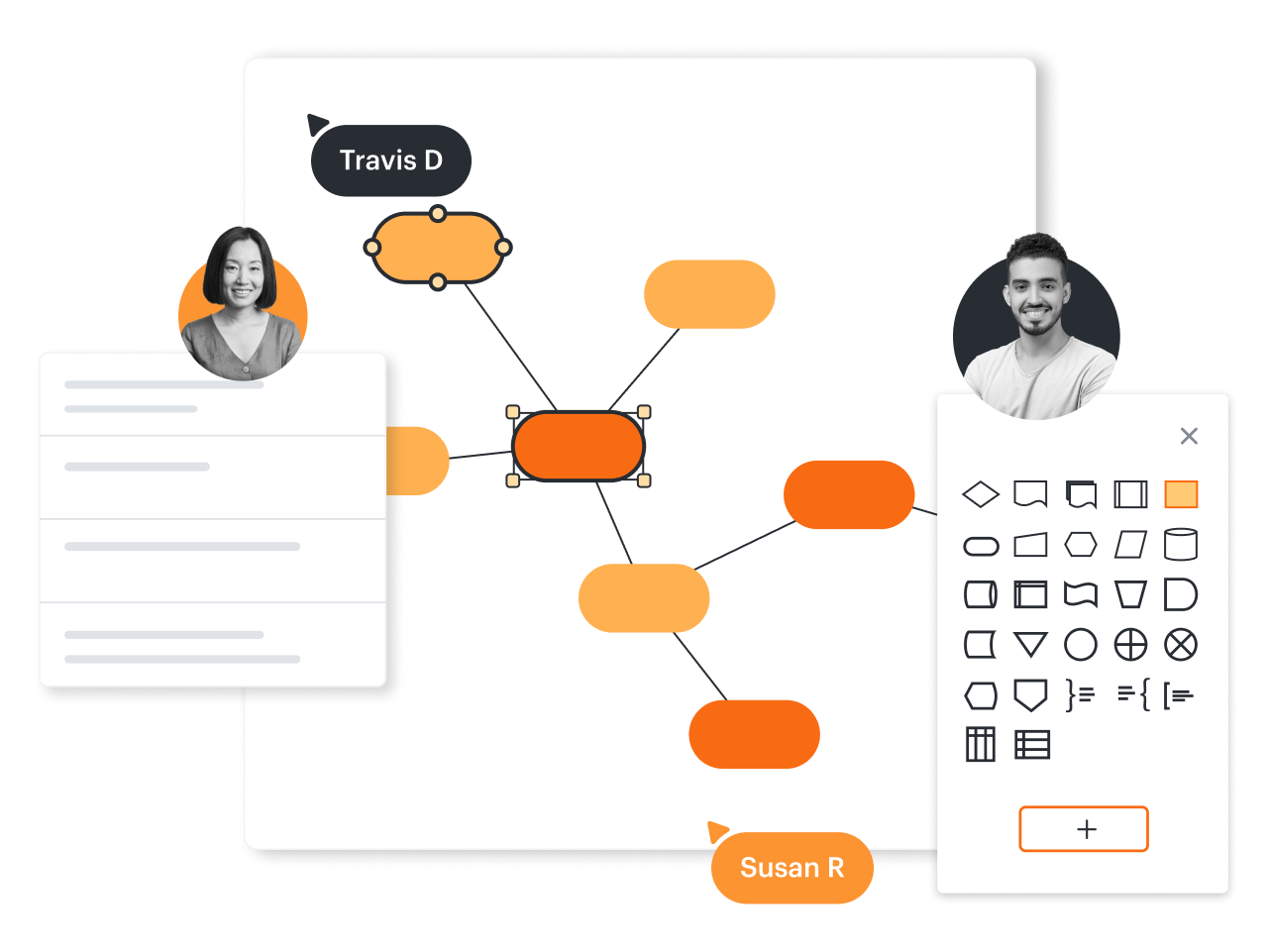
Ännu bättre brainstorming
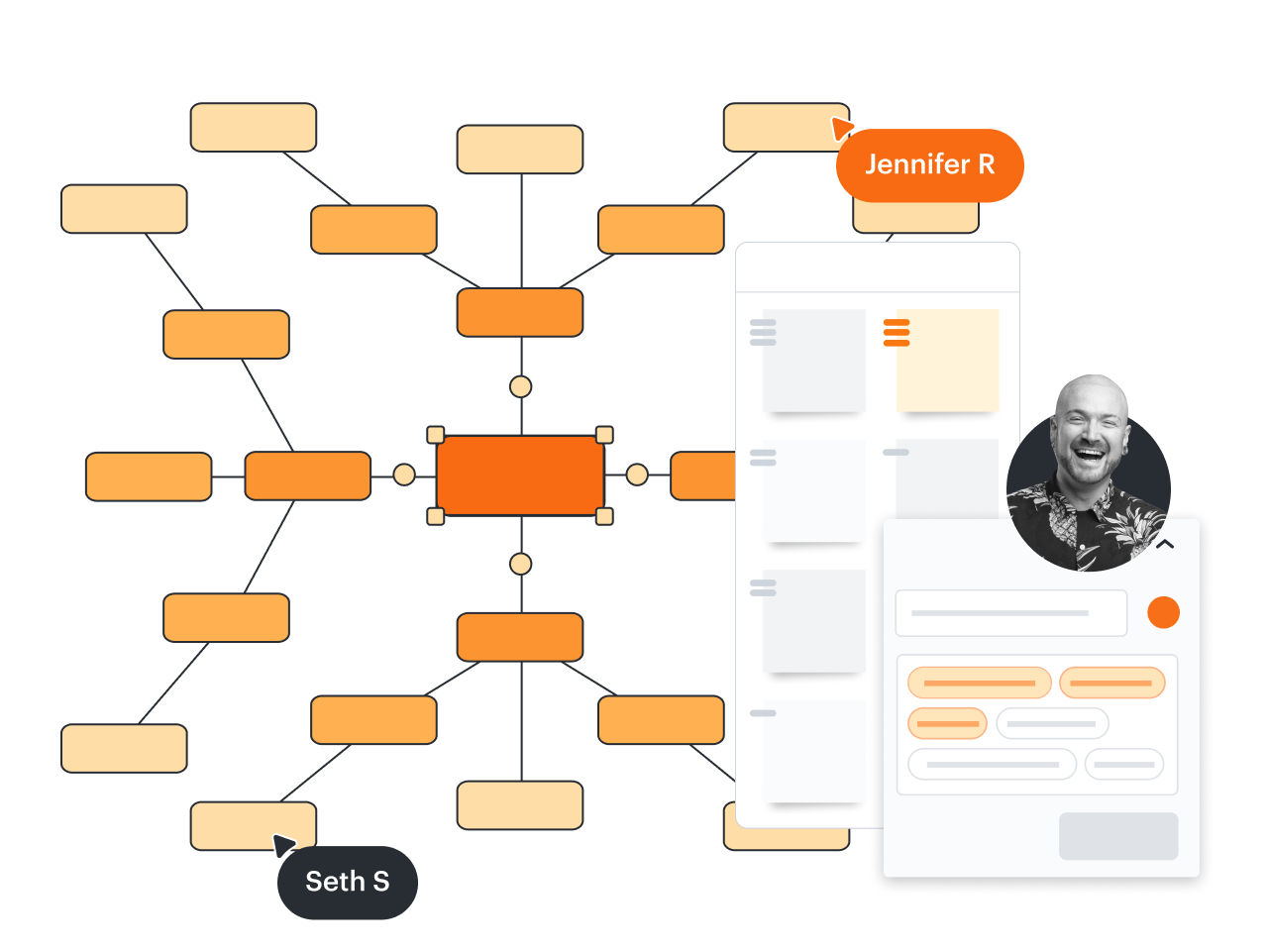
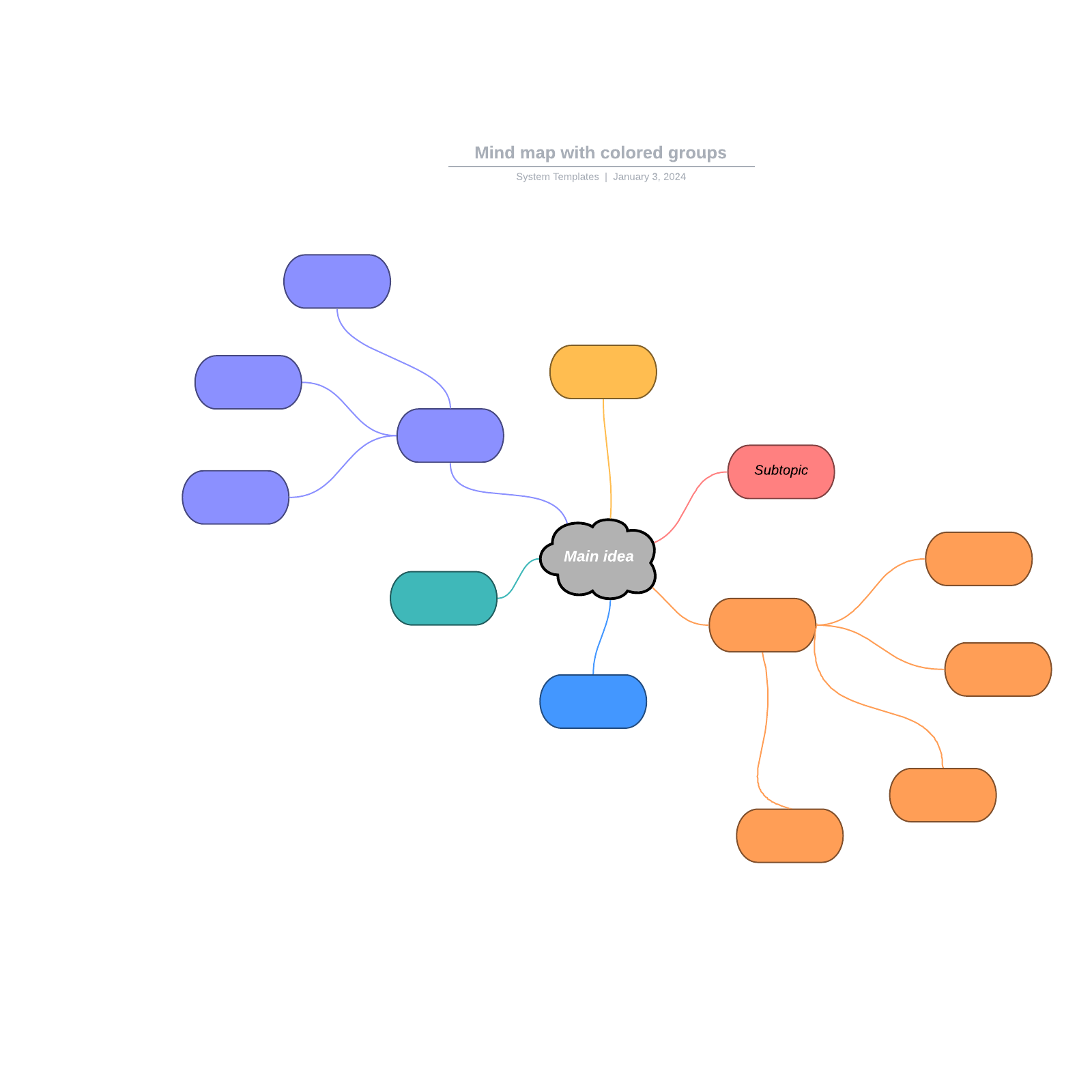
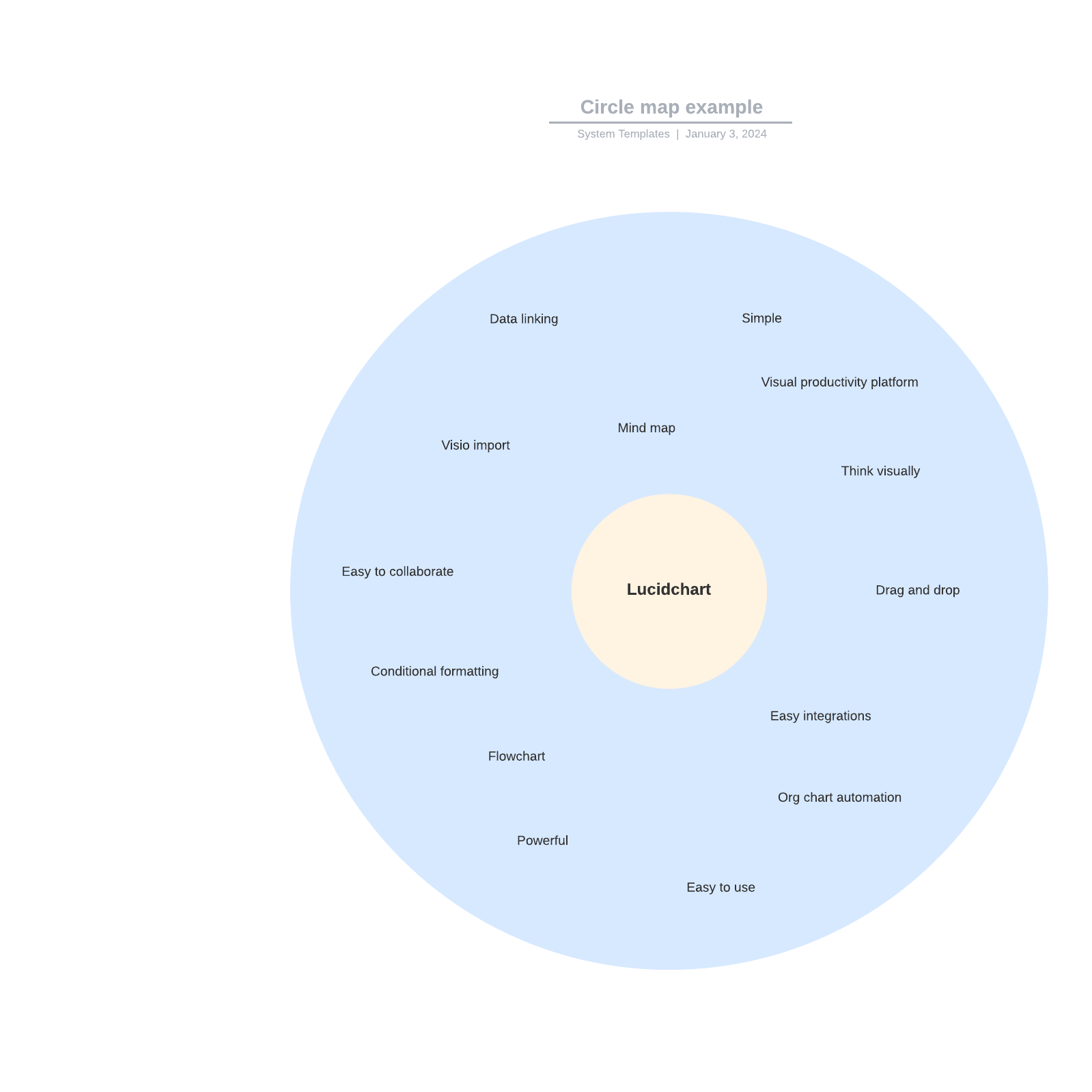
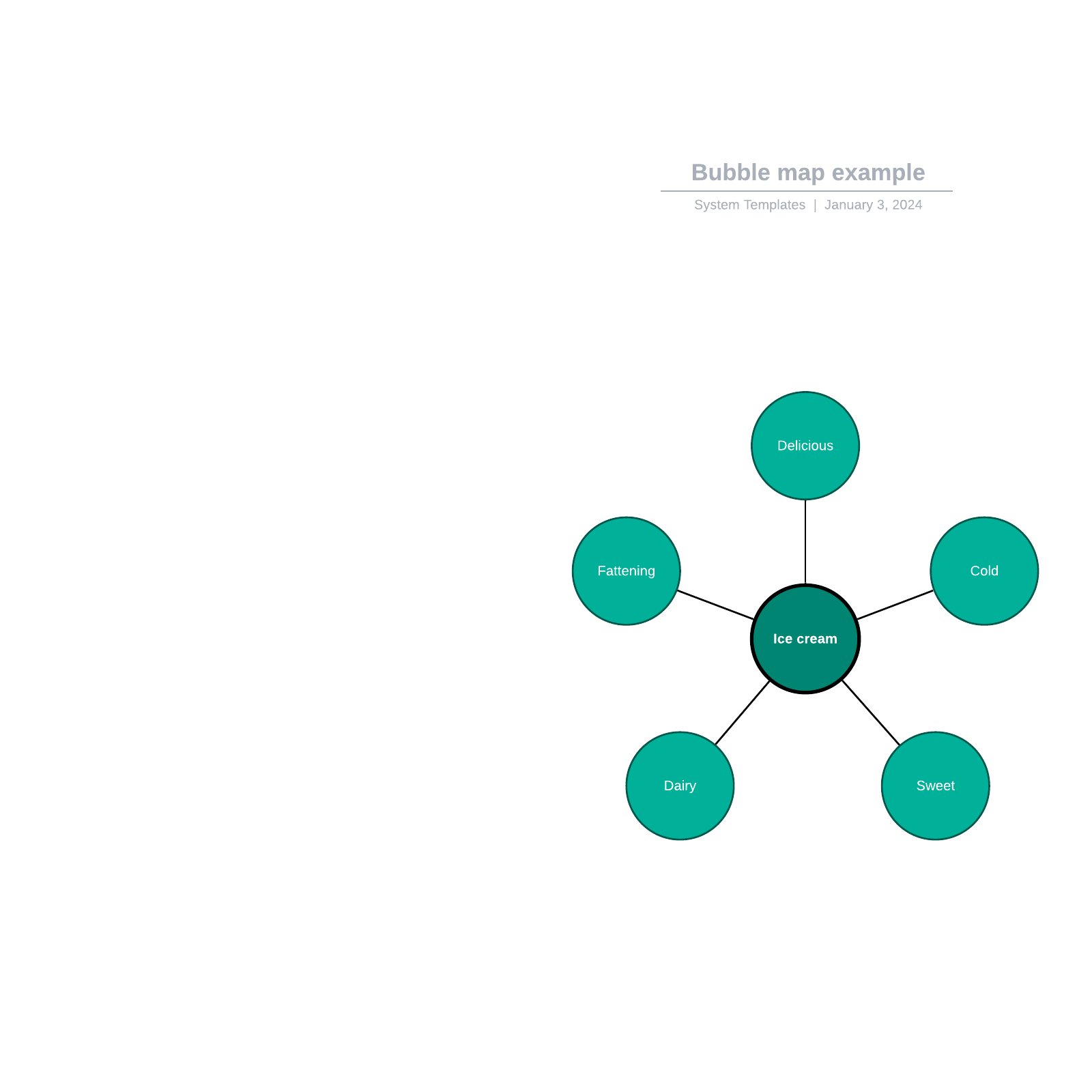
Uppgradera och få tillgång till premiummallar som dessa
Se hur Lucidchart förbättrar ditt sätt att arbeta
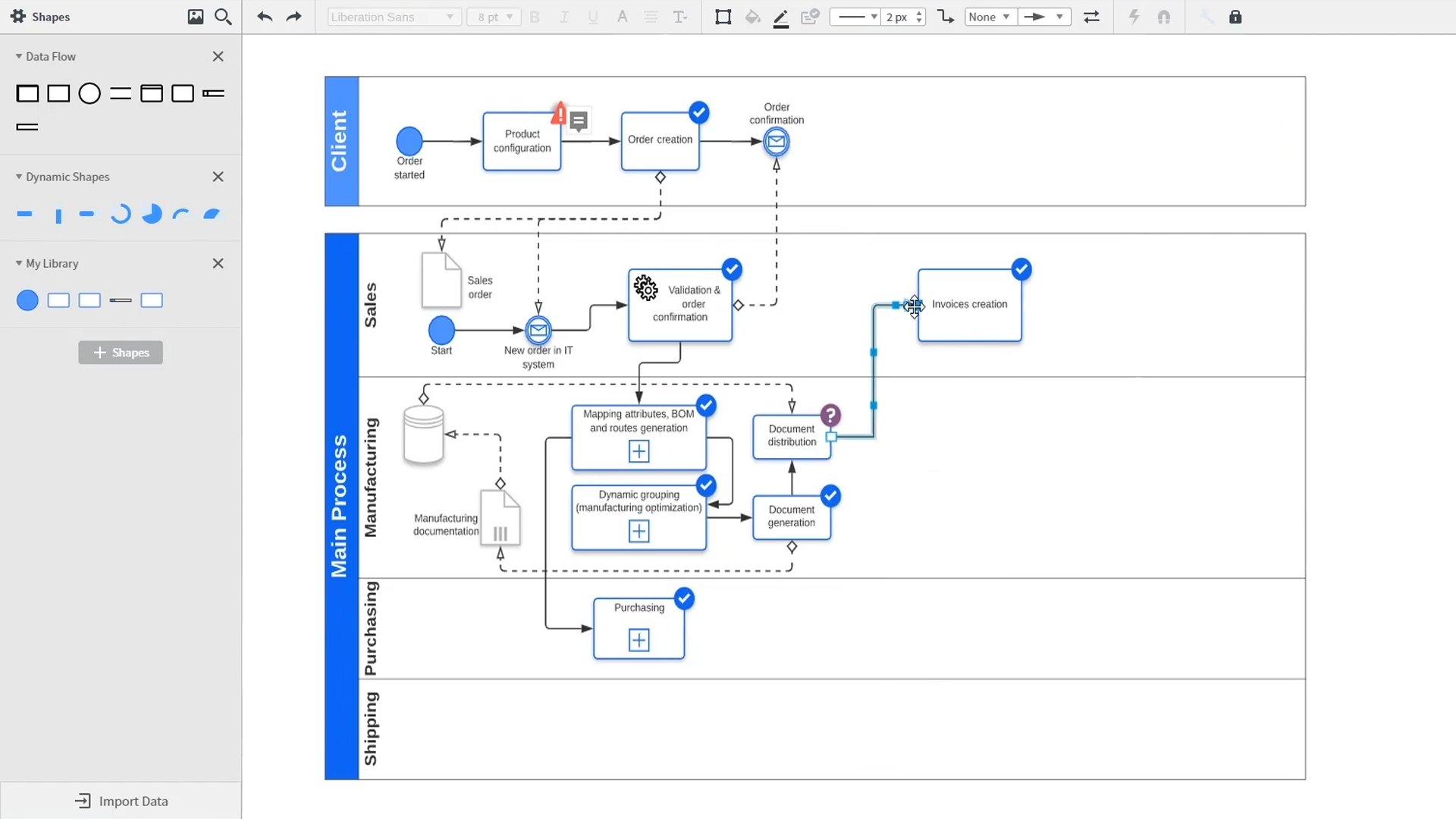
En introduktion till intelligent diagramarbete i Lucidchart med demonstrationer av viktiga funktioner som mallar, former, integrationer, villkorlig formatering och kommentarer. Robyn, en Lucidchart-användare, lägger till former i sitt diagram och använder kopplingar för att beskriva processerna. Hon öppnar sedan det inbäddade mallbiblioteket för att leta efter mallar som gör att hon snabbt kommer vidare i arbetet. Från nätverksdiagram och processkartor till organisationsscheman och tankekartor – Lucidcharts mallbibliotek erbjuder många alternativ att använda och infoga på arbetsytan. Samalia, en annan användare, öppnar formbiblioteket och tittar igenom en omfattande lista med former för planritningar, UML-diagram, enhetsrelationer med mera. Hon väljer formbiblioteket för UML-diagram och lägger till swimlanes i sitt dokument – där presenteras de olika parter som ansvarar för olika delar av den beställningsprocess hon skissar. Lucidchart integreras med många av de applikationer som används i vardagen, inklusive Salesforce, Microsoft Office 365, Jira, Confluence, AWS, Azure, Google Cloud och Google Workplace. Med nästan 100 tillgängliga integrationer är Lucid Suite gjord för att fungera för dig. Det är enkelt att ansluta integrationer på Lucid Marketplace. Videon återvänder till Robyn som delar sitt dokument med en kollega som heter Bill. De använder den inbyggda kommentarsfunktionen för att diskutera den instans som hon har skapat och växlar mellan beskrivningen av det aktuella och det framtida arbetsflödet för att tydliggöra de planerade förändringarna. Sam, Bill, Robyn och Samalia lägger sedan till fler former och kopplingar till sina UML-diagram och tankekartor för att slutföra byggandet av den framtida arkitekturen och samordna de kommande stegen. Videon avslutas med uppmaningen att prova Lucidchart gratis genom att klicka på knappen Prova nu.