Logiciel de carte mentale en ligne

Tout ce dont vous avez besoin pour créer des cartes mentales en ligne de manière intuitive


En vous inscrivant, vous acceptez nos conditions d'utilisation et vous reconnaissez avoir lu et compris notre politique de confidentialité.


Découvrez pourquoi les équipes choisissent Lucidchart
Une collaboration en temps réel
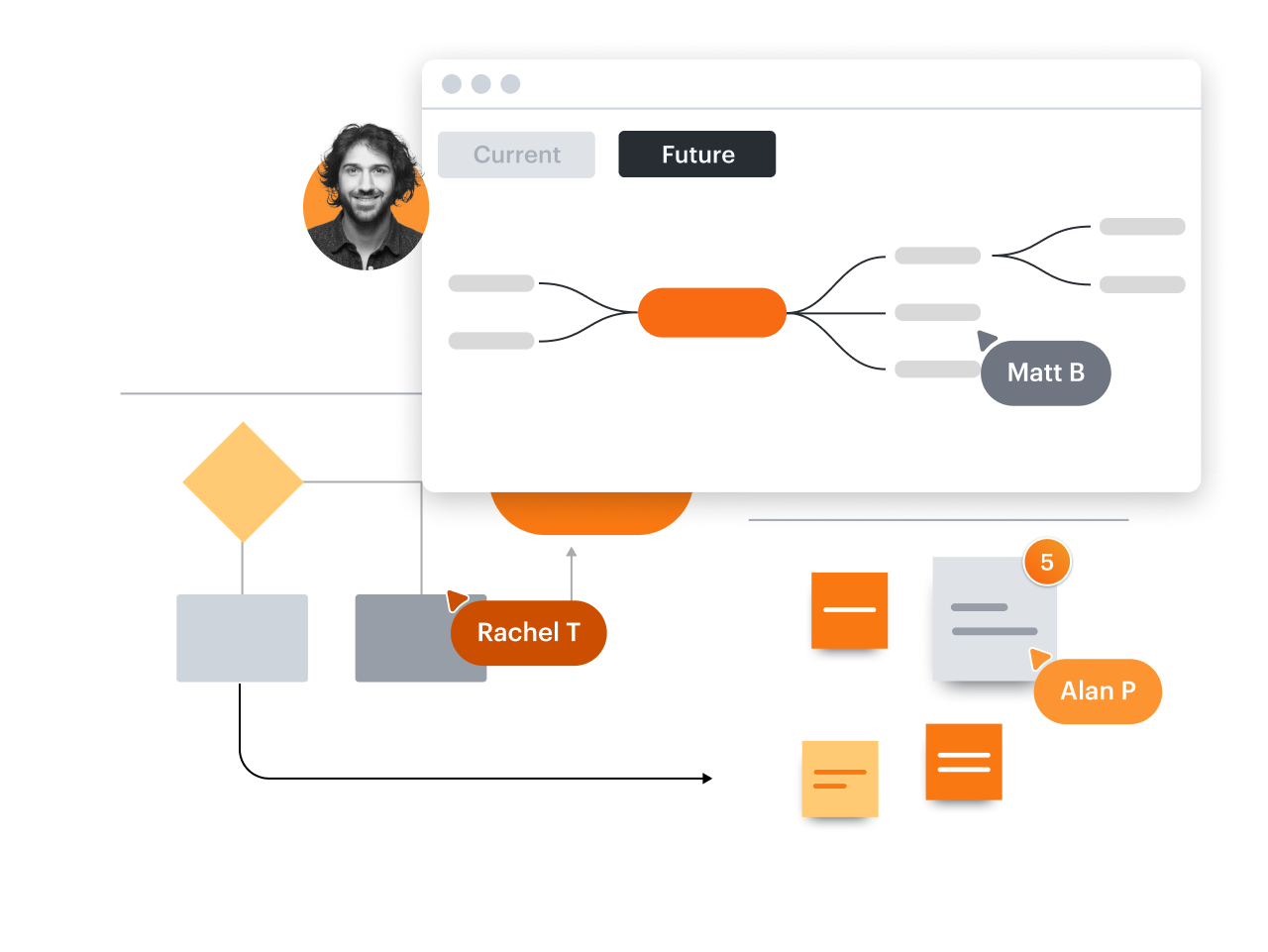
Faites des cartes mentales efficaces
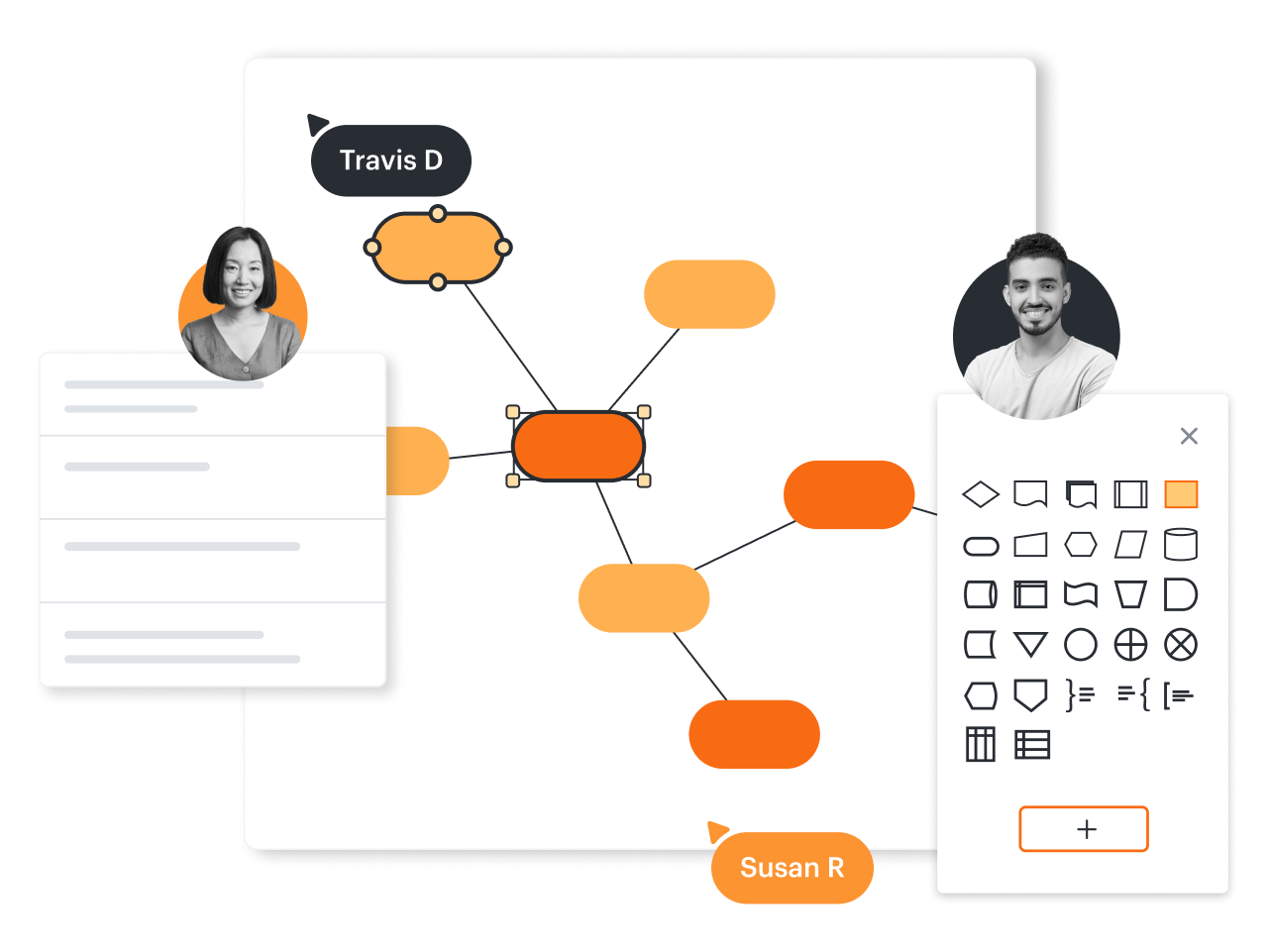
Des séances de brainstorming professionnels
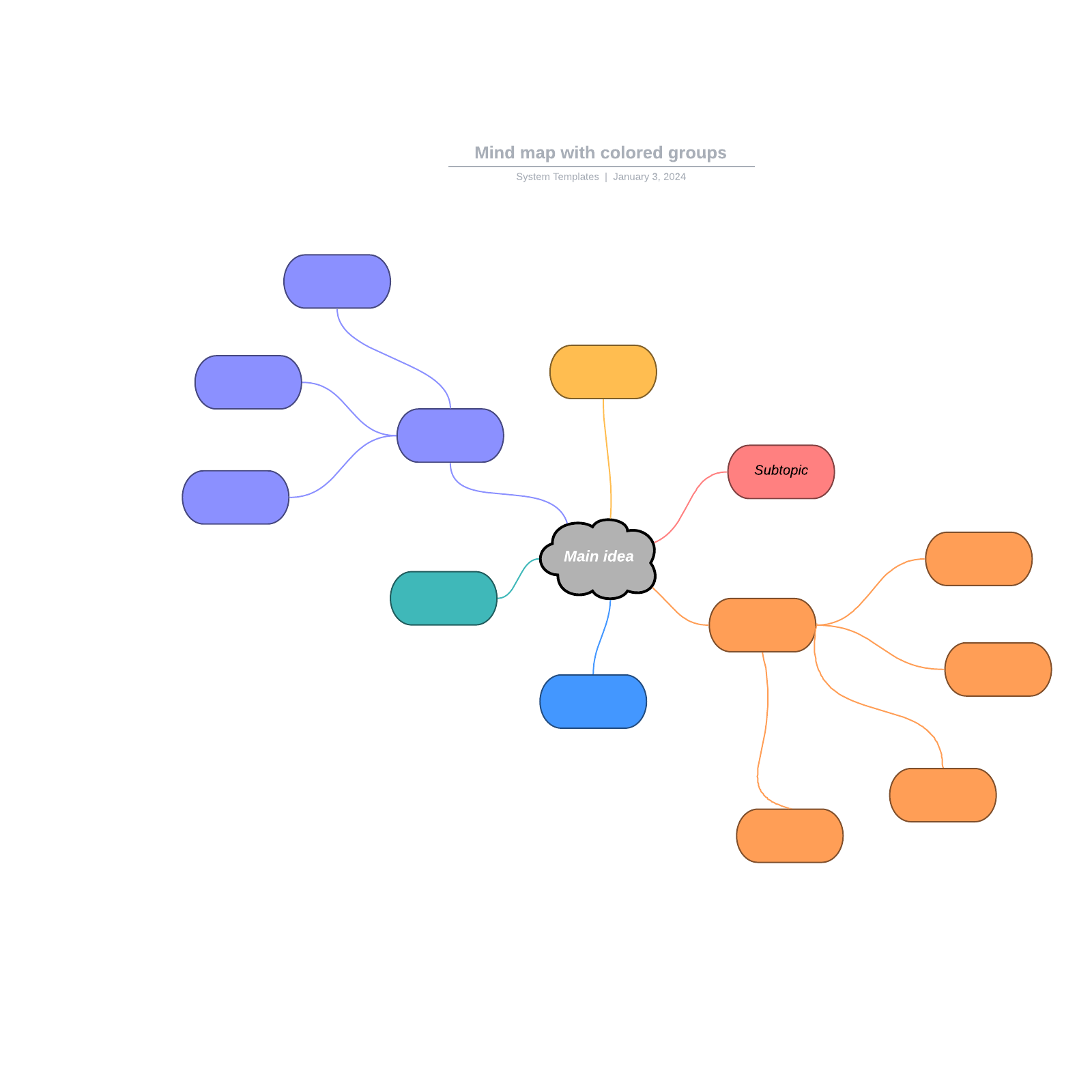
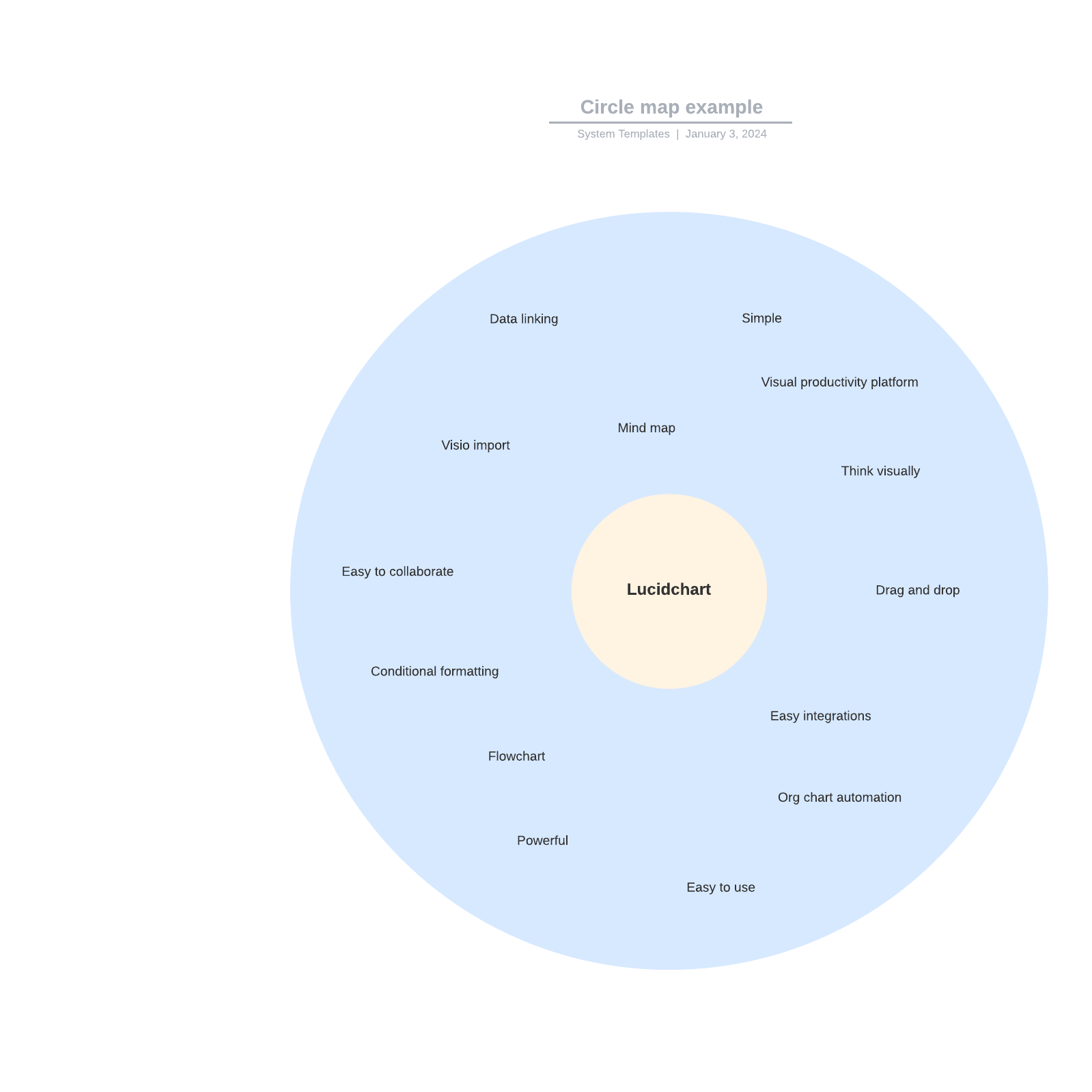
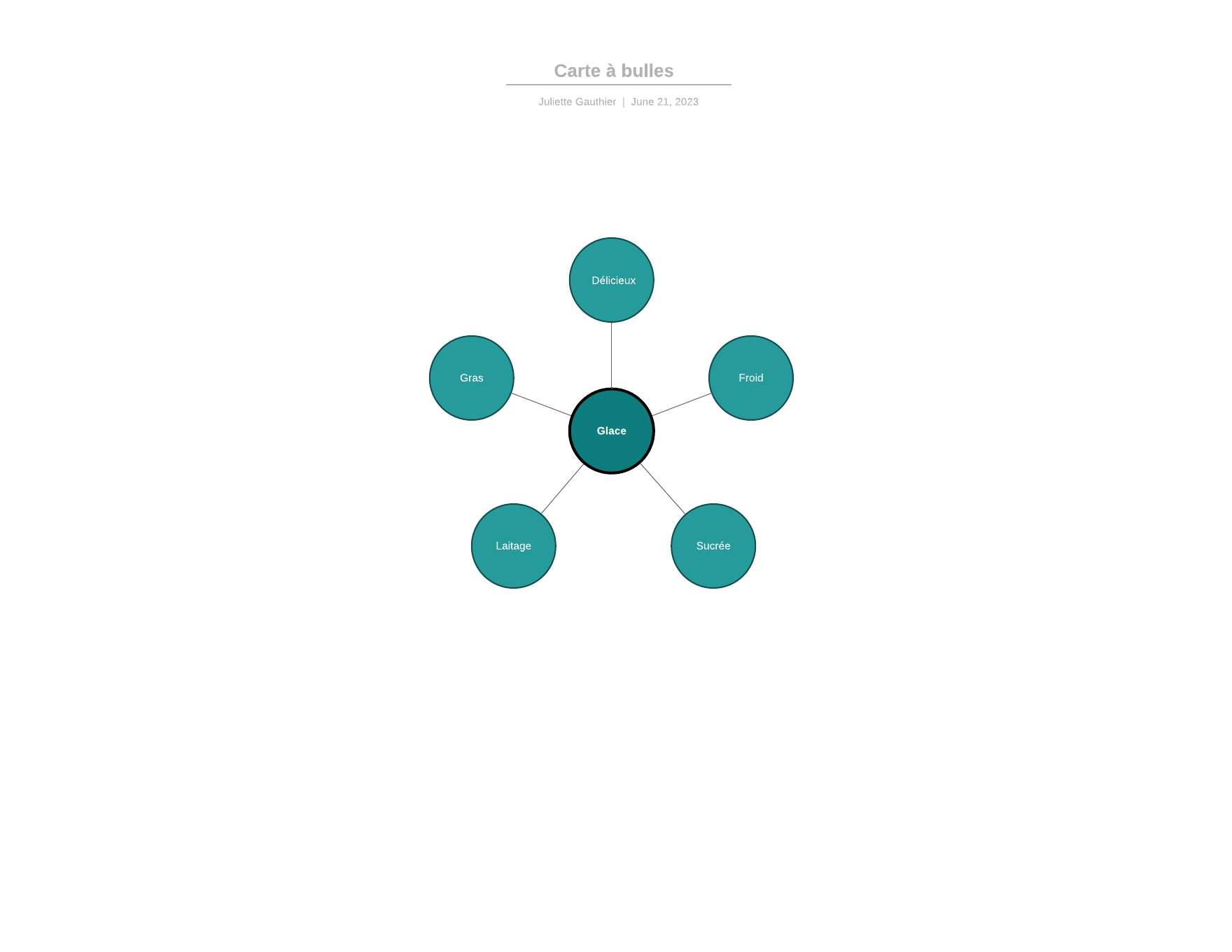
Changez de licence et accédez à ce type de modèles premium
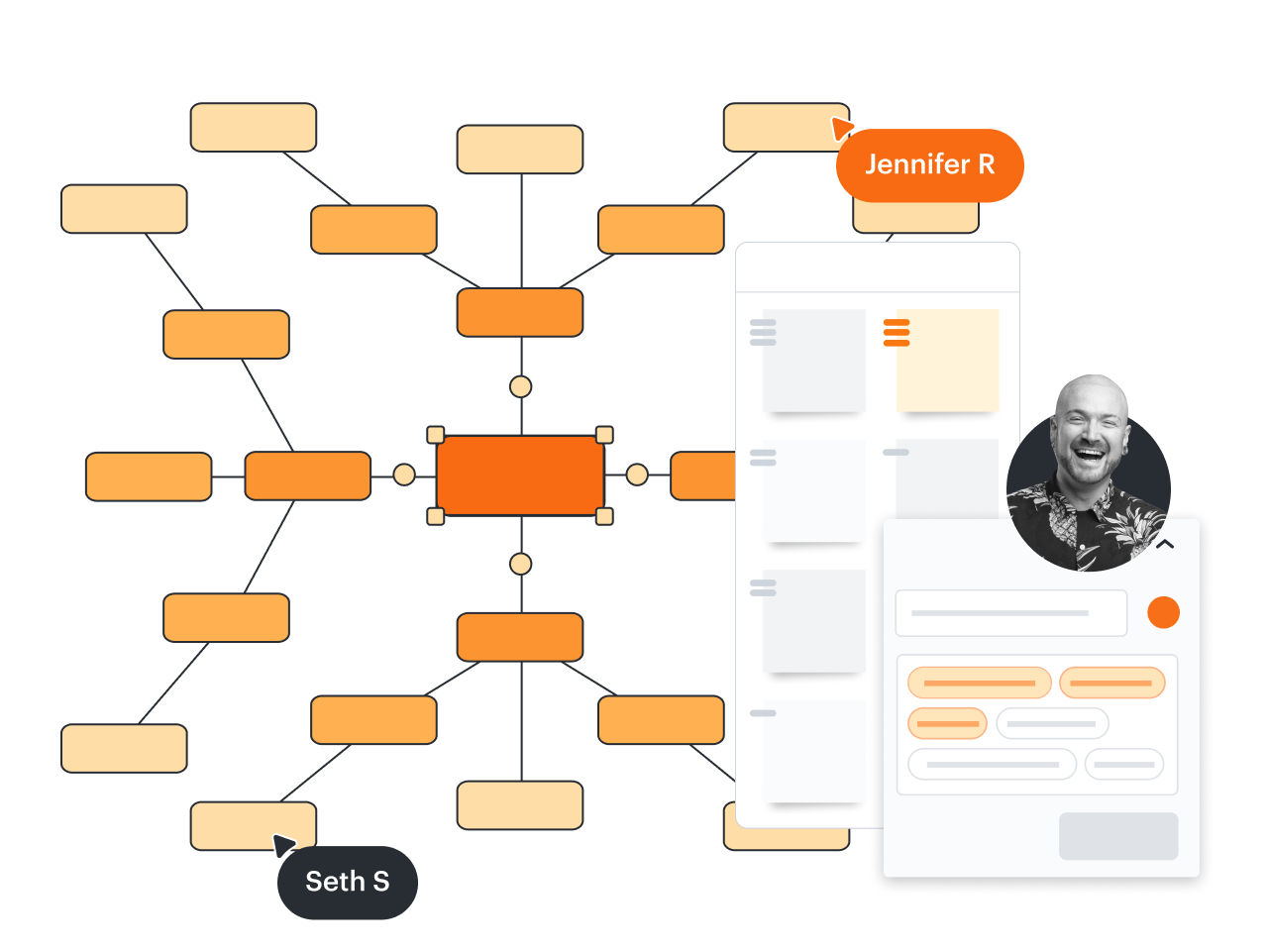
Découvrez comment Lucidchart améliore votre façon de travailler
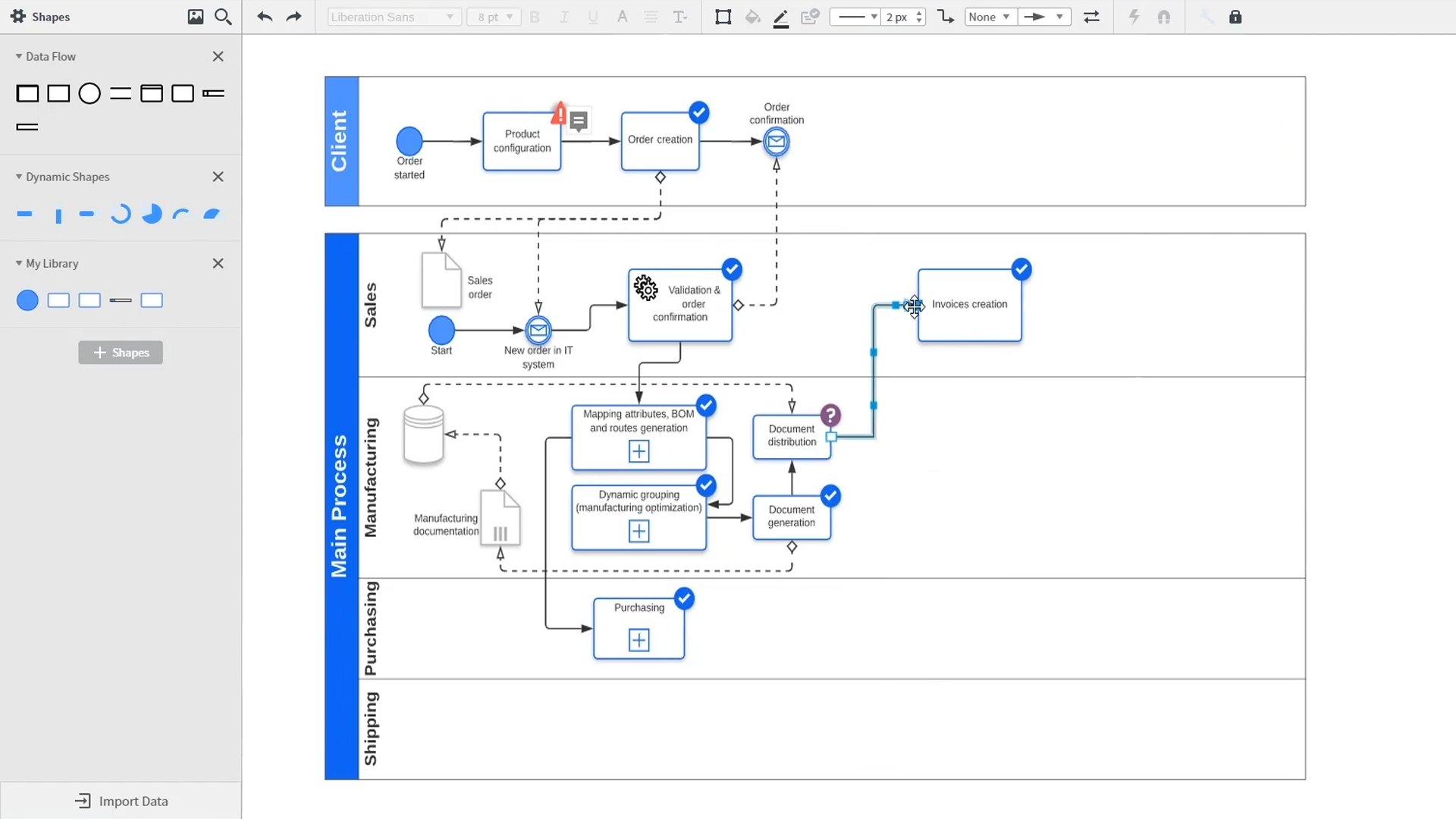
Une introduction à la création de diagrammes intelligents dans Lucidchart qui présente des démonstrations de fonctionnalités clés telles que les modèles, les formes, les intégrations, la mise en forme conditionnelle et les commentaires. Robyn, une utilisatrice de Lucidchart, ajoute des formes à son diagramme et utilise des connecteurs pour décrire ses processus. Elle ouvre ensuite la bibliothèque de modèles intégrée pour rechercher des modèles qui lui donneront une longueur d’avance sur son travail. Des diagrammes de réseau aux cartes de processus, en passant par les organigrammes et les cartes mentales, la bibliothèque de modèles de Lucidchart lui offre de nombreuses options à personnaliser et à insérer sur sa zone de travail. Samalia, une deuxième utilisatrice, entre dans la bibliothèque de formes et consulte une liste d’options étendue qui comprend des formes pour les plans de niveau, les diagrammes UML, les diagrammes entité-association et bien plus encore. Elle sélectionne la bibliothèque de formes de diagramme UML et ajoute à son document des couloirs qui mettent en évidence les différents composants responsables de chaque partie du processus de commande qu’elle décrit. Lucidchart s’intègre à de nombreuses applications que vous utilisez au quotidien, notamment Salesforce, Microsoft Office 365, Jira, Confluence, AWS, Azure, Google Cloud et Google Workplace. Avec près de 100 intégrations disponibles, la suite Lucid est conçue pour vous accompagner partout. Connecter des intégrations est très facile depuis la marketplace Lucid. La vidéo revient à Robyn, qui partage son document avec un collègue nommé Bill. Ils utilisent la fonction de commentaire intégrée pour examiner l’instance qu’elle a créée et basculer entre les contours de l’état actuel et de l’état futur de leur flux de travail pour apporter de la clarté aux changements à venir. Sam, Bill, Robyn et Samalia ajoutent ensuite d’autres formes et connecteurs à leurs diagrammes UML et cartes mentales pour terminer la construction de l’architecture de l’état futur et rester en phase avec leurs prochaines étapes. La vidéo se termine par une invitation à essayer Lucidchart gratuitement en cliquant sur le bouton Essayer maintenant de la page.