Software de mapa mental online
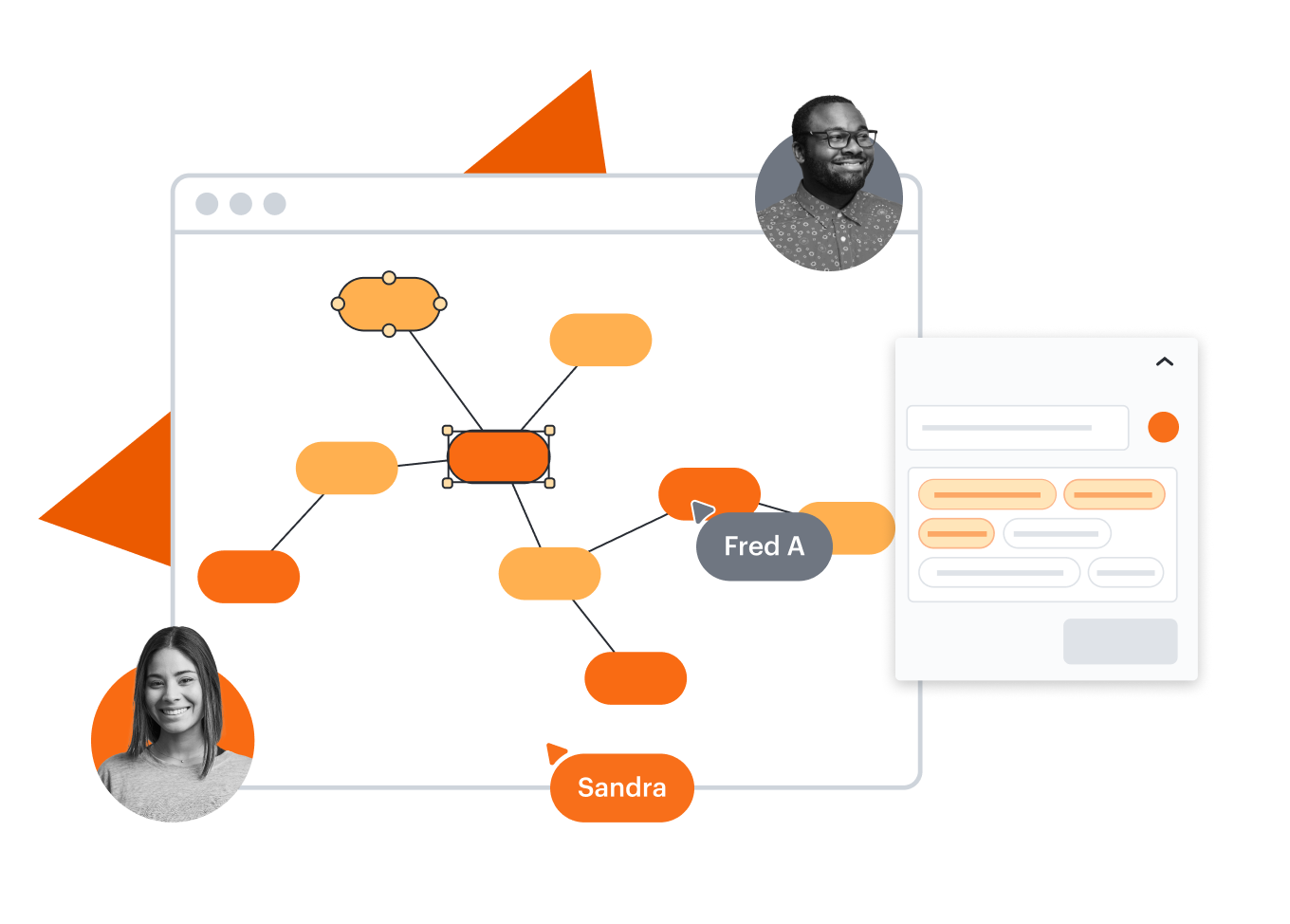
Tudo o que você precisa para criar mapas mentais online de forma intuitiva


Ao se registrar, você concorda com nossos Termos de Serviço e reconhece que leu e entendeu nossa Política de Privacidade.


Veja por que as equipes escolhem o Lucidchart
Colaboração em tempo real
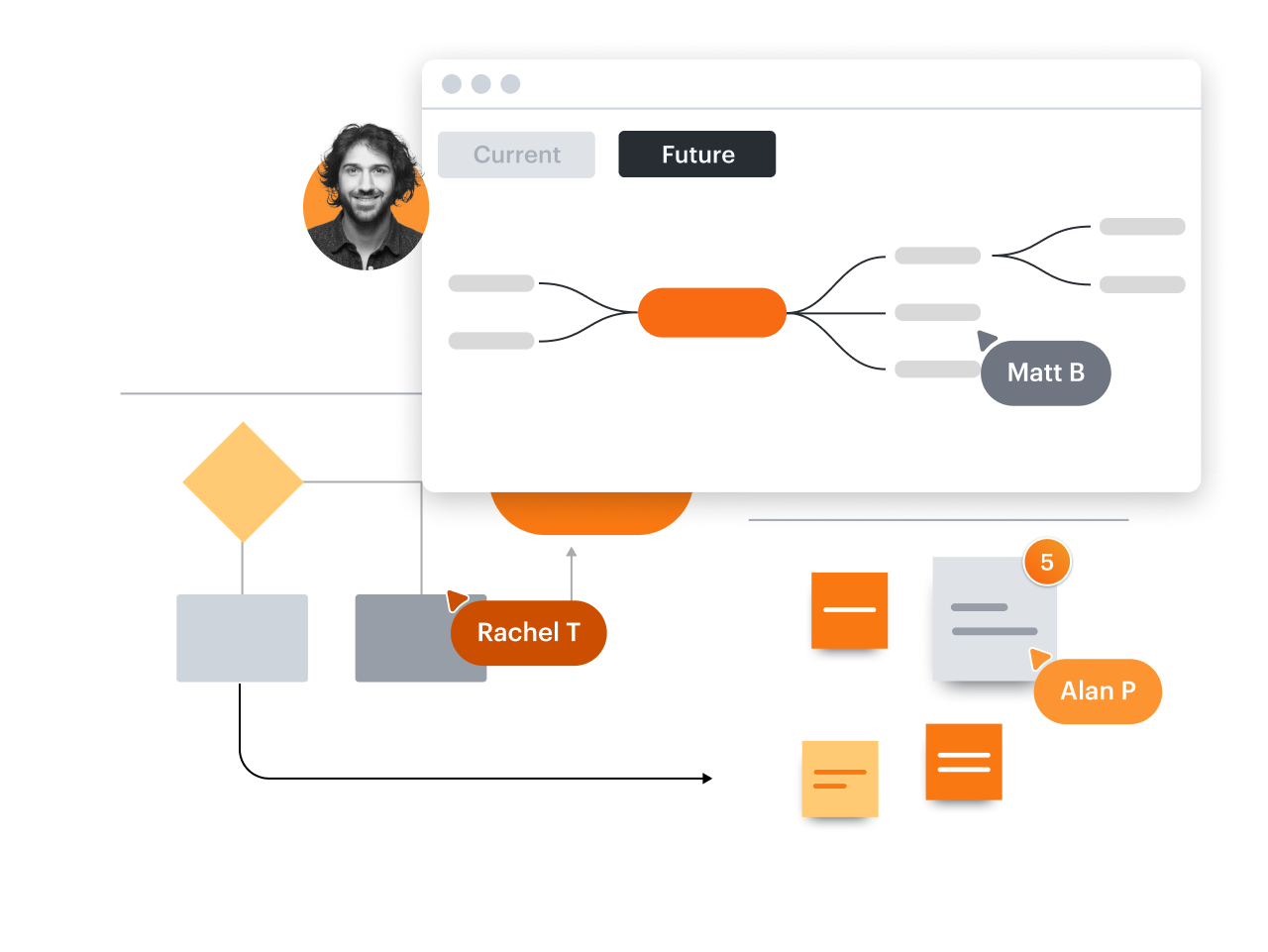
Mapas mentais que funcionam
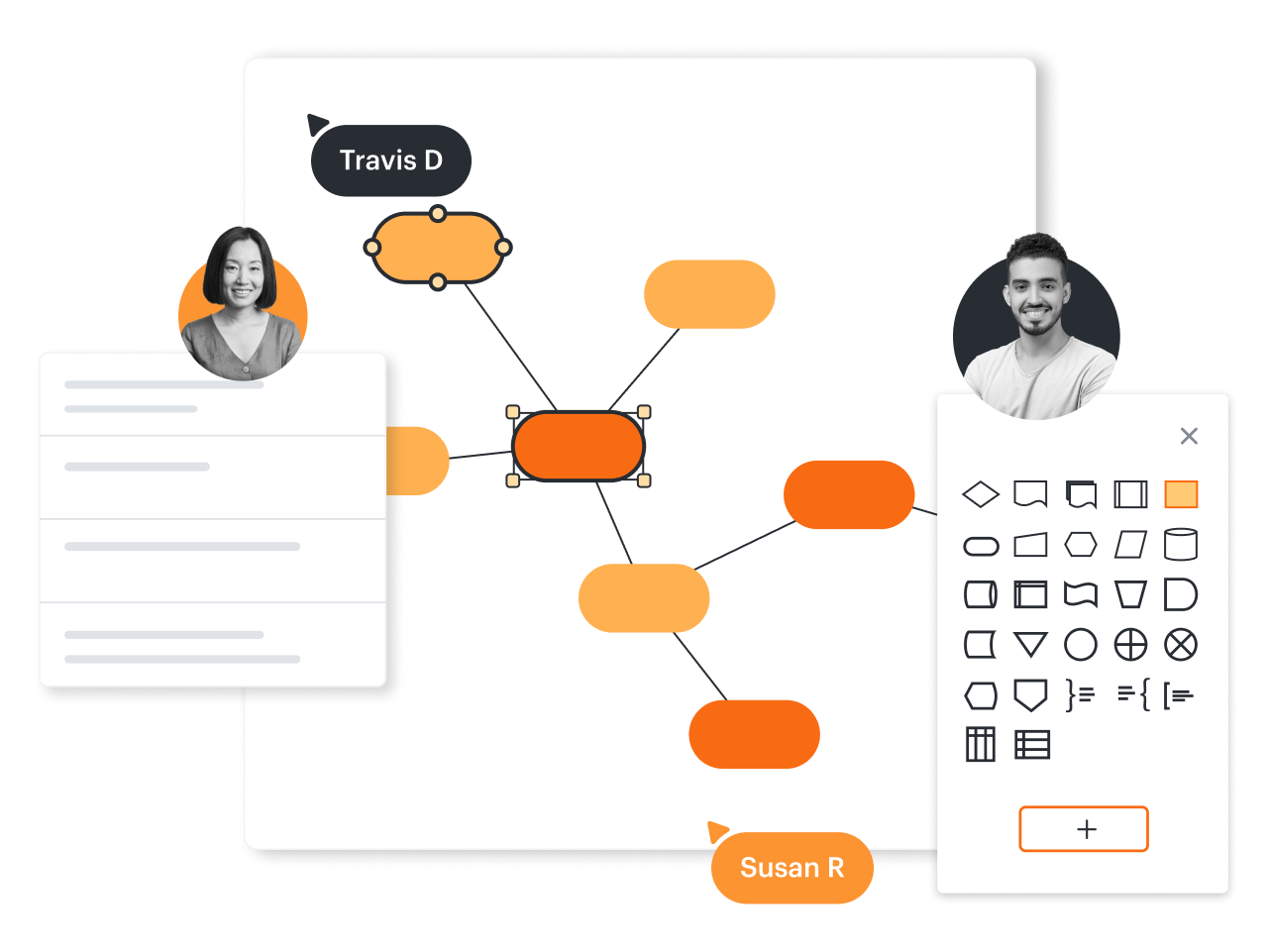
Sessões de brainstorming aprimoradas
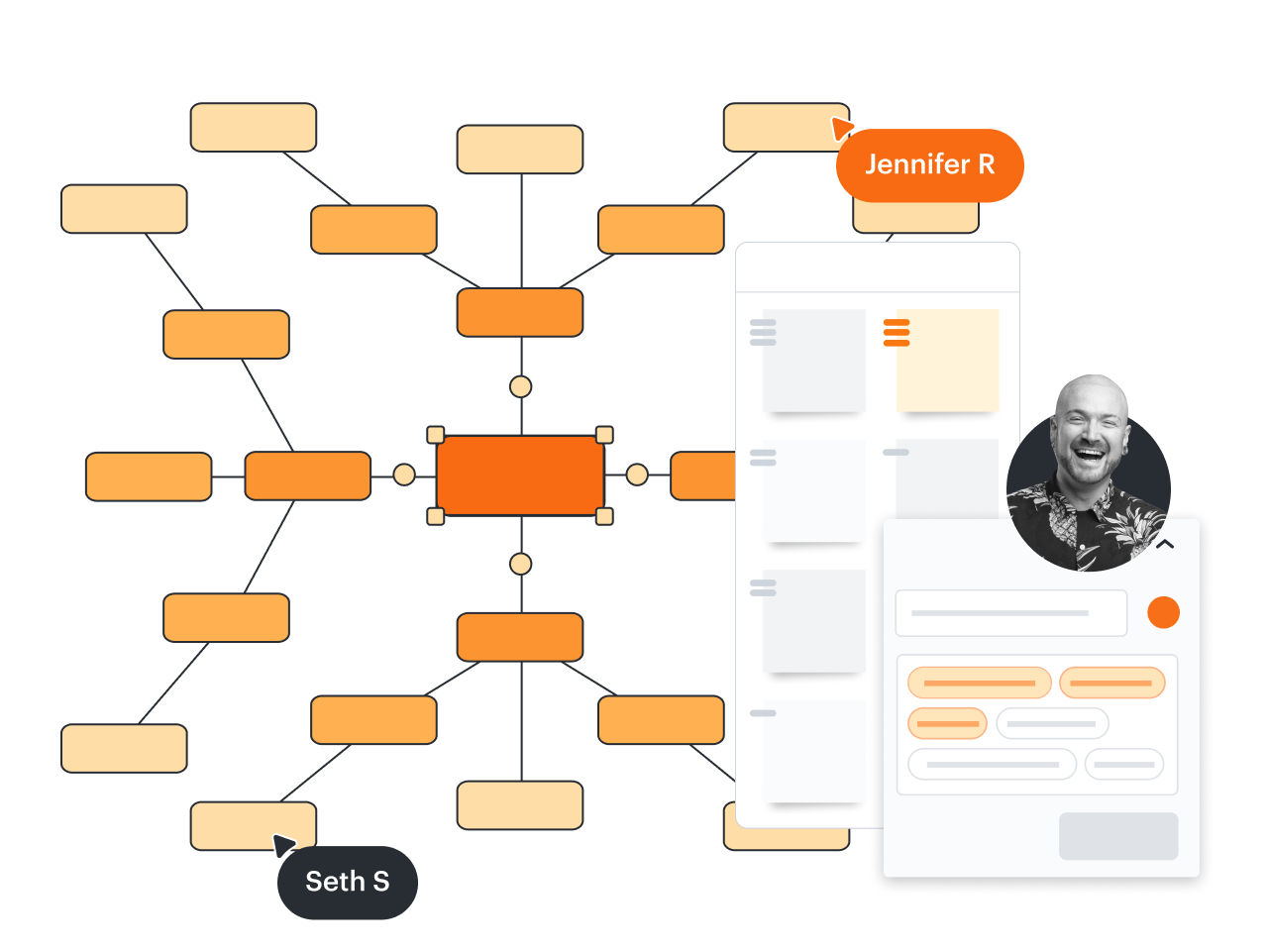
Faça upgrade e acesse modelos premium como estes
Veja como o Lucidchart melhora sua maneira de trabalhar
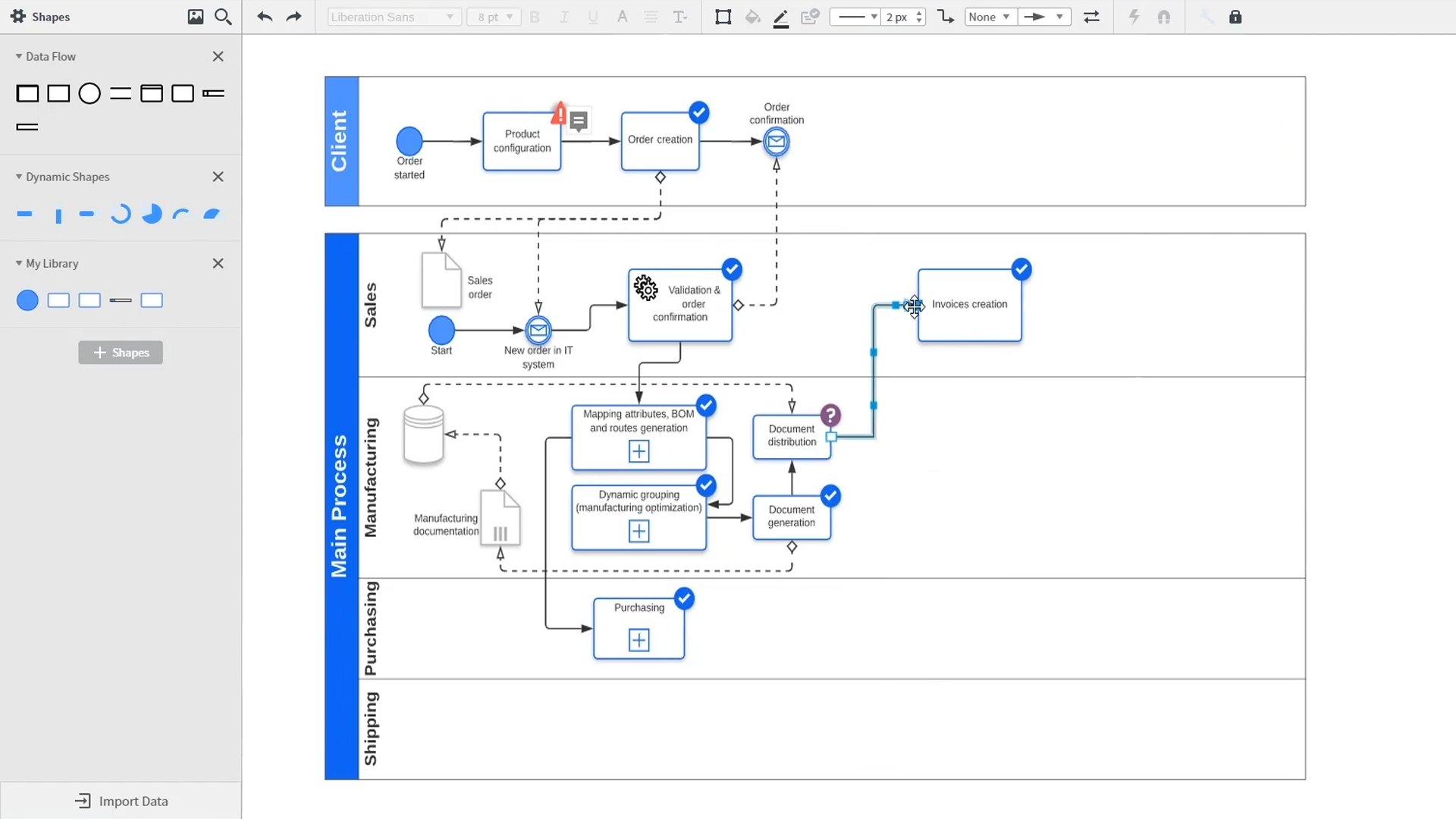
Uma introdução à diagramação inteligente no Lucidchart que demonstra os principais recursos, como modelos, formas, integrações, formatação condicional e comentários. Robyn, uma usuária do Lucidchart, adiciona formas ao diagrama e usa conectores para esboçar seus processos. Em seguida, ela abre a biblioteca de modelos incorporados para procurar modelos que lhe darão uma vantagem inicial em seu trabalho. De diagramas de rede a mapas de processos, organogramas e mapas mentais, a biblioteca de modelos do Lucidchart oferece a ela muitas opções para trabalhar e inserir em sua tela. Samalia, uma segunda usuária, insere a biblioteca de formas e analisa uma extensa lista de opções que inclui formas para plantas baixas, diagramas UML, entidades e relacionamentos e muito mais. Ela seleciona a biblioteca de formas de diagramas UML e adiciona raias ao seu documento que destacam as várias partes responsáveis por cada parte do processo de pedido que está descrevendo. O Lucidchart se integra a muitos dos aplicativos que você usa em seu trabalho diário, incluindo Salesforce, Microsoft Office 365, Jira, Confluence, AWS, Azure, Google Cloud e Google Workplace. Com cerca de 100 integrações disponíveis, a Lucid Suite foi feita para funcionar onde você trabalha. A conexão de integrações é fácil no Lucid Marketplace. O vídeo retorna para Robyn, que está compartilhando seu documento com um colega chamado Bill. Eles usam o recurso de comentários integrados para analisar a instância que ela criou e alternar entre os esboços de estado atual e futuro de seu fluxo de trabalho para esclarecer as alterações que eles farão. Sam, Bill, Robyn e Samalia adicionam mais formas e conectores a seus diagramas UML e mapas mentais para terminar de construir a arquitetura de estado futura e permanecerem alinhados em seus próximos passos. O vídeo fecha com um convite para experimentar o Lucidchart gratuitamente clicando no botão "Experimente agora" na página.