Use Lucid as your Jamboard replacement

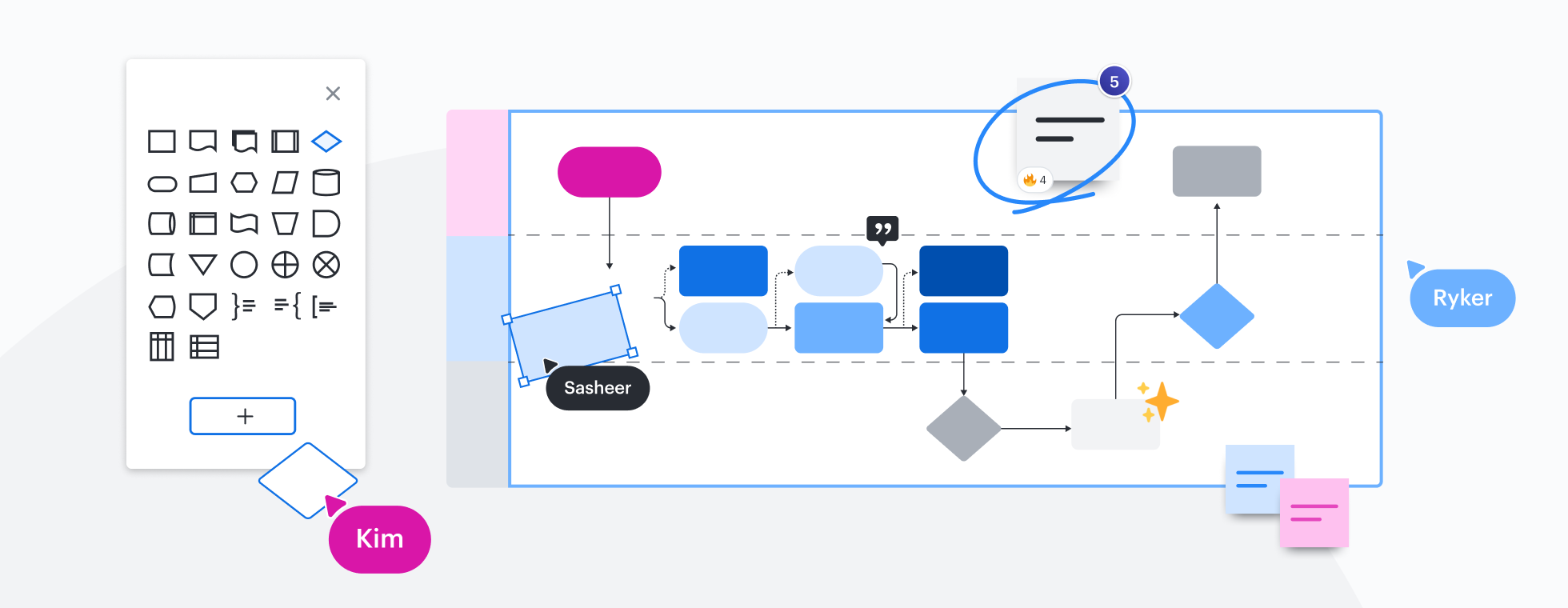
Hey, Jamboard users. Looking for an alternative to Jamboard? Move your next Jam session to the Lucid Suite and get two applications in one: Lucidspark for virtual whiteboarding and Lucidchart for intelligent diagramming. Try it today and see why Lucid is the most complete visual collaboration solution for your Jams.

Sign up for free
  • Amazon logo
  • General Electric logo
  • Atlassian logo
  • Nvidia logo

More than 70 million users worldwide, including students and educators, collaborate with Lucid. They include knowledge workers, business leaders from the largest enterprises, K-12 schools, and higher education institutions.

Learn more

Lucid is the peanut butter to your Jam

We know you loved Jamboard for its whiteboard capabilities, but let us introduce you to the next level of whiteboarding, combined with intelligent diagramming. As the best Jamboard replacement, Lucid is where you can bring your ideas to life with easy-to-use features, unmatched intelligence, and end-to-end visual collaboration for everyone.
The power of visuals in the classroom
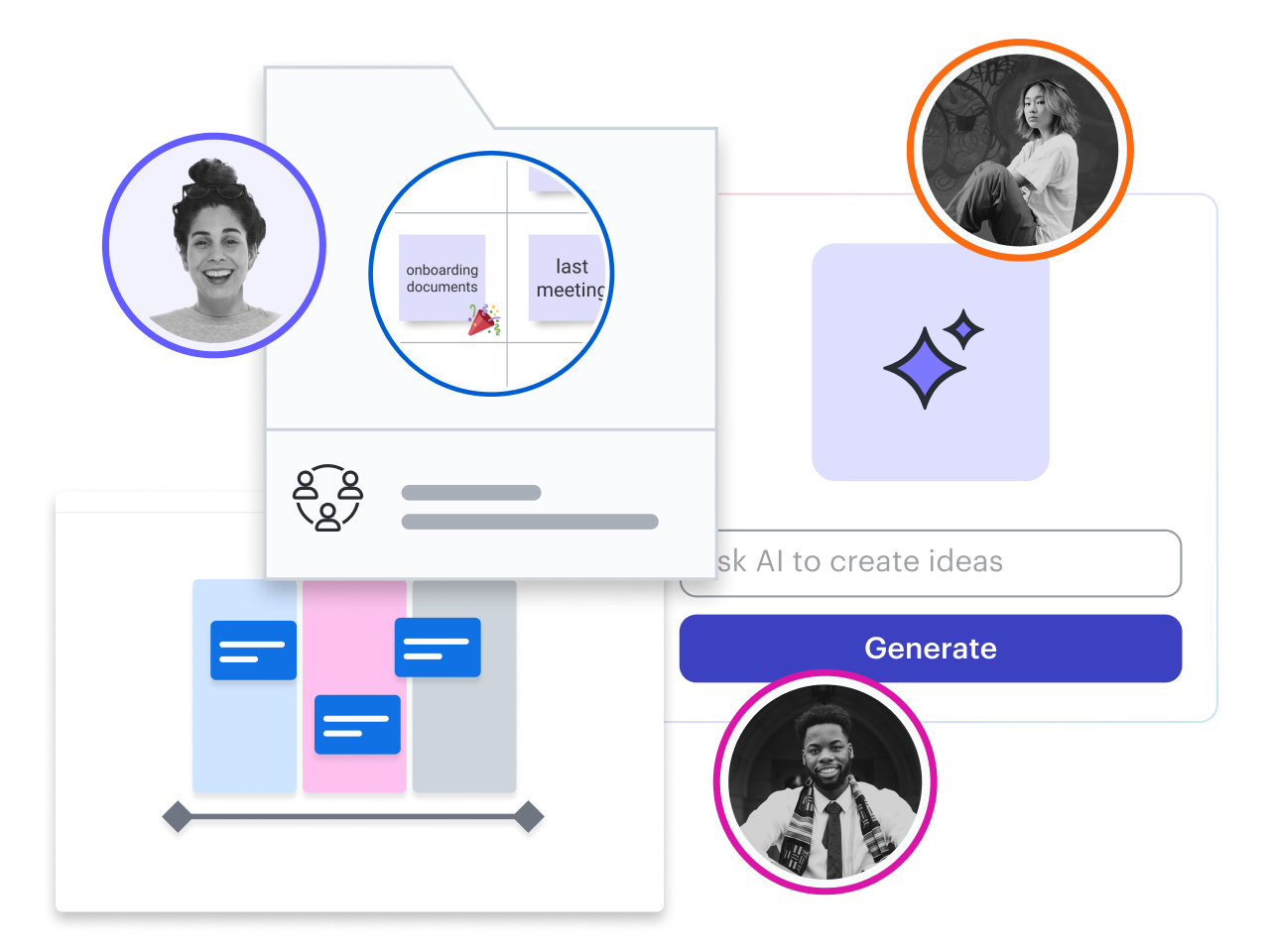
The Lucid for Education Learning Suite is the perfect replacement for Jamboard users who work in education—from kindergarten to college. It has hundreds of customizable templates and gives educators controls for managing student interactions.

Learn more

Features of Lucidspark vs. Jamboard

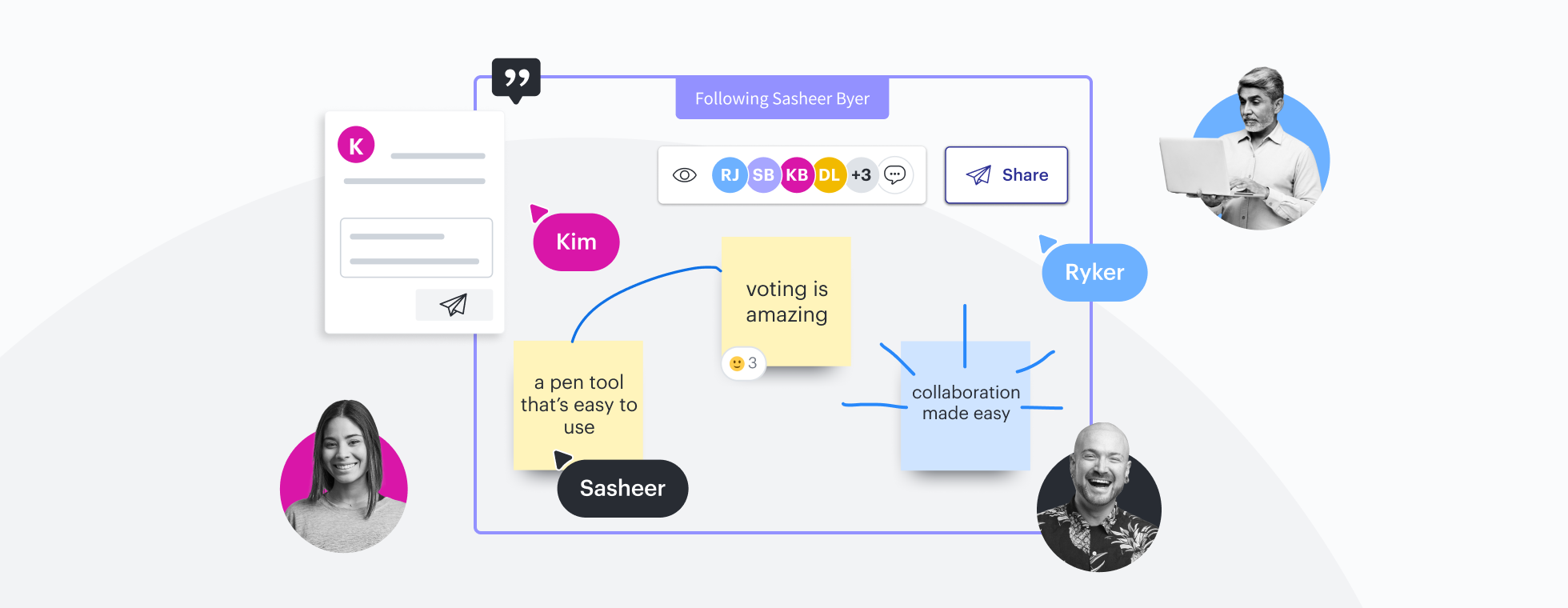
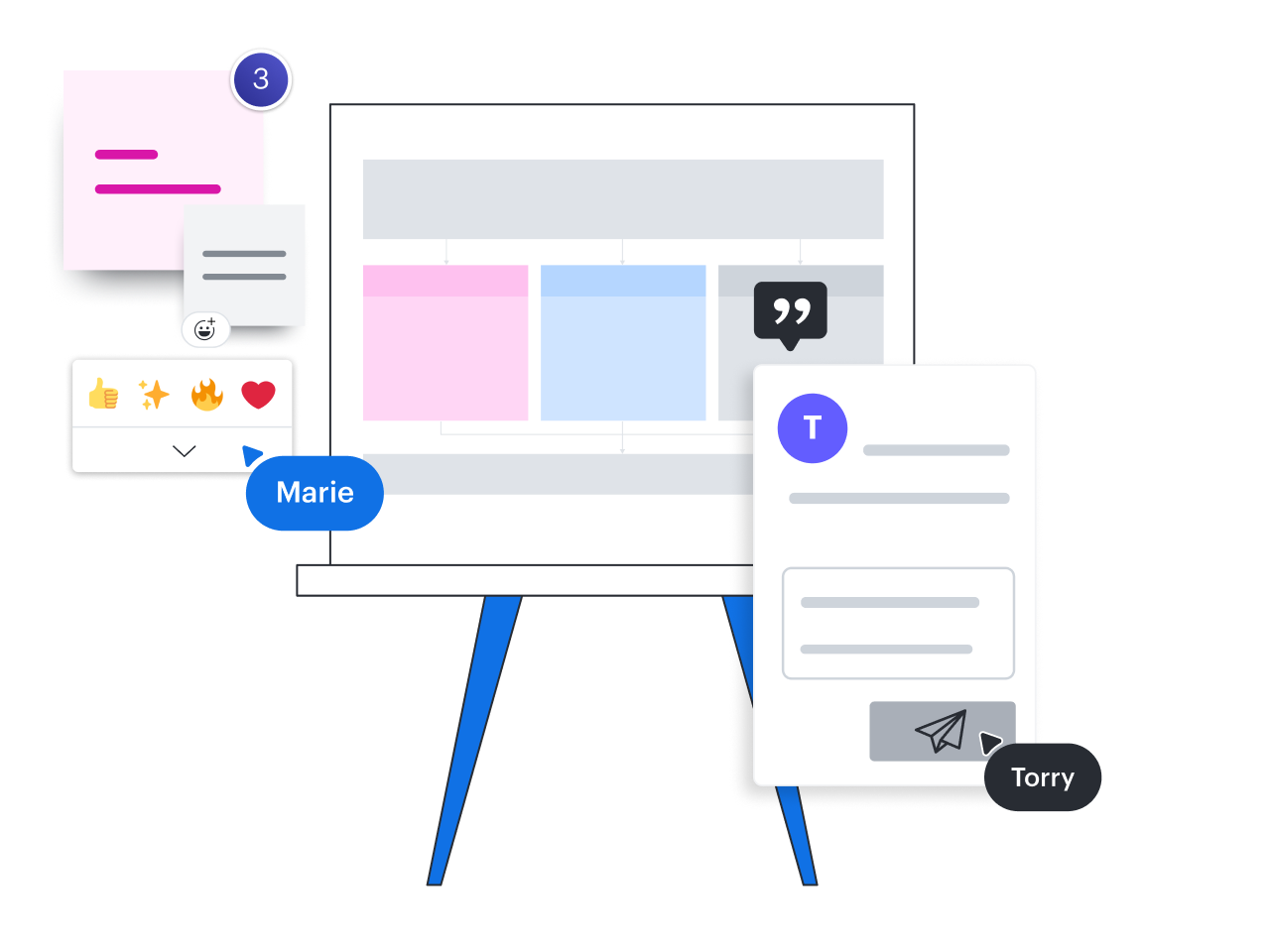
Lucidspark’s virtual whiteboarding provides all the Jamboard features you know and love, like sticky notes, freehand drawing, and shapes. But it includes additional capabilities to keep teams in sync, including comments, Visual Activities, Collaborative AI, voting, and more.

Learn more

Ease of migration

Make a hassle-free switch from Jamboard to Lucid with just a couple of clicks. Keep your ideas flowing by migrating Jamboard documents to Lucid. Don’t lose your work or your team’s momentum on projects.

Learn more

Privacy and security

Ensure the privacy and security of your data with Lucid policies and compliance certifications (such as SOC2, PCI, and Privacy Shield) designed to safeguard all users, with special controls for education.

Learn more

Integrated with and recommended by Google Workspace
Free for education, more value for enterprises

Consolidate with one vendor to replace multiple tools in your tech stack. Lucid costs nothing for students and educators, and our Enterprise offering saves customers an average of one-third on licensing.

"The level of engagement in my class since I switched to Lucid, I mean, it won me teacher of the year. My students now come to class expecting to engage with each other, and Lucid is the tool we use to do it."

Dr. Ashley King — Lecturer

“Lucidspark has been a valuable tool for not just brainstorming, but helping us to design and strategize solutions quickly and with better communication. The tool is simple, easy to learn and use, and makes you look like a wizard even if you don't feel very magical.”

Greg Williams — Learning Experience Leader

“The biggest benefit of Lucidchart is being able to share and work on diagrams in real time as a group. Lucidchart is a way to visually represent information. It helps us get different kinds of learners on the same page. It’s always powerful to have a visual.”

Mathew Wolber — Director of IT Infrastructure

More resources to help you evaluate the Lucid Suite

The Lucid Suite checks all the boxes for visualizations that support brainstorming and building.

Buyer’s guide: How to evaluate visual collaboration platforms

Learn how visual collaboration capabilities can help accelerate key initiatives and get a checklist for choosing the best platform.

Lucidspark template gallery

What is intelligent diagramming?

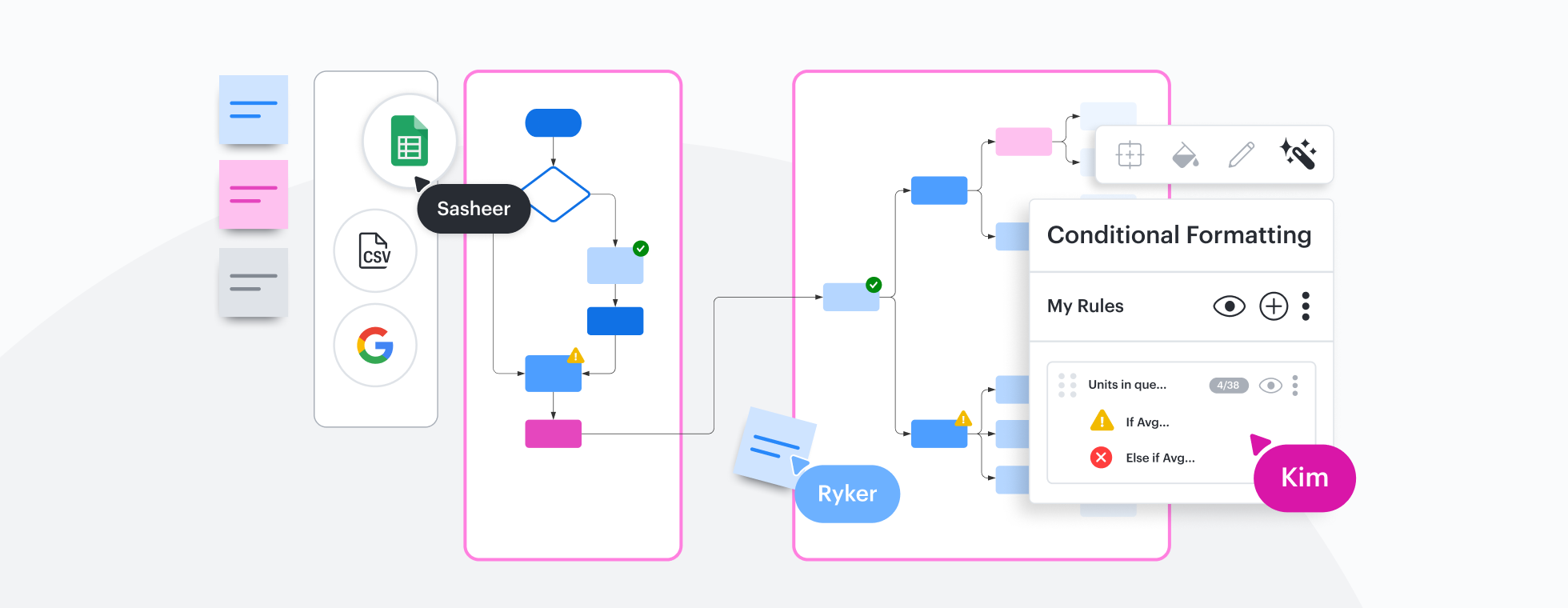
See how advanced Lucidchart features, such as data linking, enable teams to see, align, and take action on their best ideas.

Lucid as a Jamboard replacement FAQ

Do you have a specific privacy policy for educational users?
Yes, our Lucid for Education privacy policy applies to information collected from K-12 students who use our services. Schools that use Lucid may integrate with other technology services such as Canvas or Google Classroom and allow students to access or share content through Lucid.
  • Learn more
Where can I find a complete list of apps that integrate with Lucid?
You can browse integrated apps and learn more about their key features at the Lucid integrations marketplace. Sort the integrations list by Lucid product, type of app, or relevance by type of team.
Where can I access Lucidspark templates for brainstorming?
Search templates by type or created by specific partners in the Lucidspark template gallery.
Do you make it easy for developers to build new integrations?
The Lucid developer platform provides robust resources for using Lucid’s APIs to customize Lucid to suit specific use cases or workflows. We provide resources and workflows that streamline the process of building, publishing, and distributing custom apps and integrations.
How can I transition my Jams to Lucidspark?

Jams will be auto-converted to PDFs and can be located in your Google Drive folder. You can import your PDF into Lucidspark using the import PDF tool.

Bring your Jams over to the Lucid Suite and experience a new level of collaboration. Take advantage of a special offer for new Enterprise customers.

Talk to sales

Get Started

  • Enterprise
  • Contact Sales
  • Pricing
PrivacyLegalCookie privacy choicesCookie policyYour privacy choices iconYour privacy choices

© 2026 Lucid Software Inc.