Lucid is much more than just charts and diagrams, and Lucid Training Labs is an excellent resource for learning unique ways to integrate our collaboration tools into your business. Think of Lucid Training Labs as a mobile campus that can help make you an expert on your own terms—on the road or at home, between meetings, or as a dedicated course of study.
This article will dive into the course “Pro-tips for More Productive 30-minute Meetings.” You’ll learn pro-level tips for preparing, conducting, and collaborating within a 30-minute meeting. These tips have been gathered from our project management and solutions experts here at Lucid. For the full experience, register for the course and gain instant access to videos and support guides.
Pro-tips for more productive 30-minute meetings
You’ve probably been in 30-minute meetings that don’t accomplish anything. But this is actually a golden amount of time—it’s short enough that your team won’t feel bored, yet long enough to actually accomplish something.
Knowing how to facilitate these meetings is crucial for effective leadership and project management. If you can learn to harness the power of 30-minute meetings, you’ll maximize your team’s time to efficiently achieve your goals.
This article will explore three tips covered in the course to get you started on becoming a 30-minute meeting master.
1. Prepare
Ever been in a meeting where the objective wasn’t clear? That’s likely because the facilitator hadn’t taken the time to prepare. Avoid unclear, unproductive meetings by setting aside 5-10 minutes to prepare for your meeting, opens in a new tab beforehand.
To save time, consider using a template, like our SWOT analysis template, to help you identify what topics should be covered in the meeting. Or, create your own template to follow throughout the meeting so that participants are aligned and can add their own notes.
Whatever method you choose for your agenda, designate a time allowance for each item—that way, you’ll know how much time to spend on different topics to stay on track. Additionally, consider adding specific objective questions that should be answered by the time the meeting finishes. Also, consider including a parking lot in your template for essential topics to revisit later.
Once you have your agenda and questions organized, share them with participants so they have an idea of what to expect and can adequately prepare.
2. Keep everyone on track
Thanks to your preparation, you’ve already identified what you want to accomplish in your meeting. Keep that goal displayed during the meeting and utilize facilitation tools to drive the discussion toward those goals so things don’t get off topic.
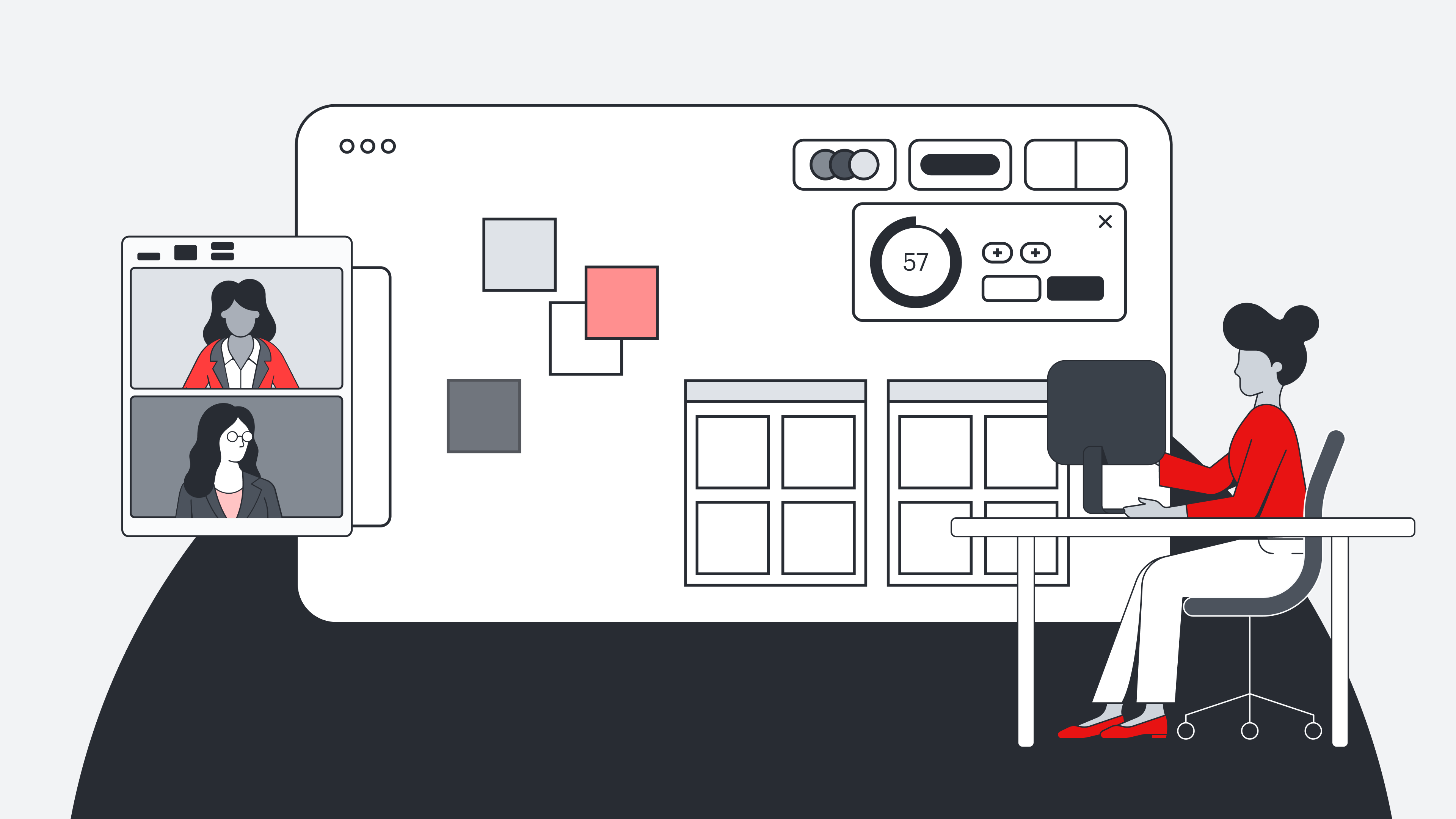
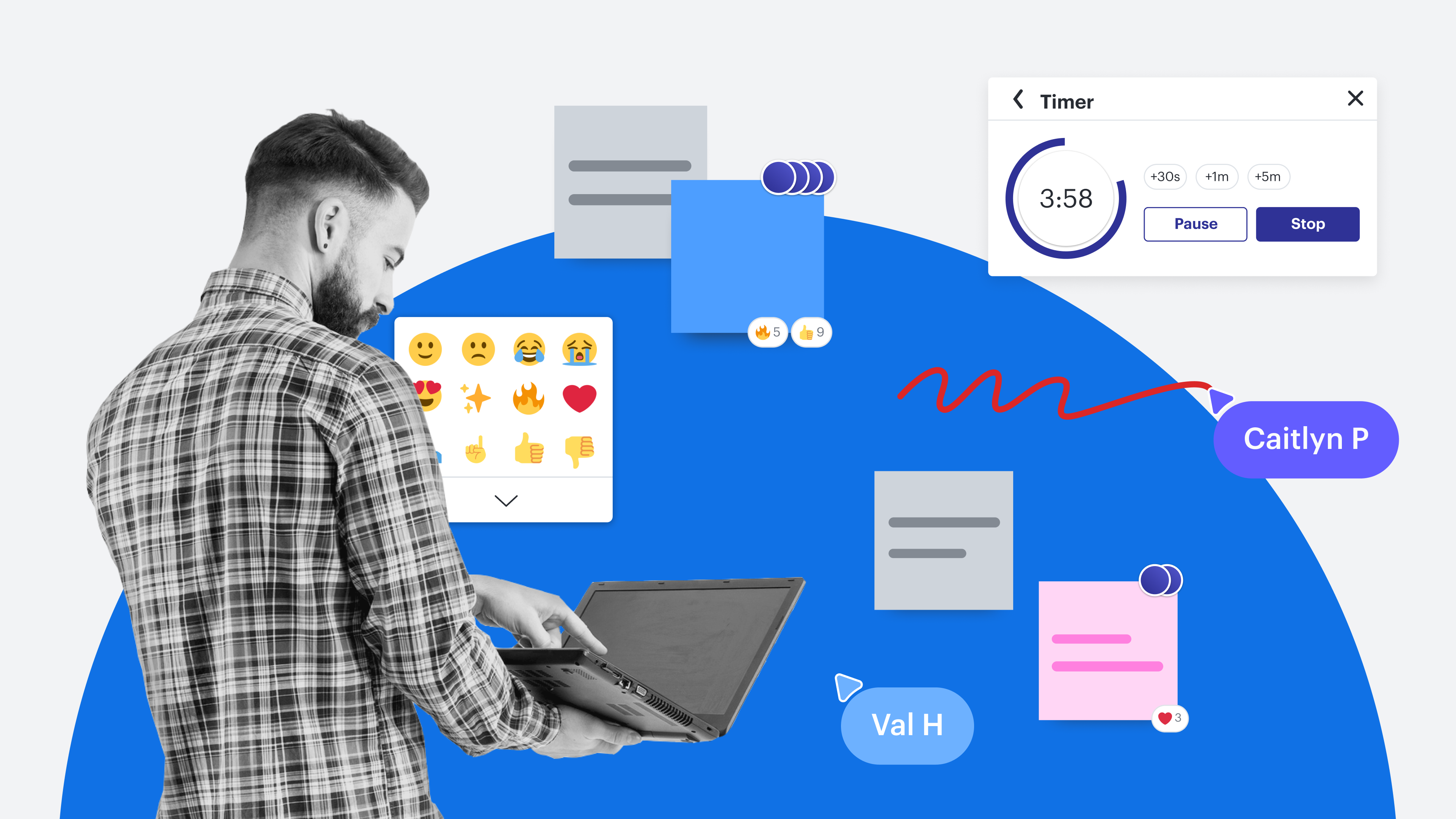
If there are any discussion questions already added to the template, spend a few moments addressing those. Set a timer and allow participants to add sticky notes to the board. Once the timer goes off, participants can vote or use emojis to indicate the most important topics they want to address. To help participants stay focused, use the “hide” feature to hide questions you don’t want to be addressed until later.
In your facilitator panel, select “Take the lead” to guide participants to the same section of the board and then begin the discussion. As one participant discusses their thoughts, encourage others to react with notes, emojis, and images. If any off-topic discussion arises, move it to the parking lot to be addressed later. Redirecting the conversation to keep the discussion on topic ensures the group can better meet the meeting’s goals.
3. Participation and buy-in
Engaging a team is no easy feat, primarily because everyone has different things they feel engaged by. But by utilizing Lucidspark’s dynamic tools, you give participants the opportunity to engage on their own terms.
For example, those who dislike speaking out may like the Collaborator colors or Show authors feature because the collaborator can be identified without being called upon to speak. And, in large meetings that can feel intimidating, Breakout Boards allow smaller groups to contribute.
To make sure that all the good work you’ve accomplished during the meeting isn’t lost, assign specific responsibilities and next steps to all involved. This maintains the meeting’s momentum, so it carries over into your work. Remember to schedule a follow-up meeting if needed, and thank your team for their contribution!
Use these tips to improve your facilitation, and see them in action by registering for the course. It’s motivating, fun, and the perfect way to become a 30-minute meeting master.

Learn how to become a meeting master by registering for the complete course.
Explore now