Published date: Feb 13, 2024
Last updated: Oct 22, 2026
Lucidchart vs. Visio
Compare Microsoft Visio with Lucidchart, the intelligent diagramming application. See how Lucidchart beats Visio on ease of use and deep diagramming capabilities.


Lucid is the market leader in visual collaboration
Lucid enables deep diagramming and deep collaboration


Designed to help you transform complex data into actionable insights, Lucid is the most used visual collaboration platform. In contrast, Visio lacks features that make diagrams actionable.
Why teams choose Lucidchart
Easy for everyone
Lucidchart enables technical users to create complex diagrams with built-in shape libraries, custom shapes, and data visualizations. But it’s not just for technical experts. All users can easily add text, insert image links, and edit colors within documents. Visio’s advanced diagramming tools come with a steep learning curve.

Collaboration features that are off the charts
With Lucidchart, you can do more than create polished visuals. You can collaborate in real time with your team or asynchronously with features for commenting, tagging, and more. While Visio allows users to view the same document simultaneously, its lack of multi-person editing can result in version control issues.

Integrations with industry-leading apps
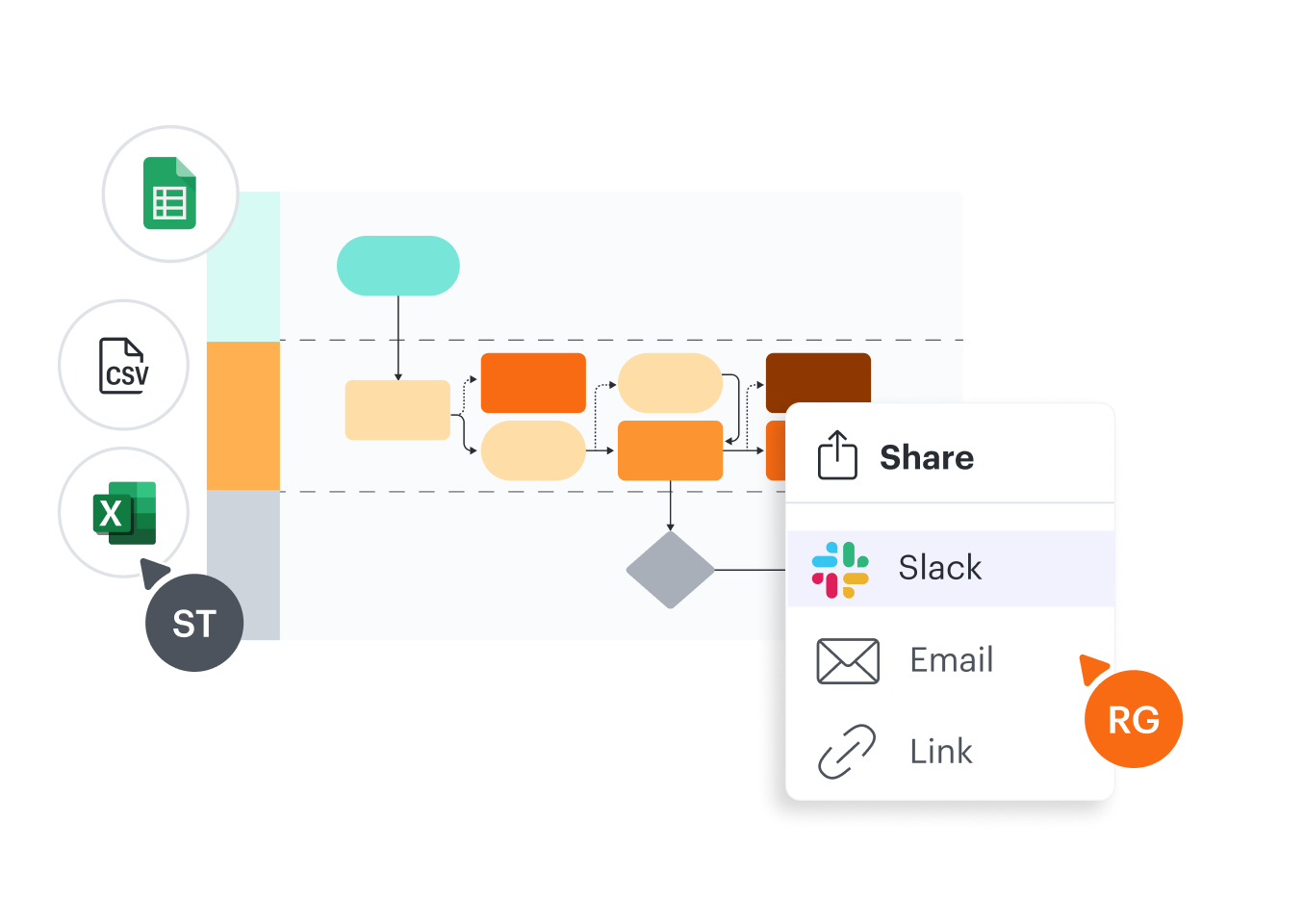
To increase alignment and bridge silos, Lucidchart integrates seamlessly with the industry-leading apps you and your team use most—everything from AWS, Google, and Microsoft to Okta, Salesforce, Slack, and more. Visio works with other Microsoft products, but it offers a limited number of third-party integrations.
Templates to help you visualize anything
The Lucidchart template gallery features more than 1,000 customizable templates designed to help you visualize any idea, system, process, or workflow faster. Templates are browsable by category and searchable by name or partner. Visio offers fewer than 100 templates for a limited range of use cases.

Compatible with any internet-connected device
As a web-based application, Lucidchart is accessible from any internet-connected device. The desktop version of Visio doesn’t work on all devices. Its web-based alternative, Visio Online, is compatible with Windows, for Mac, and other operating systems, but it doesn’t include all the features of the desktop version.

More resources to help you compare Lucidchart vs. Visio
Lucidchart checks all the boxes for ease of use and cross-team collaboration.
Buyer’s guide: How to evaluate visual collaboration platforms
Learn how visual collaboration capabilities can help accelerate key initiatives, and get a checklist for choosing the best platform.
8 reasons why Lucidchart is the perfect Microsoft Visio replacement
See all the unique advantages Lucidchart offers to help you better understand and share ideas, information, and processes.
Lucidchart template gallery
Browse or search ready-to-use templates for hundreds of use cases. Visualize, share, and document any idea faster.