Published date: Feb 13, 2024
Last updated: Sep 29, 2026
Lucidchart vs. Miro
Compare Miro’s online whiteboard with Lucidchart, the intelligent diagramming application. See how Lucidchart beats Miro on data and automation capabilities to support broader use cases.


Lucid is the market leader in visual collaboration
Lucid enables deep diagramming and deep collaboration
Lucid supports every stage of your workflow

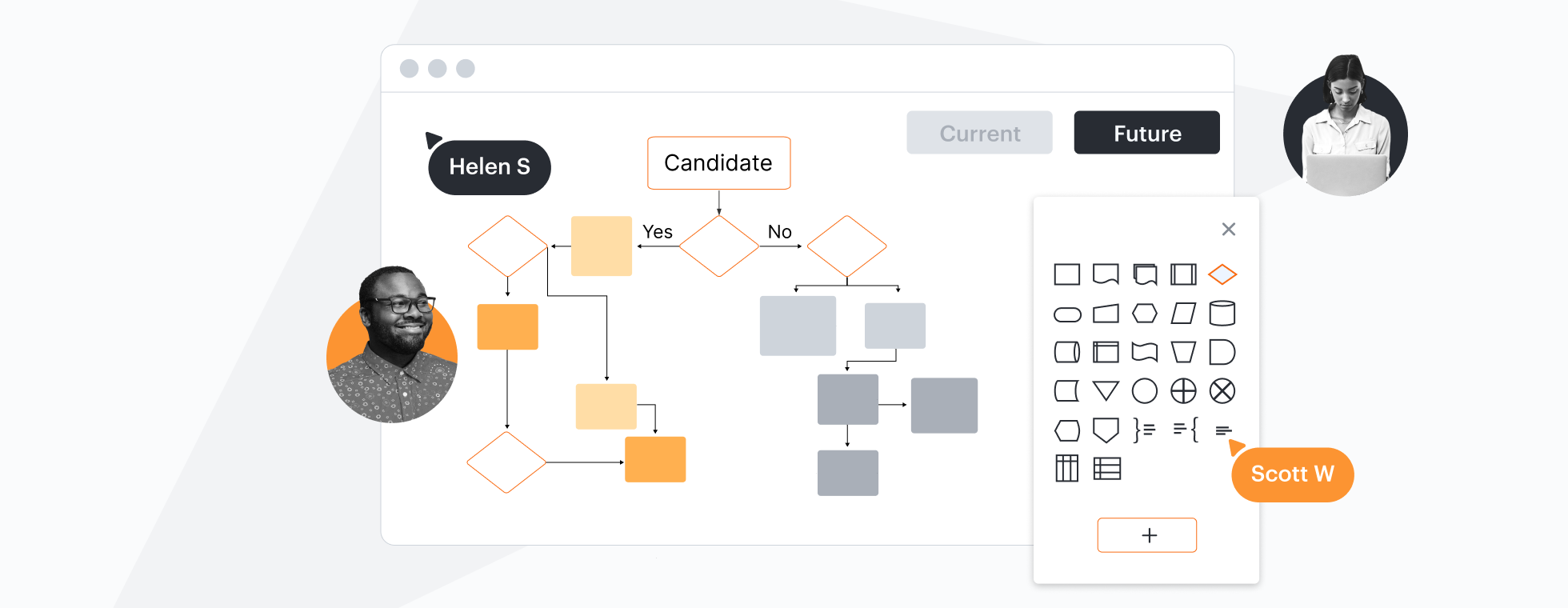

Designed to help you transform complex data into actionable insights, Lucid is the most used visual collaboration platform. In contrast, Miro lacks features that make diagrams actionable.
Why teams choose Lucidchart
Data-linked process diagrams and flowcharts
Technical experts prefer Lucidchart because it allows them to transform complex data into actionable insights. For example, you can use data linking to connect the steps of a process to actual data, or use formulas with custom data fields for calculations. Miro doesn’t offer these data capabilities. In fact, Lucid is years ahead of Miro with data and automation.

Technical diagrams with greater detail
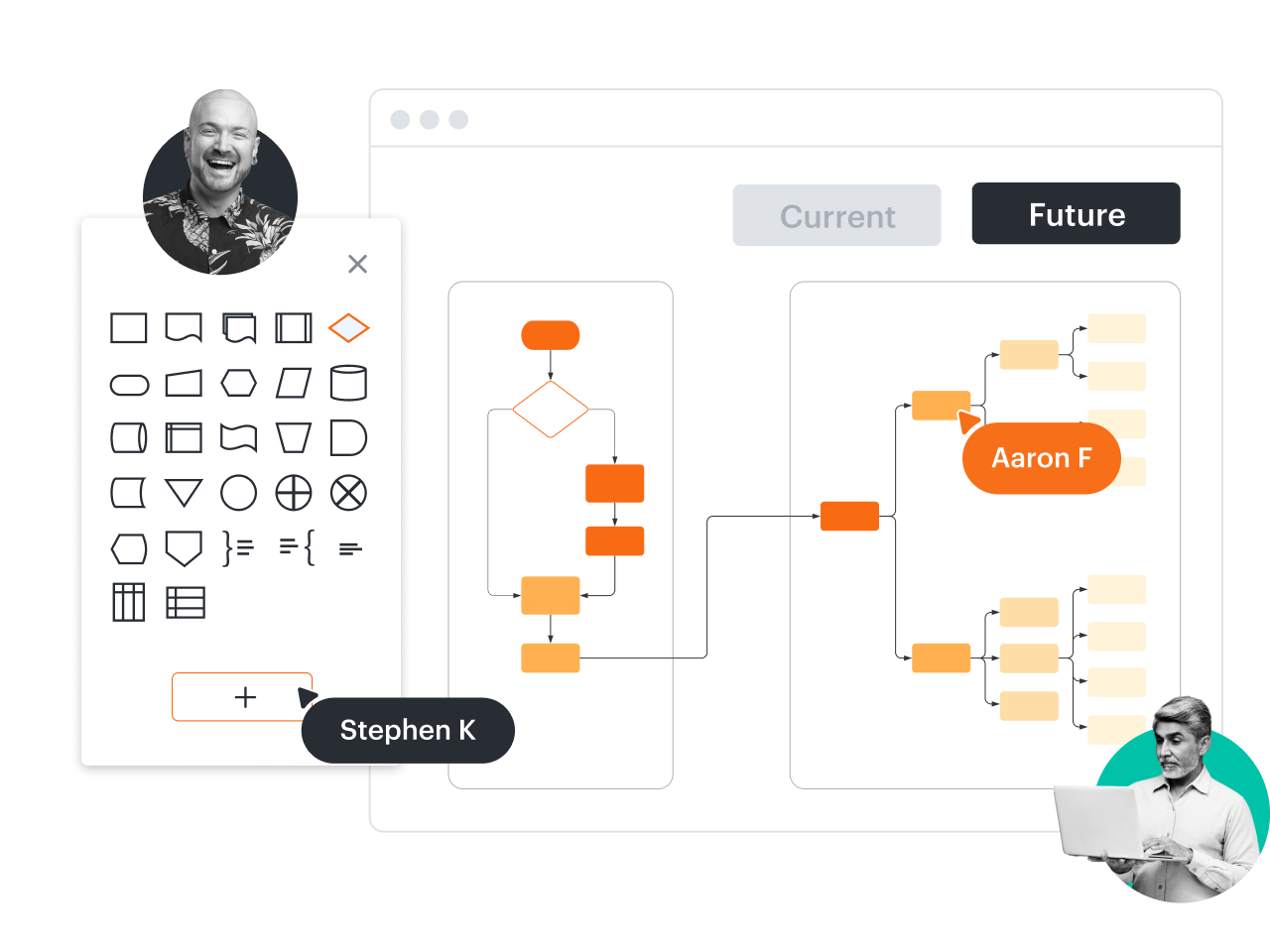
In addition to industry-standard shape libraries, Lucidchart supports custom shapes and custom shape data. Build and share shape libraries with everyone on your team to save time as you work together to standardize your documentation. Miro is limited to basic diagramming and doesn’t support custom shapes.
Time-saving org chart automation
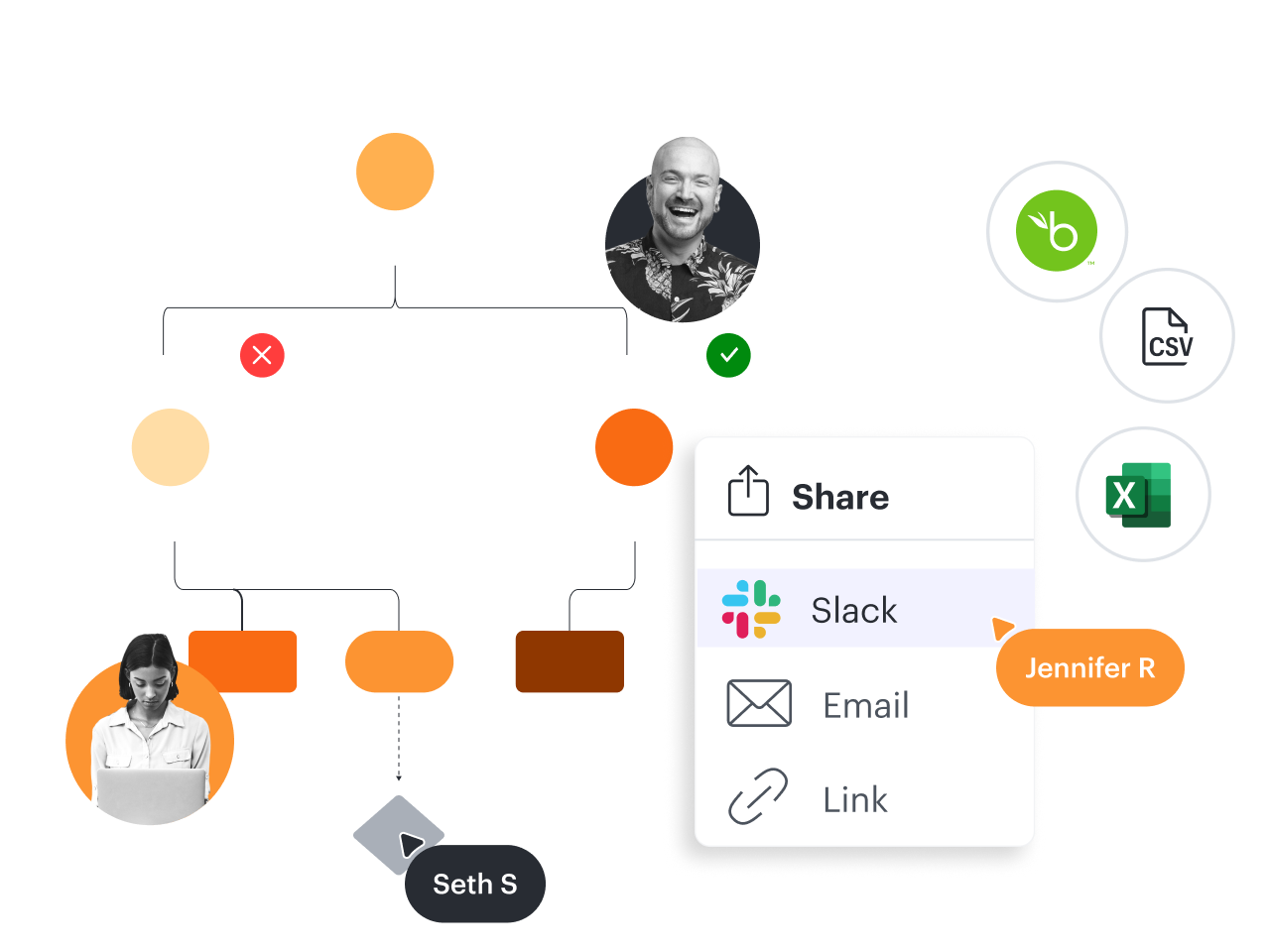
Not only does Lucidchart offer a variety of org chart templates and shapes—including photos and data fields—but it also allows you to automatically import and refresh people data from BambooHR, Google Sheets, and CSV files. To import people data in Miro, you have to download an app, which only supports basic org chart fields and doesn’t refresh data.
Account mapping to streamline sales
Many enterprise sales teams rely on Lucidchart for account mapping. This makes it possible to see and take action on key contacts, champions, blockers, decision makers, and more. With Lucidchart, you can quickly import this data from Salesforce, then drag and drop each contact onto the canvas. Miro doesn’t support this crucial use case for sales teams.

Mobile mockups for cross-team collaboration
When your product, engineering, and marketing teams need to collaborate and align with UI/UX teams, they can leverage shape libraries in Lucidchart to create Android, iOS, and general UI mockups. This makes it easy for anyone to map out a starting point for mobile app designs. Miro doesn’t provide access to Android or iOS mockup shapes.

More resources to help you compare Lucidchart vs. Miro
Lucidchart checks all the boxes for visualizations that support brainstorming and building.
What is intelligent diagramming?
See how advanced Lucidchart features such as data linking enable teams to see, align, and take action on their best ideas.
Buyer’s guide: How to evaluate visual collaboration platforms
Learn how visual collaboration capabilities can help accelerate key initiatives, and get a checklist for choosing the best platform.
Lucidchart template gallery
Browse or search ready-to-use templates for hundreds of use cases. Visualize, share, and document any idea faster.