Published date: Feb 13, 2024
Last updated: Oct 22, 2026
Lucidchart vs. Visual Paradigm
Compare Visual Paradigm UML diagramming software with Lucidchart, the intelligent diagramming application. See how Lucidchart beats Visual Paradigm on collaboration, ease of use, and more.


Lucid leads the market in visual collaboration
Lucid is the most intelligent diagramming solution
Lucid connects ideation to action
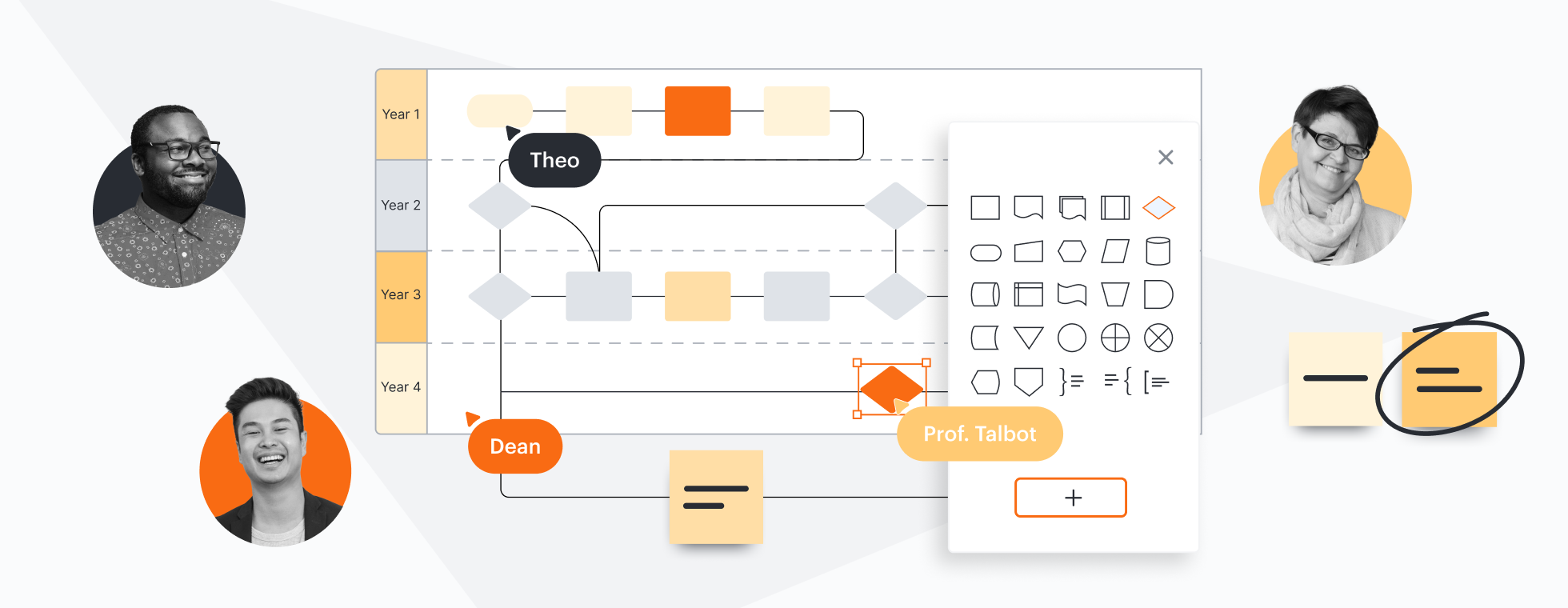


Lucid is the most used visual collaboration solution with over 70 million users. Visual Paradigm has limited collaboration features and a steep learning curve.
Why teams choose Lucidchart
Collaboration for speed and agility
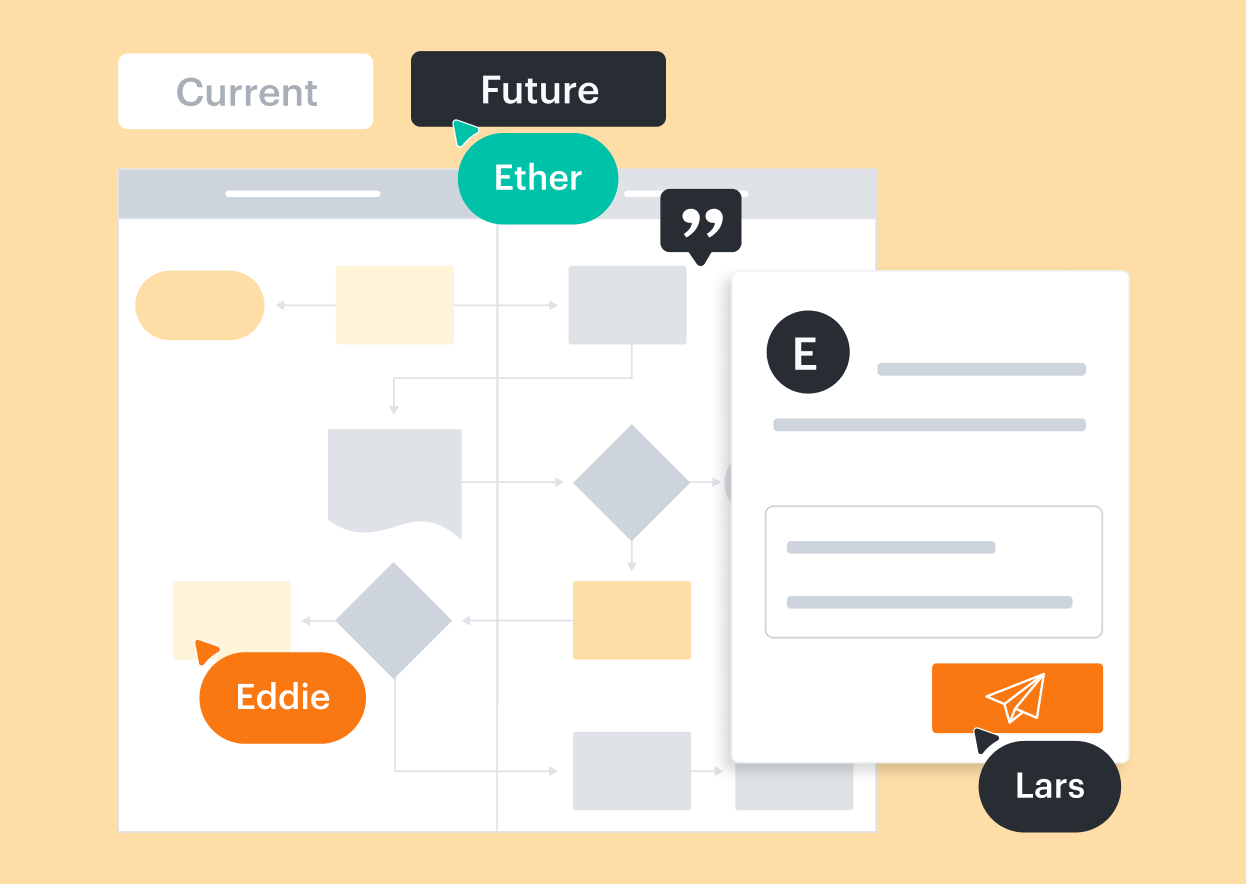
Lucidchart was built for agile collaboration. Create diagrams with your team in real time, leave feedback with @mention comments, and easily publish or export your work. While paid versions of Visual Paradigm enable synchronous collaboration, the Community Edition lacks features for real-time and team collaboration, which creates feedback and version control issues.

Advanced diagramming with less complexity
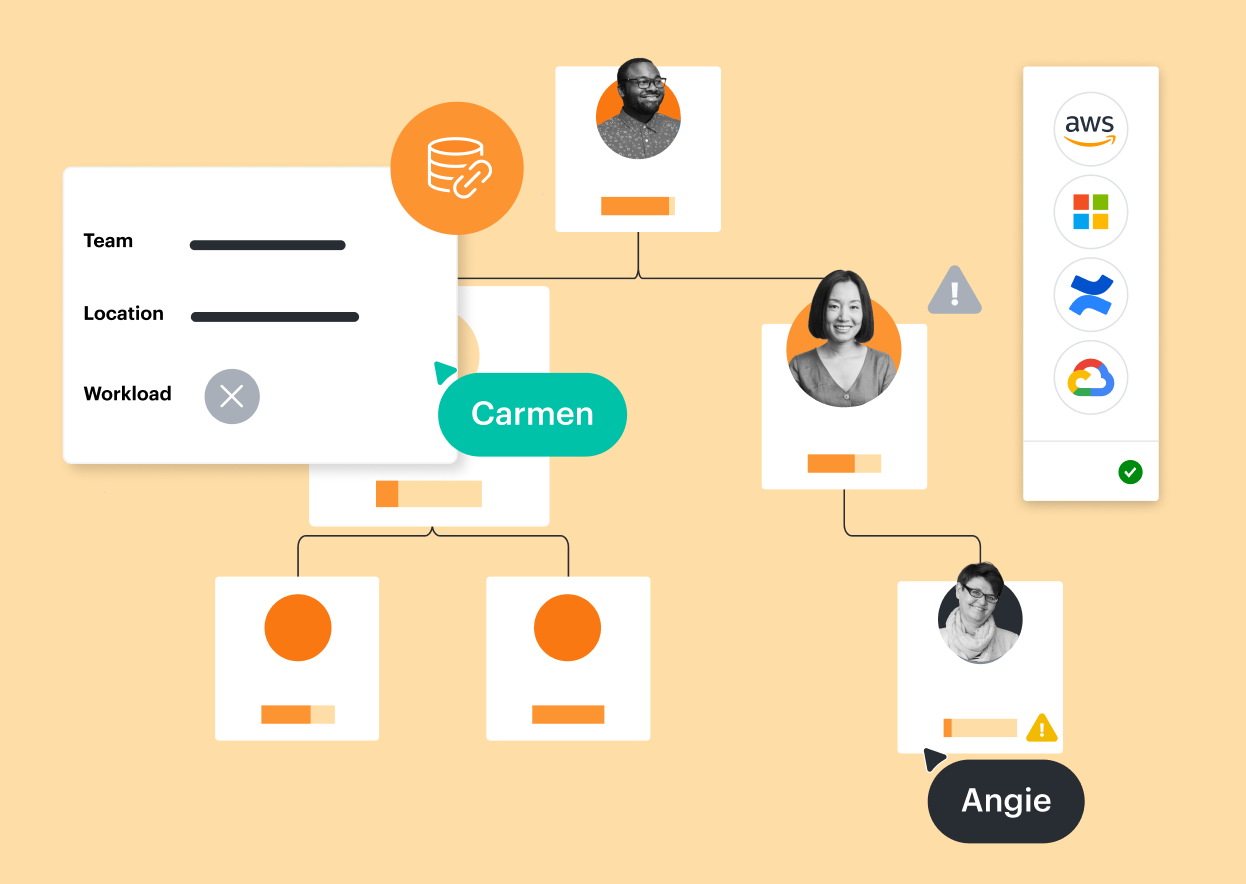
Lucidchart enables technical users to quickly create in-depth diagrams with formulas for calculations, dynamic shapes, and data-linked dashboards and reports. But it’s not just for technical experts. Anyone can easily drag and drop shapes, add text, insert image links, and edit colors. In contrast, Visual Paradigm can overwhelm new users with its complexity.
Works when and where you do
As a cloud-based platform, Lucidchart works across devices, browsers, and operating systems—including Linux, Mac, and Windows. With Lucidchart apps for Android and iOS, you can create and access diagrams from anywhere. Visual Paradigm’s download-only desktop software runs the risk of outdated versions, product updates, and lost files.
Integrations that support broader use cases
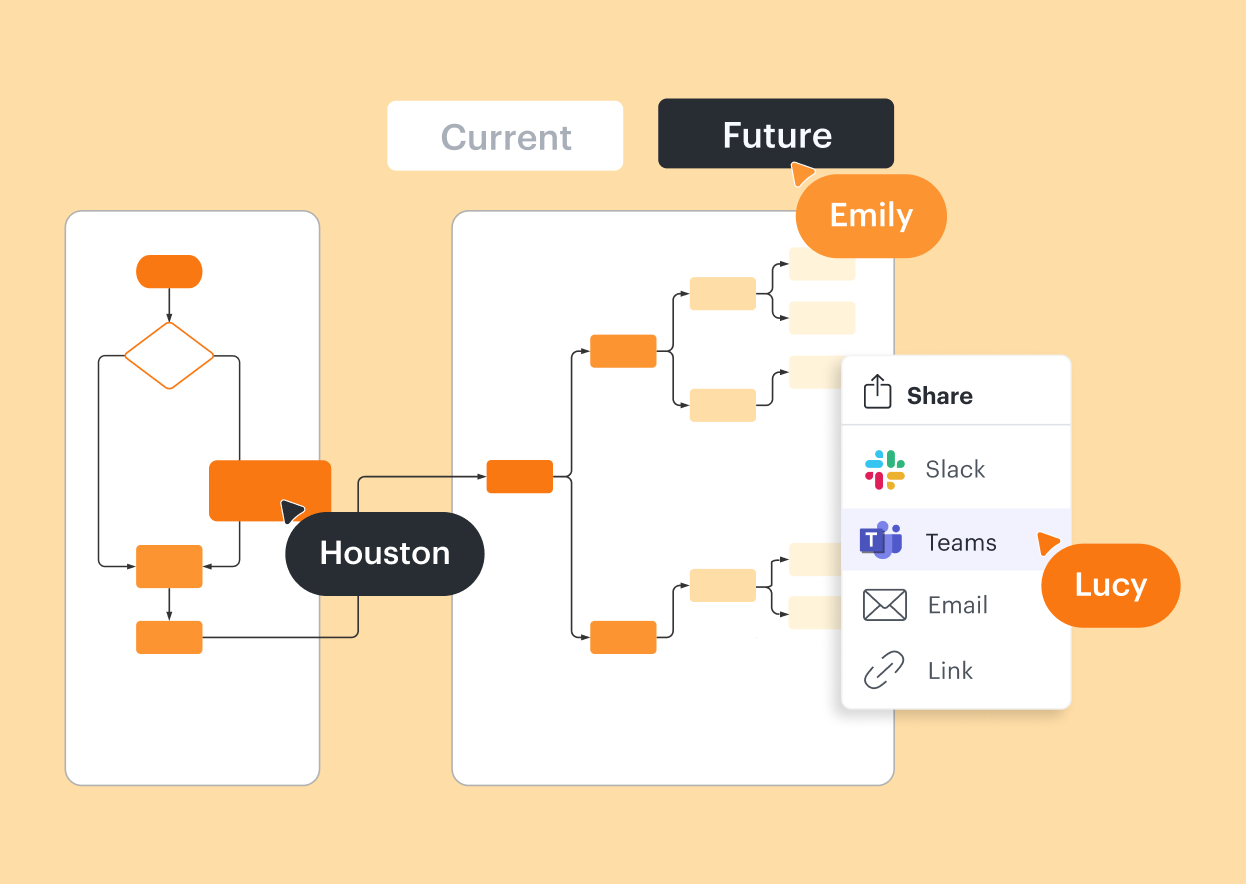
Lucidchart integrates with leading productivity apps such as Google Workspace, Microsoft 365, and Slack. But it also integrates with apps favored by IT, engineering, and project management teams, such as Asana, AWS, Confluence, Jira, LeanIX, Microsoft Azure, Notion, ServiceNow, UVexplorer, and more.
More resources to help you compare Lucidchart vs. Visual Paradigm
Lucidchart checks all the boxes for visualizations that support brainstorming and building.
What is intelligent diagramming?
See how advanced Lucidchart features such as data linking enable teams to see, align, and take action on their best ideas.
Lucidchart template gallery
Browse or search ready-to-use templates for hundreds of use cases. Visualize, share, and document any idea faster.
A hybrid team’s toolkit for Agile meetings
Learn how Lucidchart tools and templates can help your team adapt Agile practices to a hybrid setting.