Published date: Feb 13, 2024
Last updated: Oct 22, 2026
Lucidchart vs. Mural
Compare Mural’s digital whiteboard with Lucidchart, the intelligent diagramming application. See how Lucidchart beats Mural on advanced diagramming features, integrations, and more.


Lucid leads the market in visual collaboration
Lucid supports deeper diagramming and collaboration
Lucid helps you connect ideation to action

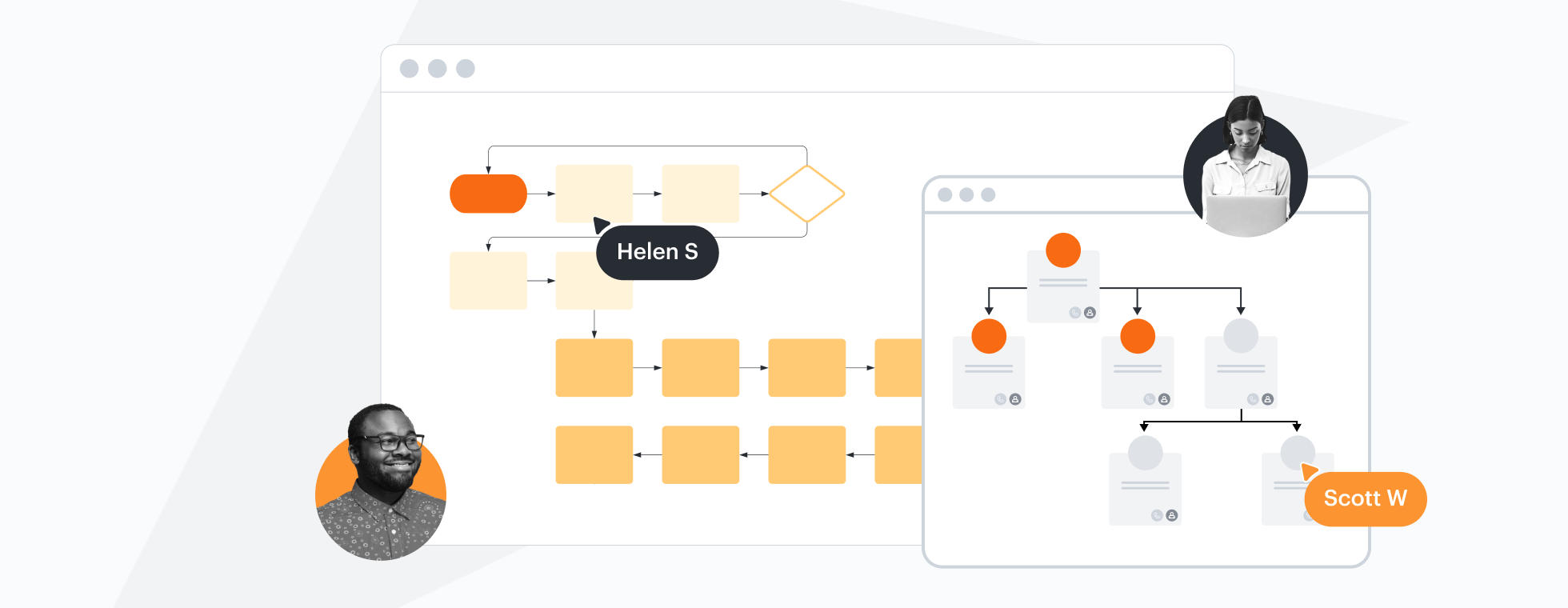
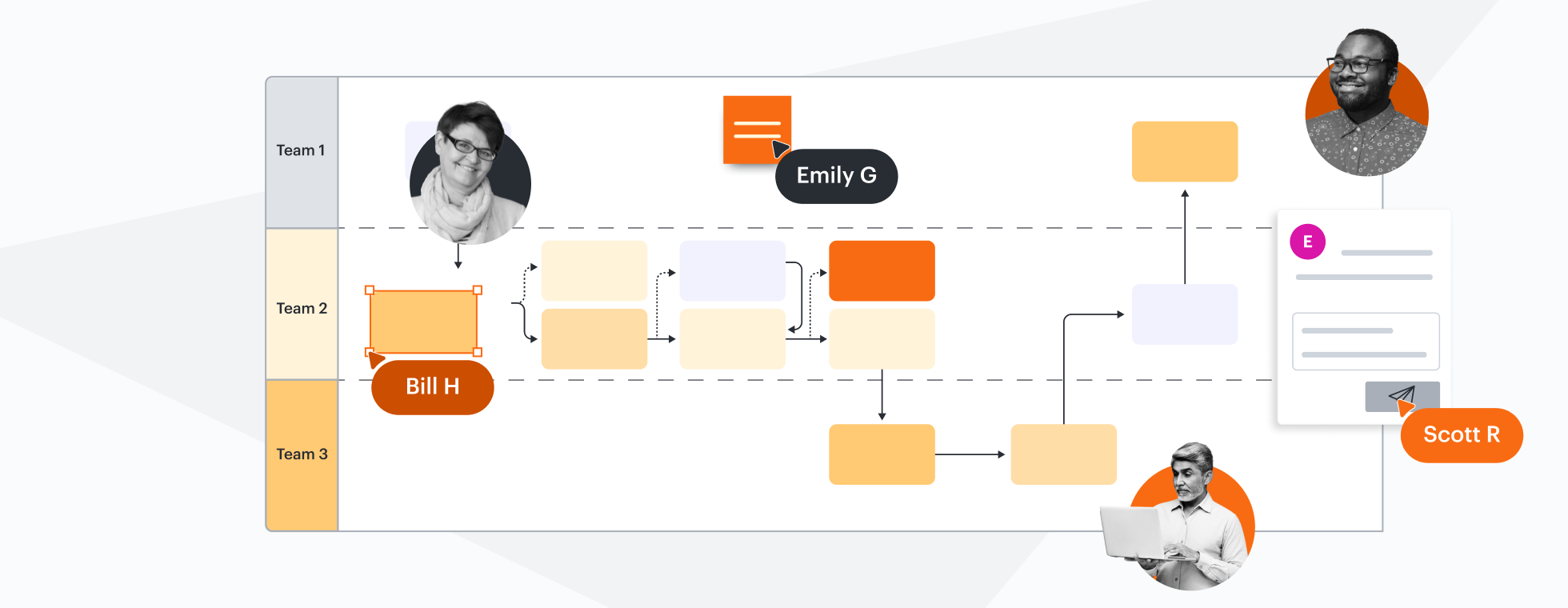
The most used visual collaboration platform, Lucid allows you to transform complex data into actionable insights. Mural, in contrast, lacks actionable diagramming features.
Why teams choose Lucidchart
Intelligent, dynamic diagramming
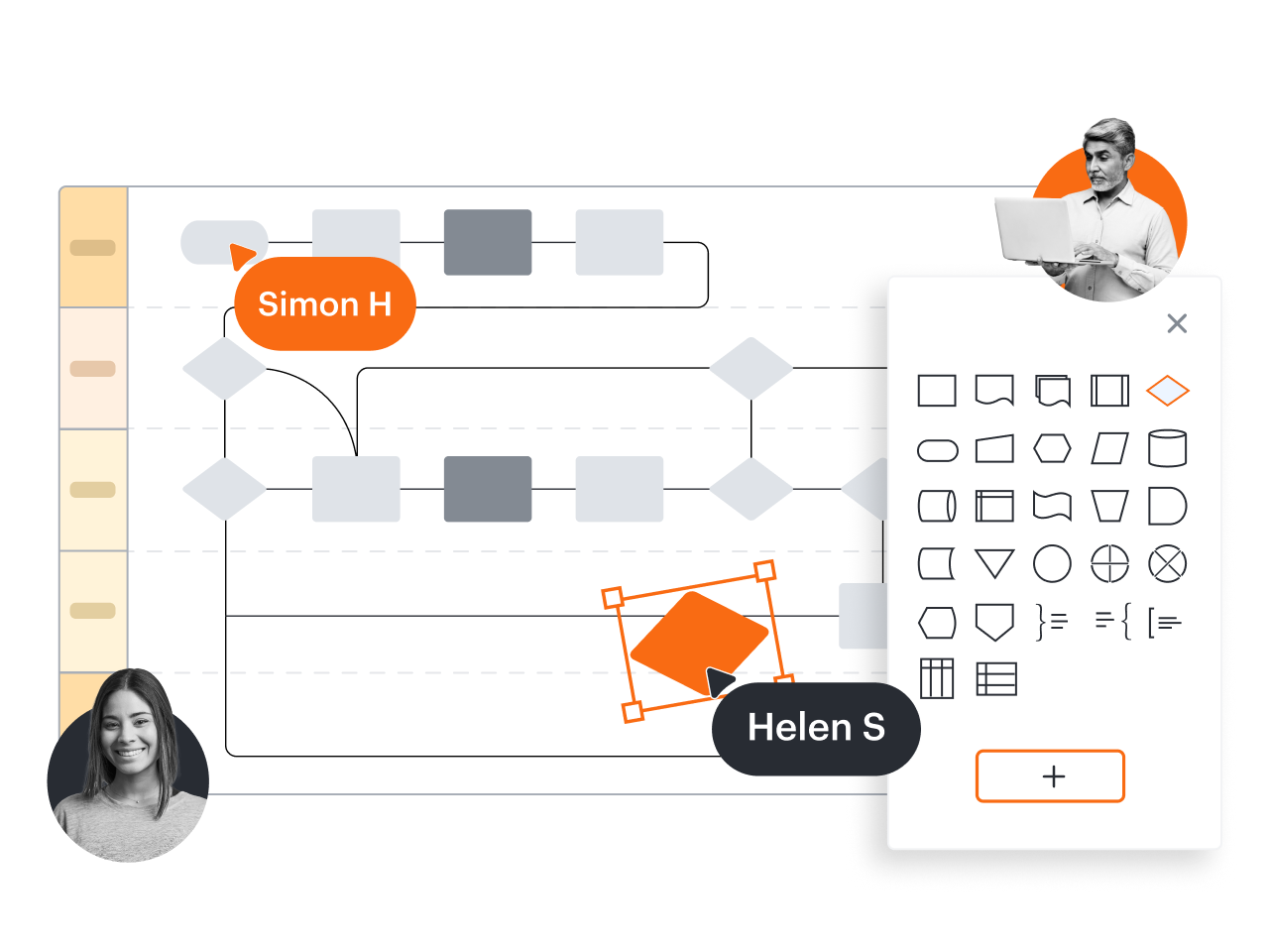
Lucidchart goes way beyond basic diagramming. It offers standard shape libraries but also allows you to create custom shapes and include custom shape data. Toggle layers to see and compare current and future states—and to automatically highlight differences from a previous version. Mural doesn’t support layers, which are crucial for creating dynamic diagrams.

Data and automation for actionable insights
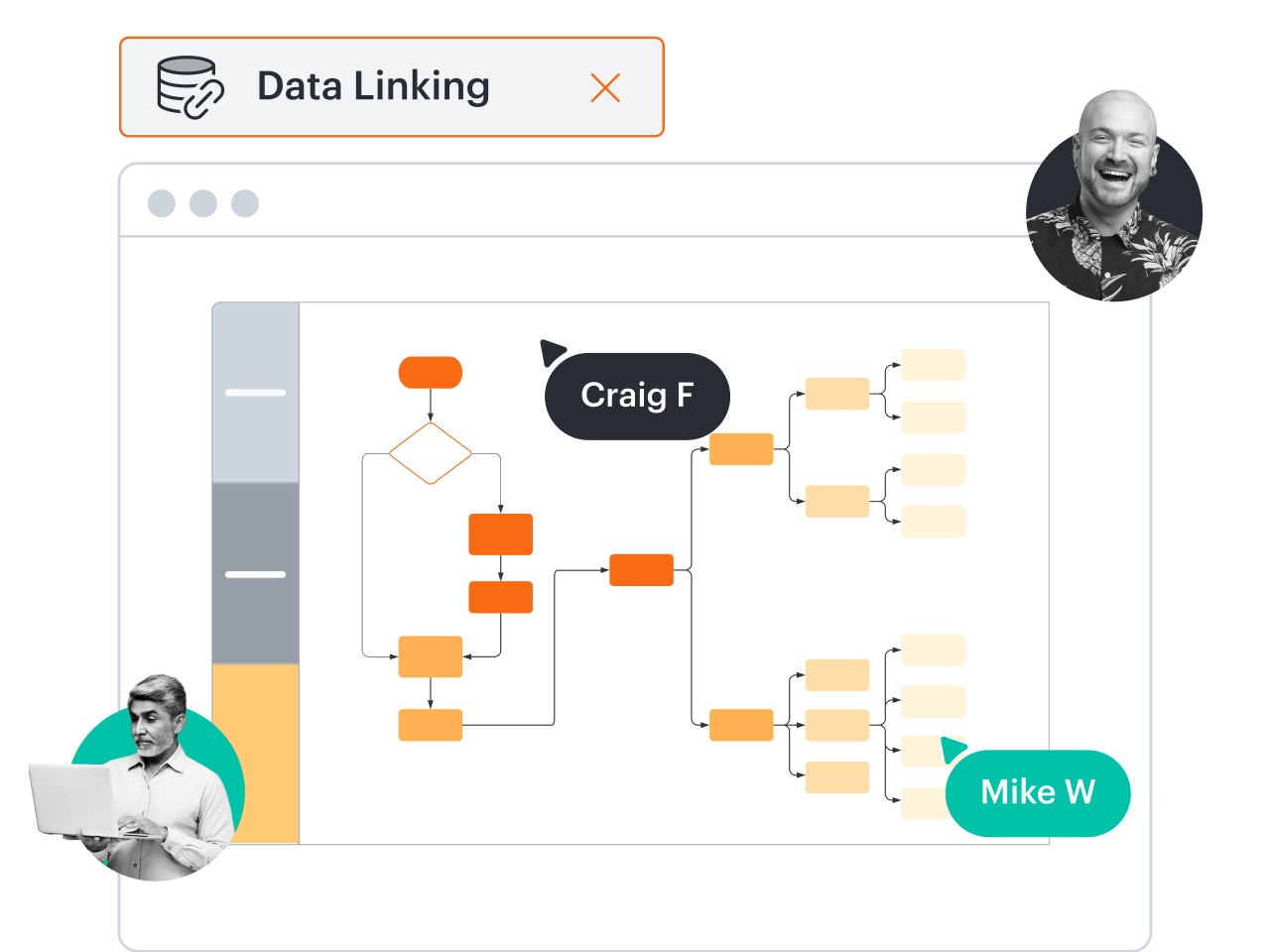
With advanced Lucidchart data and automation features, you can transform complex data into actionable insights. Apply formulas with custom data fields for calculations, or use data linking to connect the steps of a process to actual data. Mural doesn’t offer these data capabilities and can’t compete with Lucidchart on data and automation.
Integrations to help you do more
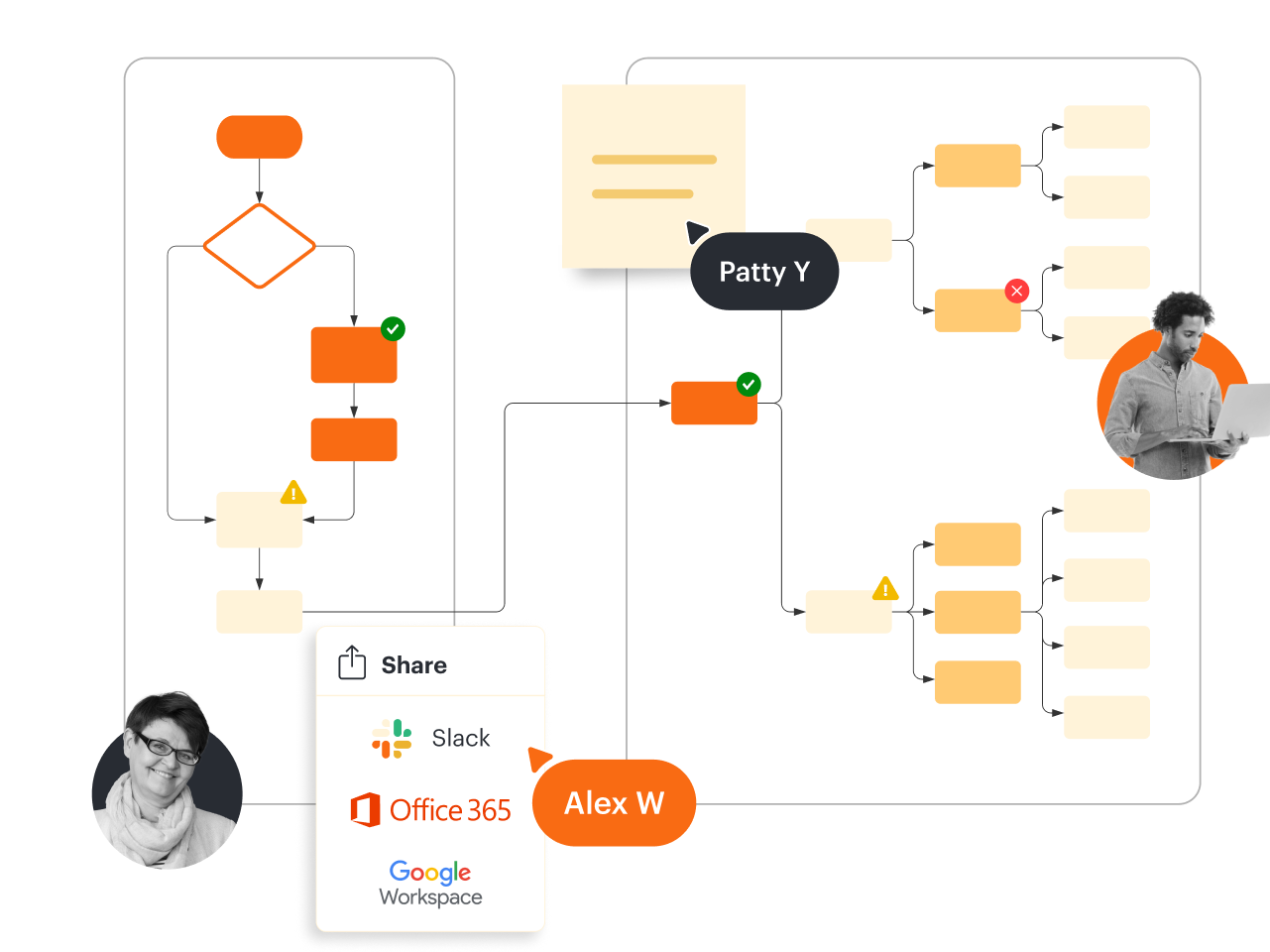
Lucidchart integrates seamlessly with a number of industry-leading apps such as Google Workspace, Microsoft 365, Slack, and many more. But it also offers integrations to support broader use cases (such as automated org charts) that Mural doesn’t. They include BambooHR, ERD import and export from SQL, LeanIX, Salesforce, and ServiceNow.
Intuitive and easy to use
The Lucidchart interface and simple, drag-and-drop capabilities were designed to accelerate the speed of adoption by maximizing ease of use. Mural, in contrast, has a steep learning curve and can be difficult to navigate. For many new users, getting the most from Mural’s features requires facilitated training.
More resources to help you compare Lucidchart vs. Mural
Lucidchart checks all the boxes for visualizations that support brainstorming and building.
What is intelligent diagramming?
See how advanced Lucidchart features such as data linking enable teams to see, align, and take action on their best ideas.
Buyer’s guide: How to evaluate visual collaboration platforms
Learn how visual collaboration capabilities can help accelerate key initiatives, and get a checklist for choosing the best platform.
Lucidchart template gallery
Browse or search ready-to-use templates for hundreds of use cases. Visualize, share, and document any idea faster.