Published date: Feb 13, 2024
Last updated: Oct 22, 2026
Lucidchart vs. Gliffy
Compare Gliffy diagramming software with Lucidchart, the intelligent diagramming application. See how Lucidchart beats Gliffy on advanced diagramming, collaboration, and more.


Lucid sets the standard for visual collaboration
Lucid saves time and effort
Lucid connects people, ideas, and actions
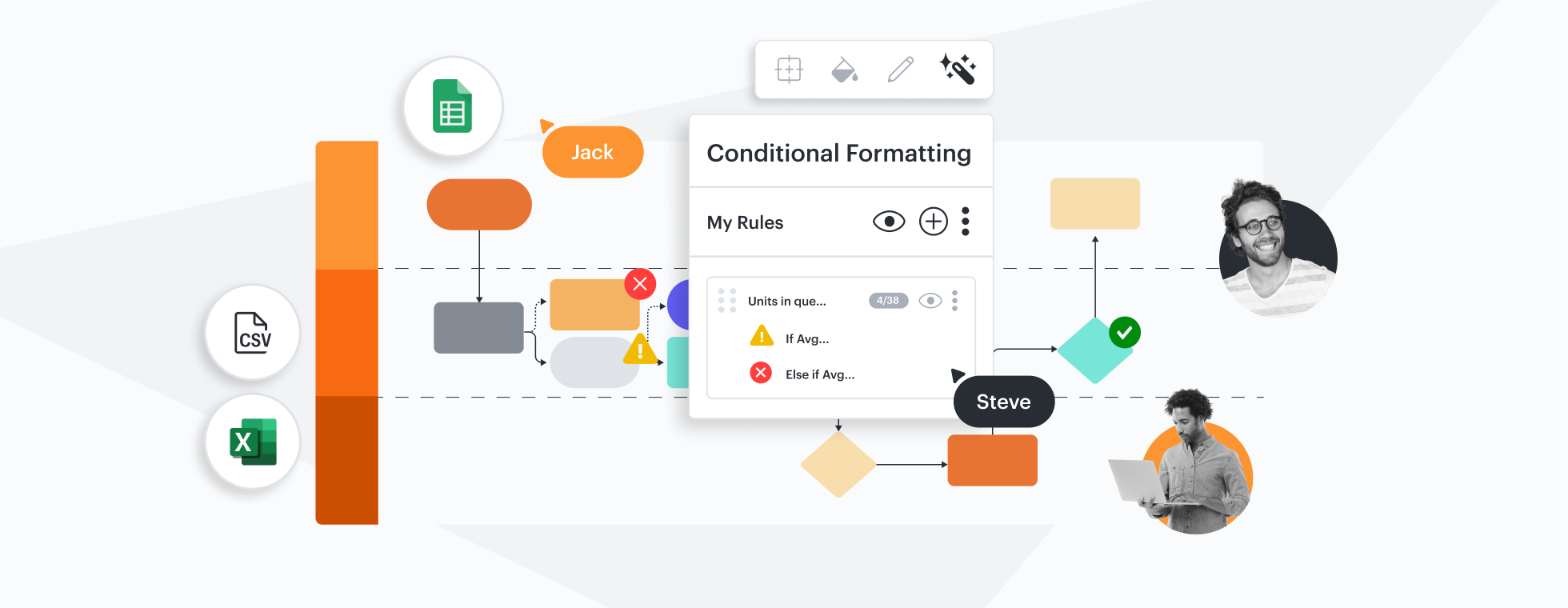


The most-used visual collaboration platform, Lucid empowers over 70 million users worldwide to collaborate more effectively. Gliffy lacks deeper collaboration features.
Why teams choose Lucidchart
The most intelligent diagramming solution
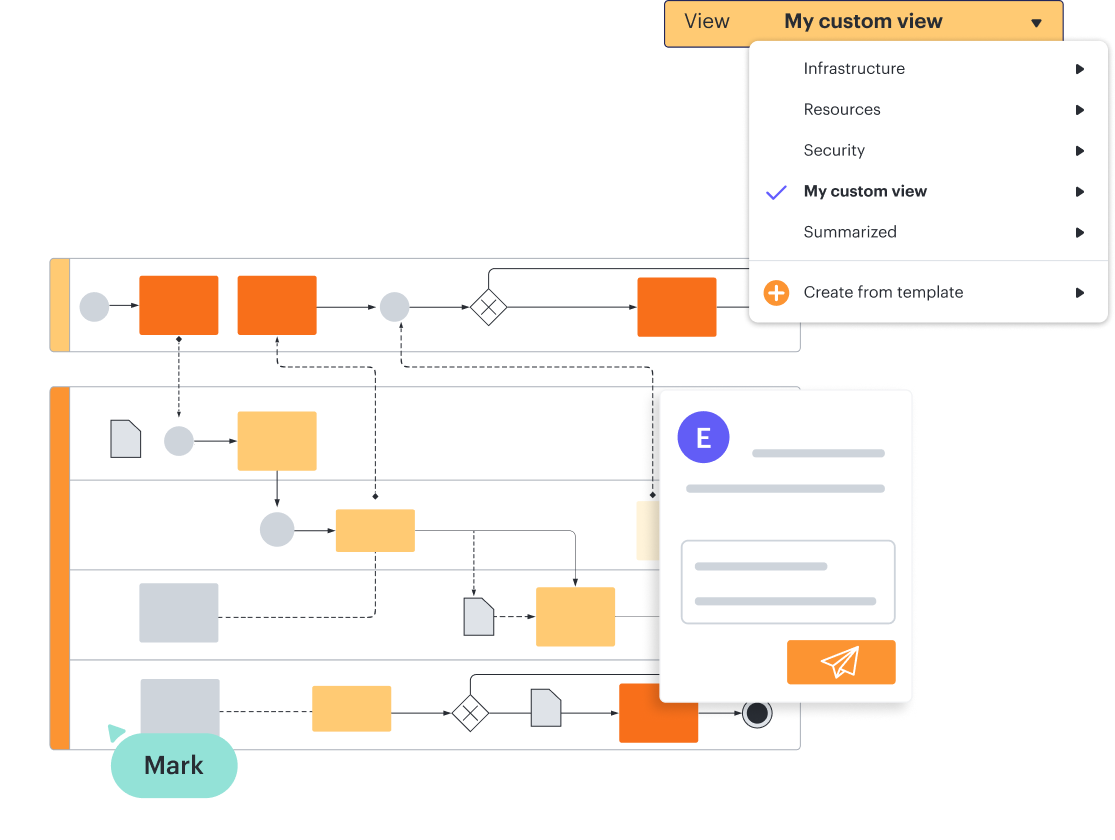
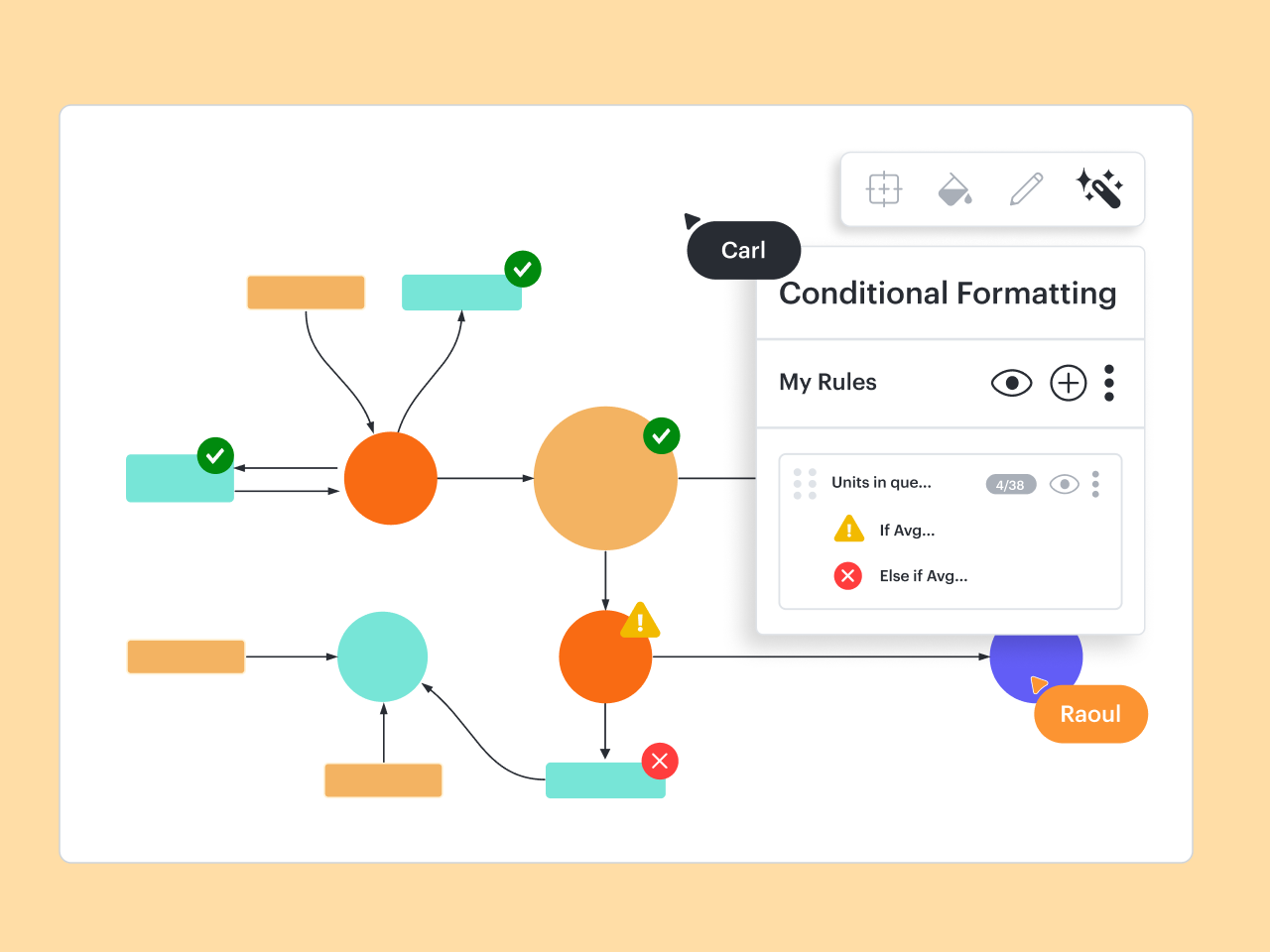
With advanced data and automation capabilities, Lucidchart allows you to create visualizations that capture greater complexity and depth. For example, you can use data linking to connect the steps of a process to actual data, or use formulas with custom data fields for calculations. Gliffy, in comparison, has limited features for advanced diagramming.
Integrations that go beyond Atlassian
Like Gliffy, Lucidchart integrates seamlessly with Confluence and Jira to help make building and maintaining documentation effortless. But Lucidchart integrates with a number of other apps that support broader use cases, such as BambooHR, LeanIX, Salesforce, and ServiceNow. Its open API also enables developers to build custom integrations, so opportunities are endless.

Fully functional anytime, anywhere
Lucidchart is cloud-based and built to work across devices, browsers, and operating systems—including Linux, Mac, and Windows. Lucidchart Android and iOS apps allow you to create and access diagrams on the go. Gliffy’s full functionality is limited to the desktop, and it’s more difficult to build diagrams outside of Atlassian products.
Designed to help teams work together
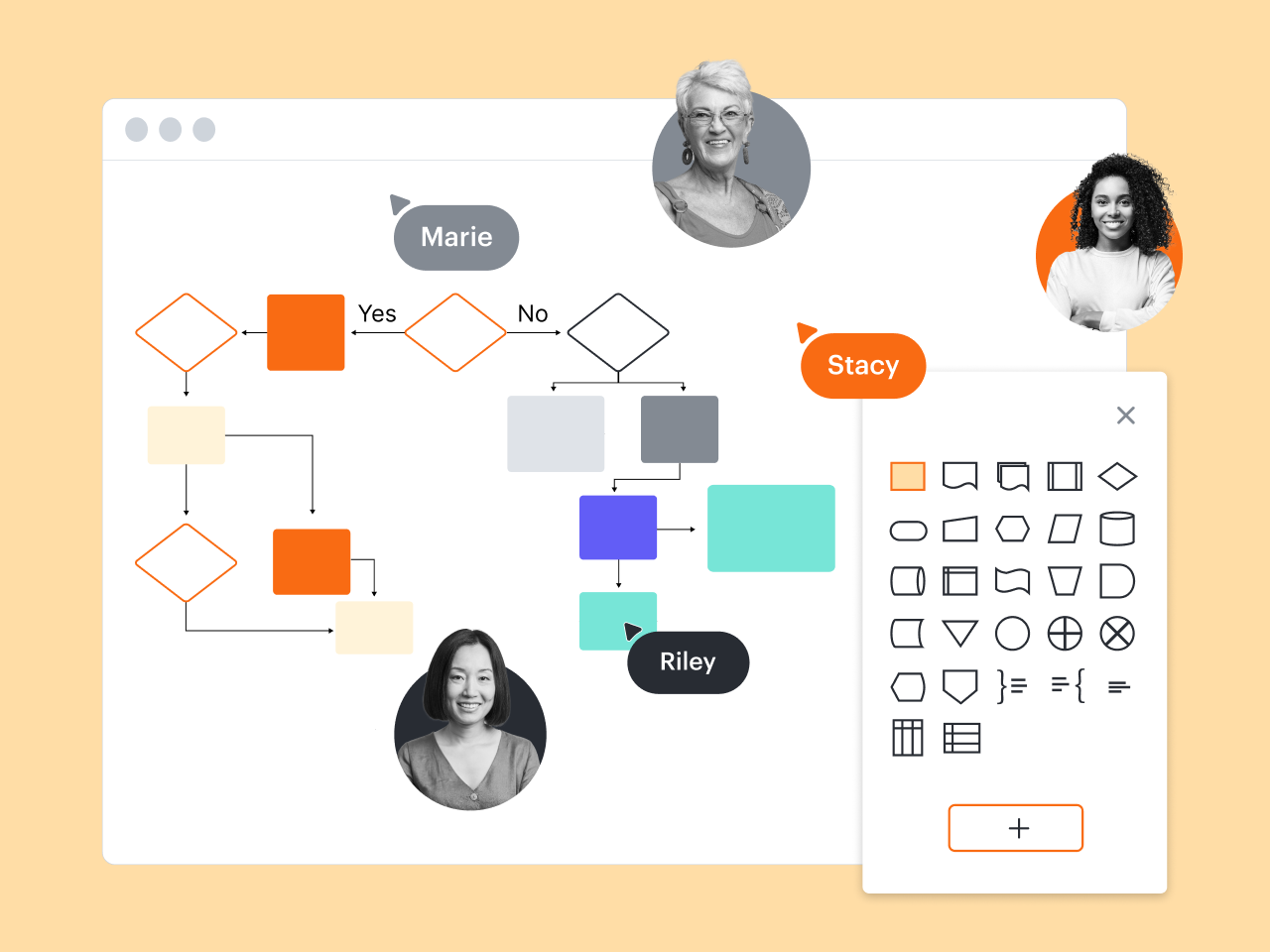
Lucidchart boosts collaboration by allowing entire teams to create and update diagrams simultaneously. With @mention comments and automatic sharing, it’s easy to keep your team on the same page, even when you’re working across zip codes and time zones. Gliffy’s collaborative features are far more basic, especially outside of Confluence and Jira.
More resources to help you compare Lucidchart vs. Gliffy
Lucidchart checks all the boxes for visualizations that support brainstorming and building.
Why Lucidchart is the best Gliffy alternative
Learn how your team can take diagrams and flowcharts to the next level by making the switch from Gliffy to Lucidchart.
What is intelligent diagramming?
See how advanced Lucidchart features, such as data linking, enable teams to see, align, and take action on their best ideas.
Lucidchart template gallery
Browse or search ready-to-use templates for hundreds of use cases. Visualize, share, and document any idea faster.