Published date: May 18, 2026
Last updated: Oct 22, 2026
Lucidchart vs. draw.io
Compare draw.io diagramming software with Lucidchart, the intelligent diagramming application. See how Lucidchart beats draw.io on advanced diagramming and more.


Lucid leads the market in visual collaboration
Lucid saves time and effort with automation
Lucid enables seamless import of documents

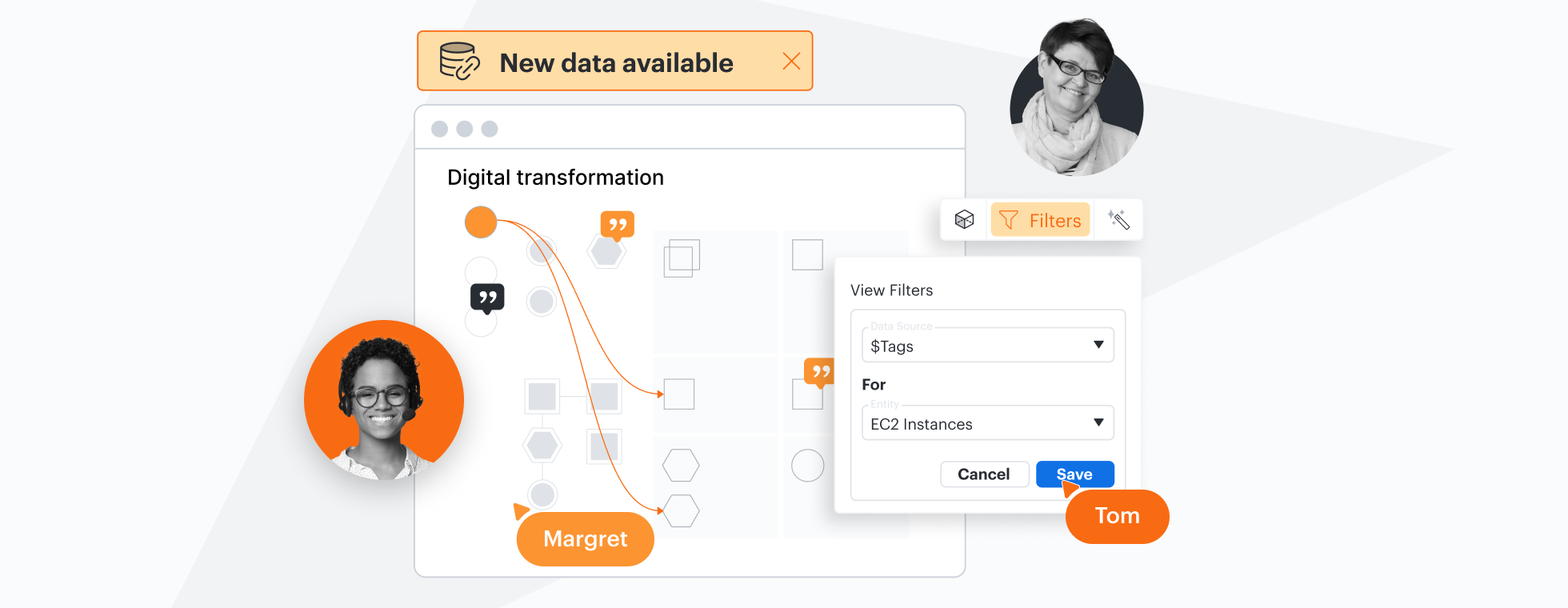

Designed to help you transform complex data into actionable insights, Lucid is the most used visual collaboration platform. draw.io is a free, open-source tool with limited features.
Why teams choose Lucidchart
Easy-to-use, cloud-based diagramming
With gridlines, drag-and-drop shapes, sticky notes, plus support for both standard and custom shape libraries, Lucidchart makes it easy for everyone to build professional-quality diagrams in the cloud. As open-source software, draw.io offers a less intuitive interface, and diagrams are only shareable via Google Drive and OneDrive.

Data to clarify and automation to simplify
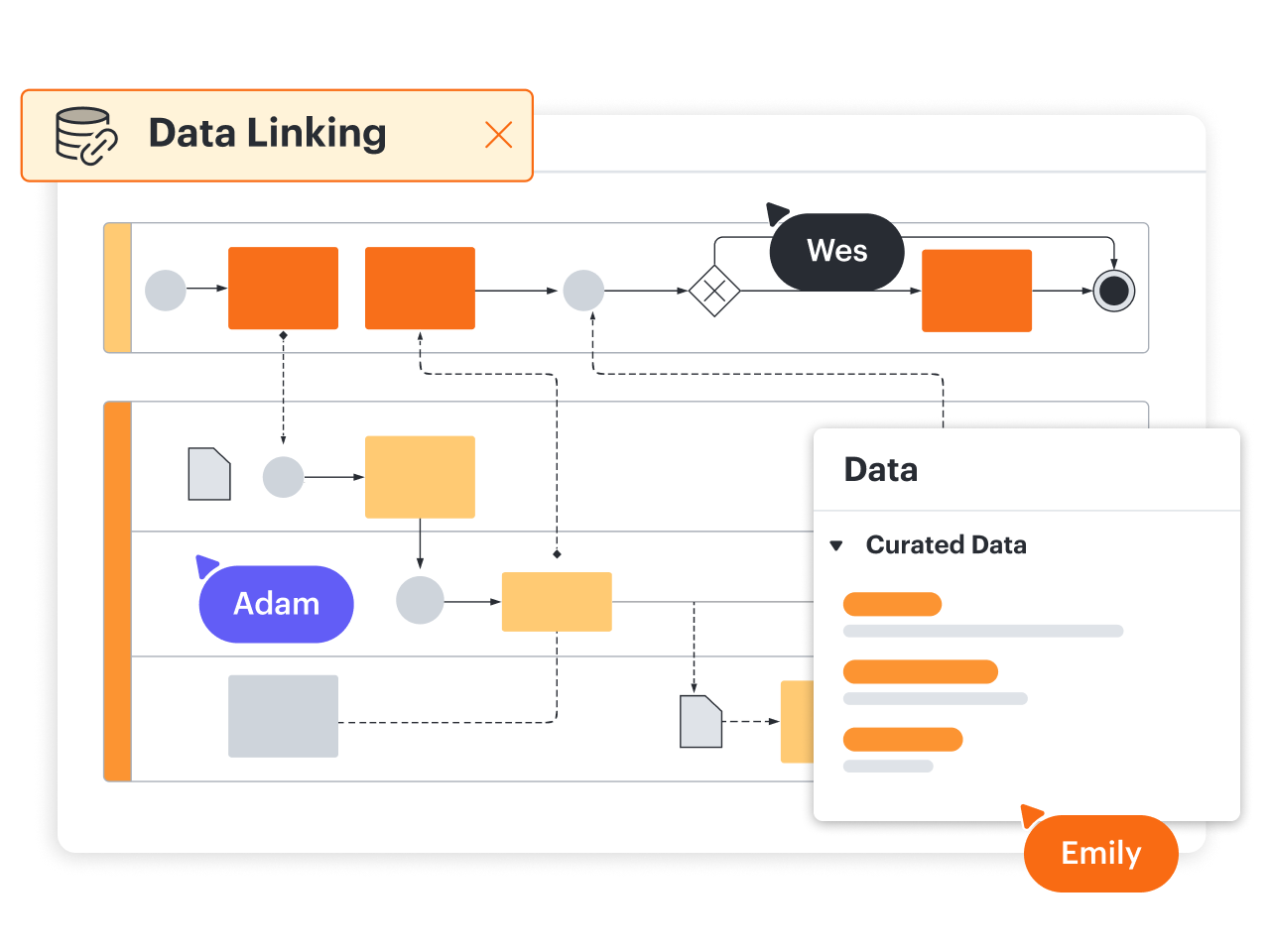
Making data actionable is simple with Lucidchart. Apply formulas for calculations, or use data linking to generate diagrams automatically. You can import data in draw.io but without powerful Lucidchart features for using formulas, conditional formatting, dynamic shapes, data-linked dashboards, and more.
Integrations with industry-leading apps
Like draw.io, Lucidchart integrates with leading apps, such as Google Workspace and Microsoft 365. Not only does Lucidchart offer more integrations, but we also connect with apps that draw.io doesn’t, supporting a broad range of use cases. They include BambooHR for people teams, Figma for UX, LeanIX for IT, Salesforce for revenue teams, and Slack for everyone.
Better collaboration for every team
Lucidchart boosts collaboration by allowing entire teams to update and comment on diagrams simultaneously. While draw.io offers similar functionality, it doesn’t support shape-specific comments, which help make feedback specific and actionable. Additionally, unlike Lucidchart, draw.io doesn’t allow you to see a document’s revision history or compare versions.

More resources to help you compare Lucidchart vs. draw.io
Lucidchart checks all the boxes for visualizations that support brainstorming and building.
Buyer’s guide: How to evaluate visual collaboration platforms
Learn how visual collaboration capabilities can help accelerate key initiatives and get a checklist for choosing the best platform.
What is intelligent diagramming?
See how advanced Lucidchart features, such as data linking, enable teams to see, align, and take action on their best ideas.
Lucidchart template gallery
Browse or search ready-to-use templates for hundreds of use cases. Visualize, share, and document any idea faster.