Published date: Feb 13, 2024
Last updated: Oct 22, 2026
Lucidchart vs. Creately
Compare Creately’s diagramming tools with Lucidchart, the intelligent diagramming application. See how Lucidchart beats Creately on advanced diagramming, ease of use, and more.


Lucid is the market leader in visual collaboration
Lucid supports deeper diagramming
Lucid helps you go from ideation to action



Preferred by 70 million users worldwide, Lucid is the most used visual collaboration platform. Creately only offers basic collaboration features.
Why teams choose Lucidchart
Advanced features to clarify complexity
With leading data and automation capabilities, Lucidchart allows you to build diagrams and flowcharts with greater complexity and depth. Leverage advanced features, such as data linking, formulas, SQL import and export, custom shape libraries with custom shape data, and more. Creately’s feature set is lacking, making it less suitable for advanced diagramming.
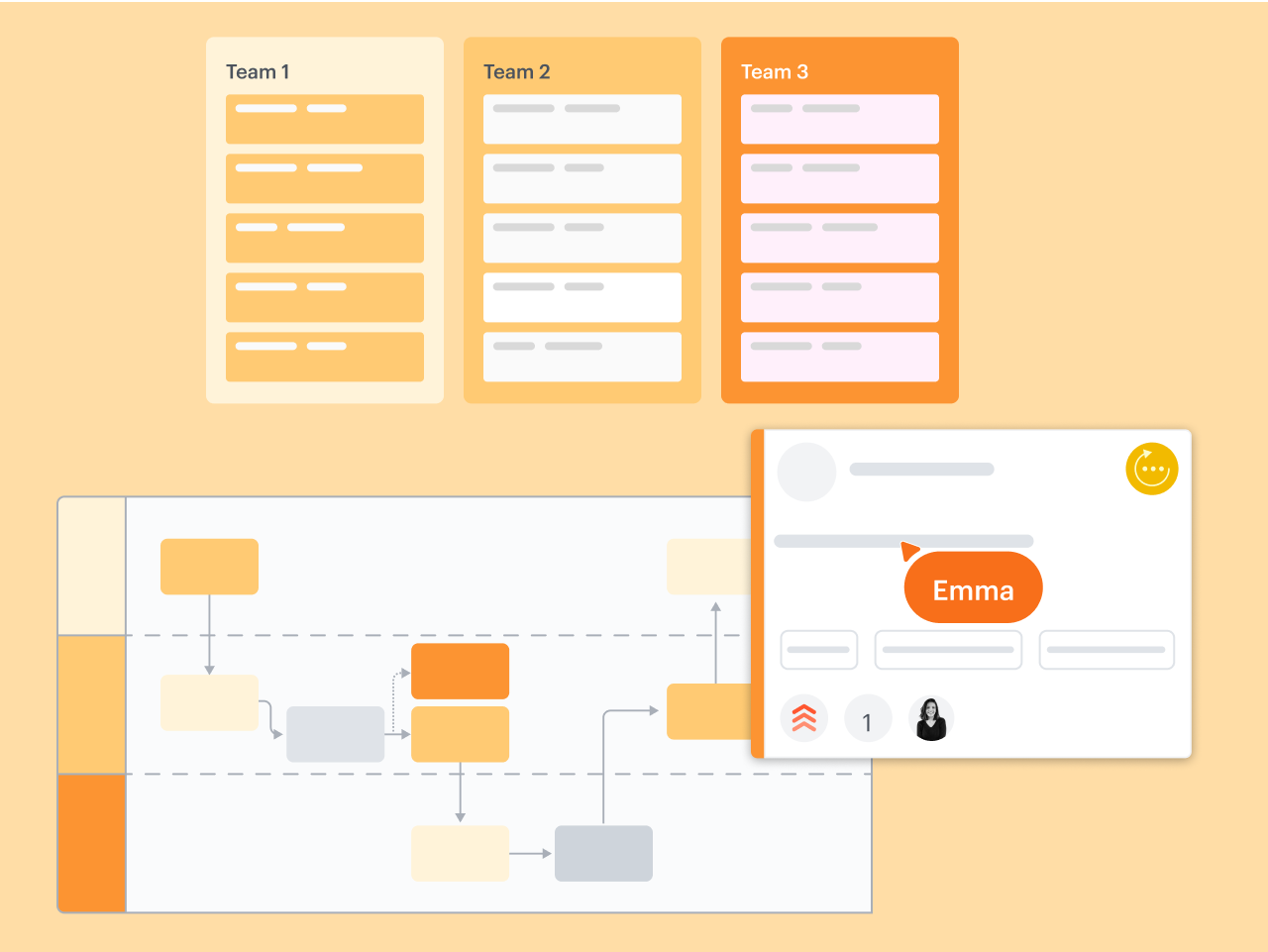
Reliable, intuitive, and easy to use
Lucidchart accelerates the speed of adoption for users of all technical abilities. With built-in shape libraries, anyone can easily drag and drop objects and lines, add text, insert image links, and edit colors within documents. Some Creately users report that the user experience is not only unintuitive but also unstable, resulting in frozen documents and lost work.

Integrations for a broad range of use cases
Lucidchart integrates seamlessly with the apps teams use most, such as Asana, Confluence, Google Workspace, Jira, Microsoft 365, Notion, Slack, and many more. It also connects with specialized apps used by teams throughout every org, including BambooHR, LeanIX, Salesforce, and ServiceNow. Creately only integrates with a handful of third-party apps.
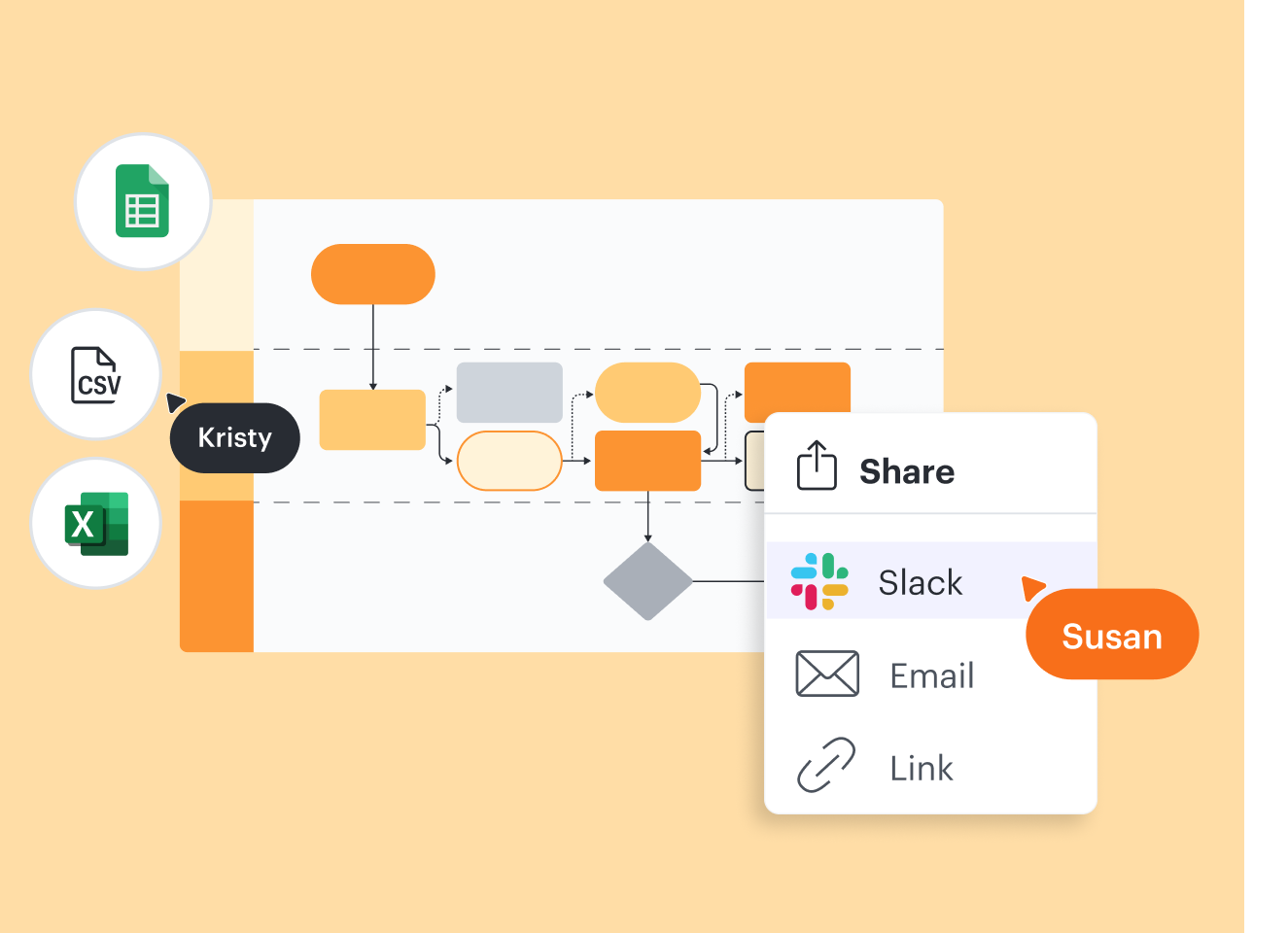
Designed for better collaboration
With @mention comments and options for inviting collaborators via email, link, or Join ID, Lucidchart makes it easy for entire teams to work together anytime from anywhere. You can build, update, and give feedback on visualizations simultaneously. Some Creately users report problems when attempting to work concurrently with multiple users on diagrams.

More resources to help you compare Lucidchart vs. Creately
Lucidchart checks all the boxes for visualizations that support brainstorming and building.
Buyer’s guide: How to evaluate visual collaboration platforms
Learn how visual collaboration capabilities can help accelerate key initiatives, and get a checklist for choosing the best platform.
What is intelligent diagramming?
See how advanced Lucidchart features, such as data linking, enable teams to see, align, and take action on their best ideas.
Lucidchart template gallery
Browse or search ready-to-use templates for hundreds of use cases. Visualize, share, and document any idea faster.